
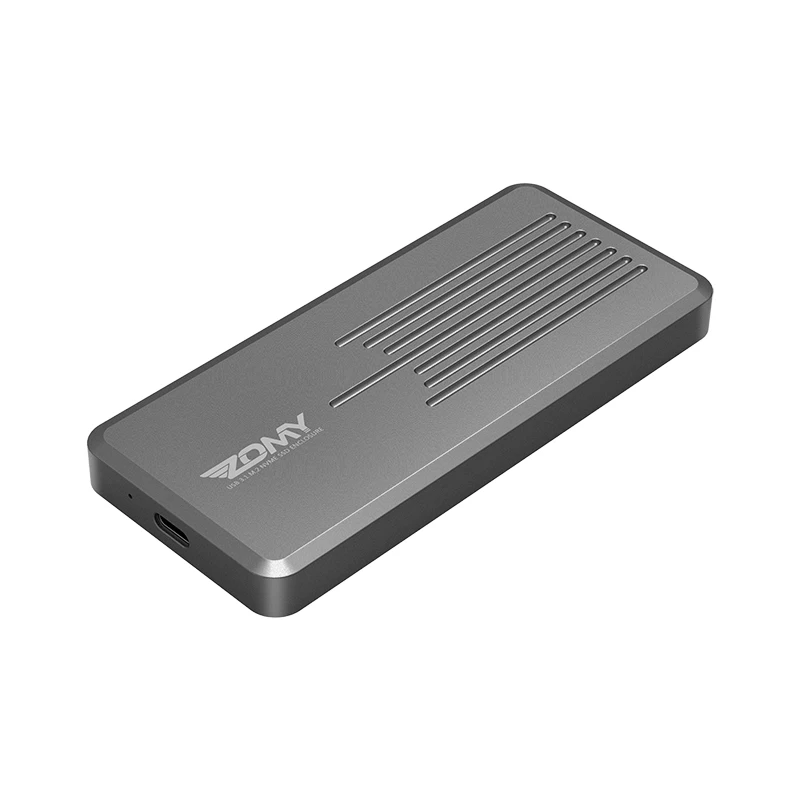
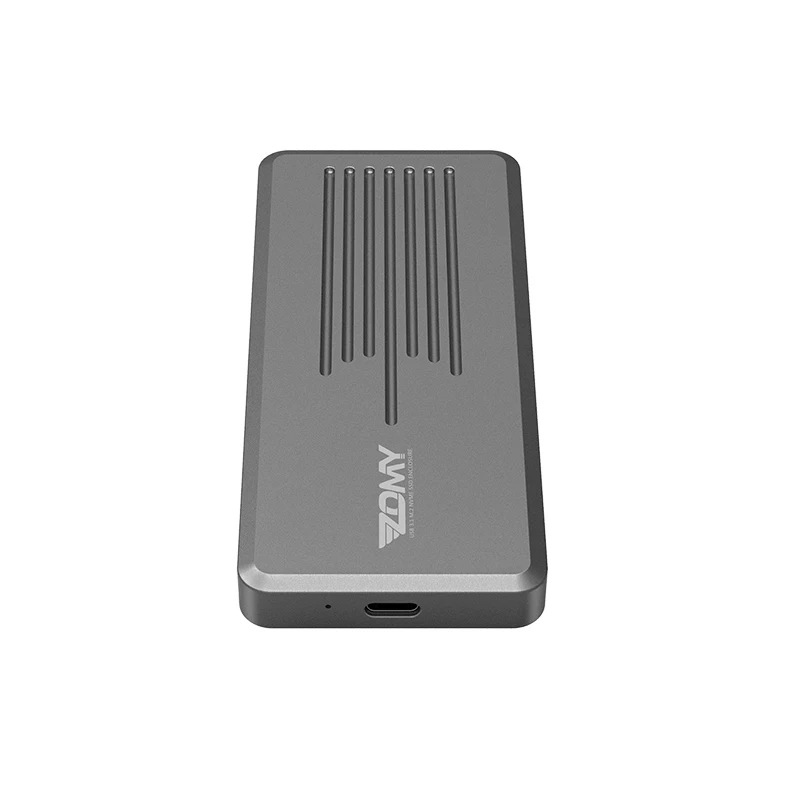
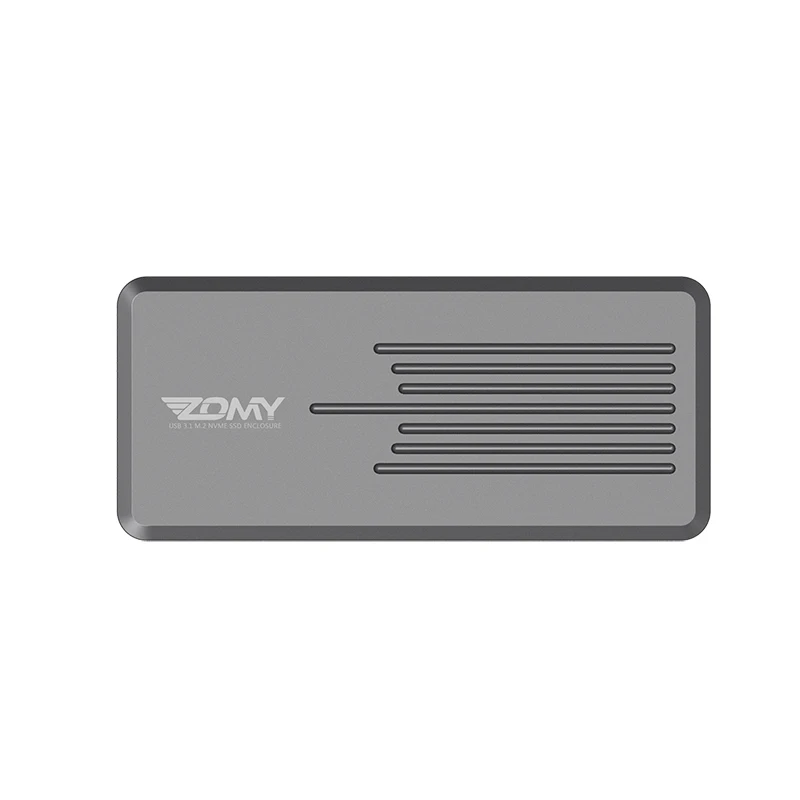
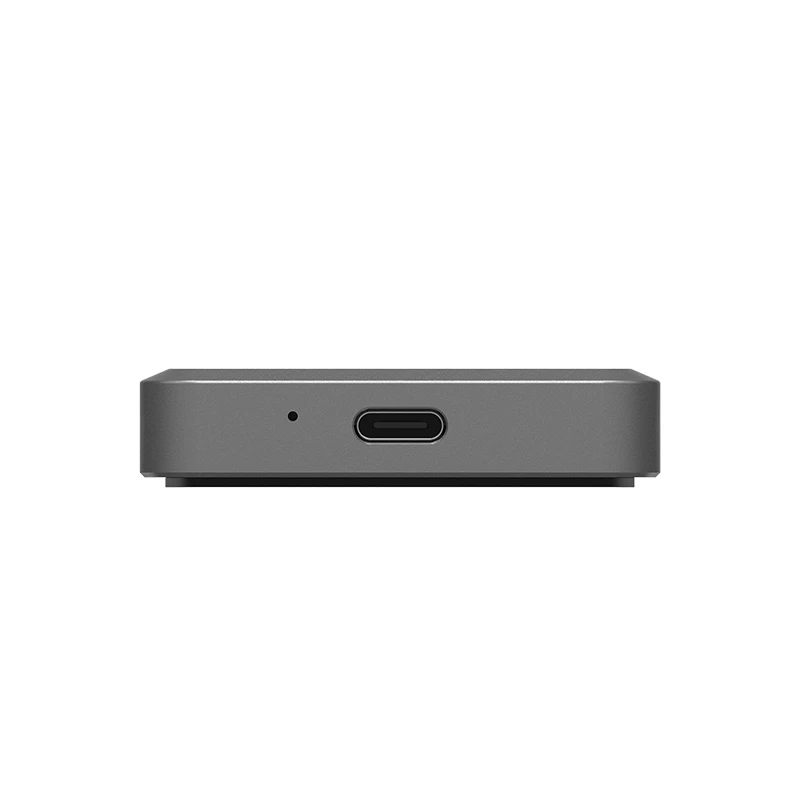
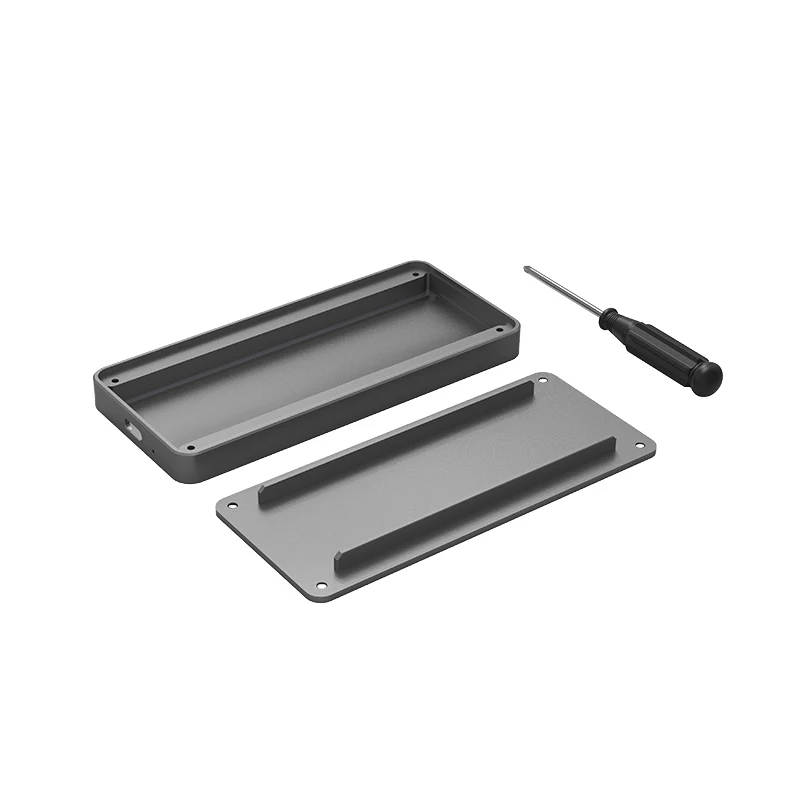

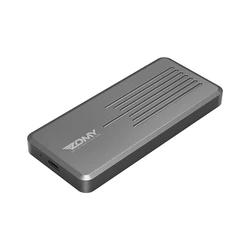
M.2 NVME Enclosure M.2 to USB 3.1 Gen 2 SSD Enclosure NVME M.2 case NVMe to USB 3.1 M.2 2280 Enclosure m.2 nvme external case
- Category: HDD Enclosure >>>
- Supplier: Dongguan Zomy Electronic Technology Co. Ltd.
Share on (62164634774):
Product Overview
Description


Product Description:
Product Specifications:
Product name: M.2 NVME SSD enclosure
Interface type: M.2 NVME to USB 3.1
Transfer Rate : Up to 10Gbps
Case Size: 120*53*11MM
Material: Aluminum alloy
USB 3.1 Cable Length: about 20cm
Support SSD Drivers Size: 2230, 2242, 2260, 2280mm
Color: Dark Grey
Features:
1, USB 3.1 Type-C super fast and high-capacity data transfer solution, Data transfer rate up to 10Gbps for USB 3.1
2, Supports NVME PCIE-based M.2 SSD
3, Easy installation & no driver required, No additional power required
4, Supports Plug & Play and Hot-Swapping
5, Supports any OS, like Windows, WinCE & Linux etc
Please note that it supports NVME PCIE-based SSD only. It does NOT support SATA based SSD. You need to format your SSD when you use it for the first time, and then it will work.
Package Included:
1 x M.2 NVME PCIe to USB 3.1 Type-C SSD Enclosure
1 x USB 3.1 Type-A to Type-C Cable
1 x USB 3.1 Type-C to Type-C Cable
1 x Screw Driver
1 x Thermal Pad
For the brand new SSD drive, it may can not find the drive, because the brand new SSD drive should be formated before first time using. And also need to make the ssd drive partition.
Follow step is to find the brand new ssd drive:
1. use your mouse right key to click "Computer", it will show a drop-down menu
2. use your mouse left key to click "Computer Managment"
3. use your mouse left key to click "Disk Managment"
After find the brand new ssd drive, please format it, and made partition. Then you can find the drive normally.
We Recommend


New Arrivals
New products from manufacturers at wholesale prices







