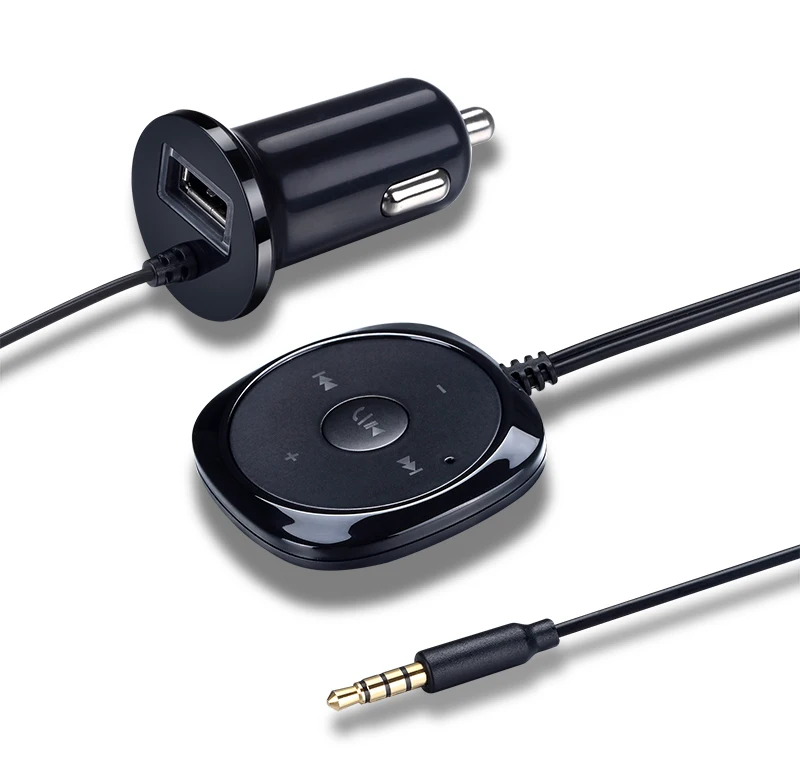
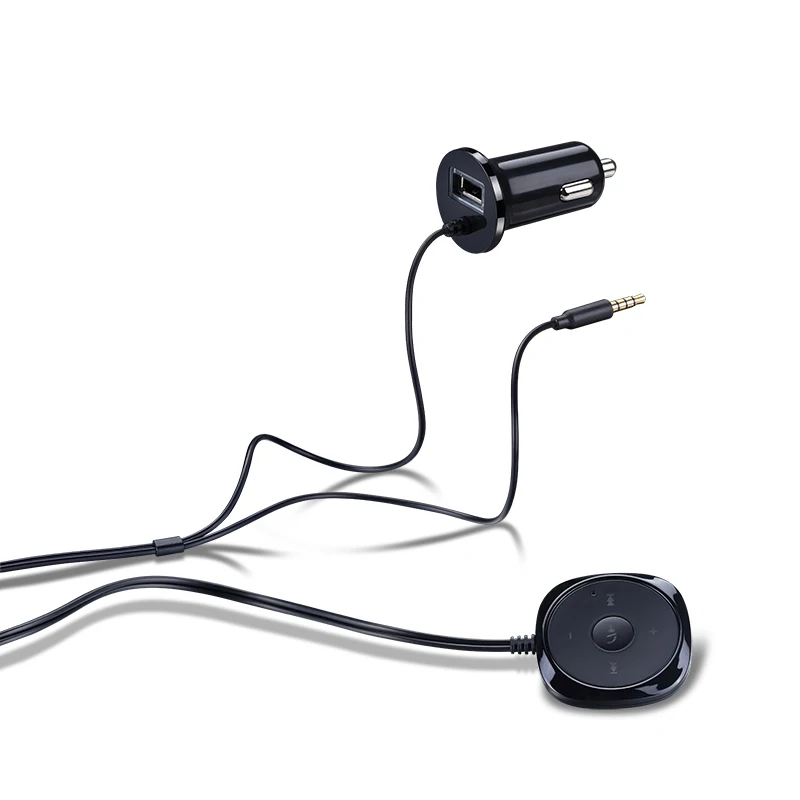
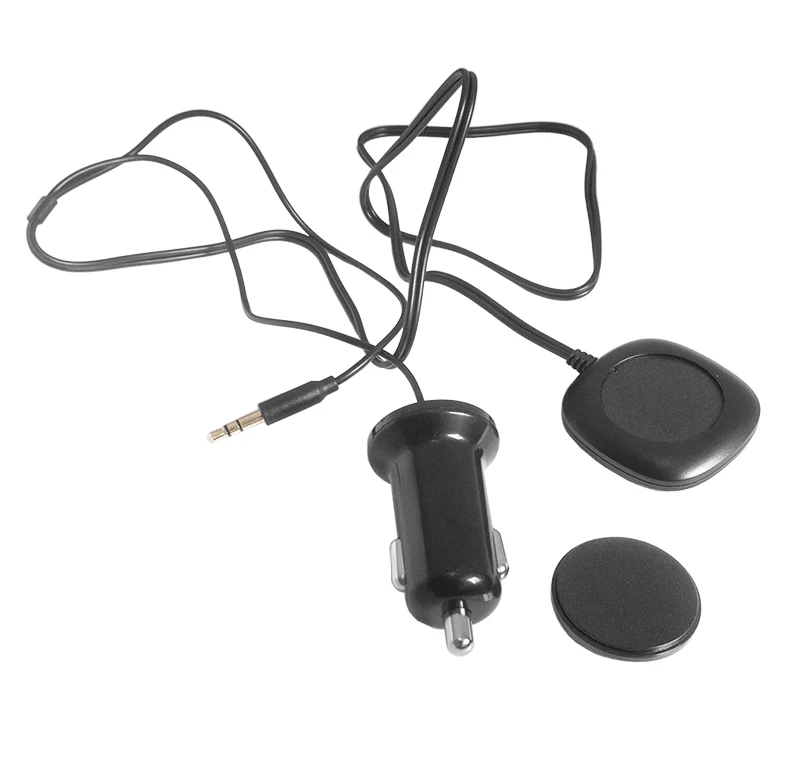
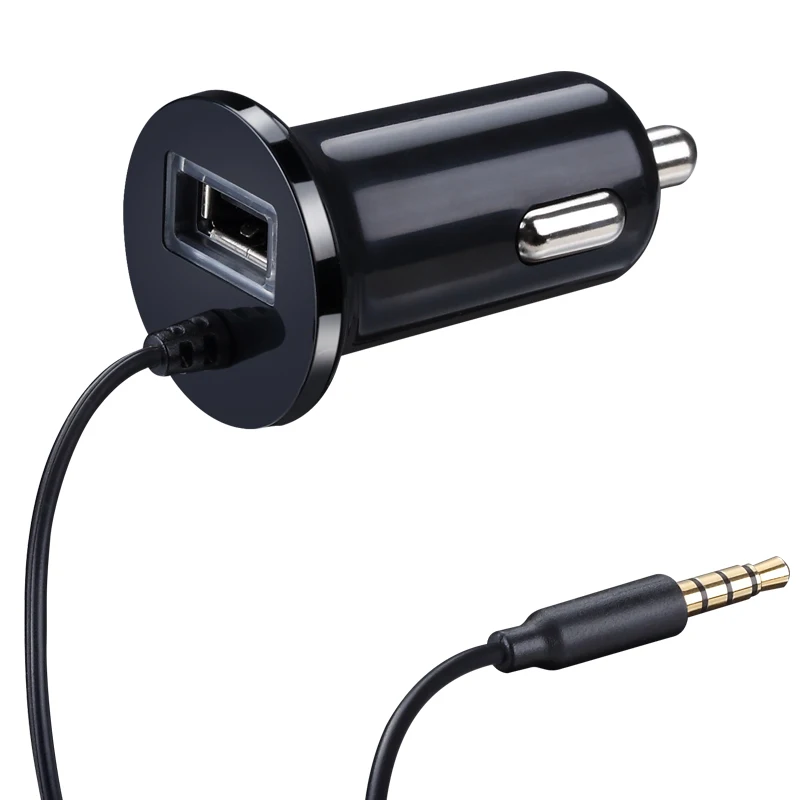
Free Ship Handsfree Bluetooth Car Kit with USB Charger 5V 2.1A,MP3 Player AUX
Product Features
car stereo Blue tooth handsfree wireless audio
Wireless playing music from phone, tablet
Wireless choose music list
Up to 90dB SNR and low audio distortion of 0.05% good sound quality
Blue tooth handsfree, playing music,receiving call at the same time
AUX input of the car stereo
Support five phone connection, and connect to the last one priority paired phone
Connect to Power and AUX
1. Insert the power plug into your car’s 12V power outlet (also known as the cigarette lighter).
2. Insert the audio cable into your car’s AUX port. If the cable is too short, use the extension cable included in the package.
3. Turn on your car stereo and set the input source to AUX
Pair Your Phone
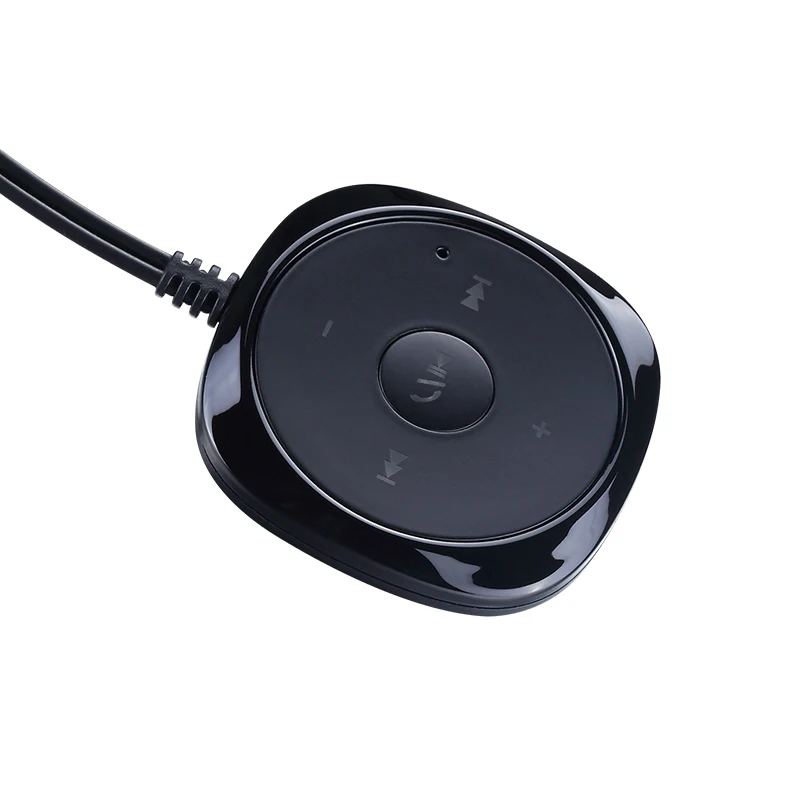
1. Press and hold the “Play/Pause/Answer” button until the button starts flashing.
2. On your phone, go to the Bluetooth settings menu.
3. Make sure Bluetooth is turned on.
4. On some phones, set your Bluetooth to search for new connections.
5. Select the BC20 CAR KIT from the list of accessories.
6. When paired success fully, the light ring will turn solid blue.
7. Some phone may ask if you want to connect. Select "Yes".
8. Pair a Different Phone, only one can be paired to the BC20 CAR KIT at any time. to pair a different phone: Repeat Pairing instructions listed previously.
Connection Instruction
To connect to BC20 CAR KIT:
1. If you're already on a call or listening to music via a Bluetooth headset, turn the headset off so that your phone is free to connect to the BC20 CAR KIT.
2. Turn your car stereo on and set the input source to AUX.
3. Make sure there's power to the BC20 CAR KIT will attempt to reconnect with the same phone it last connected to.
4. When successfully connected, the indicator on the three key turns blue.
5. If you're already on a call or listening to music, the audio will transfer to your car speakers.
Managing Phone Calls
Make a call:
Place calls as you normally do on your phone and the call audio will be heard through your car stereo.
Answer a call:
When an incoming call is detected, Tap the Answer button. The call will be answered.
Managing Music
Play your smartphone, iPad, iPod, and other devices with Bluetooth products to music on, you can make your way through the wireless from your car stereo to play back synchronized to music on your smart device
Tap the Play Pause button and your phone will play whatever music was last playing.
To change the music selection, use the controls on the phone.
To pause/unpause the music:
Tap the Play Pause button and the music will pause.
If the music is already paused, tapping the button will unpause it.
If a call comes in while listening to music, the music will automatically pause.
Skip songs:
To skip to the next or Previous song , tap the Next or Prev button.
Music Volume Up/Down
Adjust Music Volume Up/Down,
Disconnecting
To disconnect from the BC20 CAR KIT, Press and hold the answer button until about two lights flashing, and then immediately release the button.
Note: If you're on a call, the audio will transfer back to the phone after a few seconds. If you're listening to music, depending on the phone, the music will pause or continue playing with the sound coming out of your phone.