
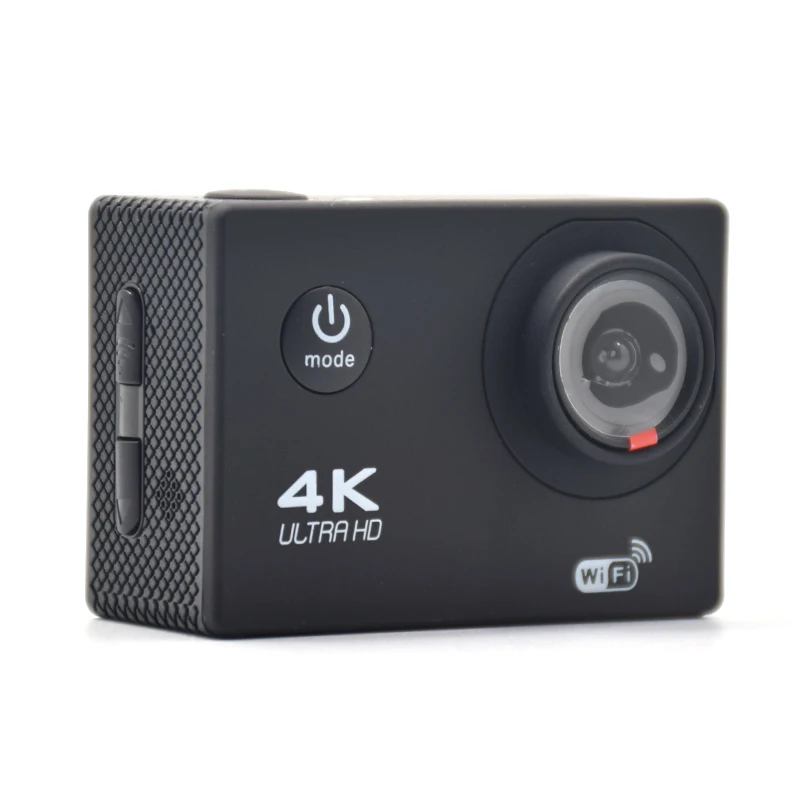
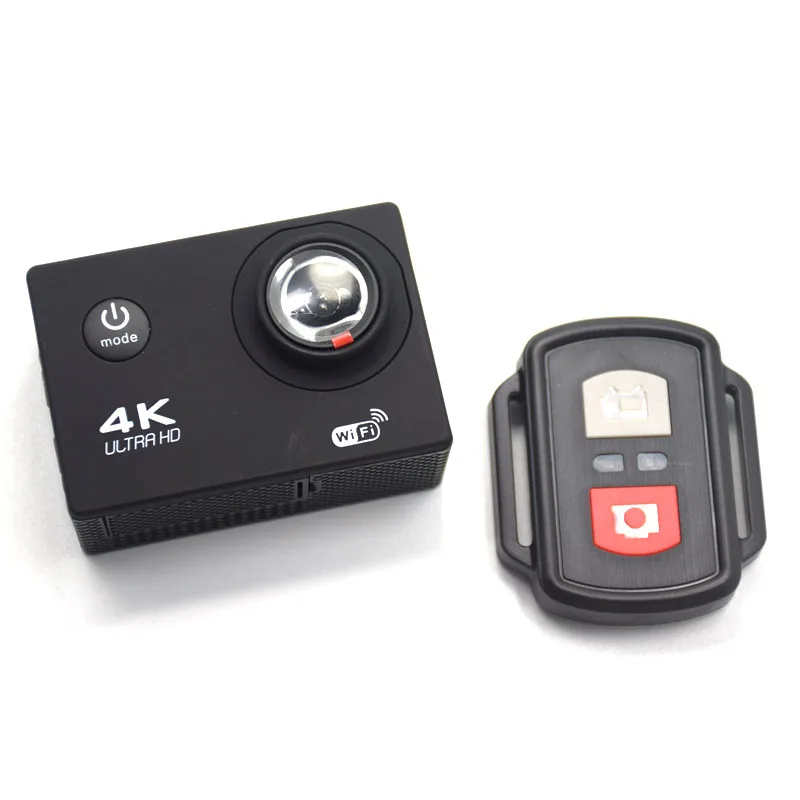
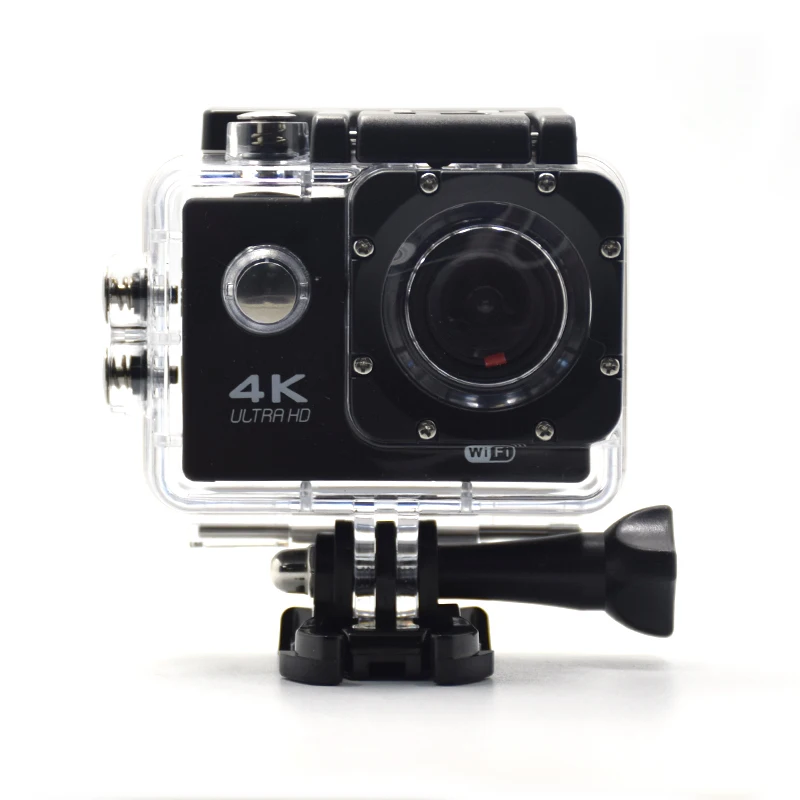
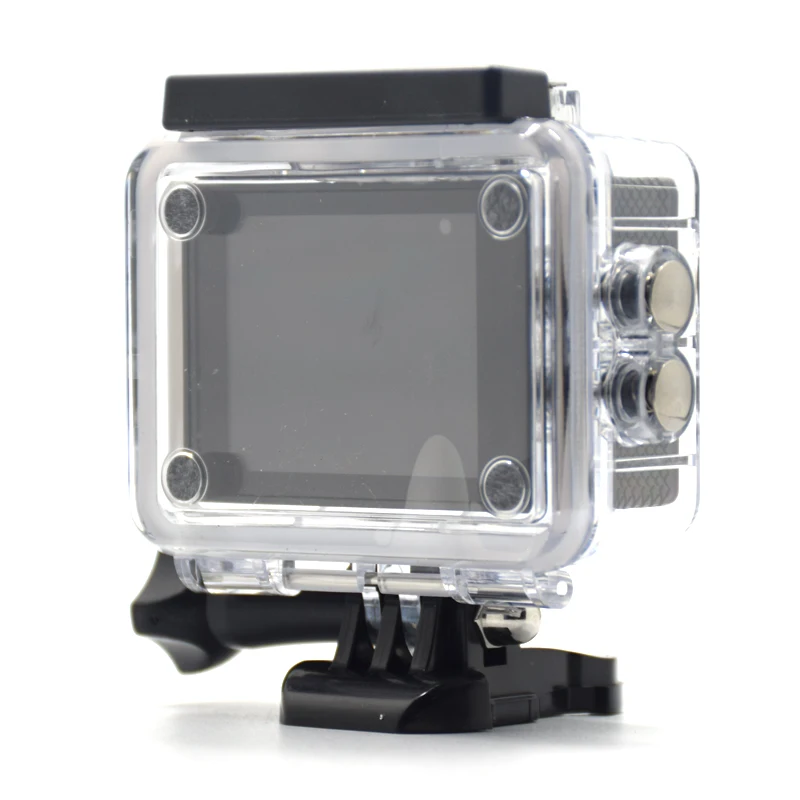
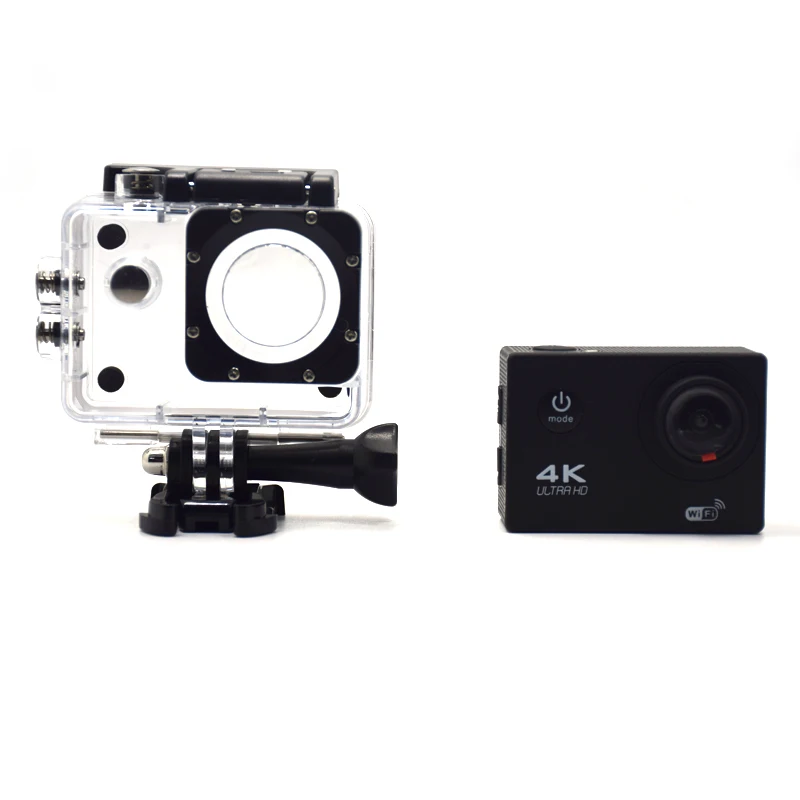
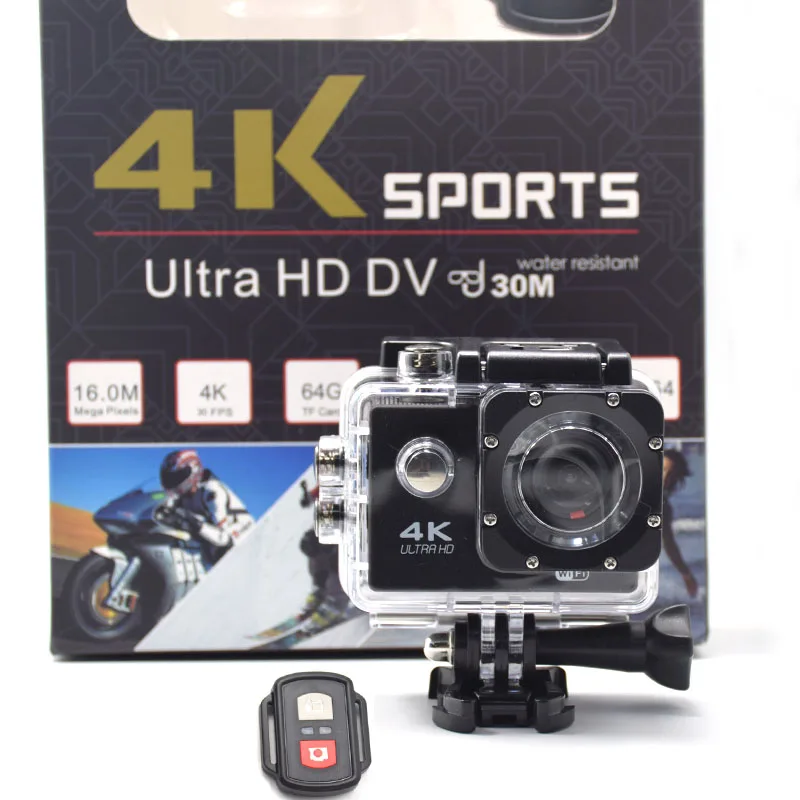
Professional Video Camera 4K Ultra HD DV Sport Camera Waterproof WIFI 2.4G Remote Control Outdoor Action Camera Recorder
- Category: >>>
- Supplier: Shenzhen Tomsin Technology Co. Ltd.
Share on (62255896974):
Product Overview
Description
Professional Video Camera 4K Ultra HD DV Sport Camera Waterproof WIFI 2.4G Remote Control Outdoor Action Camera Recorder
Product Description
Specification:
Liquid crystal display | 2.0 LCD Screen |
Input /output | Micro USB /HDMI |
Resolution of video recorded | 4K 25FPS 2.7K 30FPS 1080P (1920*1080 ) / 30FPS 720P (1280*720) 120FPS |
Color | Black/white/blue/yellow/silver/gold/pink |
Language | English /Esperanza / Portuguese/ (Russian ) / Chinese Traditional / Chinese Simplified / Deutsch /Italiano / France / Korean/Japanese/ Polski /Turkish/ Czech /Thai |
Format of Videos | H.264 |
Resolution of photos | 12M/8M/5M/2M |
Storage | Micro SD/SDHC /SDXC(Not Included) |
Shooting Mode | Single Shot Continuous Shooting(3 photos) |
Time lapse | Off/2s/3s/5s/10s /20s /30s /60s |
Wi-Fi support phone system | ISO8 and above, Android 4.0 and above |
Frequency of Optical Source | 50Hz / 60Hz/auto |
USB Interface | USB2.0 |
Power source interface | 5V 1A |
Battery Capacity | 1050MAH |
Working Time | 1-2 hours |
Screen saver | Off/1 min/3mins /5mins |
power saver | Off/1 min/3mins /5mins |
Dimension | 59.1*29.8*41mm |
More pictures:


Packaging & Shipping

FAQ
Q1: It doesn't work,what shall I do?
- Check if it has power.
- Check if you put TF card yet, or change the card.
- Change the resolution, frames per second.
- Insert the larger capacity memory card.
- Make sure the card has been installed correctly
(during the installation process, you should hear a clicking sound).
- Delete unnecessary files from the memory card to release space.
Q2: It is not able to charge, what should I do?
- Try to change another USB cable or AC adapter.
- Try to reset.
- Take the card out and try again.
- Contact us for help.
Q3: How can I know the power is low?
- The red indicator flashes quickly, vibrator shakes four times then camera turns off automatically.
That means not enough power to work.
Q4: How can I know the card is full?
- The green indicator flashes quickly, vibrator shakes six times then camera turns off automatically.
That means the card is full.
Q5: The video and audio is out of step when play on PC,why?
- Copy the video files to computer,then try again.
- Check if your player is latest version, update or try to play videosby other players,
such as VLC media player and storm player
Q6: Video is not clear
- Ensure that the camera lens is clean.
- Wipe off the dust and dirt on the lens, and then shoot.
Q7: Equipment to work normally, but the key does not work
- Press the reset button to initialize the machine.
We Recommend







New Arrivals
New products from manufacturers at wholesale prices






