
433Mhz Wireless Remote Control Switch DC12V 4CH Relay Receiver Module RF Transmitter 433 Mhz For Garage Door Opener
- Category: Remote Control Switches >>>
- Supplier: Shenzhen Ruiqi Electronic Co. Ltd.
Share on (62261601664):
Product Overview
Description
Product Description
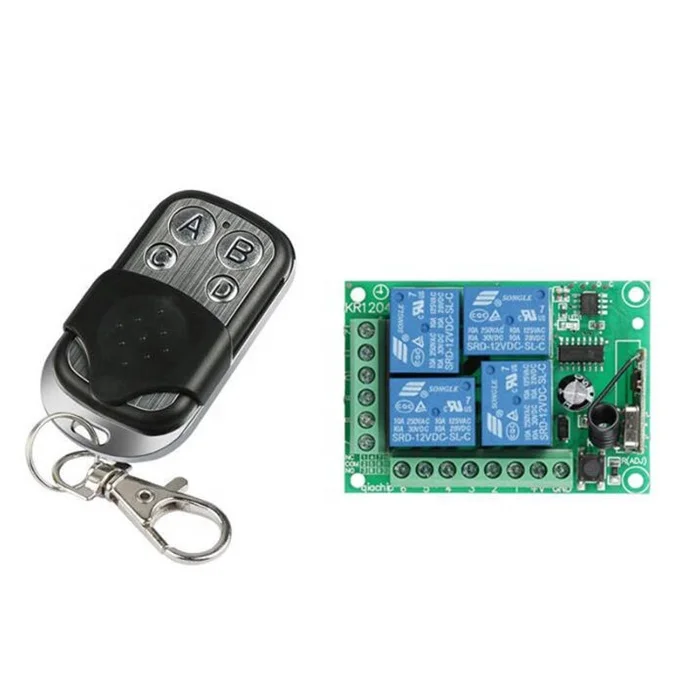
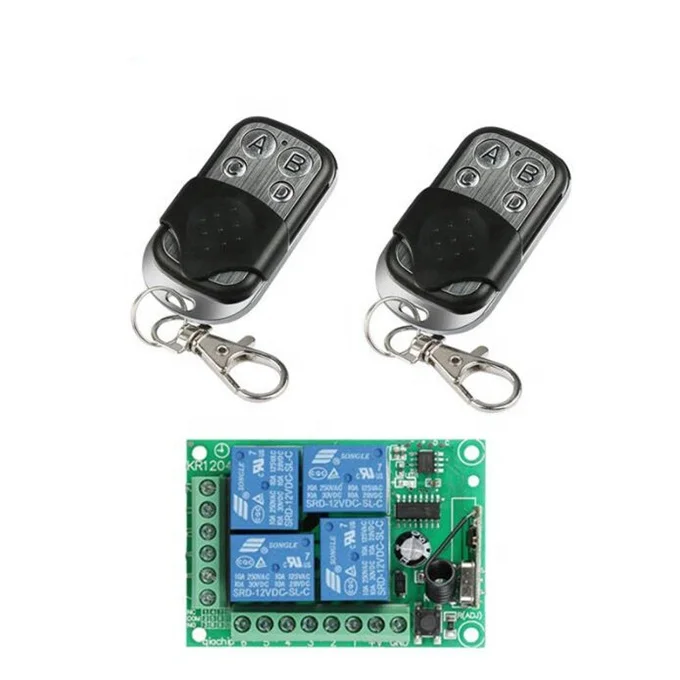
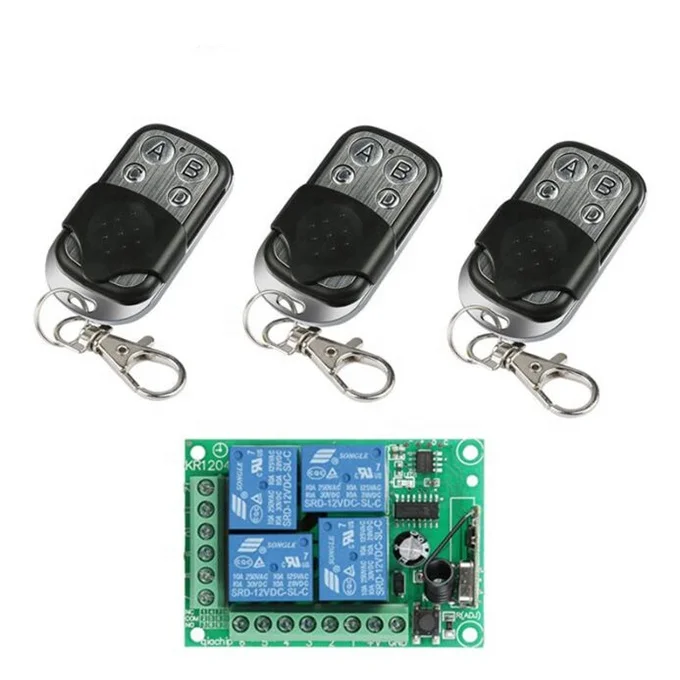
433Mhz Wireless Remote Control Switch DC12V 4CH Relay Receiver Module RF Transmitter 433 Mhz For Garage Door Opener
Specifications:
For Transmitter:
Material: Metal and PVC
Product Type:Learning Code (1527) Remote Control Key Fob
RF Frequency: 433 MHz
Channel Supported: Four Channel
Encoding Type: Learning Code(1527), Fixed Code(2262).
Modulation System: ASK
Operating Voltage:DC12V
Operating Current:<25mA
Transmitting Power: +13dbm
Frequency Windage: ±0.2MHz
Transmission Distance: 50m (Free Space)
Color: Black
Main Item Size: 5.4 * 2.9 * 0.9cm / 2.1 * 1.14 * 0.35oz
For Receiver:
Model: KR1204-4
Product Type: 4-Channel Remote Control Switch
RF Working Mode: ASK Superheterodyne Reception
Modulation Mode:ASK
Working Mode: Momentary/Toggle/Latched, etc.
Matching Mode: Intelligent Learning Code.
Working Voltage: DC 12V
Quiescent Current:5mA
RF Frequency: 433MHz
Output Current: ≤10A
Receiving Sensitivity: >104dbm
Remote Control Range: >50m (Free Space)
Output Mode:Dry Contact/Voltage Output
Wired Connection Way: Fixed Wiring Pillar
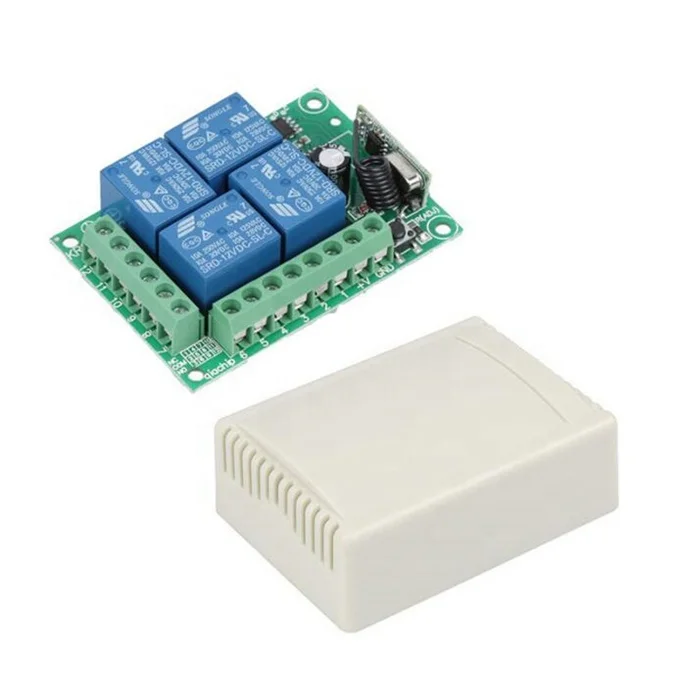
Wiring Port:
+V=Positive pole input
GND=Negative pole input
1.KC1 Normal Closed of relay (NC)
2.KC1 Common of relay (COM)
3.KC1 Normal Open of relay (NO)
4.KC3 Normal Closed of relay (NC)
5.KC3 Common of relay (COM)
6.KC3 Normal Open of relay (NO)
7.KC2 Normal Closed of relay (NC)
8.KC2 Common of relay (COM)
9.KC2 Normal Open of relay (NO)
10.KC4 Normal Closed of relay (NC)
11.KC4 Common of relay (COM)
12.KC4 Normal Open of relay (NO)
(When the relay is energized, NO and COM connected).
Color: Green (PCB Board), White (Outside Shell).
Circuit Board Size: 7.3 * 5.3 * 2.5cm


Operation Introduction:
About Working Mode:
1. Momentary/Joggle: Press and hold->On; Release->Off
Keep pressing one button, the corresponding channel is working /on; Release your finger is stop/OFF. (4 channel switch(receiver) need 4 button remote control (transmitter )
2. Toggle/Self-Lock: Press->On; Press again->Off
Press one button for one time, the corresponding channel is working/on; Press the same button again to stop/OFF. (4 channel switch(receiver) need 4 button remote control (transmitter).
3. Latched/Inter-Lock: Press->on; Press other button->Off
Press one button for one time, the corresponding channel is working/on; Press another button is stop/OFF(At the same time, another corresponding channel works). (4 channel switch( receiver) need 4 buttons remote control (transmitter).
The Setting of Working Mode:
1.Momentary Mode: Pressing the learning key button on the receiver board once (LED Indicator on receiver board will signaling simultaneously), then press any of the remote button, signaling three times by remote's LED indicator means setting Momentary Mode successfully.
2. Toggle Mode: Pressing two times the learning key button on the receiver board twice(LED Indicator on receiver board will signaling simultaneously),then press any of the remote button , signaling three times by remote's LED means setting Toggle Mode successfully.
3.Latched Mode: Pressing the learning key button on the receiver board three times (LED Indicator on receiver board will signaling simultaneously), then press first remote button, follow on second remote button, signaling three times by remote's LED indicator means setting Latching Mode successfully (first button stands for on, second button stands for off ).
4.2CH Momentary + 2CH Toggle: Pressing the learning key button on the receiver board four times(LED Indicator on receiver board will signaling simultaneously),then press any of the remote button , signaling three times by remote's LED indicator means setting successfully.
5. 2CH Momentary + 2CH Latched: Pressing the learning key button on the receiver board five times(LED Indicator on receiver board will signaling simultaneously), then press any of the remote button, signaling three times by remote's LED indicator means setting successfully .
6. 2CH Toggle + 2CH Latched: Pressing the learning key button on the receiver board six times(LED Indicator on receiver board will signaling simultaneously), then press any of the remote button, signaling three times by remote's LED indicator means setting successfully.
7. 2CH Latching + 2CH Latched: Pressing the learning key button on the receiver board seven times(LED Indicator on receiver board will signaling simultaneously), then press any of the remote button, signaling three times by remote's LED indicator means setting successfully.
8. Deleting Existing Remote Controls Data: Pressing the learning key button on the receiver board eight times, the LED Indicator on receiver board will flash for eight times, it means that the existing remote controls are deleted successfully.
Company Information
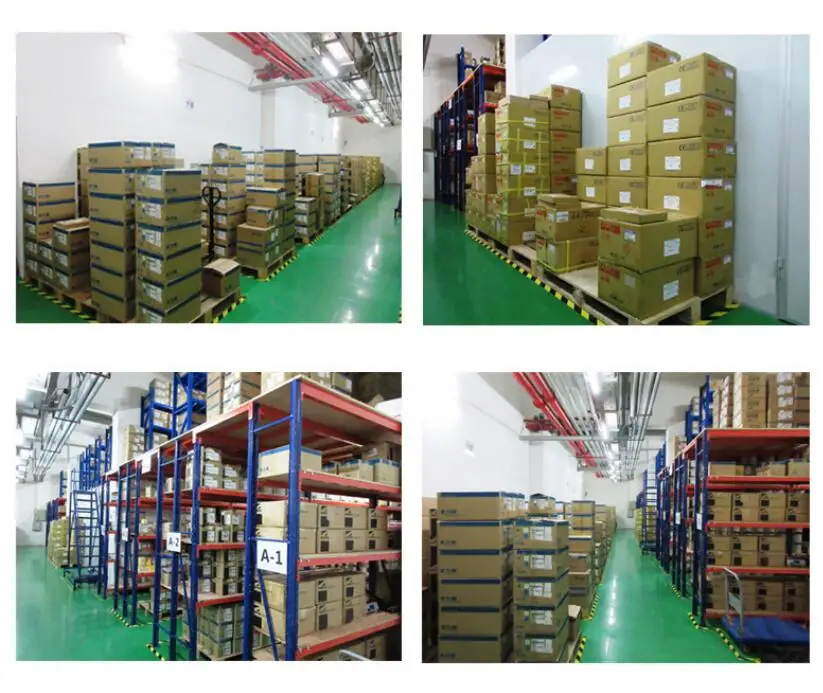
Shenzhen Ruiqi Electronics Co., Ltd. is electronic components supplier.
We specialized in Integrated Circuit,Development boards, WIFI modules, BT modules, power modules, sensor modules, GPS GPRS GSM modules, camera module,etc.
We accept Bom list order,provide best quality and reasonable prices,"Quality and serivce is our mission"

Payment & Delivery
Payment

Delivery

Contact information

Contact Person: Justin CAI
Company Address: NO. B2713,Oriental times square,Huaqiang notrh Road ,Futian District, Shenzhen, Guandong,China.
We Recommend


New Arrivals
New products from manufacturers at wholesale prices







