
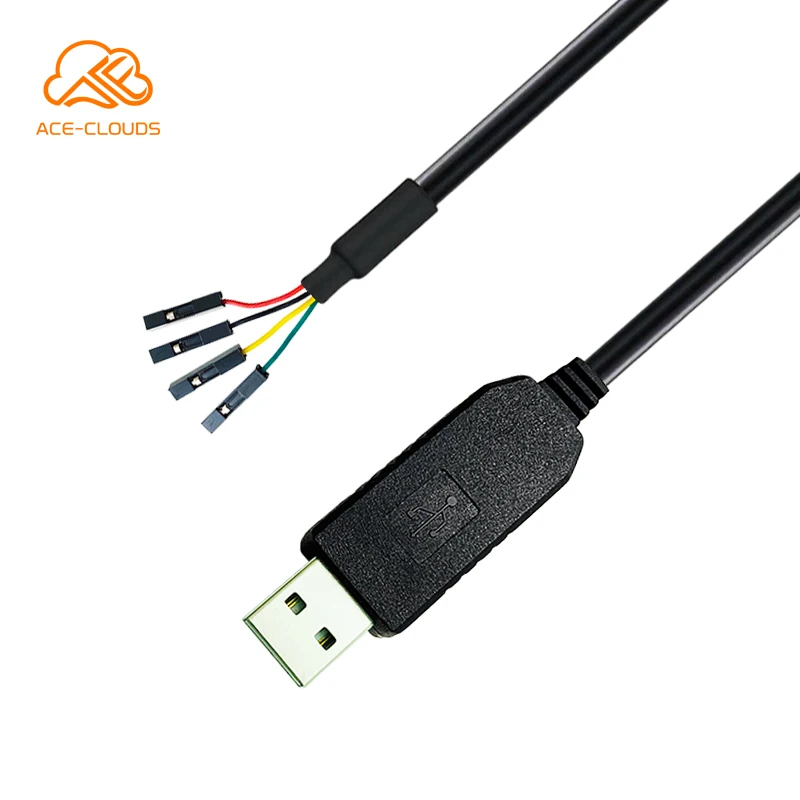
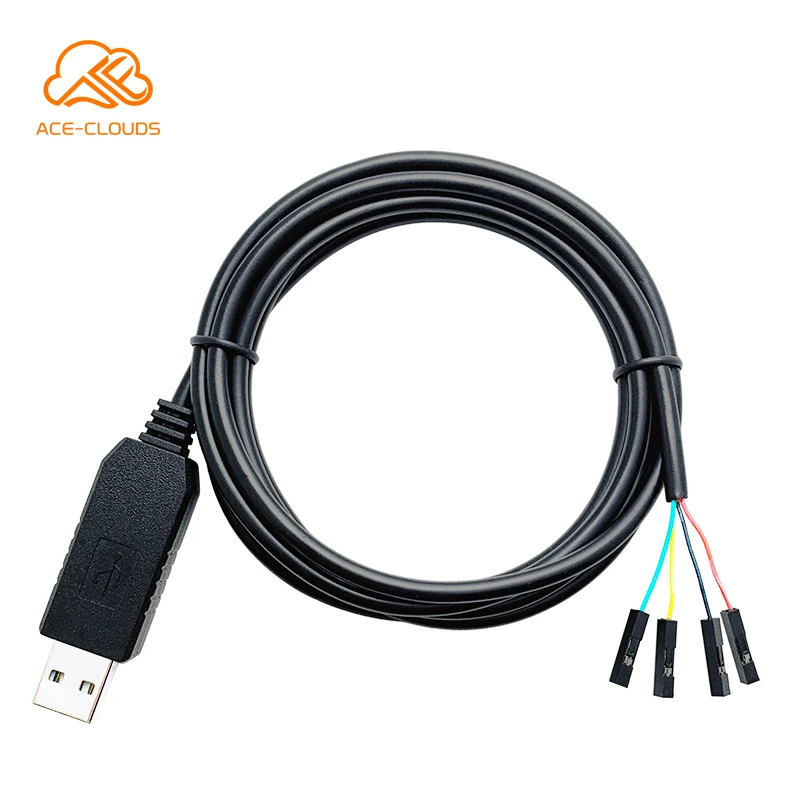
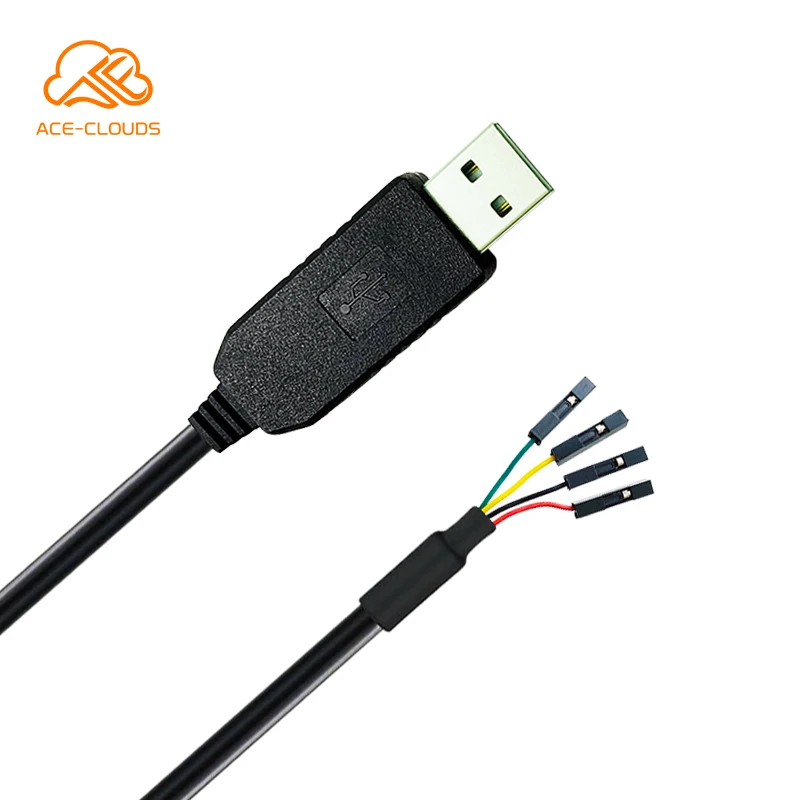
Module 4 pin Converter Serial Line FTDI RS232 USB to UART TTL Cable
- Category: >>>
- Supplier: Huizhou Zhanchi Electronics Co. Ltd.
Share on (62286307801):
Product Overview
Description
Module 4 pin Converter Serial Line FTDI RS232 USB to UART TTL Cable Support Linux Mac Win10
TIP:
1. TTL is available in 5V and 3.3V;
If you need different parameters, please contact us.
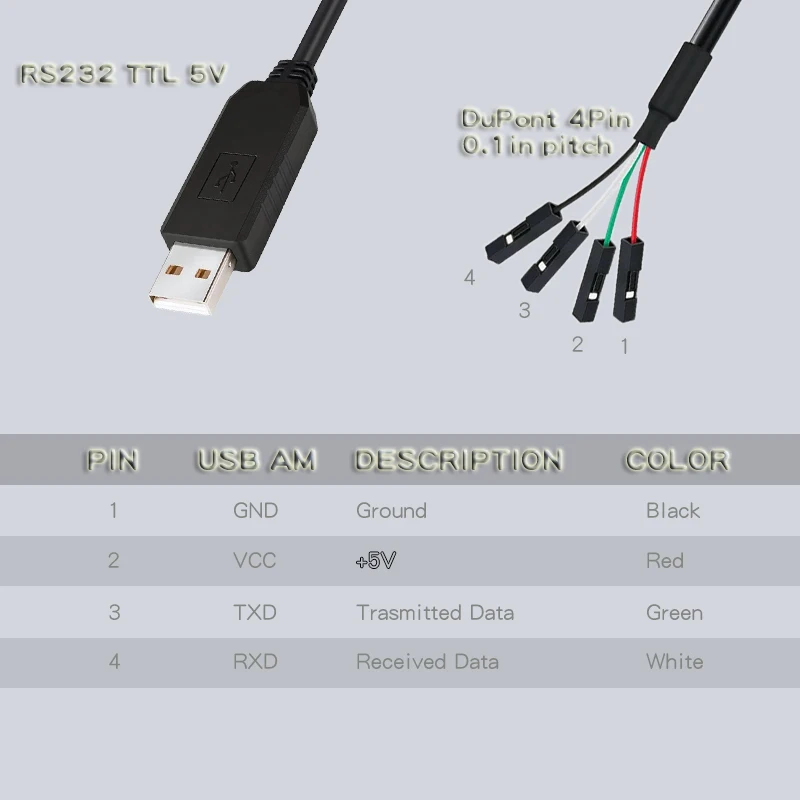
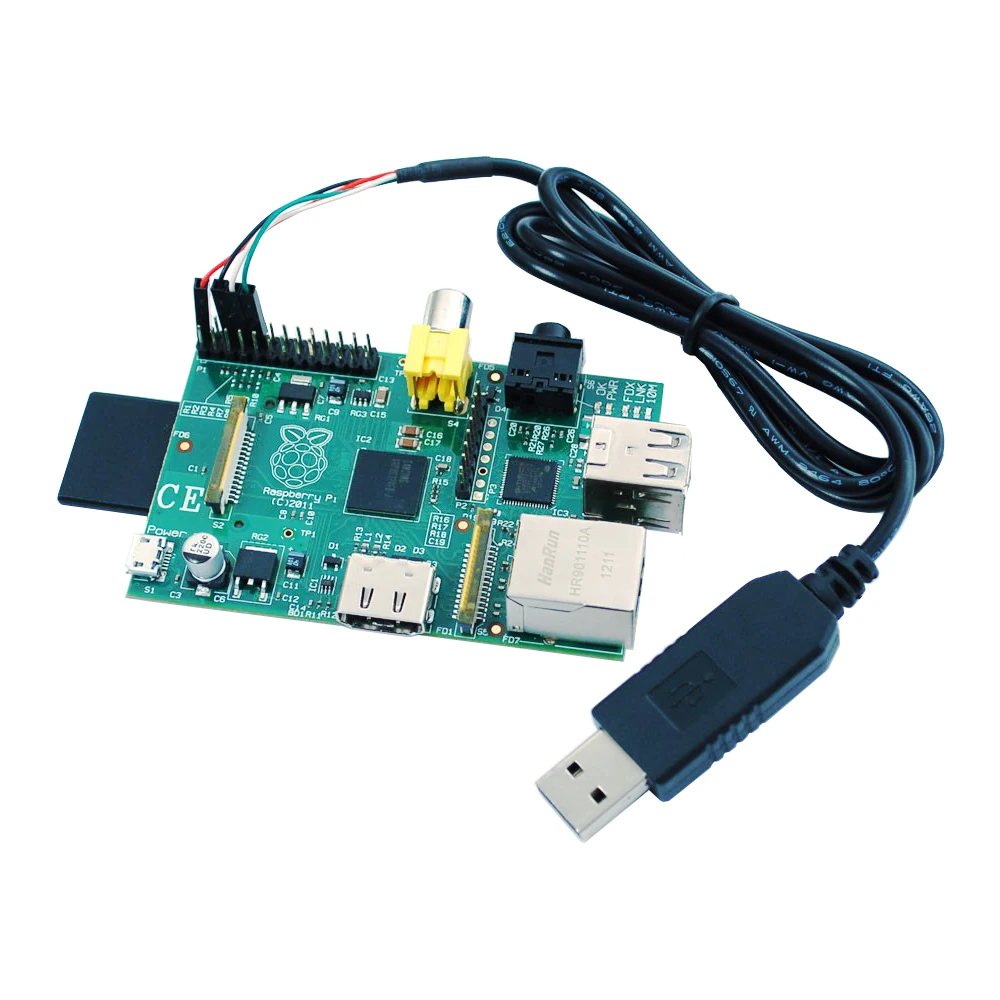
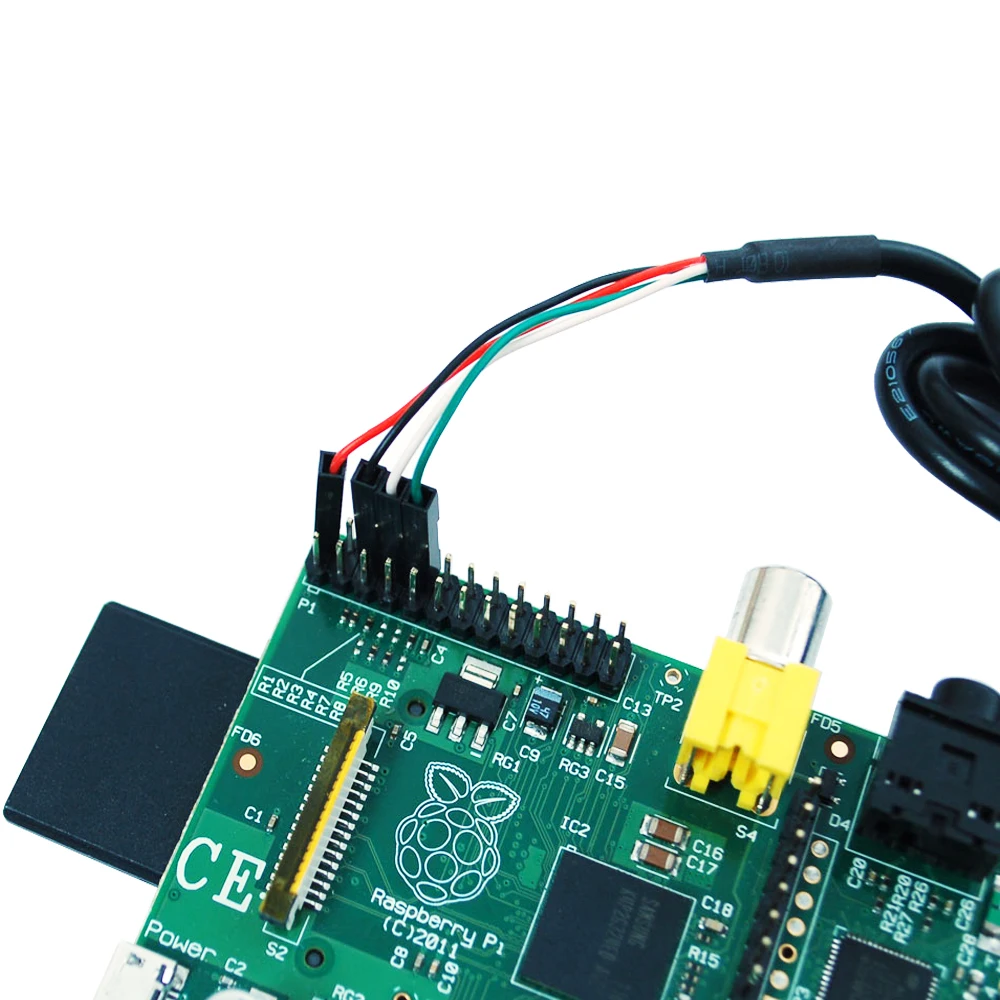
The cable is the easiest way ever to connect to your microcontroller/Raspberry Pi/WiFi router serial console port. Inside the big USB plug is a USB<->Serial conversion chip and at the end of the 36″ cable are four-wire – red power, black ground, white RX into the USB port, and green TX out of the USB port. The power pin provides the 500mA direct from the USB port and the RX/TX pins are 3.3V levels for interfacing with the most common 3.3V logic level chipsets.
Because of the separated pin plugs, this cable is ideal for powering and connecting up to the debug/login console on the Raspberry Pi. Connect the pins as shown to power the Pi and establish the RX/TX link. Then install the Windows XP/Vista/7/8 or MacOS X FTDI RS232 OR PL2303HX(It depends on the chipset of cable).D drivers on your computer and connect with a terminal program at 115200 baud.
Also handy for hacking WiFi routers to install alternate OS’s, or nearly any other TTL port. This is easier to use than an FTDI cable in many cases because the wires are separated
This cable is not good for Arduino re-programming such as a Boarduino, MENTA, Monochron, etc. because it does not have the DTR/RTS wire necessary for initiating the bootloader reboot sequence. For that, we suggest an FTDI cable or FTDI friend.
- FTDI based USB to TTL Serial Cable are designed using the standard FT232RL chipset.
- The cables provide a fast, simple way to connect devices with a TTL level serial interface to USB.
- RX and TX LEDs indicator
- The cables are available with a 4-way SIL, 0.1" connector
- TTL levels are 5V
- The TTL-232R cables are a family of USB to TTL serial UART converter cables incorporating FTD's FT232RQ USB to Serial
- UART interface IC device which handles all the USB signaling and protocols. The cables provide a fast, simple way to connect devices with a TTL level serial interface to USB.
- Each TTL-232R cable contains a small internal electronic circuit board, utilizing the FT232R, which is encapsulated into the
- The USB connector end of the cable. The other end of the cable comes with a selection of different connectors supporting various applications. Cables are FCC, CE, RoHS compliant and are available at TTL levels 5V.
- Cables are available with a 4-way SIL,0.1” pitch connector
- The USB side of the cable is USB powered and USB 2.0 full speed compatible.
- Each cable is 1.8m long and supports a data transfer rate up to 3 Mbaud
Function
Provides standard TTL pinout: GND (Black/1), VCC 5V (Red/2), TXD (Green/3), RXD (White/4)
PRODUCT SPECIFICATION


We Recommend







New Arrivals
New products from manufacturers at wholesale prices






