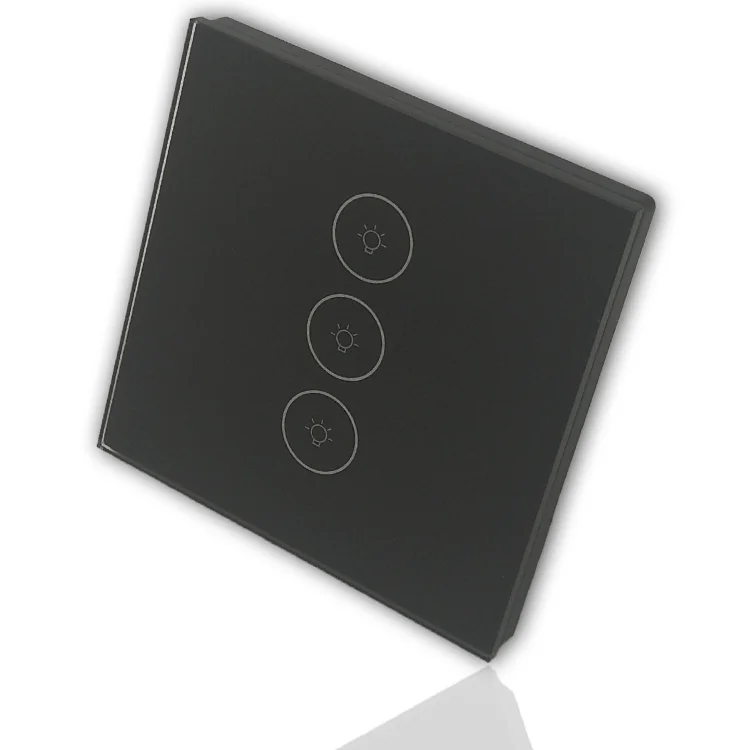
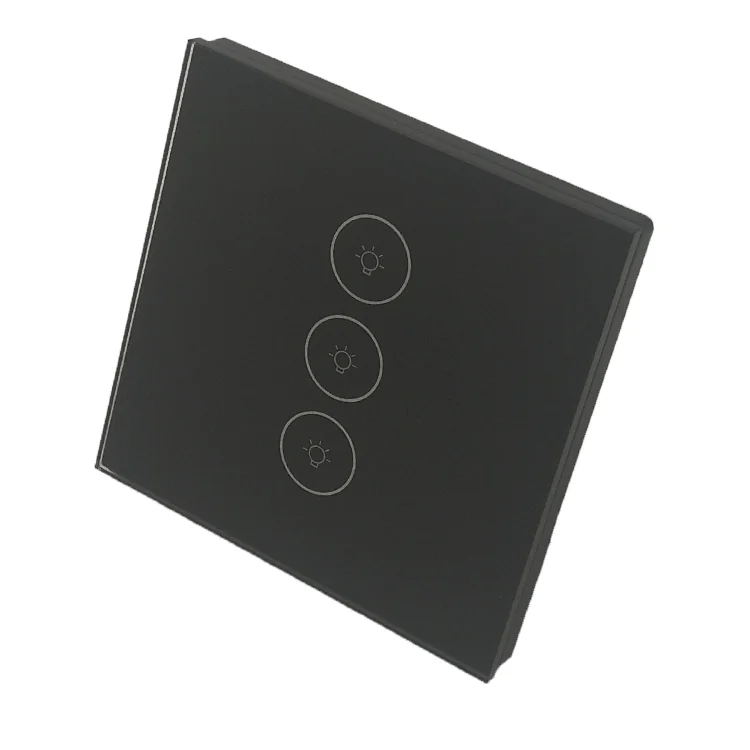
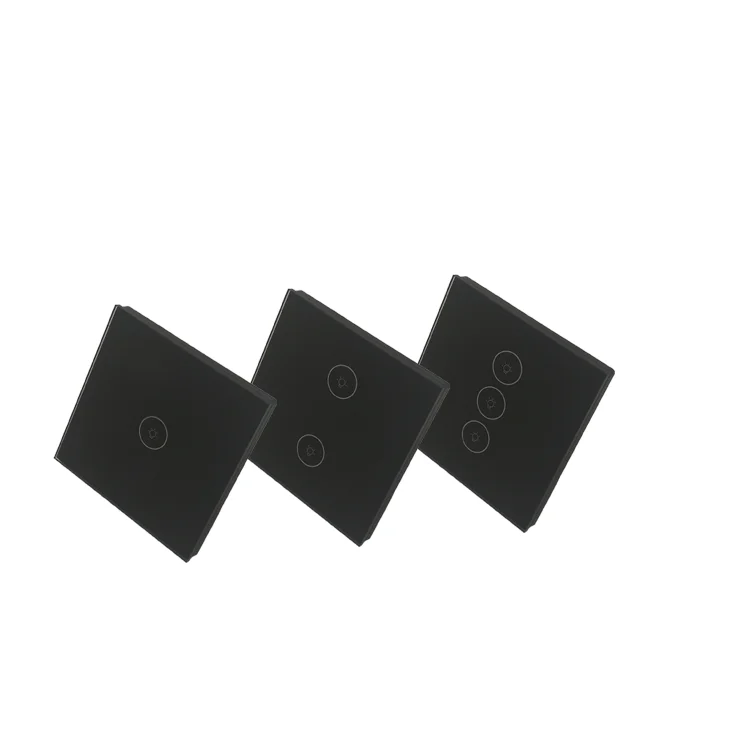
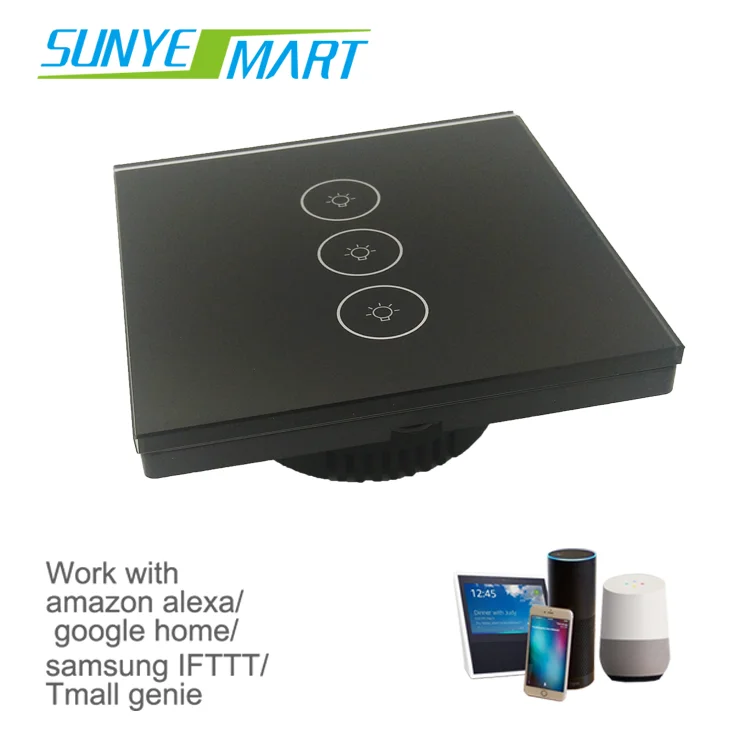
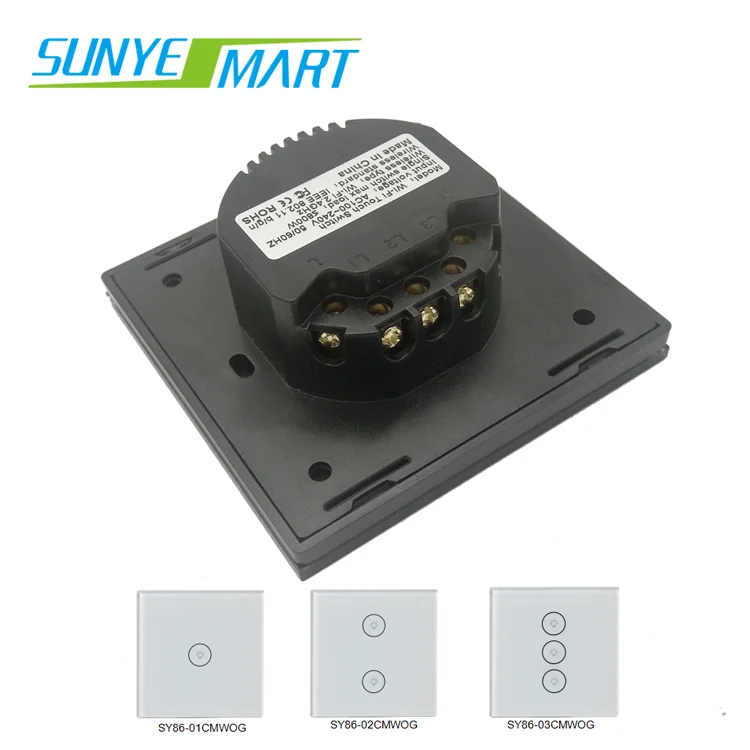
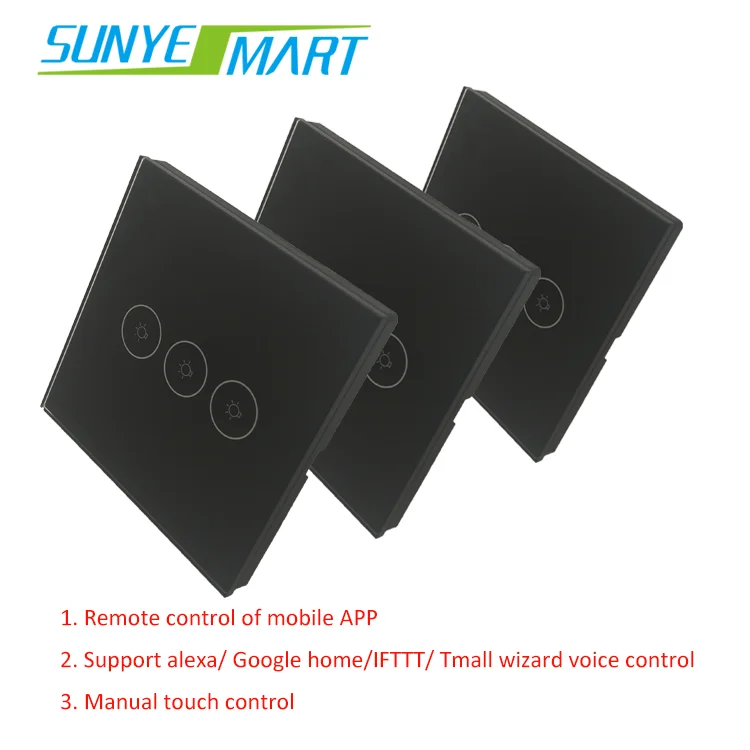
1. Safe and convenient
Electronic control, no arc, wet operation.
Convenient: easy to install, directly replace the traditional switch, no need to change the home improvement circuit.
2. Stylish, simple and comfortable
Thinner and more reasonable, the installation is more convenient. No need to move around, one button to achieve on and off. Mirror reflection, luxurious appearance, can be switched when touched lightly.
It is exactly what you need
After a hard day's work, walk into a bright home. keeping thieves away when traveling. No longer have to worry about the lights did not close.Easily turn off the lights even in the bed.Owning the Wi-Fi wall switch,you will more enjoy the smart home,which make your life convenient.
you deserve to have!
Touch panel and Wi-Fi control upgrade your lifestyle.The switch has its unique advantages: remote control,timing delay,real-time feedback,energy saving,device sharing/control.
FQA
Q1. What app is used to control the light bulb? A:The app is "Smart Life" which can download in store with Android and ISO.
Q2: Do you offer guarantee for the products? A: Yes, we offer 2 years warranty to our products.
Q3: Which certificate do you have? A:CE ROHS FCC are all available.
Q4. How much does adding our logo to the light bulb increase cost per unit. A: That is for free if you want to add your logo to the light bulb and original packaging.
B:For customized products with your logo added, we supportreplacement and repair,but not support return service.
Q5:How to connect to Amazon Alexa?
A:
Step 1:Add Device
Make sure there's at least one device in device list. Supported devices includes smart light, socket, heater, etc.
Step 2:Modify device name Modify device name that Echo could easily recognize. Such as: Living room Light,Bedroom Light.
Step 3: Set up Echo Use Alexa APP or computer(//alexa.amazon.com). Set up Echo from "Settings".
Step 4: Add Skill Add"Skill"in Alexa App or computer. Enter into the skill and search for TuyaSmart. Tap on "Enable Skill"and enter your TuyaSmart account & password to finish binding.
Step 5: Control Device First of all, it need to discover devices. Speak to Echo:Alexa(or Echo),Discover my devices. After about 20s, Echo tells you how many devices found. You could then voice control devices, only support English.
Support the below voice commands:
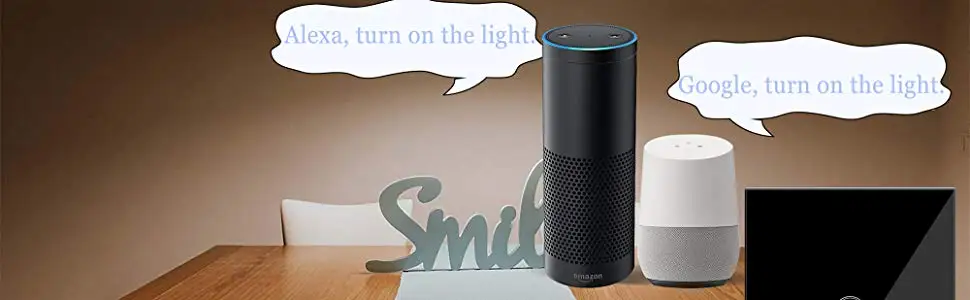
Alexa(or Echo),turn on bedroom light Alexa(or Echo),turn off bedroom light Alexa(or Echo),set bedroom light to 50 percent Alexa(or Echo),increase bedroom light to 50 percent Alexa(or Echo),decrease bedroom light to 50 percent