
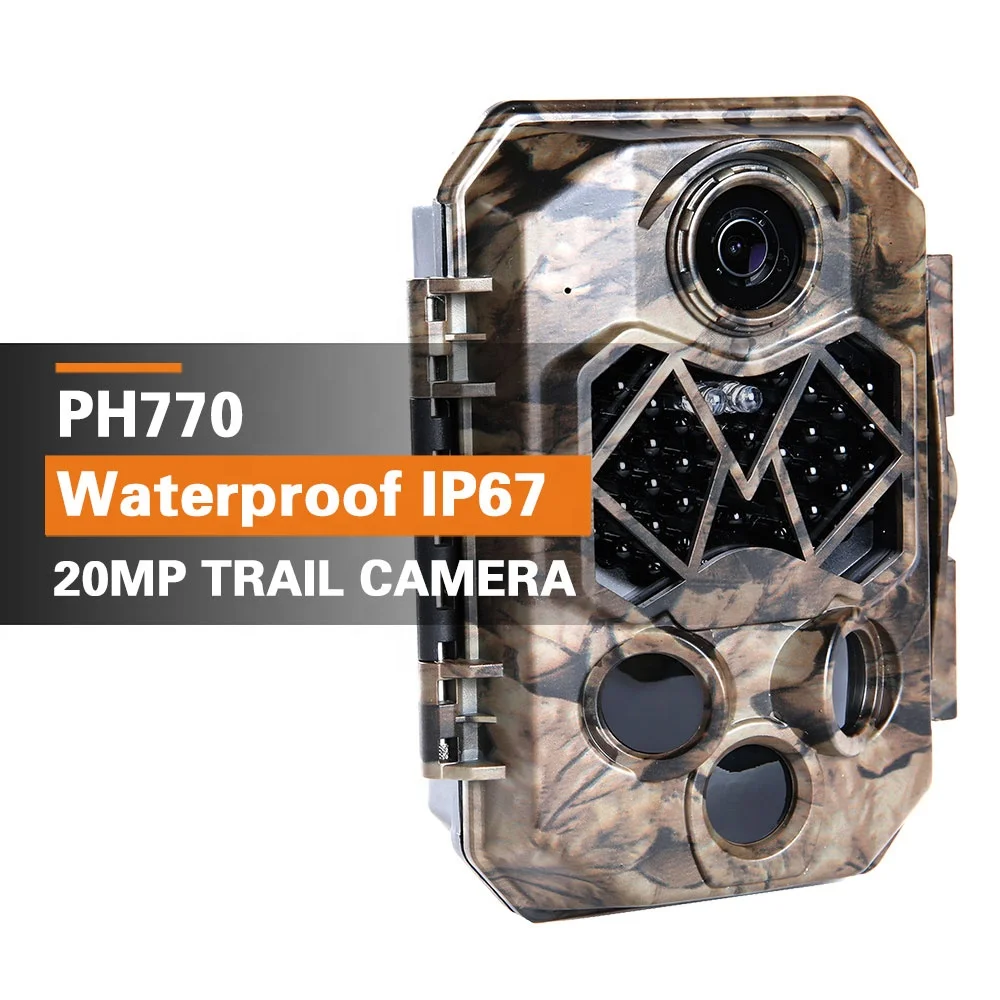
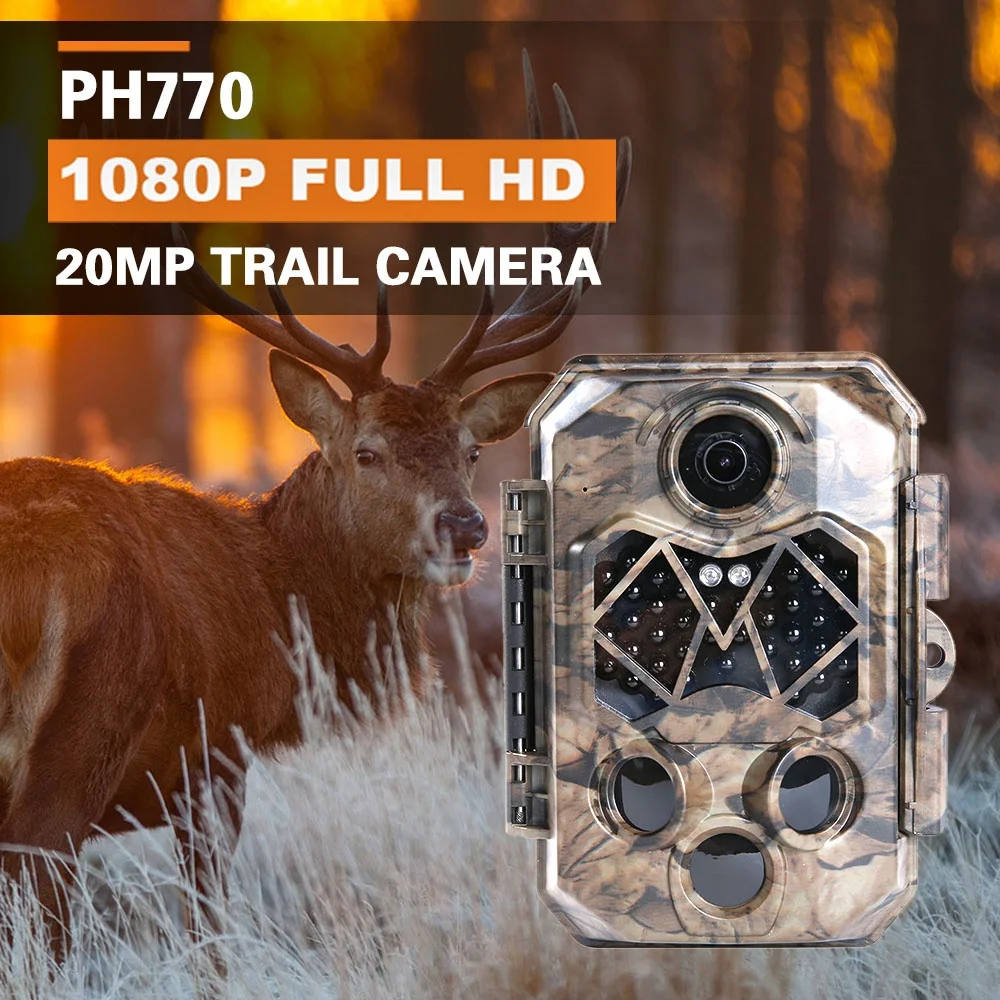
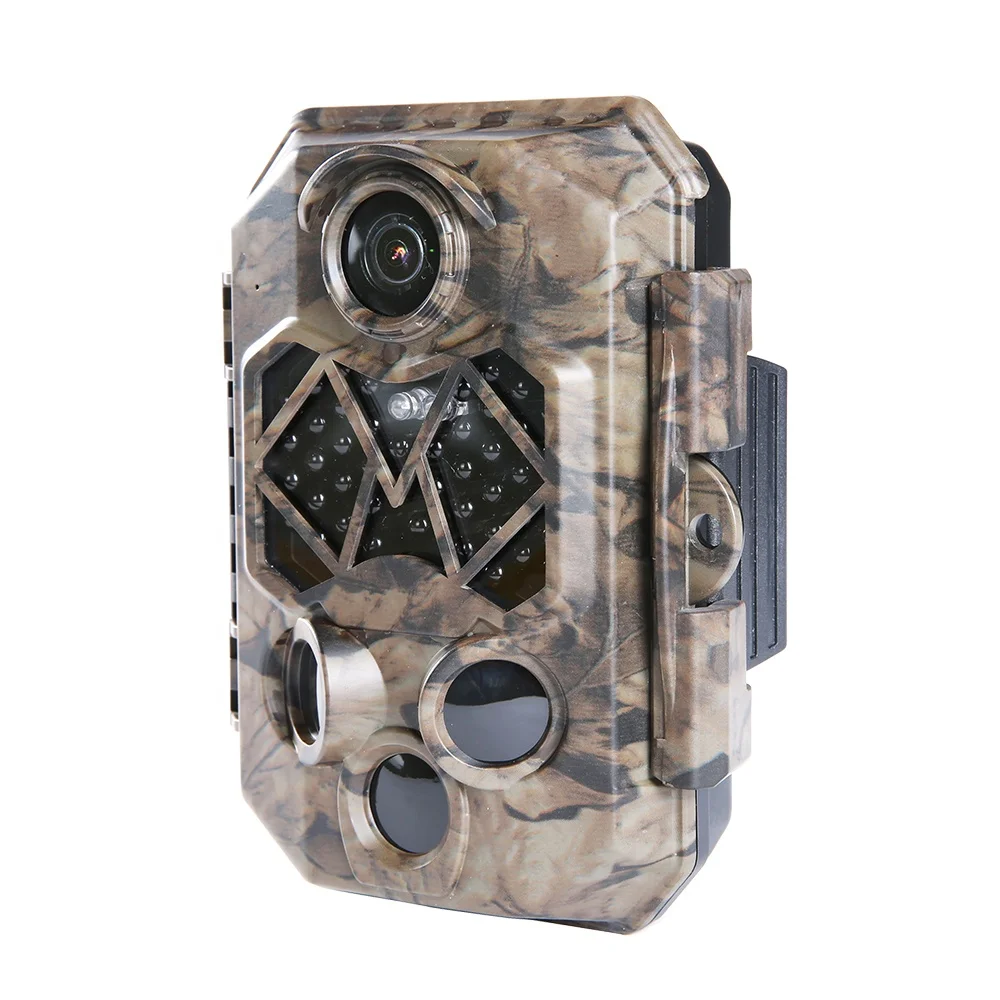
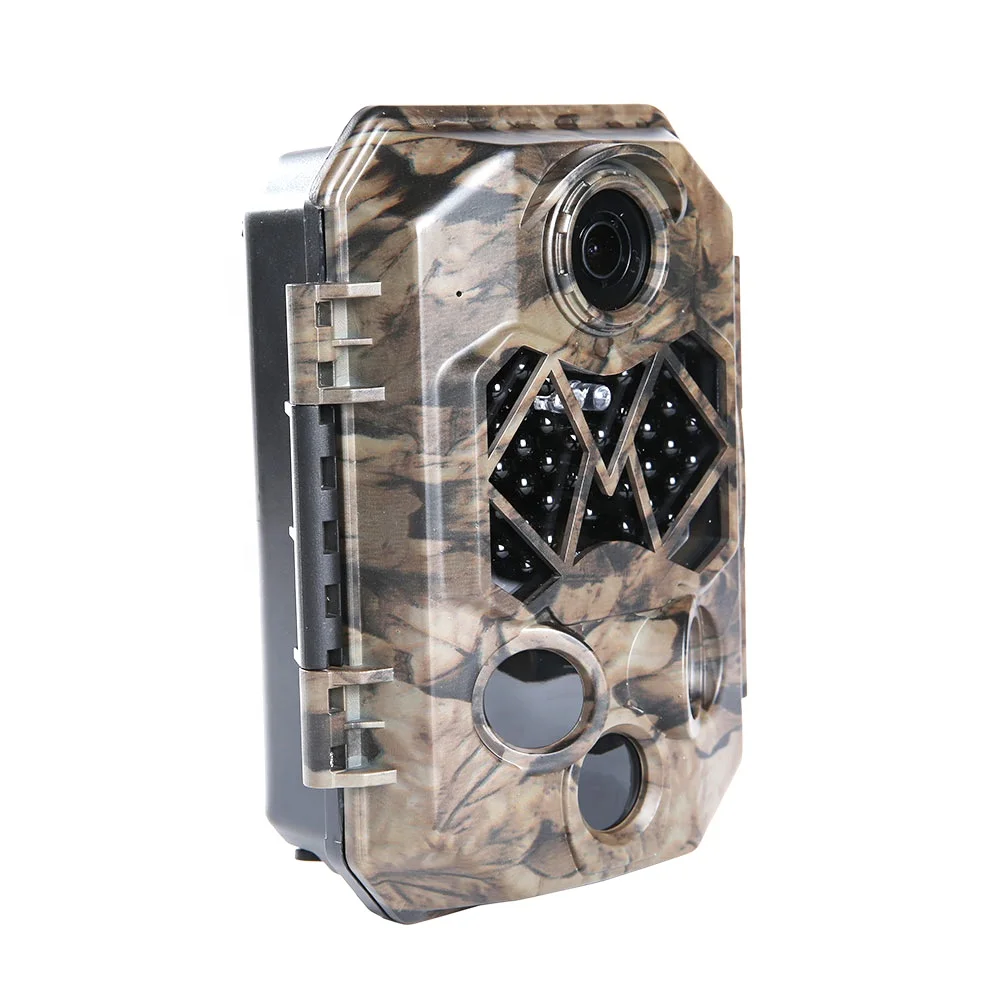
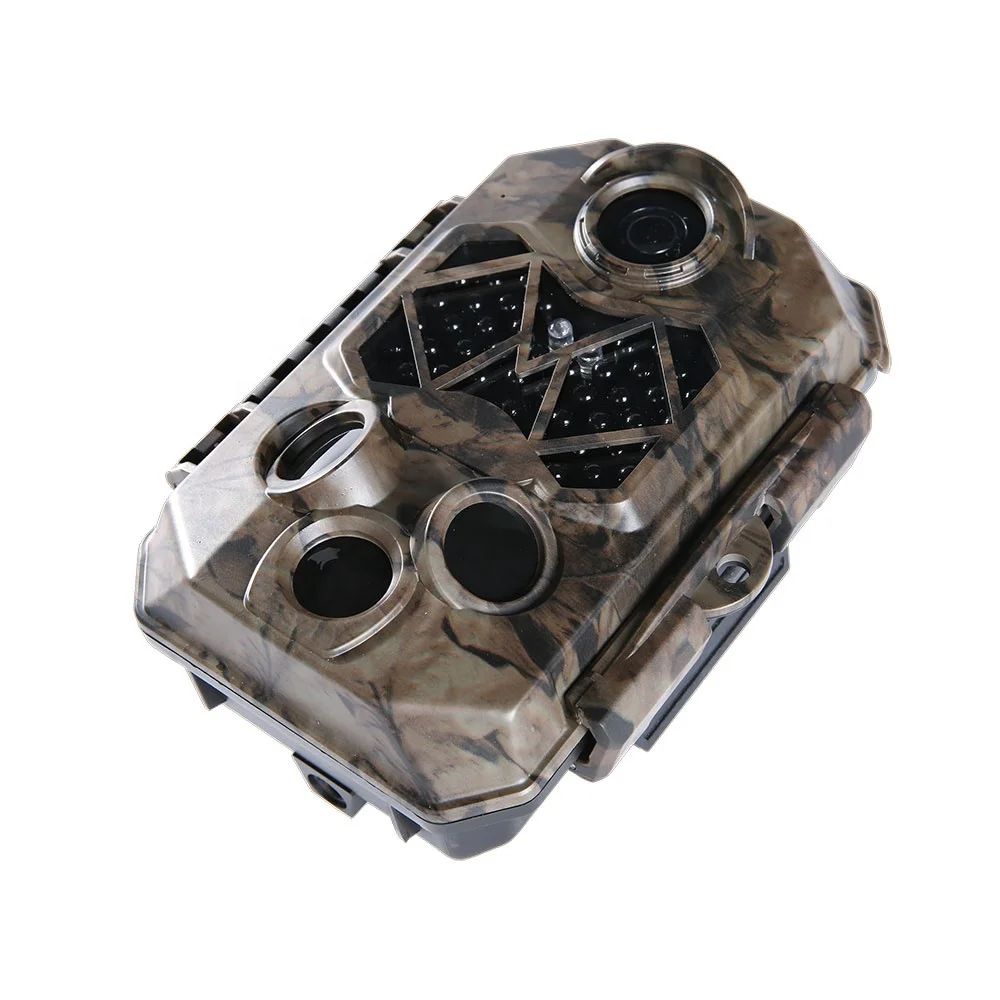
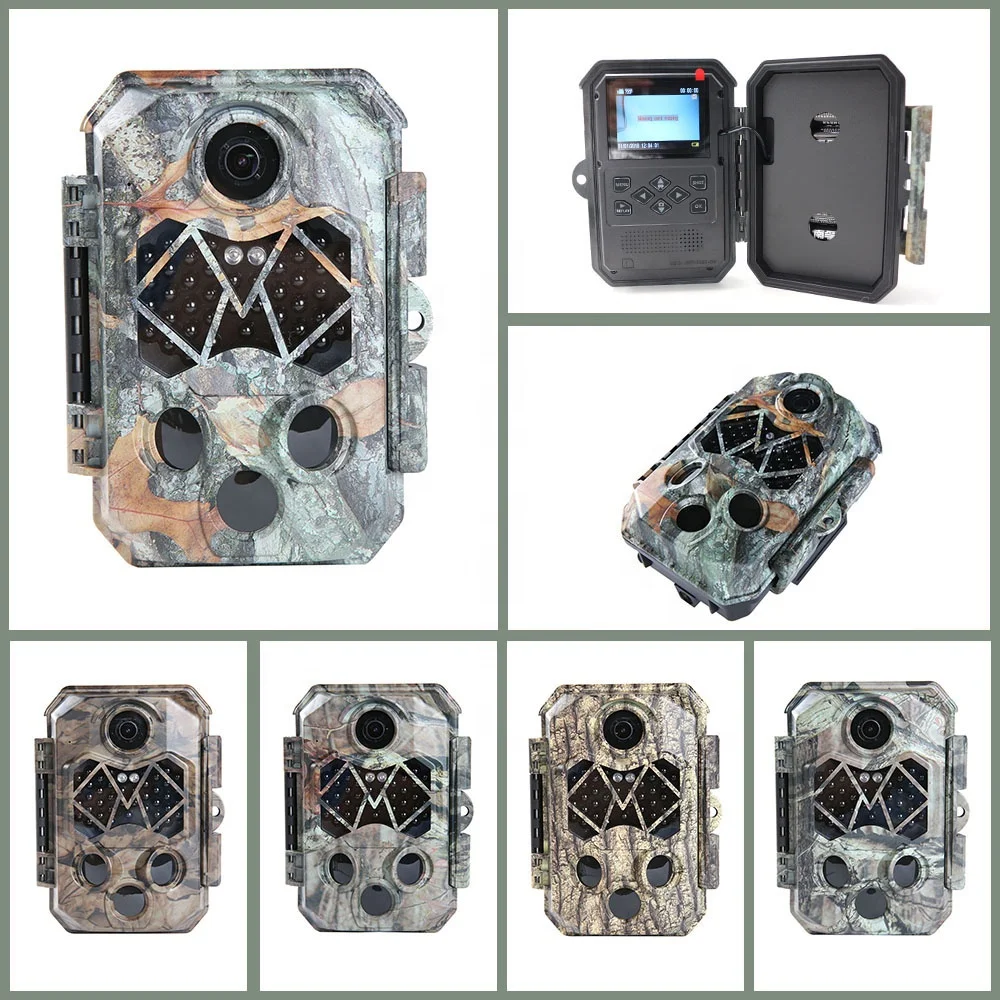
Zecre Trail Camera 20.0 Megapixel 1080P Full HD Outdoor Game Hunting Cam 940NM Security Night Vision Motion Activated Camera
- Category: >>>
- Supplier: Shenzhen Zecre Technology Co. Ltd.
Share on (62315563758):
Product Overview
Description
Product Description
<<<<< Welcome to know more about Zecre>>>>>
 Zecre Trail Camera 20.0 Megapixel 1080P Full HD Outdoor Game Hunting Cam 940NM Security Night Vision Motion Activated Camera
Zecre PH770A Hunting Trail Cam Key Features
5-Megapixel CMOS Sensor
Approx 8 months stand-by time
45Pcs 940NM low glow IR LED Lights
120 degree 25m IR flash range
PIR detecting range: 80 feet/ 25meters
0.2~0.6 Second fast trigger time
20MP 1080P Full HD quality images&video
Specifications
| Image sensor | 1/2.5-inch 5MP (2592*1994) CMOS |
| photo resolution | 20MP/16MP/12MP / 8MP / 5MP / 3MP |
| Video resolution | 1080P: 1920x1080@15fps 720P: 1280x720@30fps (default) D1: 720x480@30fps VGA: 640x480@30fps QVGA: 320x240@30fps |
| File format | JPG/AVI |
| TFT LCD Display Screen | 2.36"TFT 480(RGB)*234DOT 16M |
| Number of IR lamp | 45 pieces |
| Range of IR flash | 25m/80ft |
| Triggering distance | 25m/80ft |
| PIR sensing angle | 120 |
| Triggering time | 0.2 - 0.6 seconds |
| Trigger interval | 5 seconds-60 minutes/programmable |
| Video length | 1s- 60s , 1m-10 minutes/programmable |
| Time-lapse | On/off/time-lapse programmable |
| Power supply | 4-8 AA, DC 6V -1.5a |
| Standby time | Approx 8 months |
| Waterproof standard | IP66 |
| Operating temperature | -20 to 60°C |
| Operating humidity | 5%-90% |
| Dimensions and weight | 136*98*76mm , 270g |
| Certification | CE,ROHS,FCC,WEEE |

Zecre trail camera takes built-in 2.4'' color LCD screen lets you setup the camera easily and preview the photos, stamps photos with date, time and temperature etc. directly and clearly.

Fast trigger time 0.2-0.6 Seconds
The hunting cam features superfast PIR motion sensor with 0.2-0.6 second trigger time, 80-feet motion-actived detection range, and adjustable sensitivity, assure that whether using this camera on the hunting trail or in your backyard, you will not miss anything.
Dual PIR Sensor Provides 120 Degree Wide Angle detection
The trail camera takes dual PIR sensor, the major senor's detecting angle up to 40 degree, and the two side sensor's sensing angle is 30 degree each. the 120 wide angle PIR sensor plus wide-angle lens trail camera ensure maximum coverage which greatly expands the monitoring and shooting scope of the object.

45Pcs No Glow Infrared LEDs Provides Fantastic Lightening Light in Night
Great night time shooting performance, you can see every breathtaking moments even in total darkness. Up to 65ft/20n night vesion trigger distance, get more farther field clip with this hunting camera.
12 Months Super Long Standby Time
12 months standby time with 8Pcs AA batteries. When no animals or human is detected, the hunting camera is in dormant state and the power consumption is only 0.2mA.
The durable IP67 waterproof, dust-proof, drop-proof plastic housing protects from moisture, dust, sand and dirt, so our scouting camera can operate in any type of weather and guarantee for long-last service life.

Zecre Trail camera provides multiple uses.
*Hunting:
Zecre Trail Camer helps track wild game for hunting. Camera serves as a helpfull tool for hunters to scount and record wild game while in the field.
*Wildlife monitoriing
Discover the fascination of observing wildlife in their natural habitat. The Trail Camera is equipped with 42 low glow IR LEDs which provide the most ideal lightning at night, and more importantly, will not scare off or disturb the animal while in use.
*Farm security
Zecre Trail Camera can be used as a farm security monitor to detect trespassers, stray animals, theft and more. Protect your fram with this reliable camera for years to come.
*Home security
Home security is of utmost importance for protecting your home, family, pets and valuables. Camera provides 24-hour dependable monitoring of all activity taking place on your property within its field of view. Mount camera by your backyard, driveway, front door, or gargage, to detect any and all action.

Packaging & Shipping

why choose us

-------------------------------- FAQ --------------------------------
Q: When I turn it on it starts counting down from 15 and then shuts off. Why?
A: Please complete all the setting in "TEST" mode and then change it to "ON" mode for working. The LCD screen will count down from 15s and then shuts off to save the power and enter into detecting condition, during recording, no any button can work, any setting or operations must be done in "TEST" mode.
Q: The camera makes some clicking sound when it's working.
A: When the camera detect a critical point of brightness and darkness, the IR CUT will try to switch, please move the lens to a brightness or darkness, it will stop switching and making clicking sound.
Q: How can I format my SD card?
A: Please Kindly format your SD card by going to "TEST" mode, click "MENU"-"Setting"-"Format memory card".
Q: The camera won't turn on.
A: Please check the battery if it was installed properly in a correct way, if you want to test the camera, make sure the switch is on the "TEST" mode (center). Also check the battery if it is in a power conditioned.
Q: The buttons are not working.
A: Please try to switch off again the camera and turn it on again. If the problem stays, try to Reset the camera to default factory settings.
Q: It said SD card is Error.
A: Upload the SD card. Please format the SD card at the first time of use, make sure it's unlocked. Also, make sure that the SD card is new and have enough storage available.
Q: The image is not clear.
A: Please make sure that you remove the screen film protector from the factory to obtain clear images. Clean the lens with soft and dry fabrics.
Q: I did not get any good capturing results./Too many useless images
A: Please check the sensitivity of your PIR sensors, as this function may responsible about capturing methods.
Q: I can't close the inner compartment.
A: Please make sure that the closing parts has no dirt or any small things blocking on it or it was not broken.
Q: Can't recognize by the computer.
A: Make sure that cable connector is working fine, no cuts and opening to avoid malfunctions.
Q: Photos do not capture subject of interest.
A: There are the result of placing the camera in an environment where there is motion associated with tree branches creating motion or an area where there is high heat in the foreground and any motion from wind. Setting a camera up over water is also a potential cause from this issue. To remedy this situation:
1.Try moving the camera to an area that does not have any of these issue.
2.If the camera continues to take images of no interest subject, try placing the camera in an inside environment and aiming at a location where there is no motion.
3.If the camera continues to show issues, please contact our customer service.
Q: Battery life is shorter than expected.
A: 1. Battery life will vary with operating temperature and the number of images take over time. Typically, the camera will be able to capture several thousand images before the battery die.
2. Check to make sure you have used new alkaline batteries.
3. Make sure that the power switch was turned to ON position, not in the TEST mode.
Q: Camera won't take images.
A: 1. Please make sure that the SD card is not full. If the card is full, the camera will stop taking images.
2. Check the batteries to make sure that they are new alkaline.
3. Make sure that the camera power switch is in the ON position, not in OFF or TEST modes.
4. If the SD card has its write protect switch in the lock position, the camera will not take images.
5. If you have used an SD card in another device before, you might try to format the card before using.
Q: Camera won't power up.
A: 1. Make sure that you have installed at least a full set of 4 batteries in correct position.
2. Make sure that the batteries are installed correctly, observing proper polarity.
3. After moving the switch from OFF to TEST or ON, make sure that the switch is correctly in position to ensure the proper mode.
4. Don't move the switch directly from ON to TEST, always move the switch all the way down to OFF first, then back to TEST.
Q: Still photo and/or video quality problems.
A: 1. Night photos or videos appear too dark.
a. Check the battery indicator icon to see if battery power is full. The flash will stop operating near the end of the battery life.
b. You will get the best results when the subject is within ideal flash range, on farther than 20m.
c. Please note that when the capture number parameter is set higher than "1 photo", or with very short interval settings, some images may appear darker than others due to the quick response and rapid re-triggering of the camera, allowing less time for the flash to fully recharge before firing again.
2. Daytime photos or videos appear too dark.
Make sure that the camera is not aimed at the sun or other light sources during the day.
3. Night photos ore videos appear too bright.
Subject may appear too bright at closer distances.
4. Daytime photos or videos appear too bright.
Make sure that the camera is not aimed at the sun or other light sources during the day.
5. Photos with streaked subject.
a. In some cases with low lighting conditions and fast moving subjects, the 8MP or 12MP resolution settings may not perform as well as the 5MP setting.
b. If you have multiple images where fast moving subjects produce streaks on the photo, try the 5MP setting instead.
6. Short video clips - not recording to the length set.
a. Check to make sure that SD card is not full.
b. Make sure that the camera has good batteries in it. Near the end of the battery life, the camera may choose to record shorter video clips to conserve power.
Q: Date/Time Stamps not appearing on images.
A: Make sure that the time stamp parameter is set to "ON"
Q: PIR Sensor LED Flashes/Doesn't Flash.
A: 1. When the camera is in the TEST mode, a special LED on the front of the camera will flash when it senses motion. This is for setup purpose only and will help the user aim the camera.
2. During use, the LED will not flash when the camera takes an image. This is to help keep the camera hidden from game.
Q: Camera won't retain settings.
A: Make sure that you have been saving the changes to any parameter settings that you made while in Setup mode, by pressing OK after changing the setting.
Q: Moisture or Ants inside Camera.
A: 1. To ensure humidity or rain is kept out of the camera secure the DC in plug firmly in place.
2. Ants can be attracted by low level electronic vibrations, and enter through any gaps between the exterior and interior of the camera. Make sure the DC in plug is securely attached.
Q: I tried all the suggestion but it doesn't help at all
A: Please contact our after sales department by email or call.
We Recommend







New Arrivals
New products from manufacturers at wholesale prices






