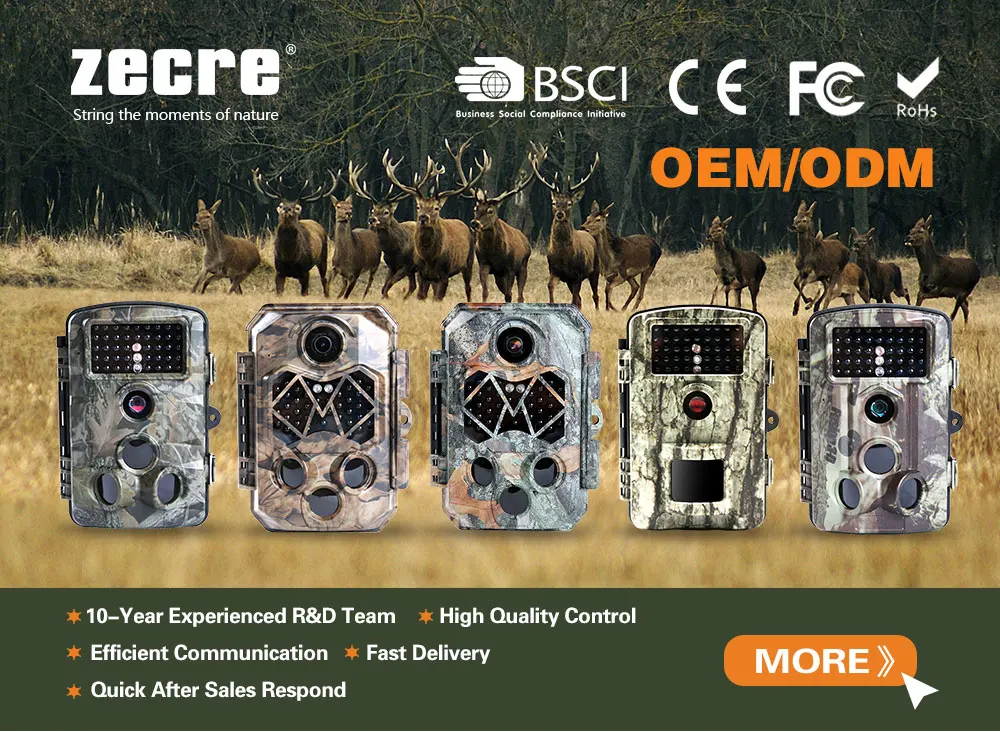
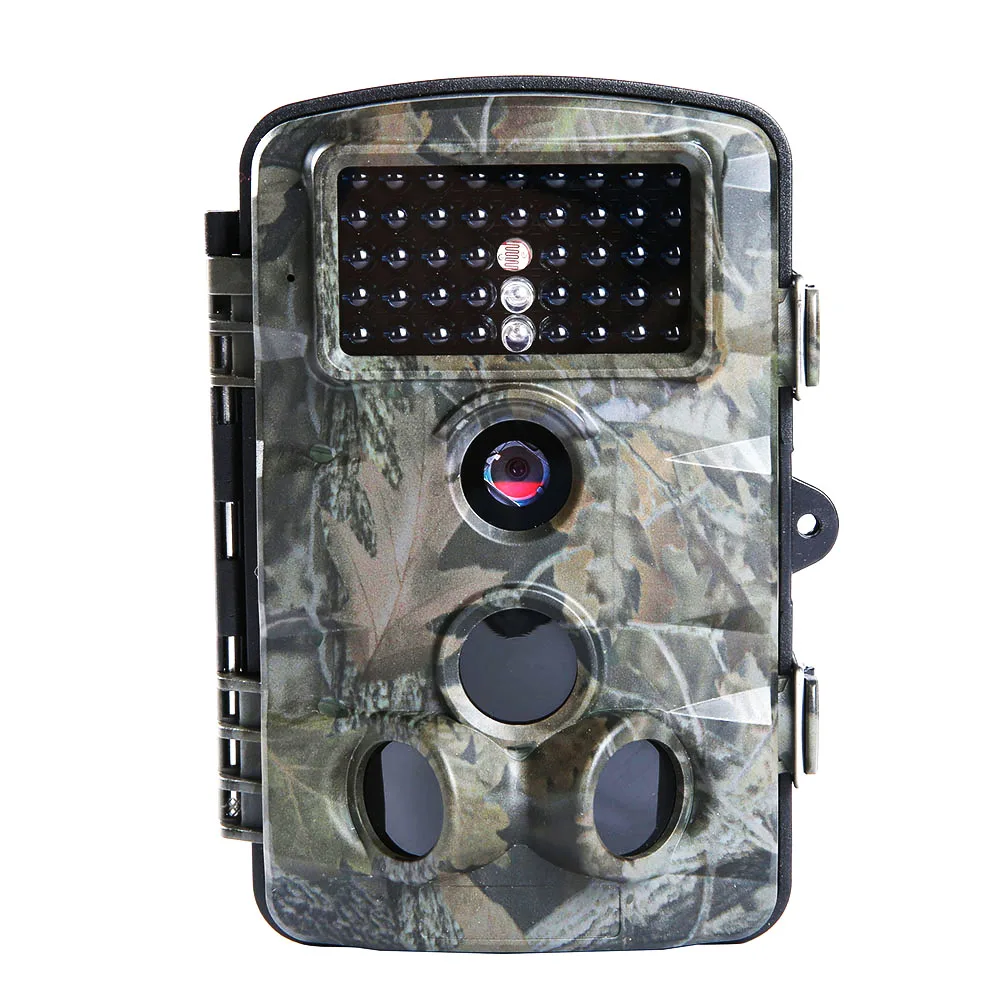
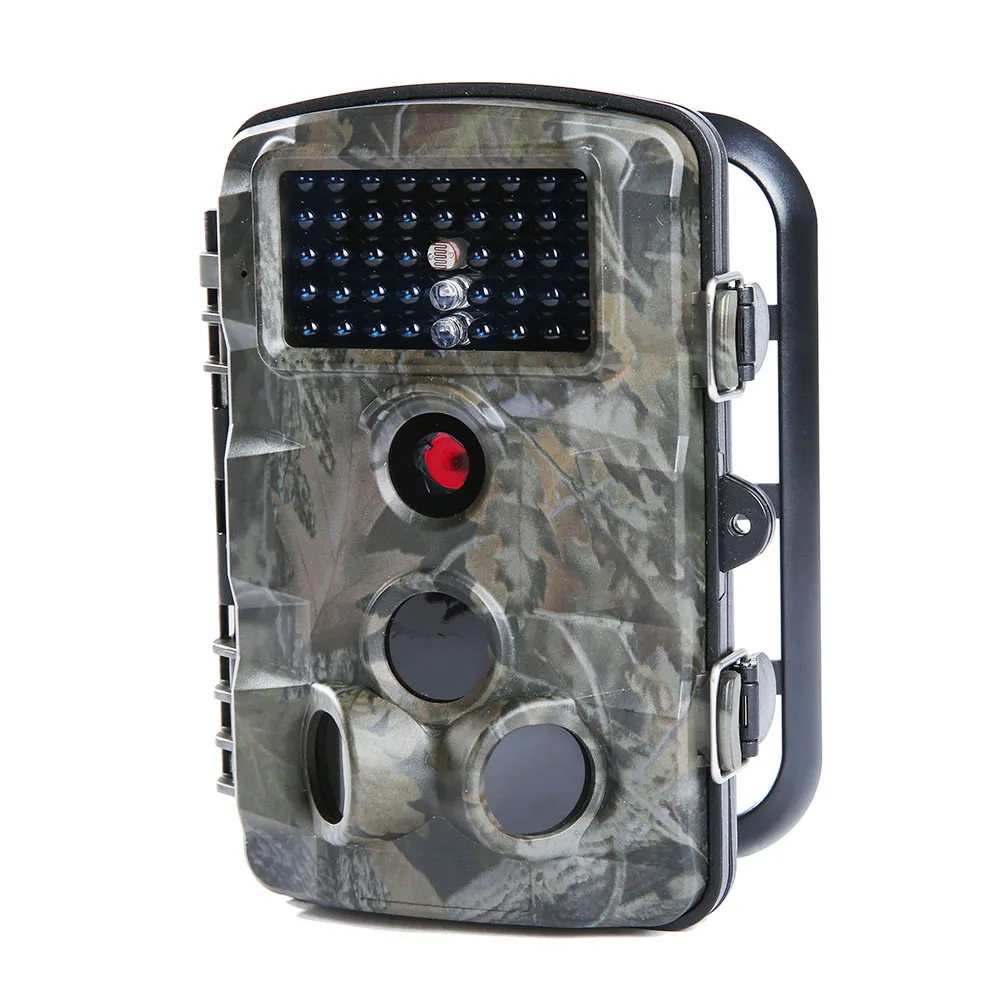
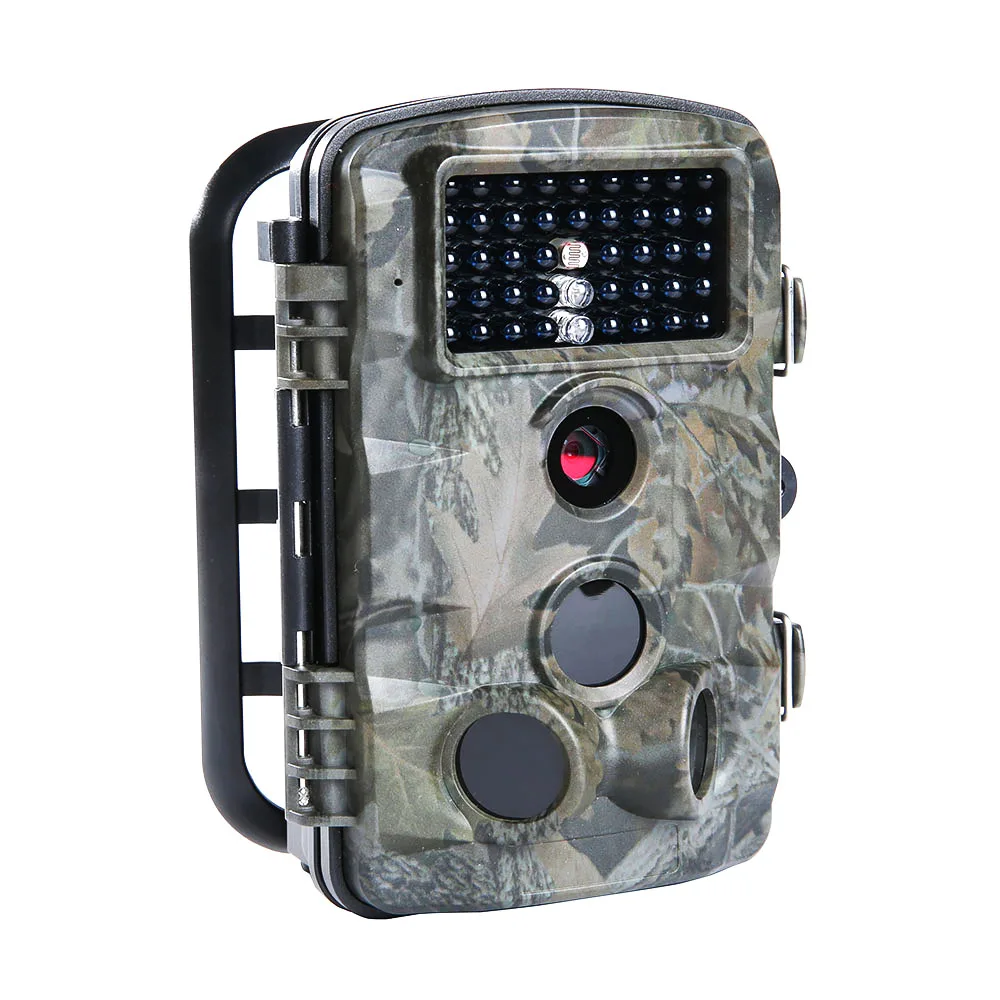
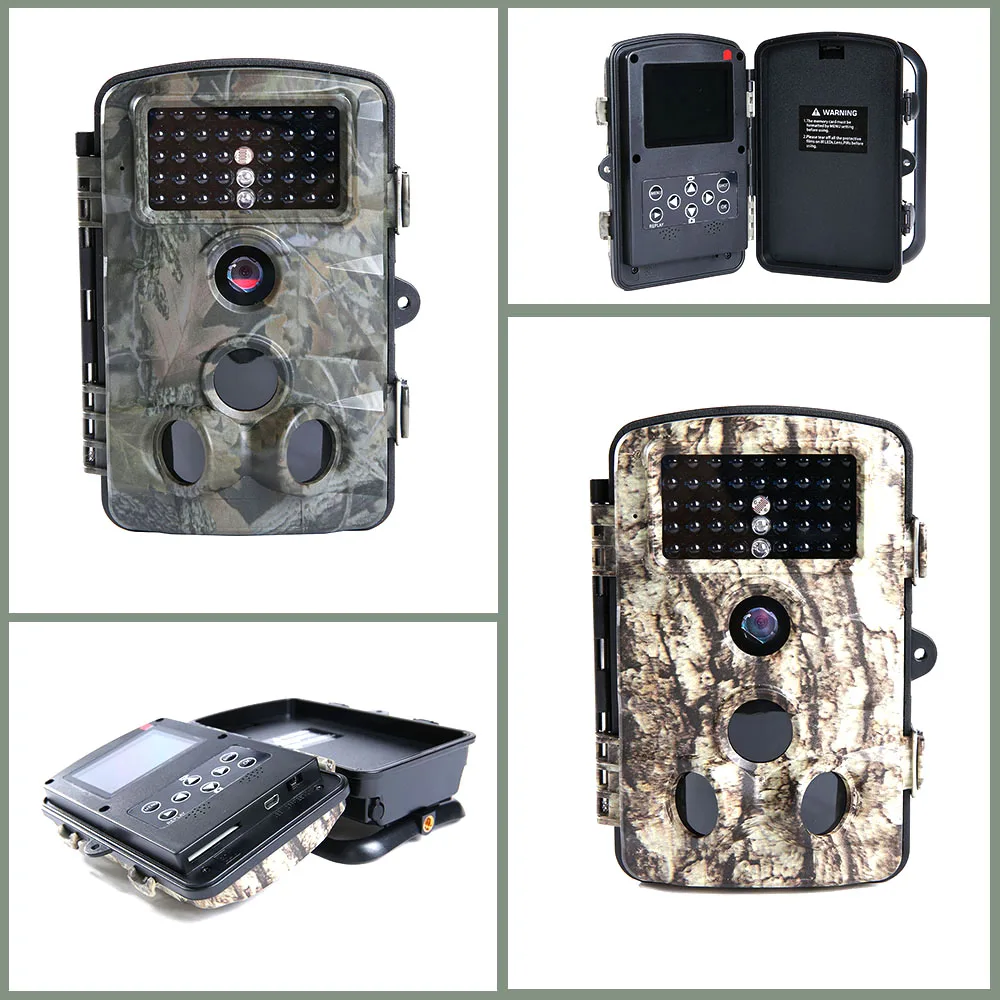
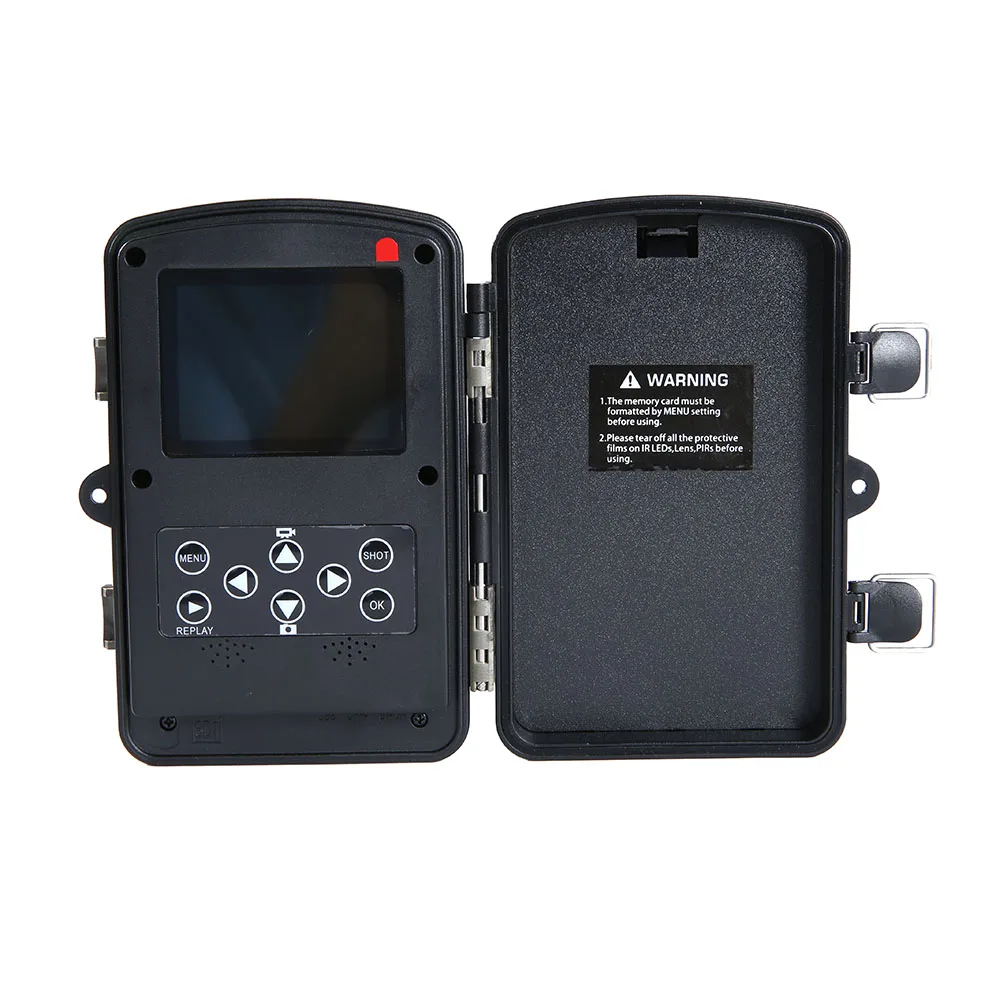
| PH730B Specifications: |
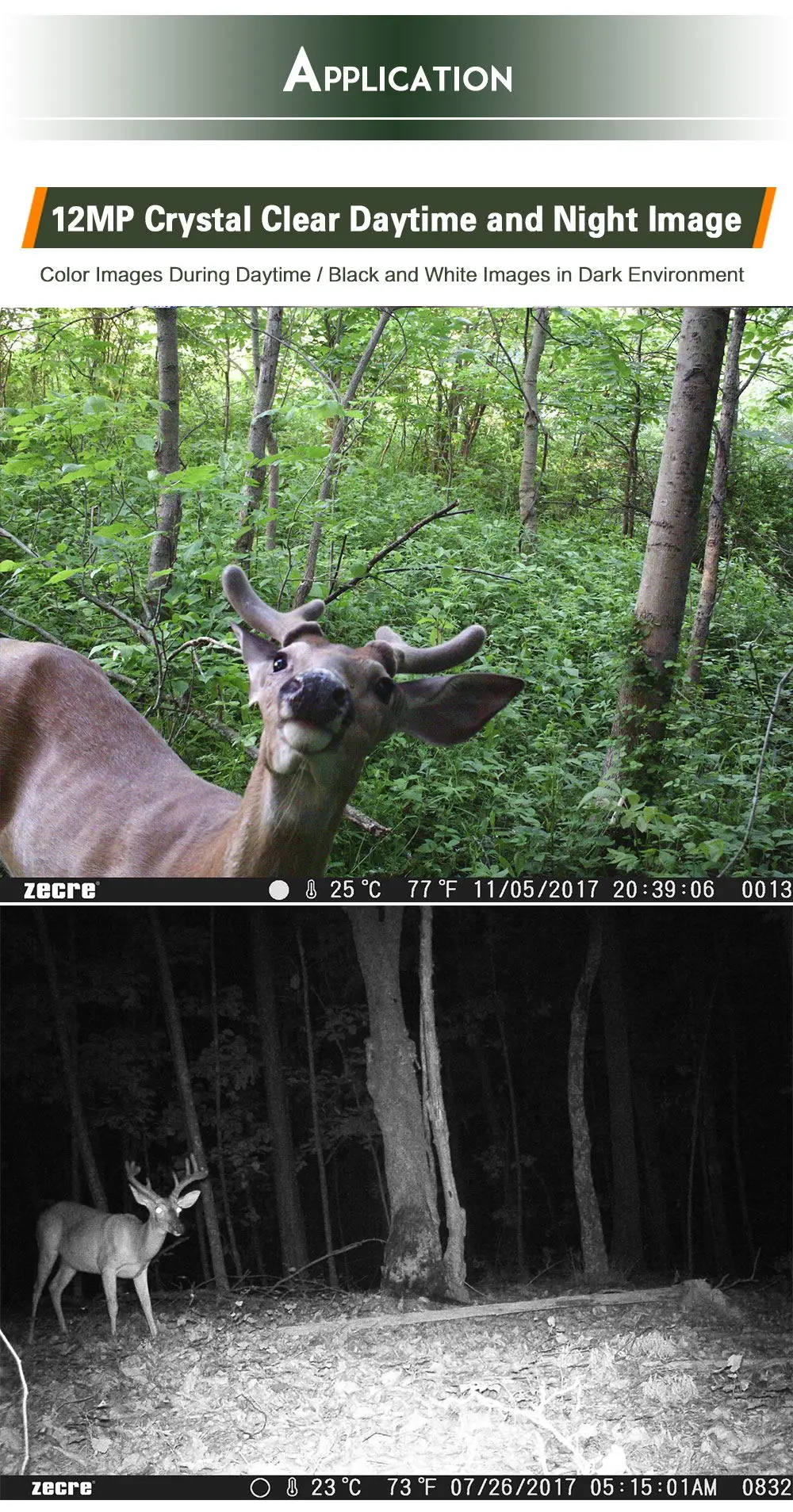
| Image sensor | 1/2.5-inch 3MP (2592*1944) CMOS |
| Photo resolution | Photo resolution : |
| 12MP |
| 8MP |
| 5MP |
| 3MP |
| Video resolution | 1080P: 1920x1080P |
| 720P: 1280x720P |
| D1: 720x480P |
| VGA: 640x480P |
| QVGA: 320x240P |
| File format | JPG/AVI(H.264) |
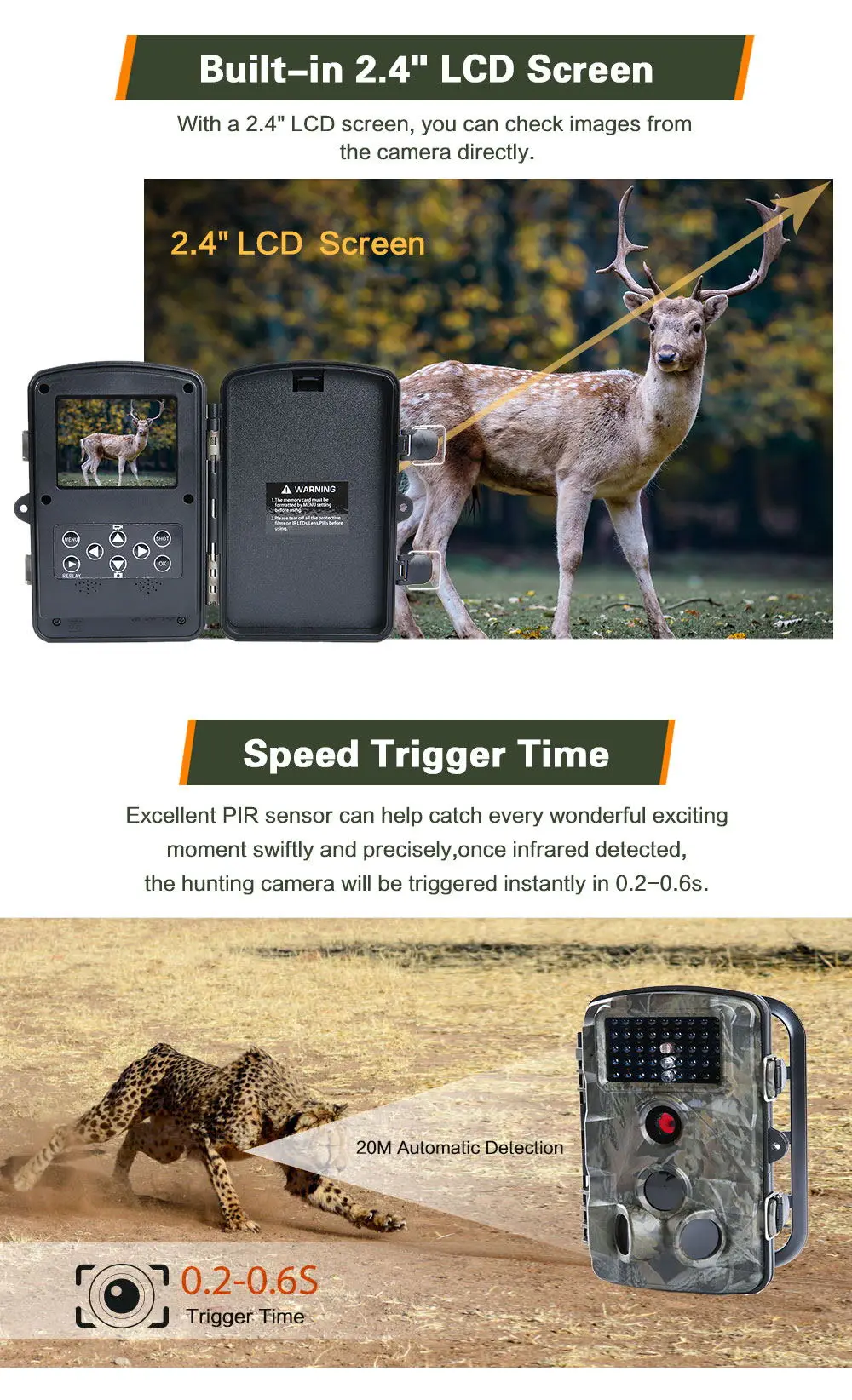
| TFT LCD Display Screen | 2.4"TFT 480(RGB)*234DOT 16M color |
| Interface | External : TV out (NTSC/PAL,Mini USB) ; Mini USB ; SD card holder (SD card up to 32G) ; 6V DC Power Jack |
| Photo series | 1 photo |
| 2 photo in series |
| 3 photo in series |
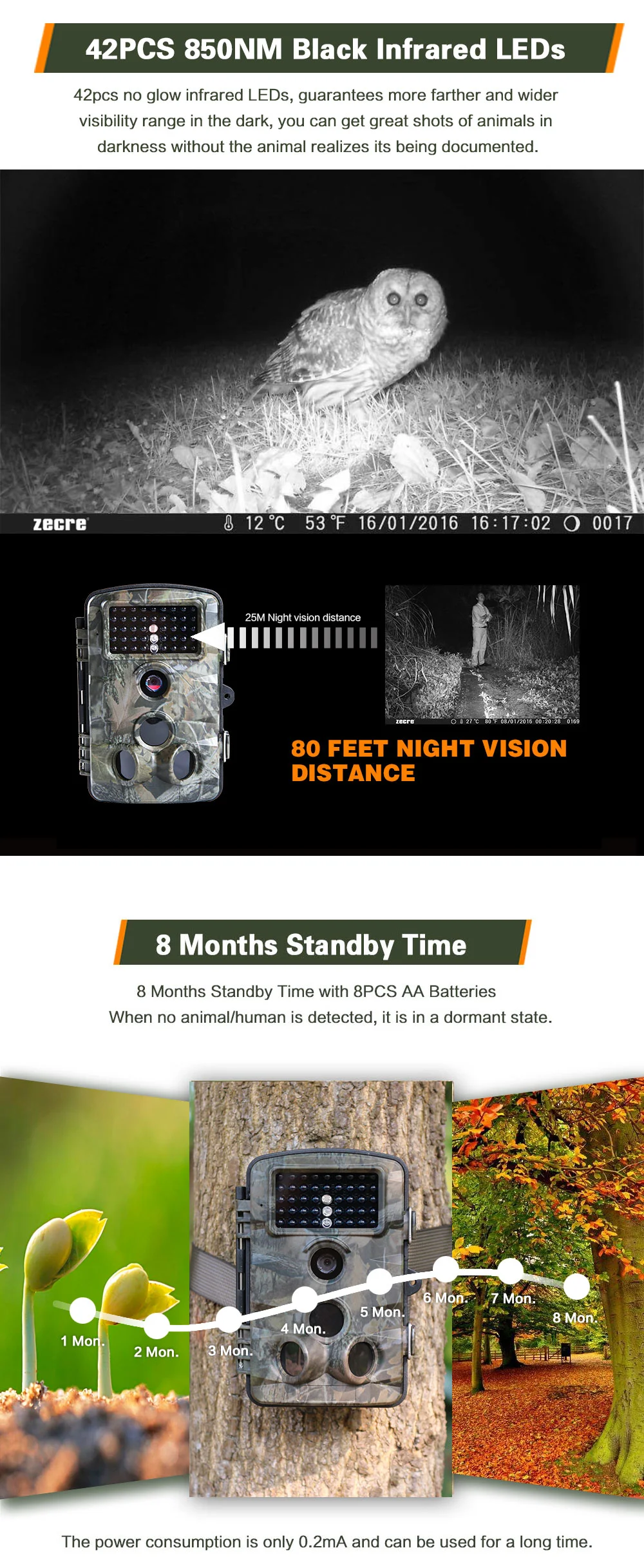
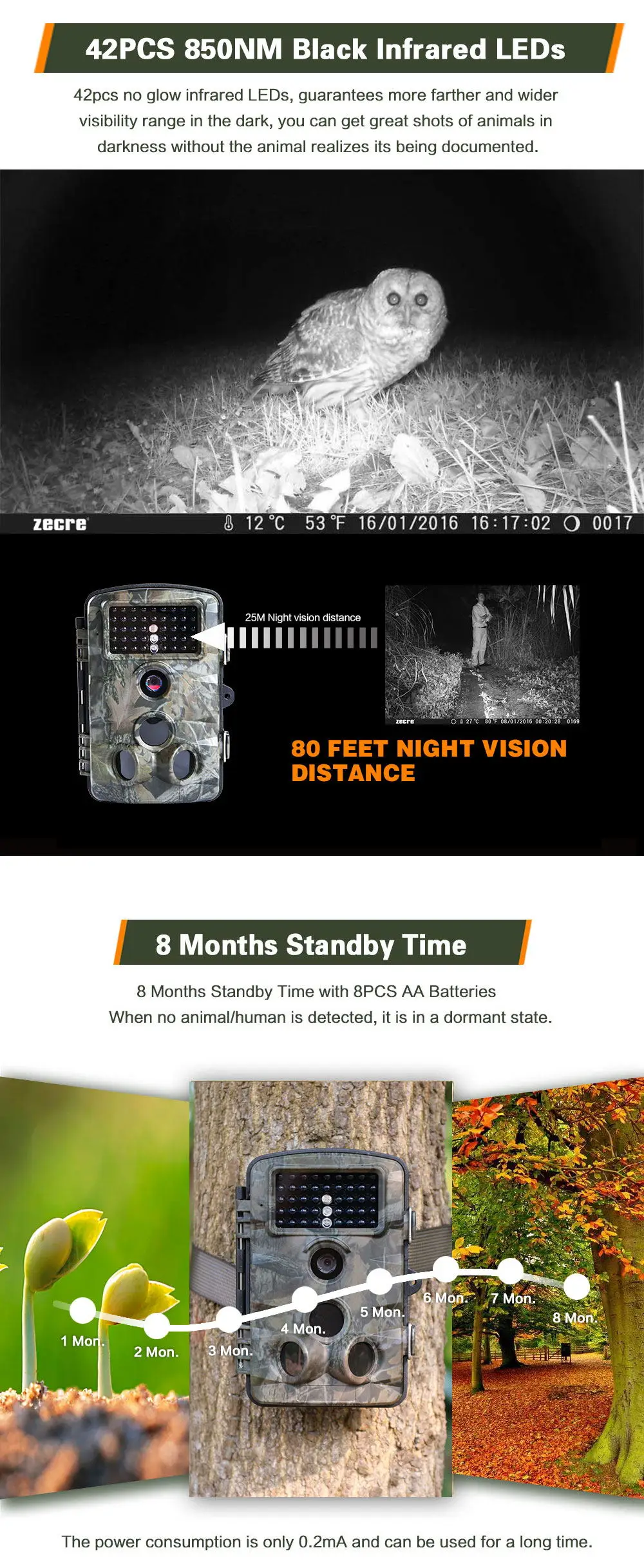
| Quantity of IR LED | 42 pieces, 850NM Black |
| Range of IR flash | 25m/80ft |
| Triggering distance | 25m/80ft |
| Prep PIR sensing angle | 120° |
| Triggering time | 0.2 - 0.6 seconds |
| Trigger interval | 5 seconds-60 minutes/programmable |
| Video length | 1s- 60s , 1m-10 minutes/programmable |
| Mode | Photo/Video/Photo&Video |
| Photo stamp | Date&Time/Date/Off |
| Time-lapse | On/off/time-lapse programmable |
| Target recording time | 0 second - 24 hours |
| Device serial no | 4 digits or 26 alphabets set by user |
| Built-in microphone/speaker | Yes |
| Auto-distinguish images | Color images in daytime/black and white night images |
| Automatic screen saver | in 2 minutes |
| Power supply | 4-8 pieces AA batteries/DC 6V -1.5A power adapter |
| Standby time | Approx 12 months |
| Lockable | Optional |
| Password protection | 4-digit numbers |
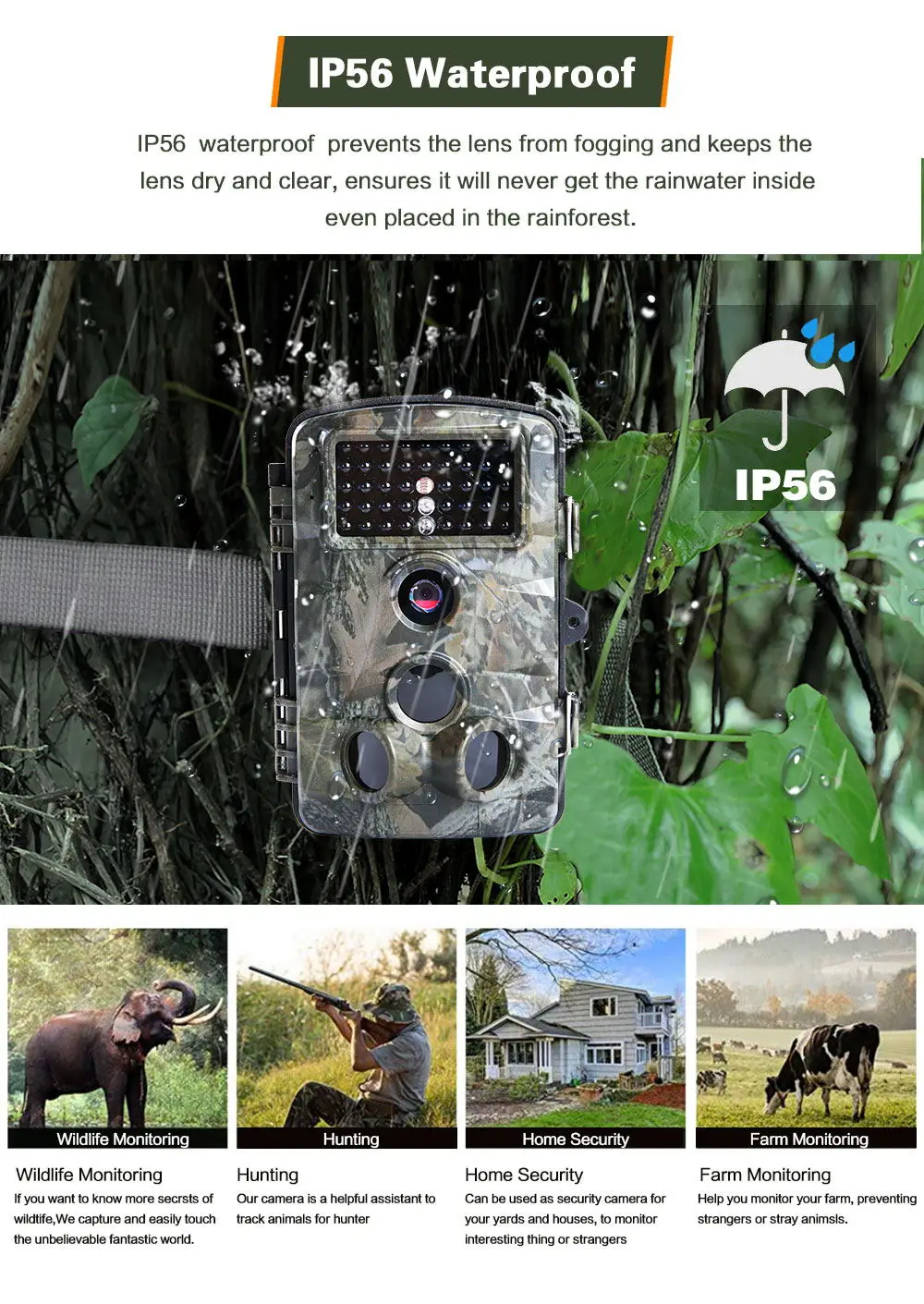
| Waterproof standard | IP66 |
| Operating temperature | -20 to 60°C |
| Operating humidity | 5%-90% |
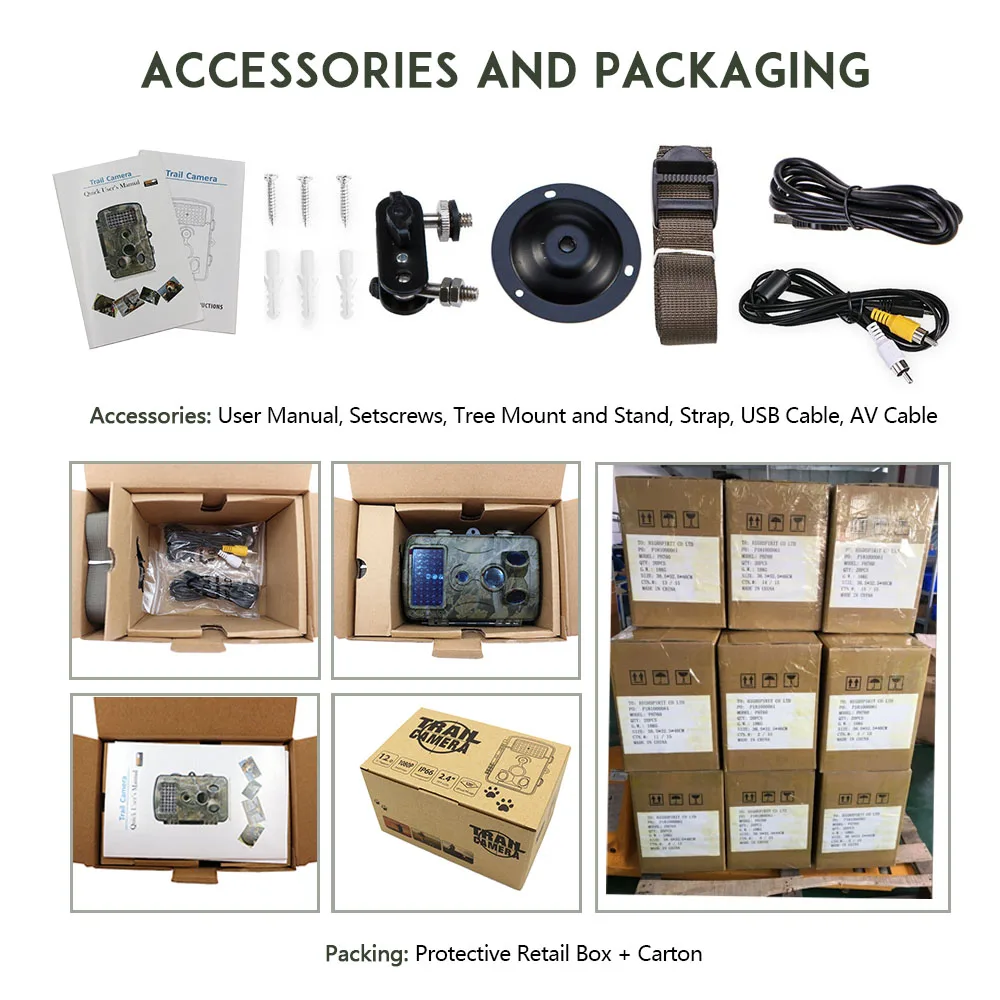
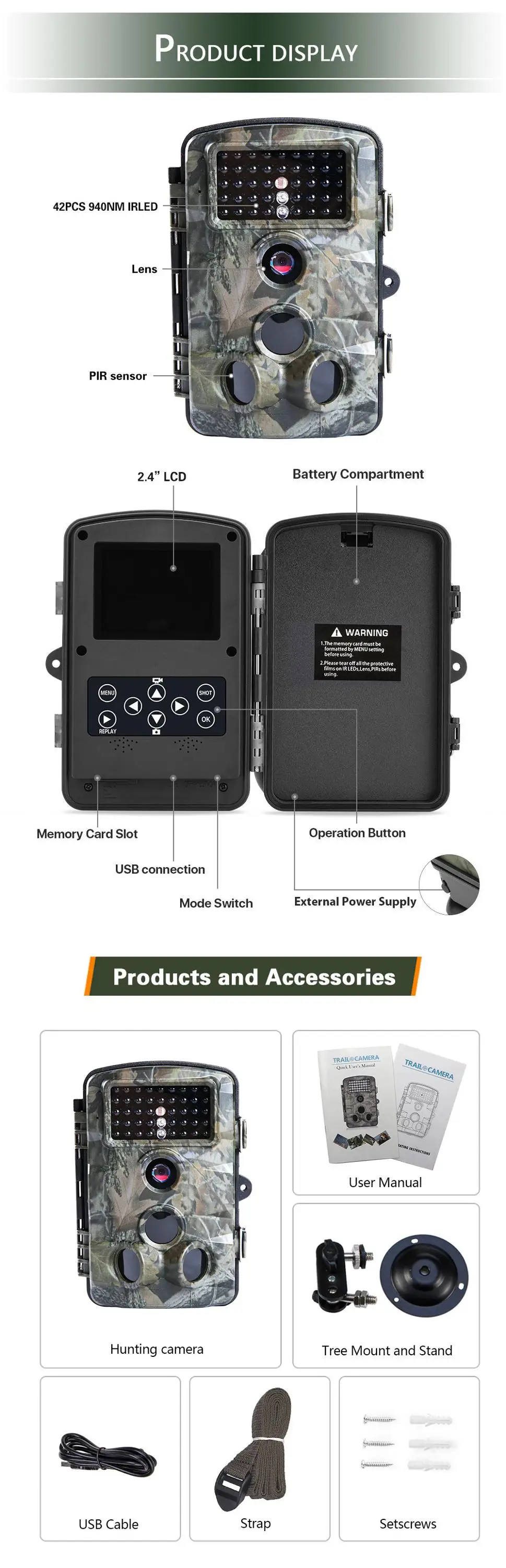
| Accessory includes | Mini USB cable, Audio&Video cable , Iron bracket, Bandage, Setscrews, User manual |
| Camera dimension | 136 x 98 x 76mm |
| Camera net weight | 270G |
| Gift box size | 180*122*104mm |
| Carton size and weight | 20PCS/CTN, 37.5*31.8*43.5cm, 14KG |
| Certificate | CE, ROHS, FCC, WEEE |



Q: When I turn it on it starts counting down from 15 and then shuts off. Why?
A: Please complete all the setting in "TEST" mode and then change it to "ON" mode for working. The LCD screen will count down from 15s and then shuts off to save the power and enter into detecting condition, during recording, no any button can work, any setting or operations must be done in "TEST" mode.
Q: The camera makes some clicking sound when it's working.
A: When the camera detect a critical point of brightness and darkness, the IR CUT will try to switch, please move the lens to a brightness or darkness, it will stop switching and making clicking sound.
Q: How can I format my SD card?
A: Please Kindly format your SD card by going to "TEST" mode, click "MENU"-"Setting"-"Format memory card".
Q: The camera won't turn on.
A: Please check the battery if it was installed properly in a correct way, if you want to test the camera, make sure the switch is on the "TEST" mode (center). Also check the battery if it is in a power conditioned.
Q: The buttons are not working.
A: Please try to switch off again the camera and turn it on again. If the problem stays, try to Reset the camera to default factory settings.
Q: It said SD card is Error.
A: Upload the SD card. Please format the SD card at the first time of use, make sure it's unlocked. Also, make sure that the SD card is new and have enough storage available.
Q: The image is not clear.
A: Please make sure that you remove the screen film protector from the factory to obtain clear images. Clean the lens with soft and dry fabrics.
Q: I did not get any good capturing results./Too many useless images
A: Please check the sensitivity of your PIR sensors, as this function may responsible about capturing methods.
Q: I can't close the inner compartment.
A: Please make sure that the closing parts has no dirt or any small things blocking on it or it was not broken.
Q: Can't recognize by the computer.
A: Make sure that cable connector is working fine, no cuts and opening to avoid malfunctions.
Q: Photos do not capture subject of interest.
A: There are the result of placing the camera in an environment where there is motion associated with tree branches creating motion or an area where there is high heat in the foreground and any motion from wind. Setting a camera up over water is also a potential cause from this issue. To remedy this situation:
1.Try moving the camera to an area that does not have any of these issue.
2.If the camera continues to take images of no interest subject, try placing the camera in an inside environment and aiming at a location where there is no motion.
3.If the camera continues to show issues, please contact our customer service.