
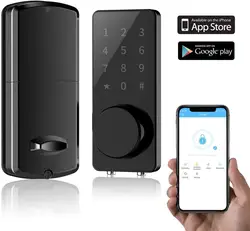

IP65 Waterproof Smart Electronic Door Lock Digital Fingerprint Smart Door Lock
- Category: Locks >>>
- Supplier: Wenzhou Roey Electricity Technology Co. Ltd.
Share on (62325043845):
Product Overview
Description
Smart Home Door Lock Touchscreen Digital Thumbprint Smart Door Lock
Product Description
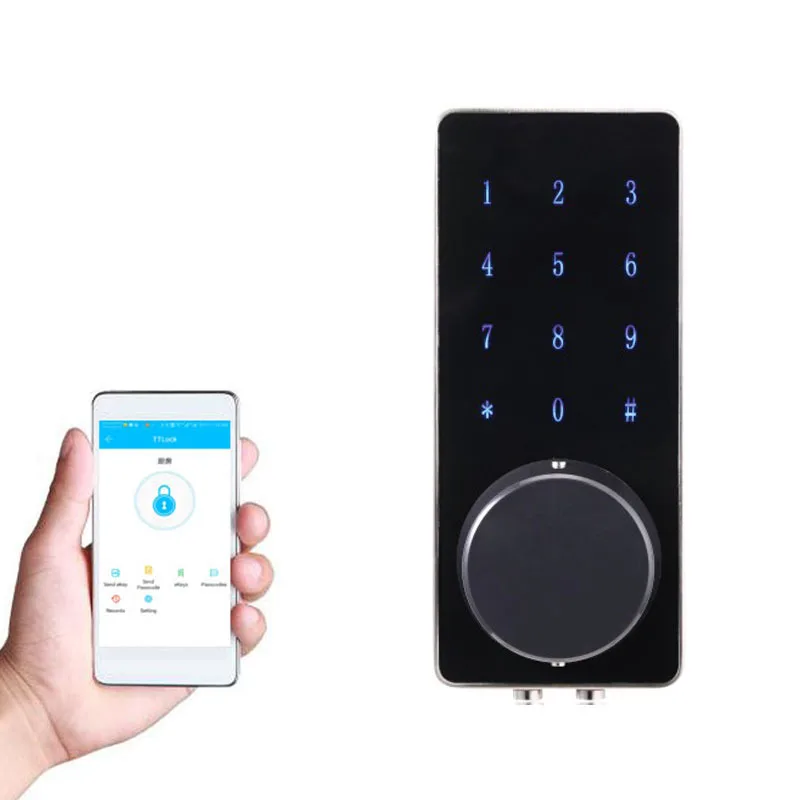
Roey Smart BlueTooth Door Lock with Touchscreen - Enhanced Security for Your Home
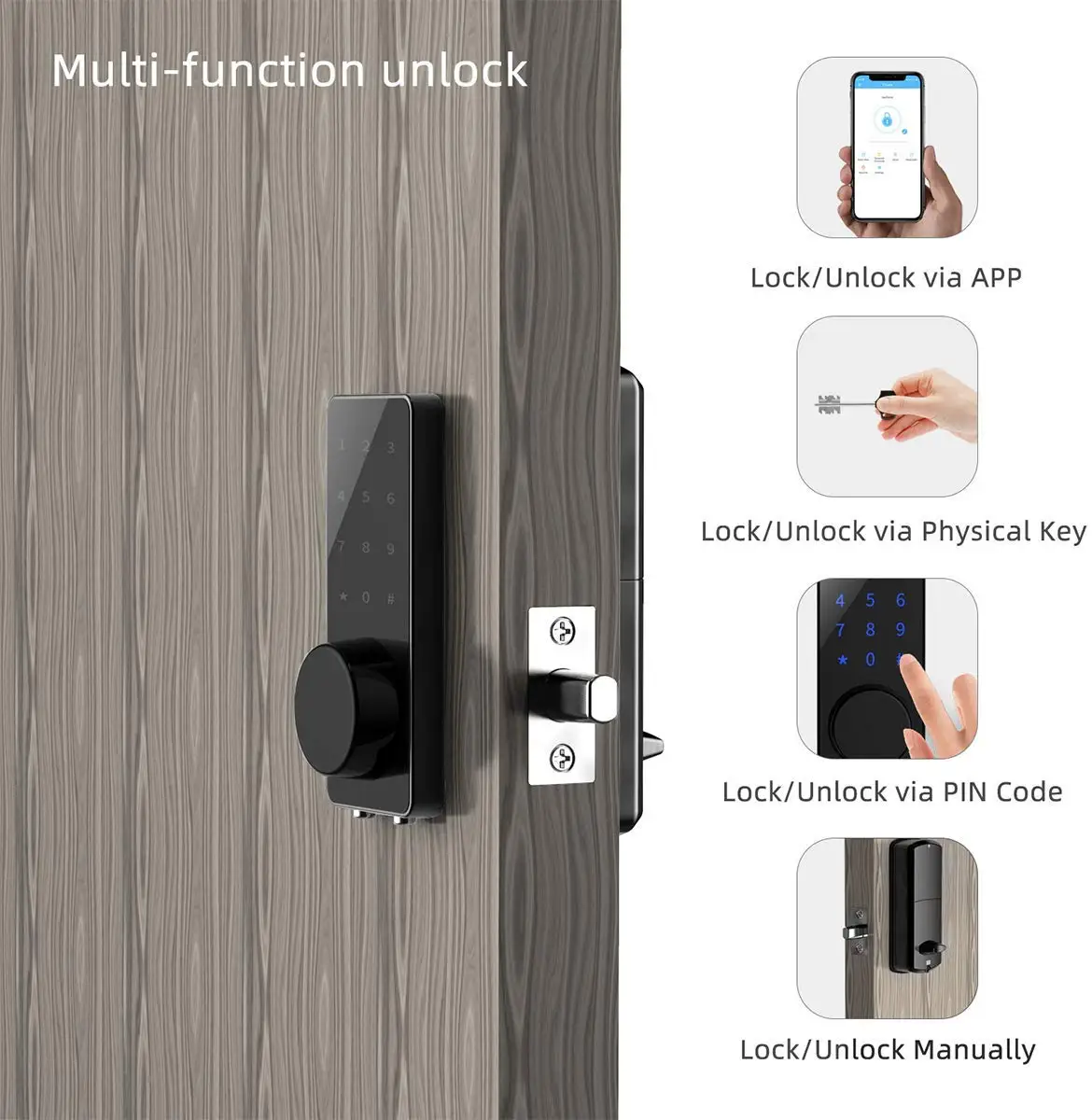
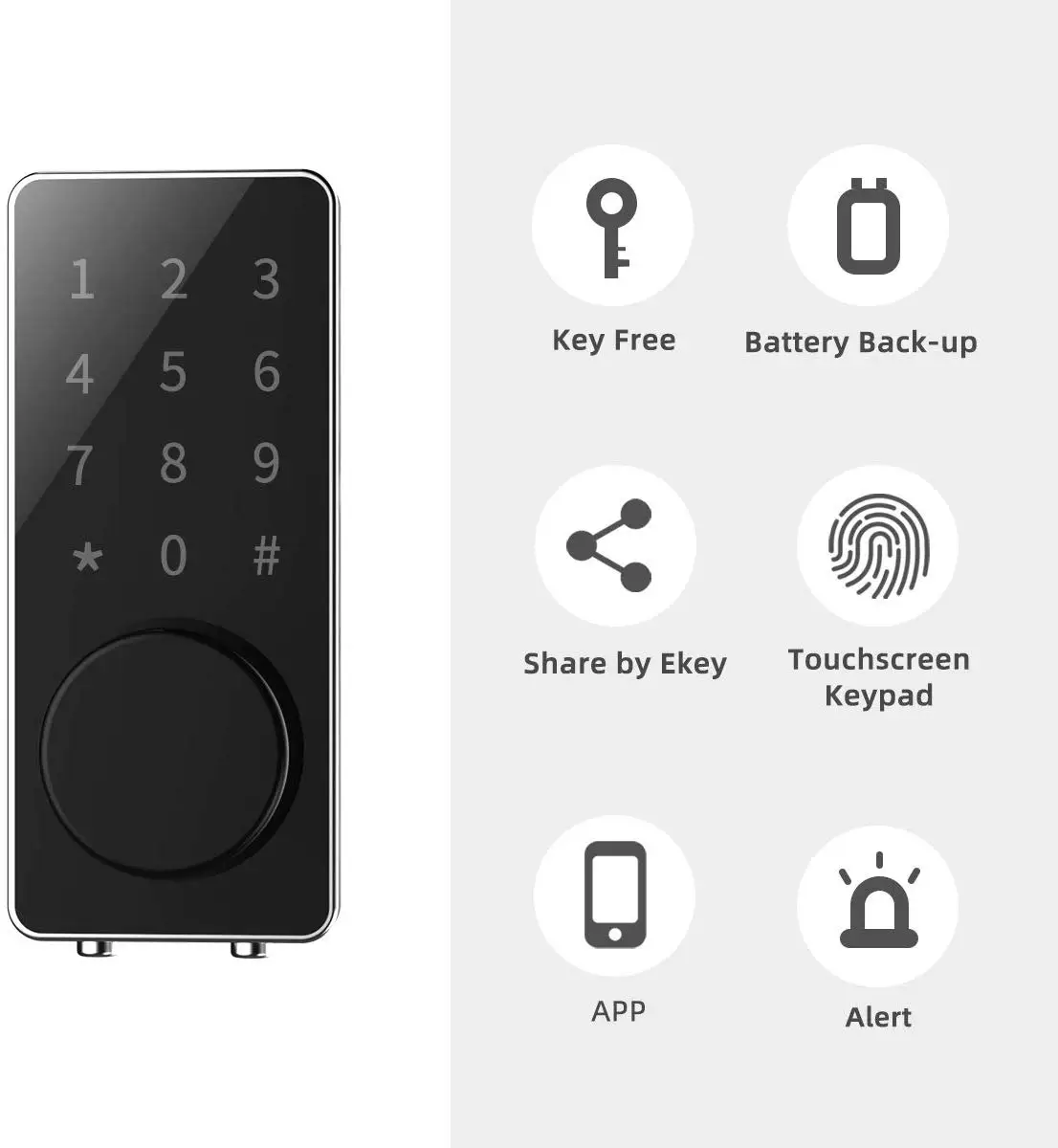
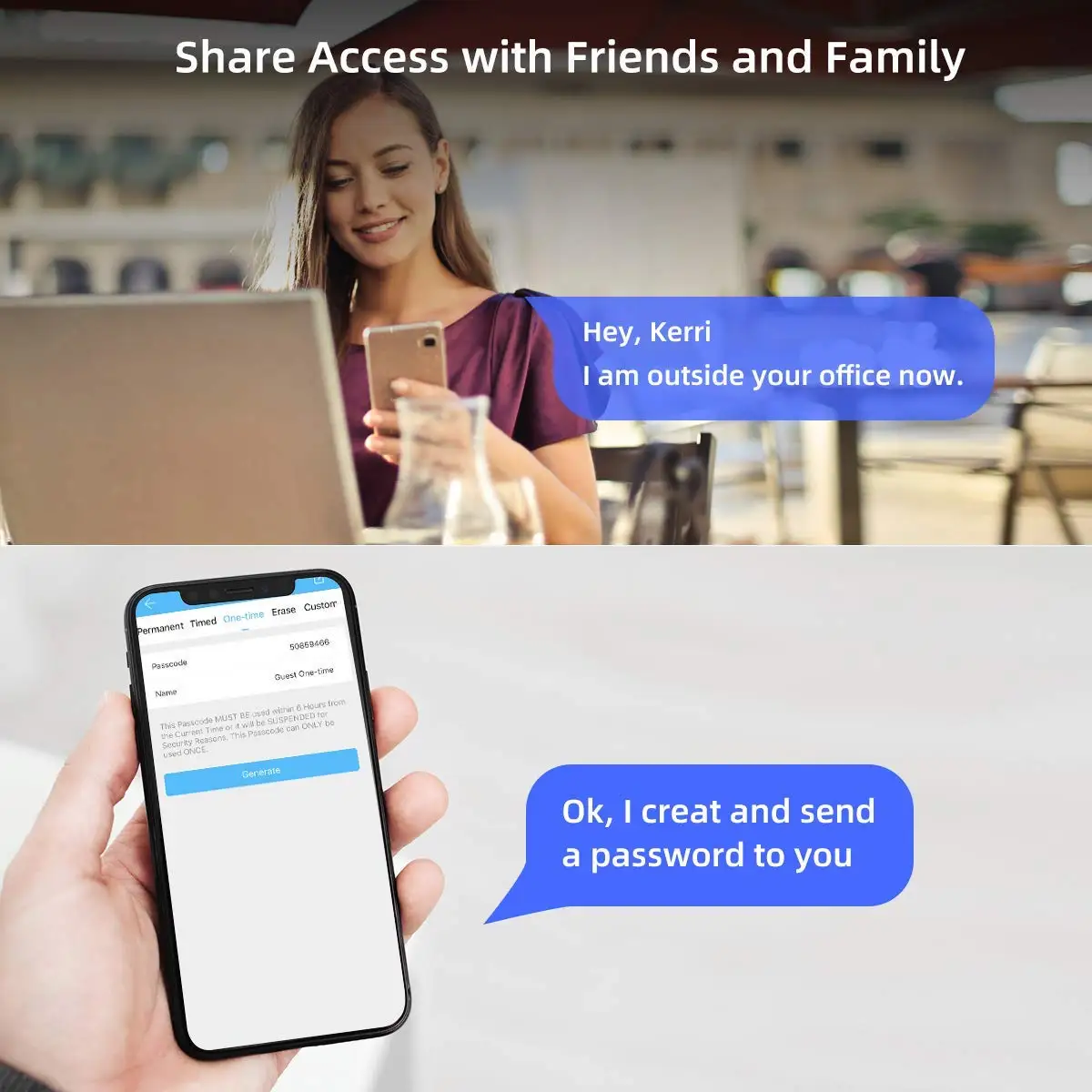
You can enjoy keyless entry with this door lock, Smart phone APP to unlock for your family, Multiple limited codes for your guest, and Mechanical key for back up.
Multiple Password Modes for different enviornment like home/hotel/apartment/office
Permanent: Set a permanent, long-term useful password, also can change it at any time.
Timed: Set up a time period. The password can be opened at any time within a specified time limit.Suitable for relatives and friends.
Cyclic: Set on a certain day of the week, the password can be opened indefinitely.
One-time: Set up one-time password, valid only within six hours.etc
With this smart lock, you don't need worry about forgetting lock your door, it will detect and auto lock your door with preset period. Also if anyone uninvited wants to break in, you can check the records and it will auto-locked after 5 times wrong password. keyless smart lever door lock brings you maximum reliable security and convenience. You will never be locked out again!
Features:
Communication mode: Bluetooth 4.0ble
Unlocking way: Bluetooth, Code, Mechanical key
Support System: Android 4.3 / IOS 7.0 above
Unlock time: ≈ 1.5 sec
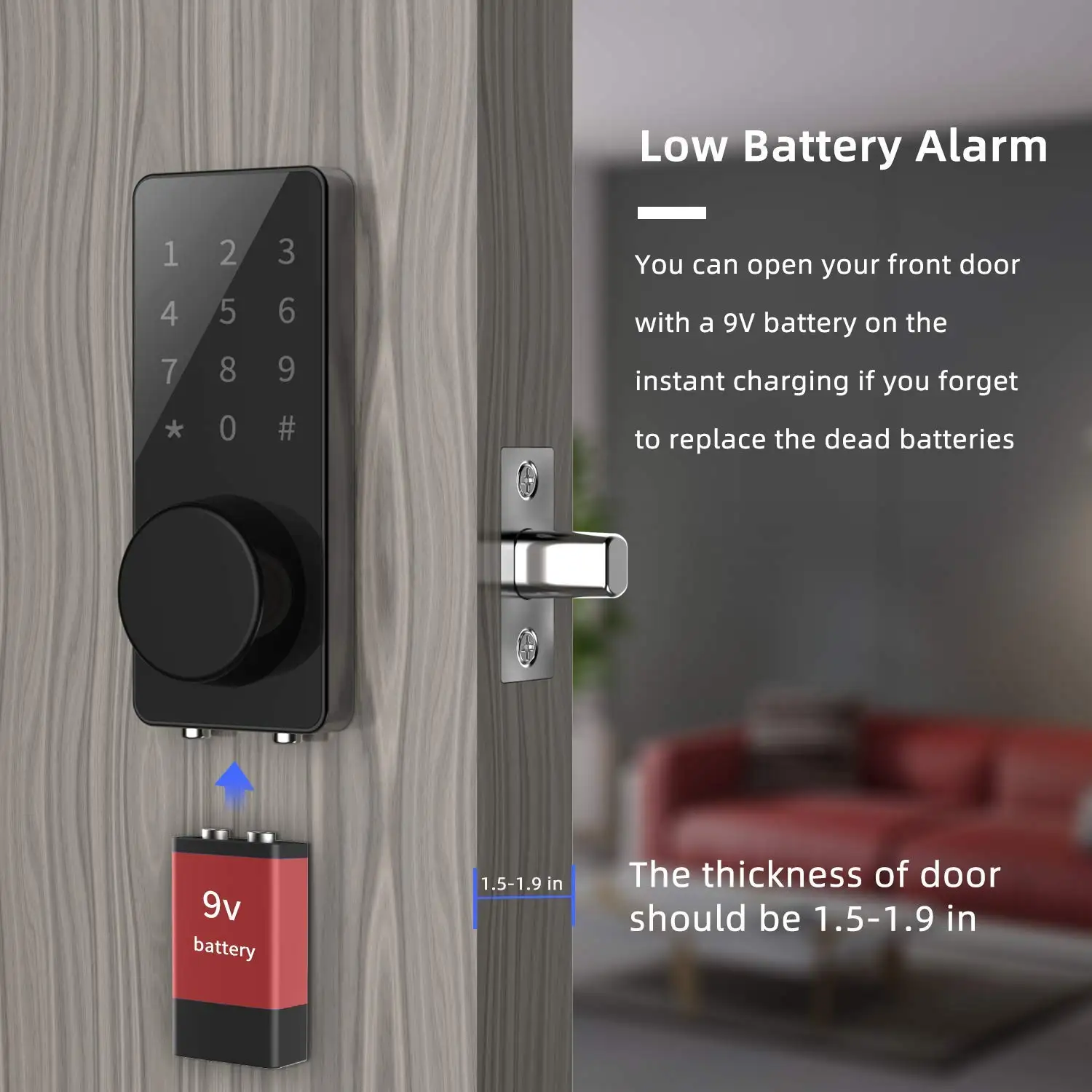
Power supply: 4pcs AA batteries(Not Included)
Static current: ≤30uA
Working current: ≤200mA
Product Overviews


Application
FAQ
Q: How to add more fingerprints?
A: Adding a fingerprint to the APP requires 6 times of 360° omnidirectional multi-touch entry on the fingerprint lock. Go to the APP's setting, follow the prompts in the screen, tap your fingerprint on the reader multi times until it is recorded successfully.
Q: How to remove fingerprints?
A: Delete directly in the app.
Q: What if the APP prompts "no device is found"?
A: Charge the padlock first, and enable your phone's Bluetooth feature. Then touch the fingerprint pad to activate the lock. The padlock indicator light will flash!
Or please download the right APP following the manual!
Q: After a rainstorm, the lock can't be opened anymore? Why?
A: For the defective, i am sorry in a rainstorm, even top apple iphone or Samsung smartphone with ip68 waterproof will be destroyed, please avoid that
We Recommend




New Arrivals
New products from manufacturers at wholesale prices







