
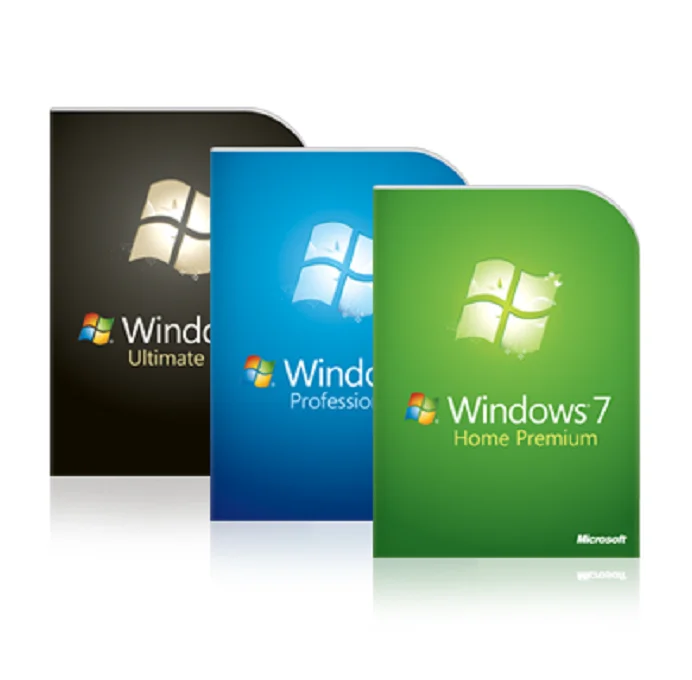
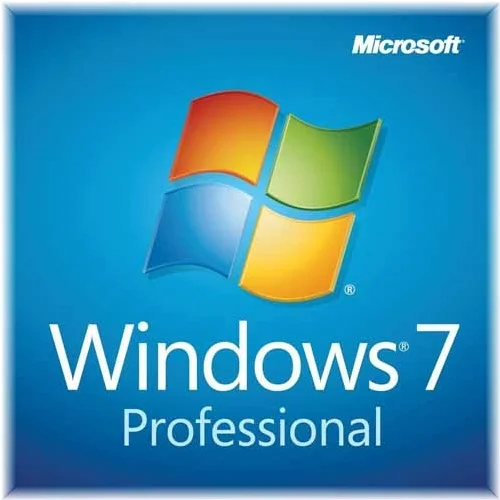
Genuine best version Windows 7 Home Premium DVD 32 /64 BIT Win7 Home OEM package Product Key Code wholesale
- Category: Software >>>
- Supplier: Shenzhen Ruixing Software Information Technology Co. Ltd.
Share on (62326001029):
Product Overview
Description
Genuine best version Windows 7 Home Premium DVD 32 BIT 64 BIT Sp1, Win7 Home OEM package Product Key Code wholesale now
Windows 7 is the most used operating system which is released in back July, 2009. If you have problem with your current running windows 7 in your system and want to repair or re install windows then you need have windows 7 product key or serial key.
Microsoft designed Windows 7 to make your PC simpler - to be more reliable, more responsive and to makethe things you do every day on your PC easier.
Open files and documents in just two clicks.Find virtually anything on your PC just by typing a word or two.
Home Group makes it easy to create a home network and share all of your favorite photos, videos, and music.
Enjoy the music, videos, photos and recorded TV stored on your home PC while travelling. All editions of Windows XP and Windows Vista qualify you to upgrade.
Everything you need for work and home With Windows 7 Professional, you'll be able to run many Windows XP productivity programs in Windows XP mode and recover your data easily with automatic back-ups to your home or business network. You'll be able to connect to company networks easily and more securely with Domain Join. And with entertainment features like Windows Media Center, it's great for home as well as for business.
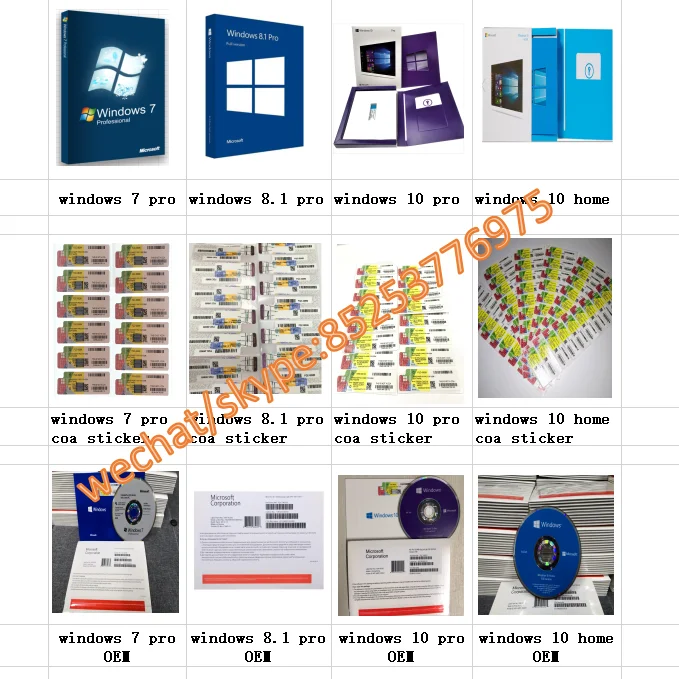
All kinds of windows key COA product now:
Win7 pro coa/sticker
Win7 pro home coa sticker
win8.1 pro coa/sticker
win10 pro coa/sticker:
Win10 pro home coa sticker
Windows 7 Home Premium vs. Windows 7 Professional
What are the differences between Windows 7 Home Premium and Windows 7 Professional?
People often ask us which version of Windows they should purchase for their new PC build. Generally speaking Windows 7 Home Premium Edition has everything that most end users would need for normal day-to-day usage of their PC. There is no use in paying extra for Windows 7 Professional Edition if the added features will be of no benefit to you. Here is a list of the major differences between Windows 7 Home Premium and Windows 7 Professional.
How to upgrade your netbook to windows 7 home premium?
Would you like more features and flash in Windows on your netbook? Here’s how you can easily upgrade your netbook to Windows 7 Home Premium the easy way.
Most new netbooks today ship with Windows 7 Starter, which is the cheapest edition of Windows 7. It is fine for many computing tasks, and will run all your favorite programs great, but it lacks many customization, multimedia, and business features found in higher editions. Here we’ll show you how you can quickly upgrade your netbook to more full-featured edition of Windows 7 using Windows Anytime Upgrade. Also, if you want to upgrade your laptop or desktop to another edition of Windows 7, say Professional, you can follow these same steps to upgrade it, too.
Please note: This is only for computers already running Windows 7. If your netbook is running XP or Vista, you will have to run a traditional upgrade to install Windows 7.
Upgrade Advisor
First, let’s make sure your netbook can support the extra features, such as Aero Glass, in Windows 7 Home Premium. Most modern netbooks that ship with Windows 7 Starter can run the advanced features in Windows 7 Home Premium, but let’s check just in case. Download the Windows 7 Upgrade Advisor (link below), and install as normal.
Once it’s installed, run it and click Start Check.
Windows Anytime Upgrade lets you upgrade using product key you already have or one you purchase during the upgrade process. And, it installs without any downloads or Windows disks, so it works great even for netbooks without DVD drives.
Anytime Upgrades are cheaper than a standard upgrade, and for a limited time, select retailers in the US are offering Anytime Upgrades to Windows 7 Home Premium for only $49.99 if purchased with a new netbook. If you already have a netbook running Windows 7 Starter, you can either purchase an Anytime Upgrade package at a retail store or purchase a key online during the upgrade process for $79.95. Or, if you have a standard Windows 7 product key (full or upgrade), you can use it in Anytime upgrade. This is especially nice if you can purchase Windows 7 cheaper through your school, university, or office.
Purchase an upgrade online
To purchase an upgrade online, click “Go online to choose the edition of Windows 7 that’s best for you”.
With Windows 7 Professional, fewer walls stand between you and your success. You can run many Windows XP productivity programs in Windows XP Mode and recover data easily with automatic backups to your home or business network. You can also connect to company networks effortlessly and more securely with Domain Join. With all the exciting entertainment features of Windows Home Premium, it's a great choice for home and for business. Need to use multiple languages on your PC or help protect your data with enhanced BitLocker security? Get Windows 7 Ultimate.
Microsoft Windows 7 Pro
| License type | COA License (sticker) |
| License quantity | 1 user(s)/machine |
| License duration | Lifetime |
| Minimum hard disk space | 20 GB |
| Minimum RAM | 2 GB |
| Minimum processor speed | 1 GHz |
| Architecture | 64-Bit |
| Language version | English (Language Interface Packs available after install) |
| Media type | DVD |
Click the link to the right for full package "Retail" Windows that includes Microsoft Product Support | Windows 7 Home Premium | Windows 7 Professional | Windows 7 Ultimate |
| Make the things you do every day easier with improved desktop navigation. | |||
| Start programs faster and more easily, and quickly find the documents you use most often. | |||
| Make your web experience faster, easier and safer than ever with Internet Explorer 8. | |||
| Watch, pause, rewind, and record TV on your PC. | |||
| Easily create a home network and connect your PCs to a printer with HomeGroup. | |||
| Run many Windows XP productivity programs in Windows XP Mode. | |||
| Connect to company networks easily and more securely with Domain Join. | |||
| In addition to full-system Backup and Restore found in all editions, you can back up to a home or business network. | |||
| Help protect data on your PC and portable storage devices against loss or theft with BitLocker. |
Windows XP Mode requires :
Additional 1GB of RAM. Additional 15GB of available disk space. Processor capable of hardware virtualization,
with Intel-VT turned on Product functionality and graphics may vary based on your system configuration
Product Description
Includes :
1. 32 and 64 two laser anti-counterfeit DVD discs,optical display Windows7 and Microsoft logo
2. A COA label
3. Windows7 Quick Start Guide
4. Microsoft software license terms and conditions
5. Product key affixed to the packaging the inside


Any interest ,pls contact me
Amy
skpye:live:572426422
Our Services
Experienced staffs answer all your questions in fluent English.
For the package, the Customized requirement is available, OEM&ODM are welcome.
Special discount and protection of sales area provided to our distributor.
We Recommend



New Arrivals
New products from manufacturers at wholesale prices







