
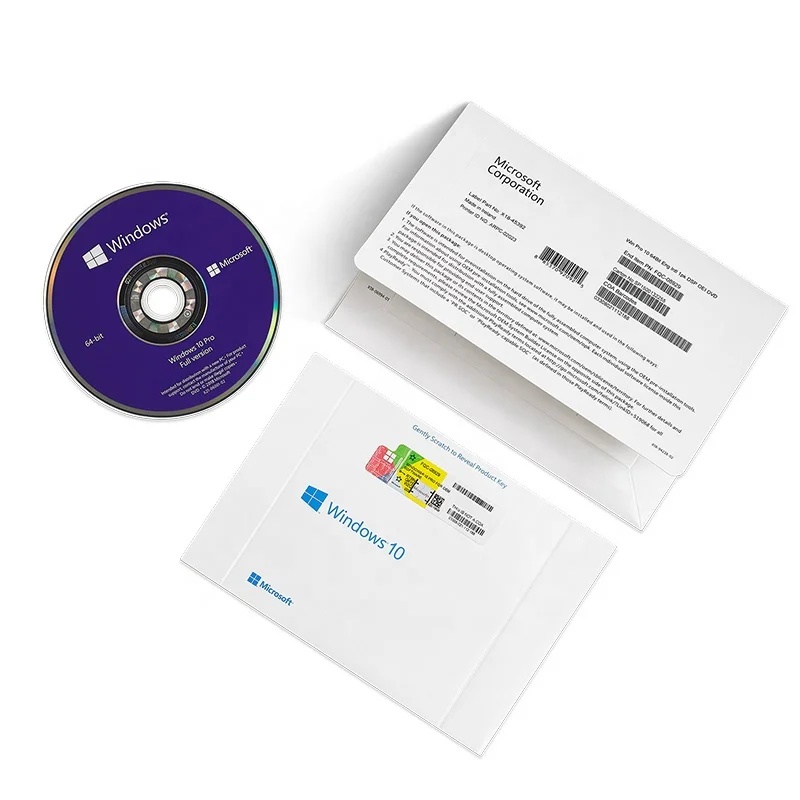
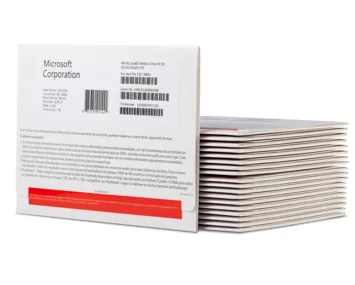
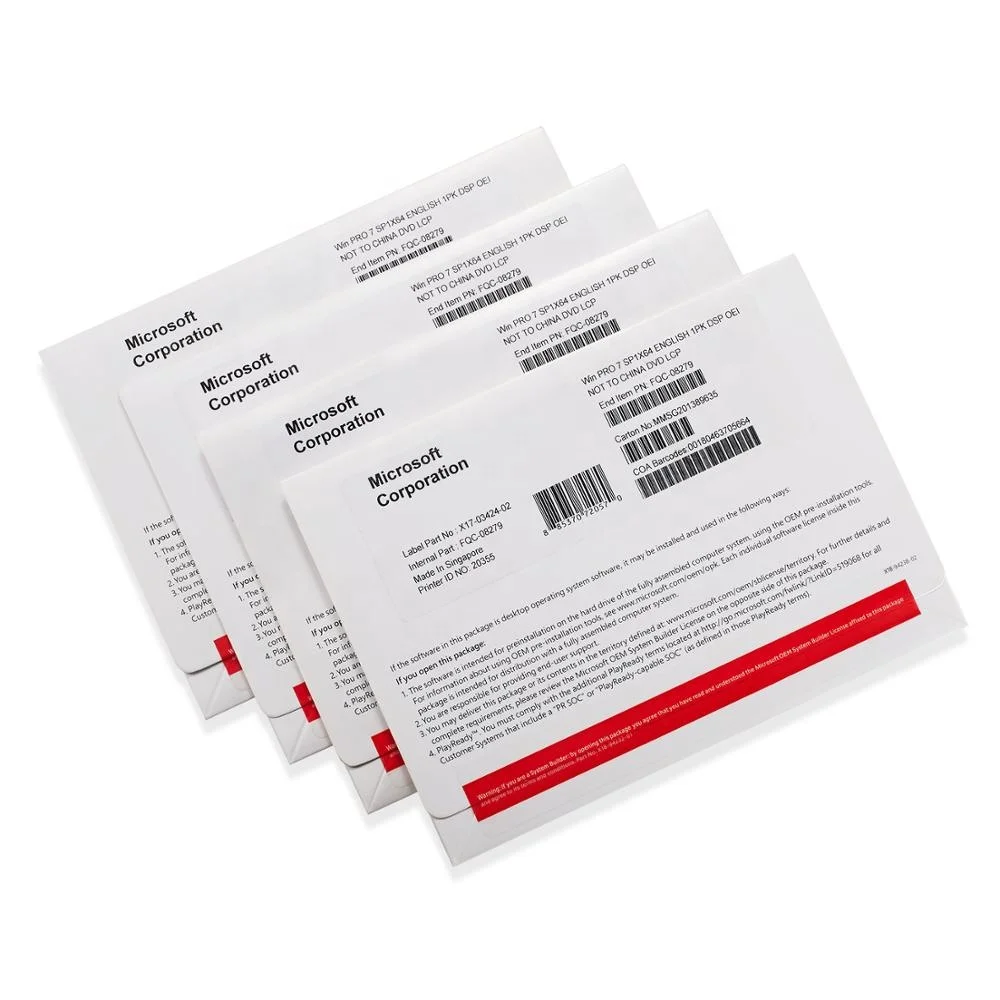
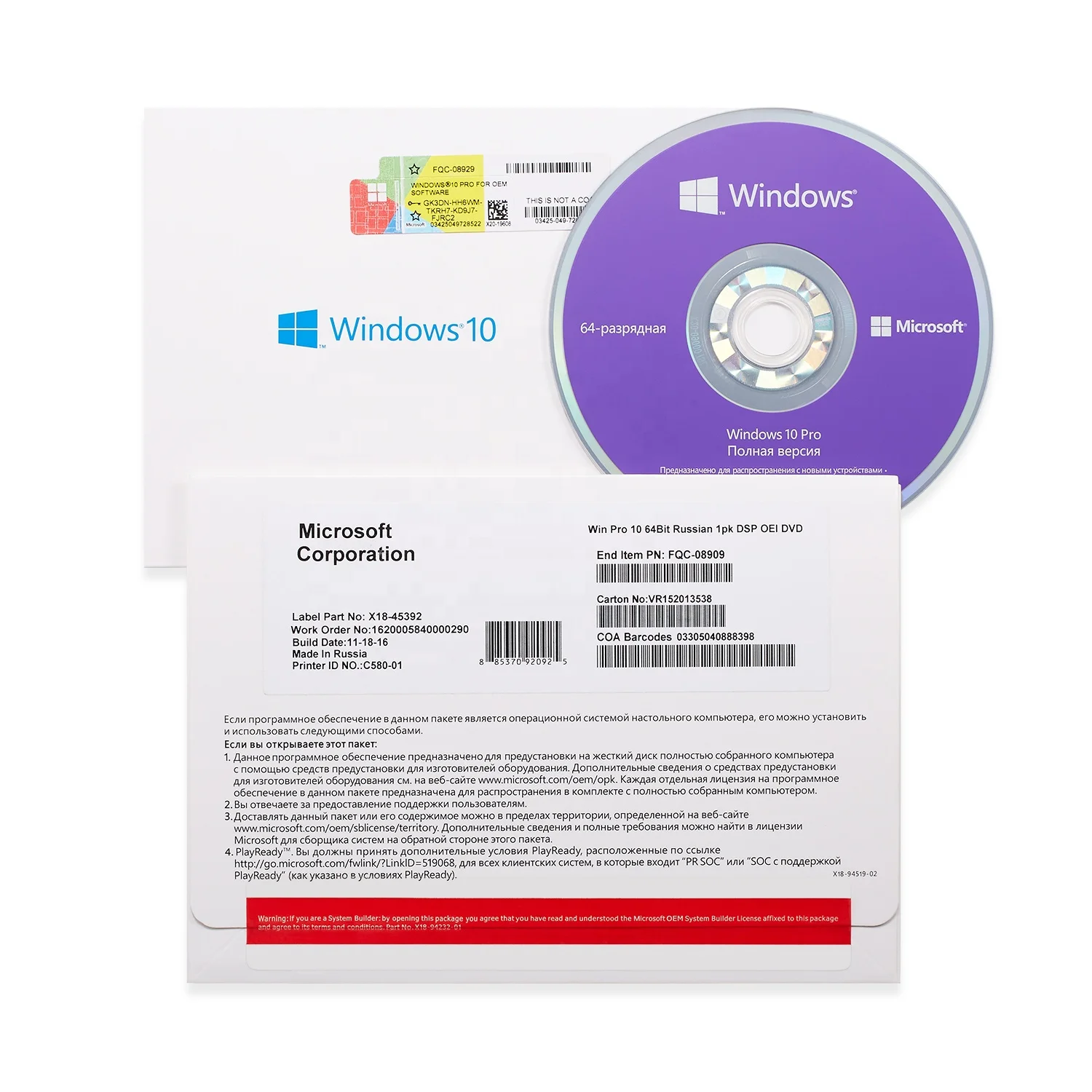
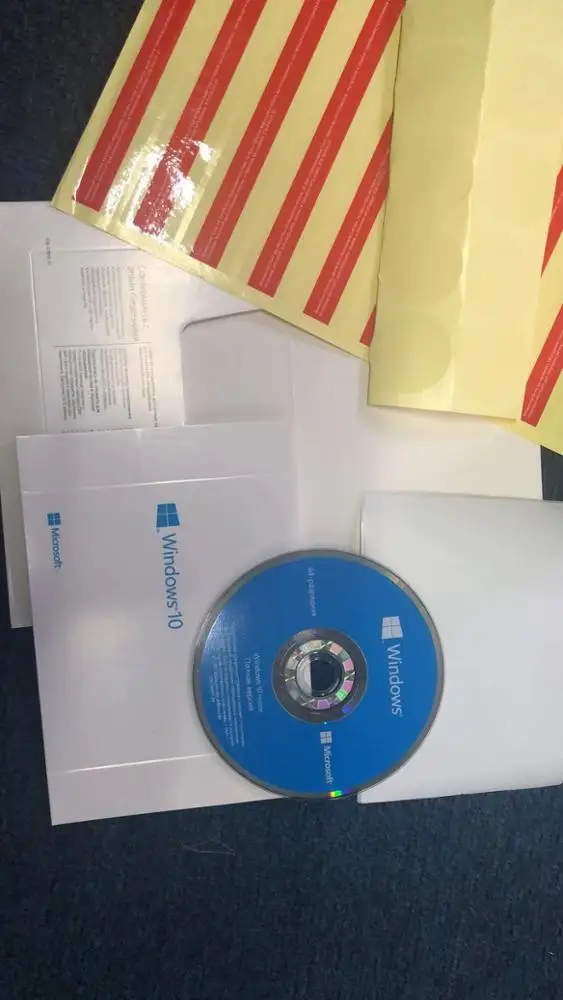
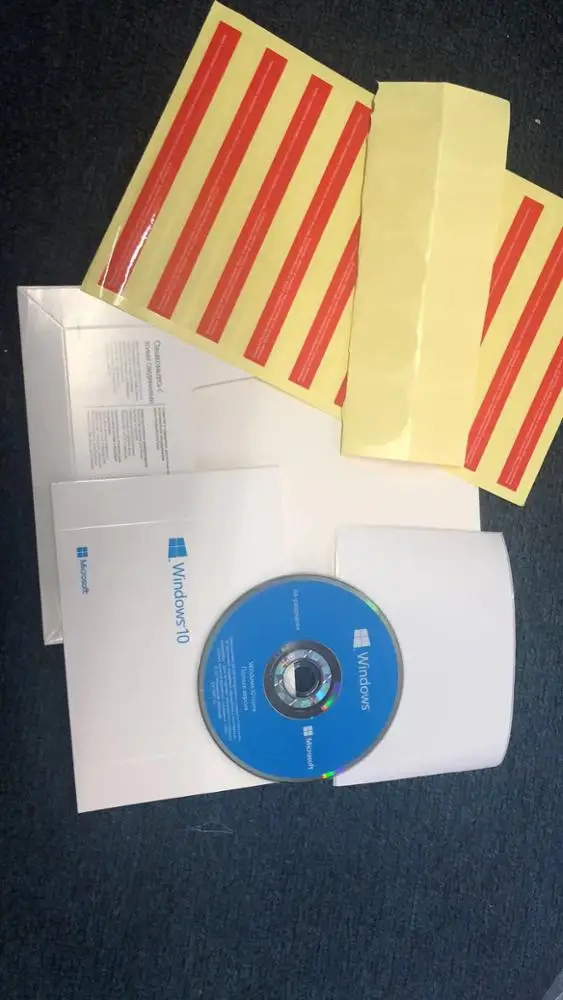
Original Russian Language FPP OEM key Win 10 home oem russian dvd pack kw9 00132 Computer hardware software
- Category: Software >>>
- Supplier: Shenzhen Ruixing Software Information Technology Co. Ltd.
Share on (62344826474):
Product Overview
Description
Product Description
Original Russian Language FPP OEM key Win 10 home oem russian dvd pack kw9-00132 Computer hardware software
| Name | Windows 10 Home - Full Version (32 & 64-bit) |
| Bit Version | 32-bit/64-bit |
| Version | Home |
| System Requirements | 1 GHz processor or faster 1 GB RAM for 32-bit; 2 GB for 64-bit Up to 20 GB available hard disk space 800 x 600 screen resolution or higher DirectX 9 graphics processor with WDDM driver Internet access (fees may apply) Microsoft account required for some features Watching DVDs requires separate playback software |
| Packaging | Retail |
Description
Combining the best features of Windows 8 with the strength of Windows 7, Windows 10 Home is familiar and easy to use, but is more powerful, versatile, and better at keeping you connected to what matters in your life.
Make the Web Your Own
With the power of Microsoft's new Edge web browser and Windows 10, you can draw, annotate and scribble all over the internet. Designed to be responsive and streamlined, Microsoft Edge focuses in on the content that's important to you. To keep your browsing simple, Edge even has a hub that keeps track of your favourite sites, stored PDFs and downloads all in one place.
Multi-Task Efficiency
With Windows 10, you can optimise your work or play by easily managing multiple programs and apps. Windows 10 allows you to snap up to four items on your screen at once so you can easily view and edit them at the same time. You can also create additional desktops and switch between them to better manage your tasks.
Experience New Ways to Play
Connect your Xbox One and computer in all new ways with Windows 10. You can record and upload your gameplay online, and play with your friends or compete against players using consoles. In your home, you can even stream your games from Xbox One and play them on any Windows 10 PC.
Super-Power Your Smartphone
Windows 10 allows you to connect your Windows 10 phone to a monitor, mouse and keyboard so you can use your device as if it were a PC. Accessing files on all your devices is easy through the 15GB of Microsoft OneDrive*, and cross-platform apps and programs ensure every Windows 10 device feels as comfortable as the last.
Personalise Your Experience
The Start Menu is back so you can easily access your most important items. Windows 10 still retains the Live Tiles of Windows 8 so you can customise and view what matters to you most. The all new Windows Store also provides access to a range of new free and paid content such as apps, games, films, music and TV for download. You can also have all your questions answered by Cortana, Windows 10's personal voice assistant.
Security Conscious
Through the power of Windows Hello, Windows 10 will recognise your presence and unlock your device, even providing a friendly greeting. No longer do you have to remember a log in password, yet Windows remains as secure as ever with automatic updates.
Windows 10 Home vs Windows 10 Pro: What do they have in common?
For the majority of users the differences between Windows 10 Home and Pro will be negligible, as both provide pretty much everything they need for everyday computing. The main differences affect business users.
All versions of Windows 10 come with Cortana, Microsoft’s virtual assistant, that can make calendar entries, take dictation, open applications and local files, search the web, and give directions, all from voice commands on your PC. This feature could become quite key in the future, as Microsoft has recently announced the upcoming release of Cortana apps for Android and iOS phones, alongside the full integration it enjoys on Windows Phone. You can read here how to use Cortana in Windows 10.
The Microsoft Edge browser is also available on both versions. This break from Internet Explorer is an interesting one, and Edge certainly has enough features to make it a worthy adversary to Chrome, Firefox, and Opera. The new offering comes complete with a stripped down Reading Mode to declutter articles online, an Instapaper/Pocket style Reading List for saving articles you don’t have time to read there and then, plus the ability to annotate and share web pages. For more information check out our guide for how to use Edge browser in Windows 10
As Windows continues its voyage into a touch compatible future, Microsoft has made some significant adjustments to the user interface on both Home and Pro. Gone is the overbearing and oft confusing Windows 8 touch-first layout, replaced instead with a modern take on the Windows 7 desktop. This doesn’t mean touch has been left behind; instead Windows can now detect the type of hardware you are using and offer the appropriate interface. This feature is called Continuum and should make the new Windows far more attractive to the majority of users, most of whom don’t own a touchscreen laptop or Windows tablet.
A welcome addition to Windows 10 is a fully integrated version of Virtual Desktops. This feature has been around in past iterations of Windows, but always required additional software to get it going. Now you'll be able to create different workspaces on your PC very easily thanks to a new Task View option. You can also drag and drop open applications onto different desktops, making the whole process smooth, fast, and simple. To learn more about this helpful feature read our How to Use Virtual Desktops in Windows 10 guide.
The other main upgrade to Windows that can be found of both Home and Pro is that of universal apps. This idea is a simple one, in which any universal app you buy from the Windows Store will work on any of your devices, be they PC, tablet, phone, or even the Xbox One. You can read our How to Use Universal App in Windows 10 for more details on how these new apps really work.
Windows 10 Home vs Pro, Which Windows Is Right For You?
Windows 10 Home and Pro are finally here and they are full of great features. Windows 10 Home includes a return of the Start Menu, Cortana, Battery Saver Mode, Device Encryption, Virtualization, Microsoft Edge, and much more. A great choice for your PC at home.
Windows 10 Pro includes all the functionality of Windows 10 Home plus additional business and security features. Windows 10 Pro comes with Group Policy Management, the ability to join a Domain, Bitlocker, Remote Desktop, and Microsoft Passport. An ideal choice If you are running a small to medium sized business or if you are looking for advanced security
Packaging & Shipping

Our Services
What we have:

We Recommend



New Arrivals
New products from manufacturers at wholesale prices







