GROW G16 Password Fingerprint Cabinet Drawer Lock For Home Office
- Category: Locks >>>
- Supplier: Hangzhou Grow Technology Co. Ltd.
Share on (62389699522):
Product Overview
Description
Product Description

Description
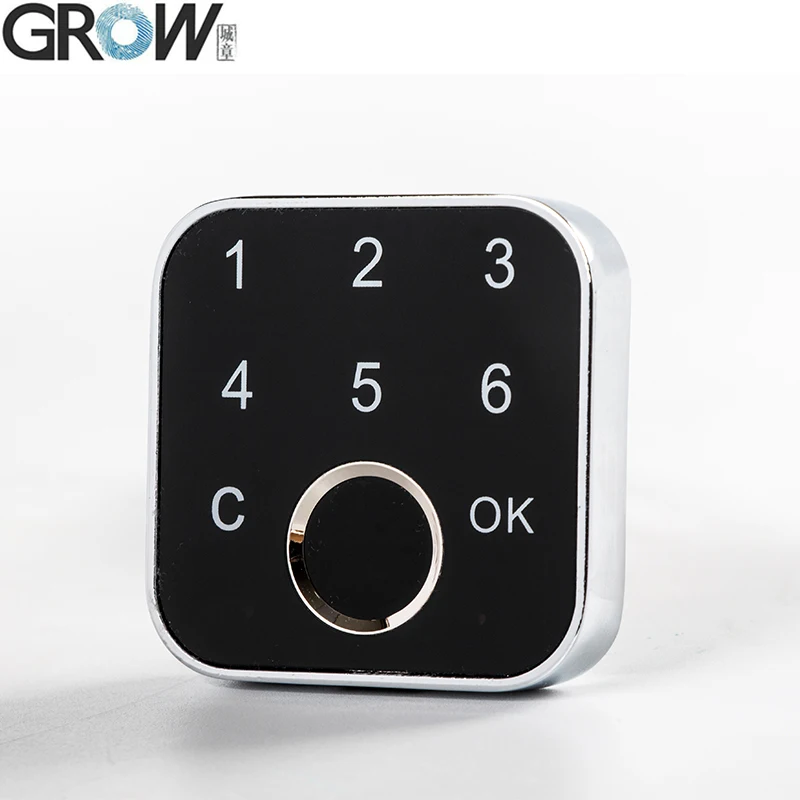
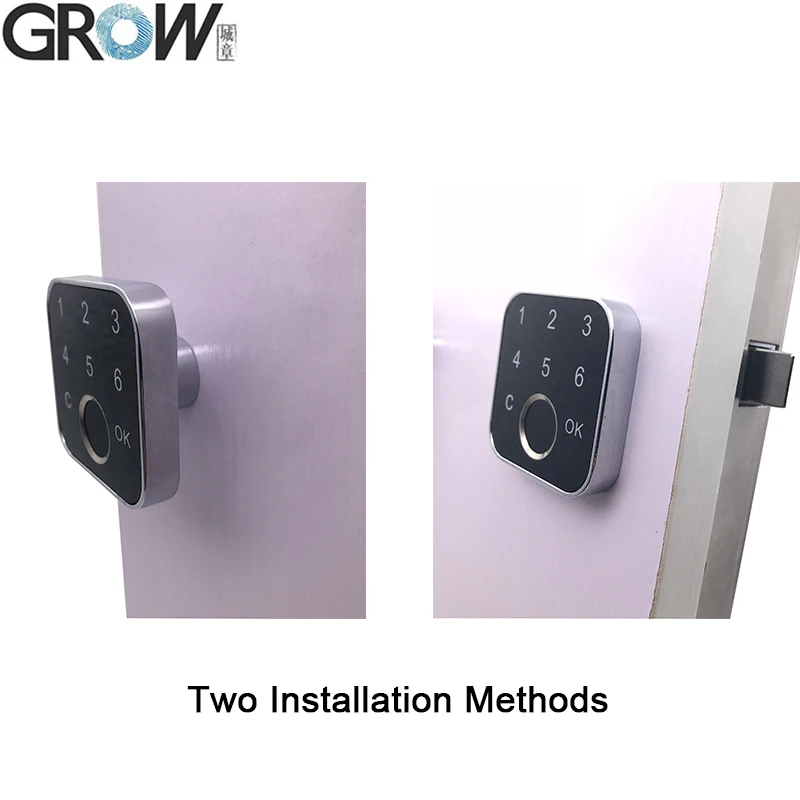
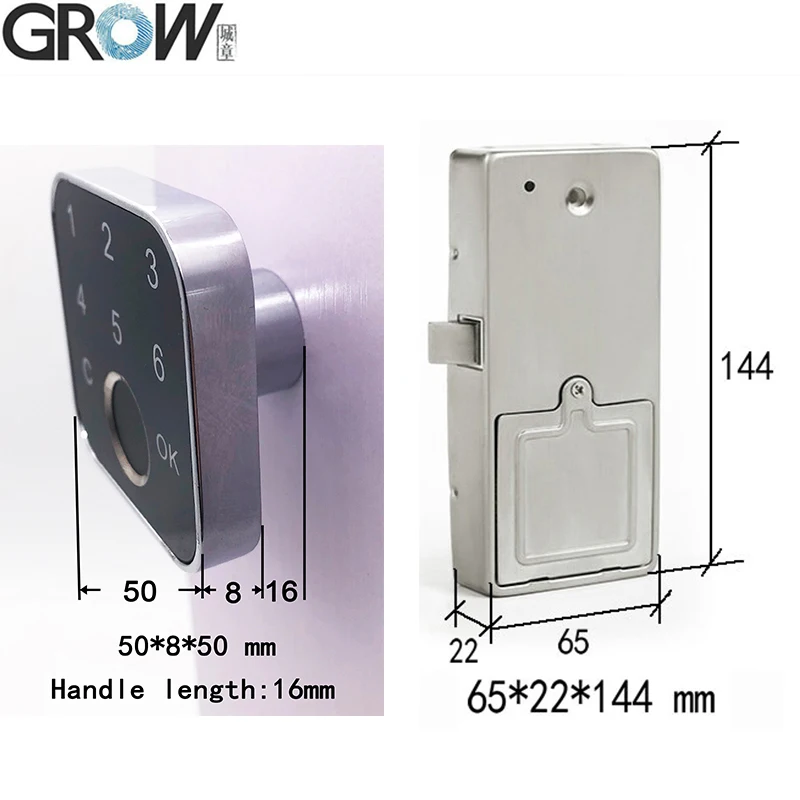
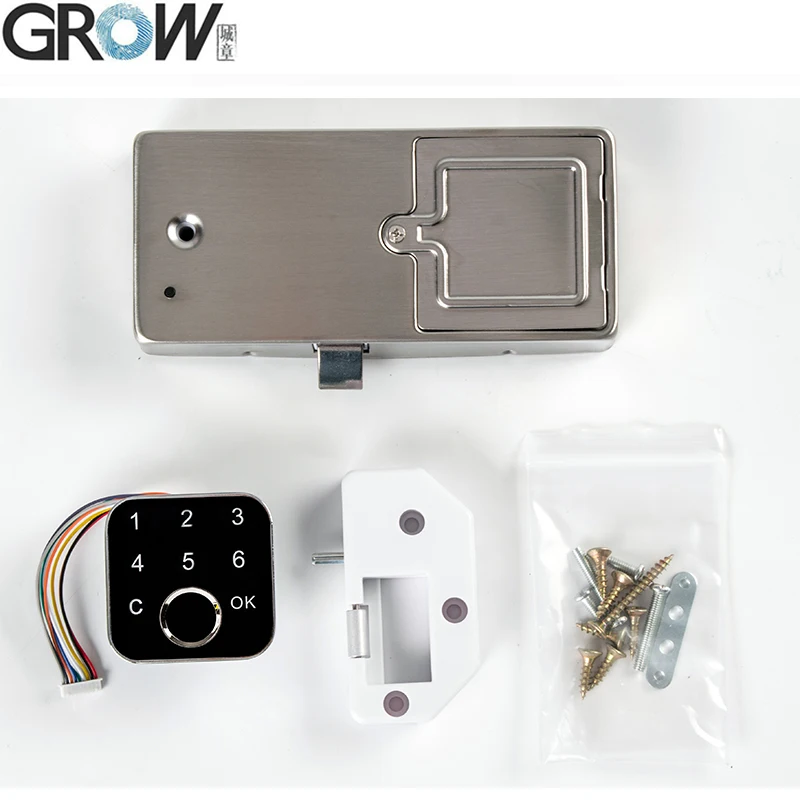
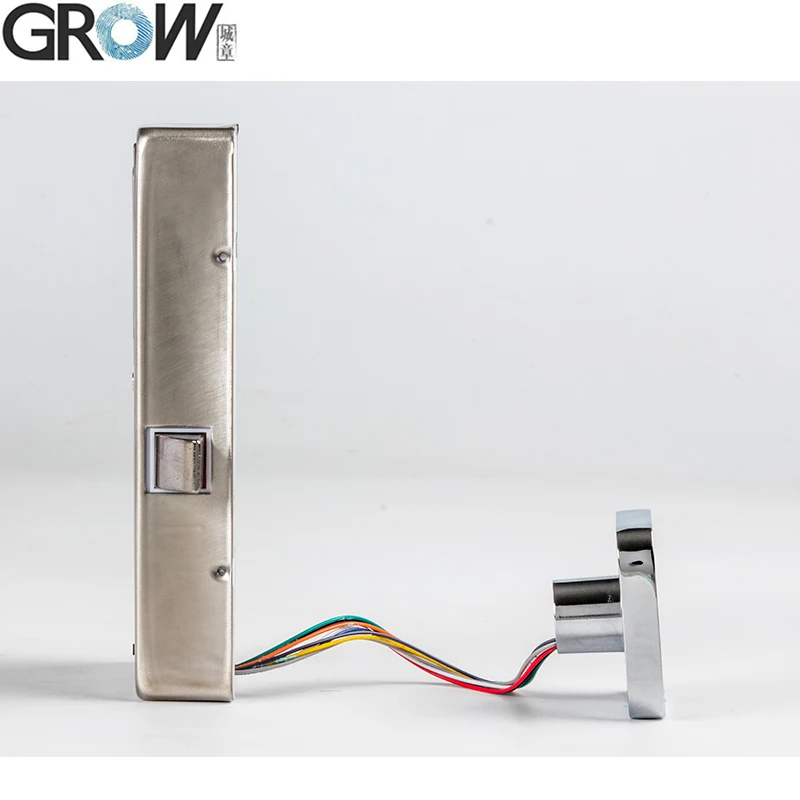
G16 Capacitive Password Fingerpirnt Cabinet Lock
Technical Paremeters
·Fingerprint capacity: 100
·Power supply: 4*AA battery
·Stand-by mode current: less than 25 uA
·Stand-by mode current: less than 25 uA
·Password Number: 10 sets
·Storage Temperature: -30°C~65 °C
·Working condition: -20°C~55 °C
·Humidity: RH10-92%
·Storage Temperature: -30°C~65 °C
·Working condition: -20°C~55 °C
·Humidity: RH10-92%
User Manual For G16
1.Register fingerprint:
Press shortly the SET button, and hearing the music, the blue panel indicator lightened; then press finger on fingerprint recognition area, fingerprint registered successful when hearing music. Fingerprint can be registered continuously, it can be registered 100 pieces fingerprints; When hear “DiDiDiDiDiDi”, it means the fingerprint library is full; Wait a few seconds to automatically exit the registration status.
2.Setup Password:
After fingerprint passed, press [OK]new password[OK]new password[OK],(after press[OK],the bule light flashes means in edit mode), password registered successful when hearing music; it can set 10 sets of passwords, the password length: 3-8 bits (support Mask Function).
3.Use Password:Start by touching [Touch Sensitive Area] with your finger,white light On, press [Password][OK]
4.Delete Password: After fingerprint passed, long press the[C]until hearing the music.
5.Factory Default: Press SET button until hearing the music and “Di---DiDiDi”, means fingerprints and passwords deleted successfully, and back to factory default. Any fingerprint can be used for the state of factory default, and this function disabled after fingerprint registered.
Note:
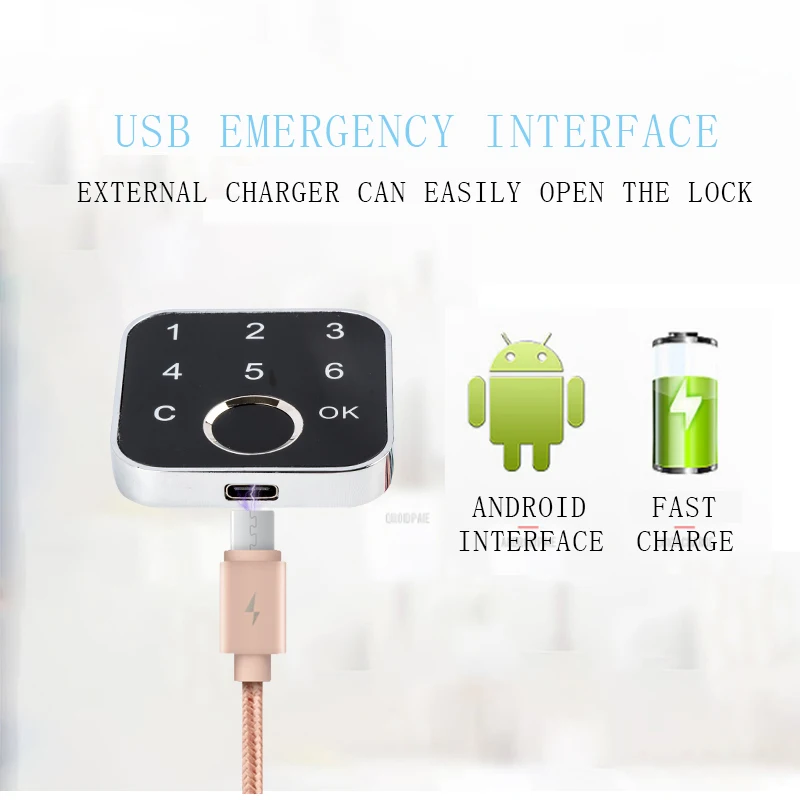
Emergency power: If the battery is low when open it, hear the “DiDiDi”, please replace the battery in time. When there is no electricity, plug the emergency power supply to DC5V charge pal.
You can check the operation video on Youtube: https://youtu.be/EBeZKr6rvBc
Images


Package Listing

Contact Us

Hot Sale

Company Information

Packaging & Shipping

We Recommend




New Arrivals
New products from manufacturers at wholesale prices