
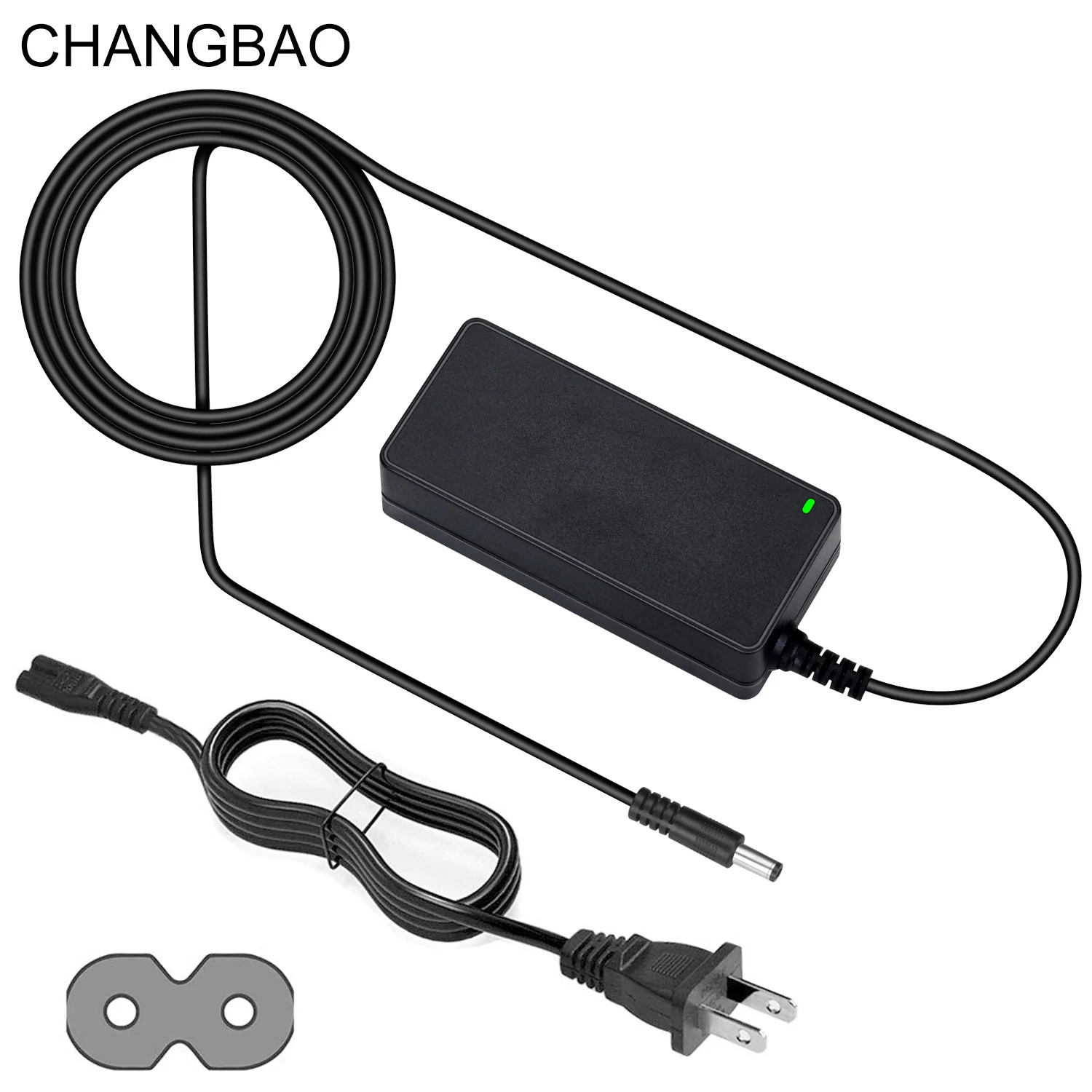

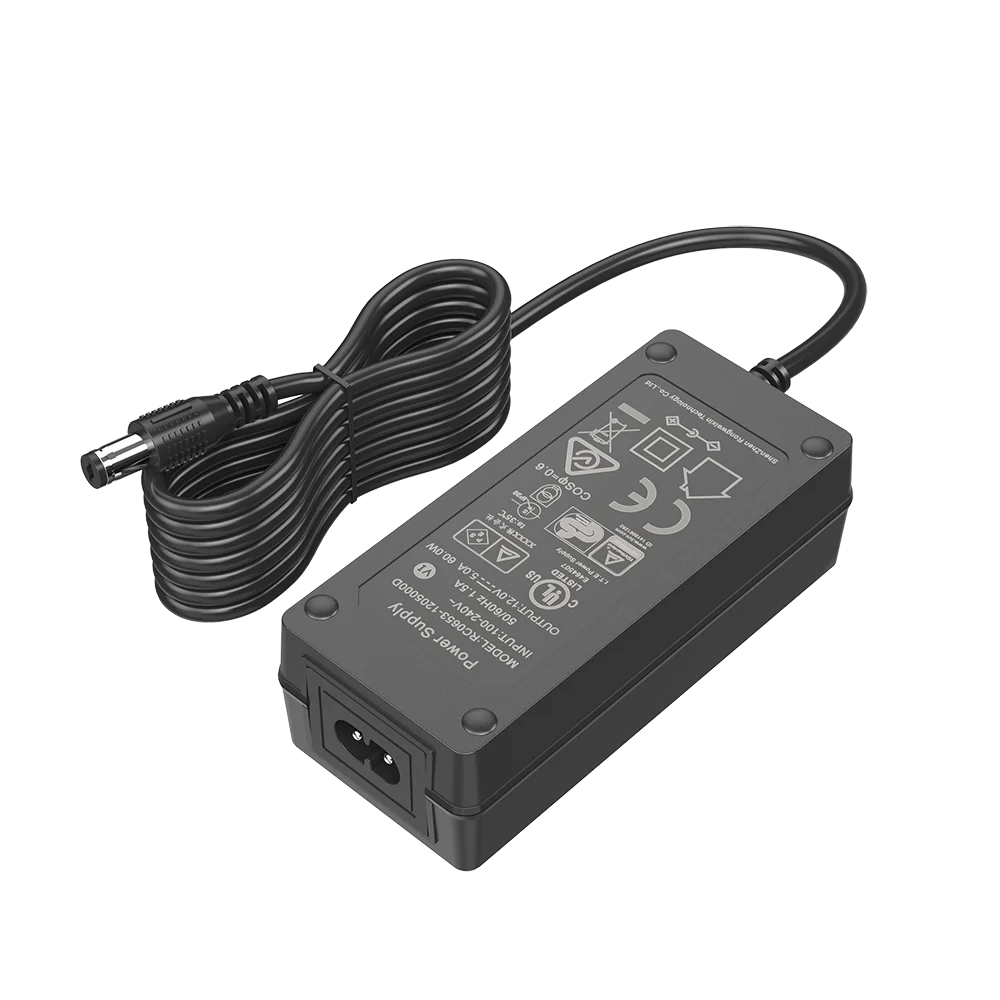
21V 3A Lithium Battery Charger CC CV Safe Charging ETL CE FCC Rohs PSE KC CB 5S 21V Li ion Li Ion Battery Charger Desktop 21V/3A
- Category: Battery Charger >>>
- Supplier: Dongguan Changbao Electronics Technology Co. Ltd.
Share on (62467200740):
Product Overview
Description

21V @1A Li-ion Battery Charger
1). for 5 cells Li-ion Battery Pack
2). Series units: 4.2V /8.4V / 12.6V/ 16.8V / 21V / 25.4V /54.6V 65W max.
3). Interchangeable plugs type universal and worldwild plugs: US/EU/UK/AUS/JP/KC/CN and more


Perfect & Universal Compatibility:
(1) Robot, Sweep Cleaner, Water Purifier, humidifier, Atomizer Sweeper,Printer
(2) Speaker system, Soundbar, POE injectors, CCTV Camera, LCD Monitor, LED light
(3) lamps, radios, motor-driven tools and appliances, geyser, water pumps, toys, barbecue machines
(4) Electric Car, Sightseeing Car, E-bike, Electric Golf Cart, E-Motocycle, E-Patrol Car, E-forklift, E-boat, E-Cleaner, E-sooter, E-torist Coach, Robot, DC Power Supply, Smart&Intelligent Home, and more
Operating Instructions:
Plug the AC-to-DC adapter to electrical outlet and connect the other end to charger
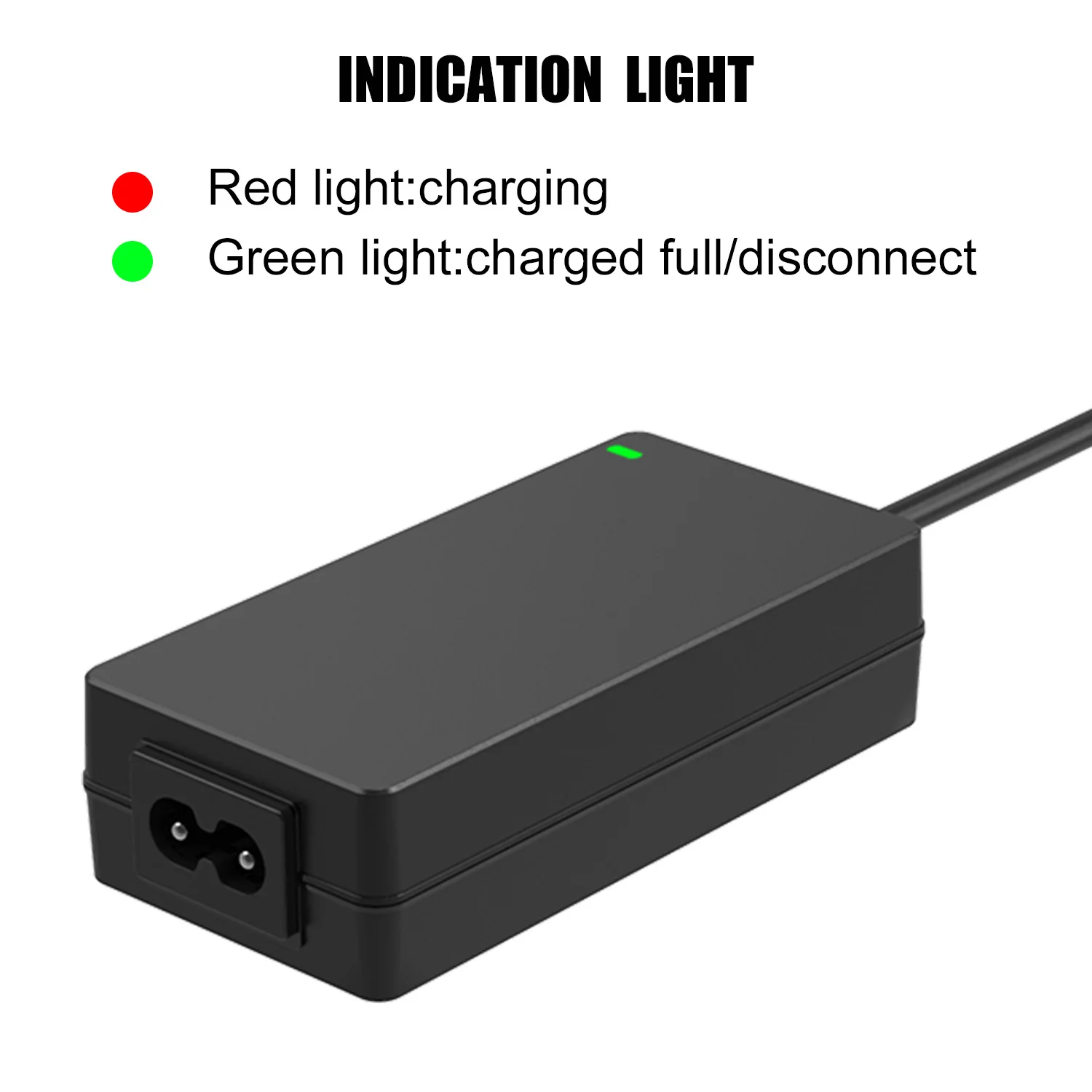
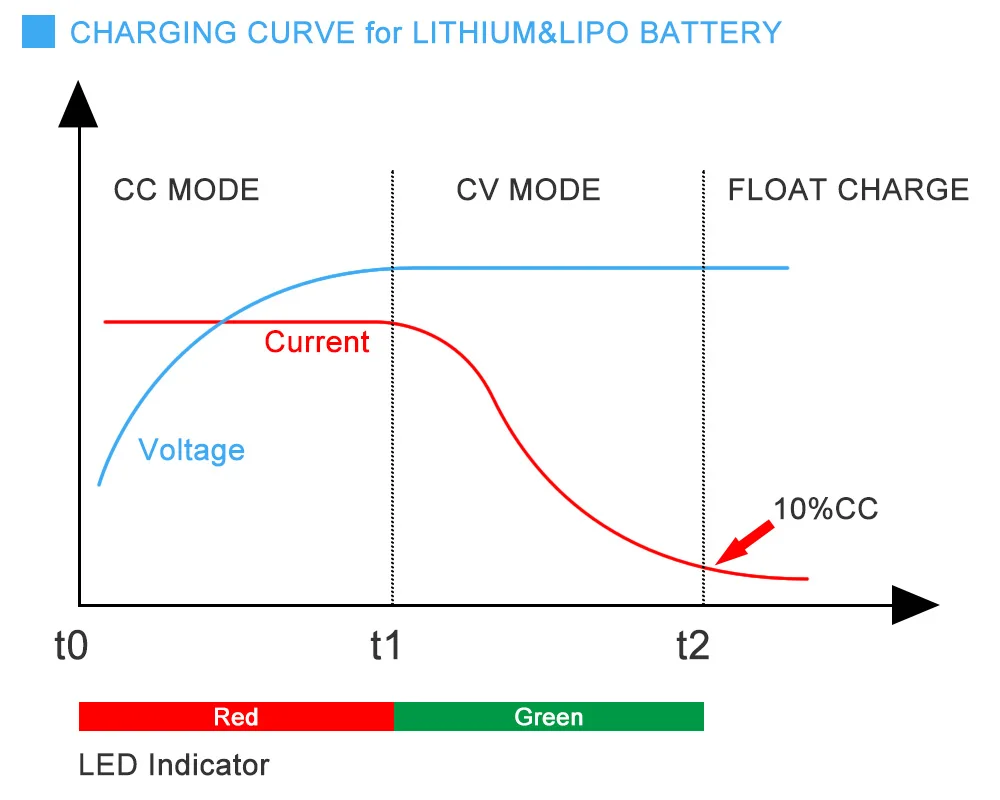
2. LED will change to Green, which indicate power is on and ready for charging mode
3. Insert CRV3 / RCRV3 battery into charger
4. LED will turn RED, which indicate the battery is charging
5. When the battery is fully charged, LED will change from red to green
6. Remove the battery pack from the charger
7. LED will change back to green once you remove the battery from charger
FAQ:
The LED turns off while charging.
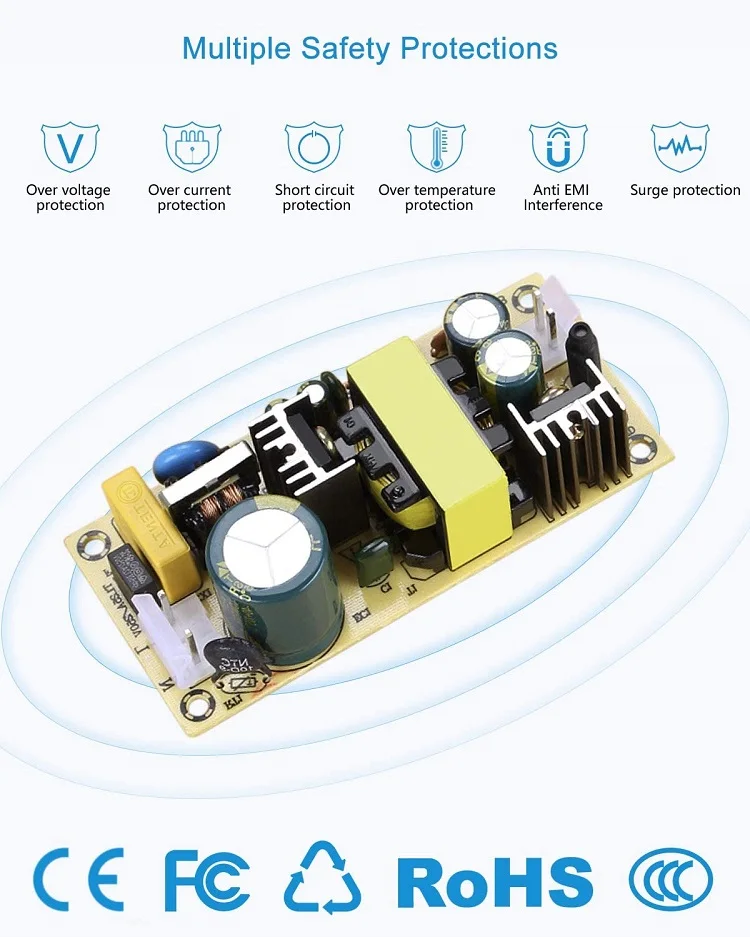
-This charger has a build-in thermal protection function. Battery charging is shut off when the temperature of charger increases beyond set limit, and LED turns off (no color). Once the charger temperature drops to acceptable limit, the charging process is resumed and the LED turns on (Green/Red color).
2. LED color changes to Yellow
-This indicates that battery is not being charged correctly. Remove the battery pack from Charger and re-insert into charger. If this occurs repeatedly, either battery is dead or charger is not working.
3. Battery is inserted in the charger, but the LED does not change to RED.
-This indicates that battery is not being charged correctly. Remove the battery from charger and re-insert into charger. If this occurs repeatedly, either battery is dead or charger is not working.
4. LED changes to Green, but the capacity is too low.
-This indicates that battery is not being charged correctly. Remove the battery from charger, clean the contacts with a soft clean cloth, re-insert into charger. If this occurs repeatedly, either battery is dead or charger is not working.
We Recommend


New Arrivals
New products from manufacturers at wholesale prices







