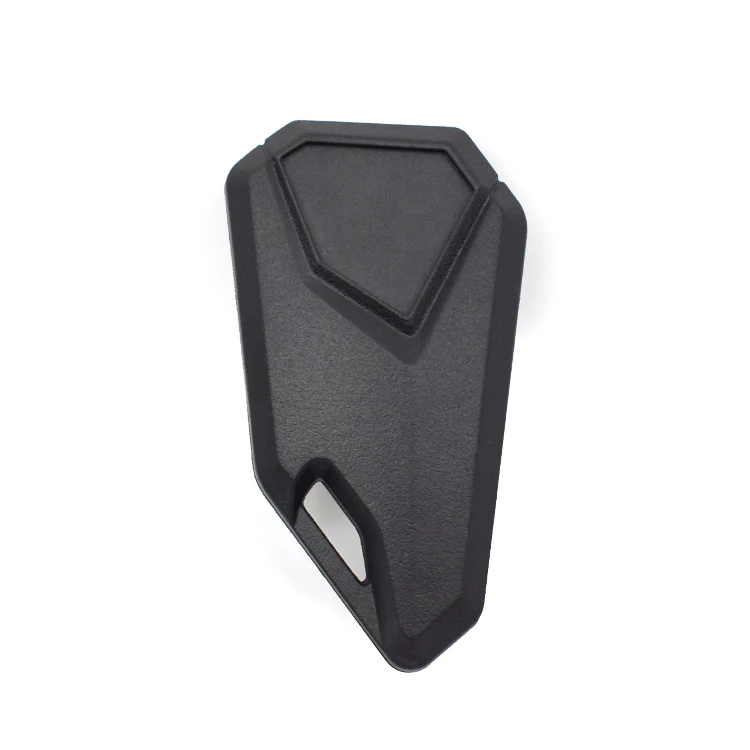
Fingerprint Lock Cabinet Locks Biometric Keyless Wooden Box Furniture Drawer Fingerprint Locks Suitable for Home &Office
Product Description
Feature:
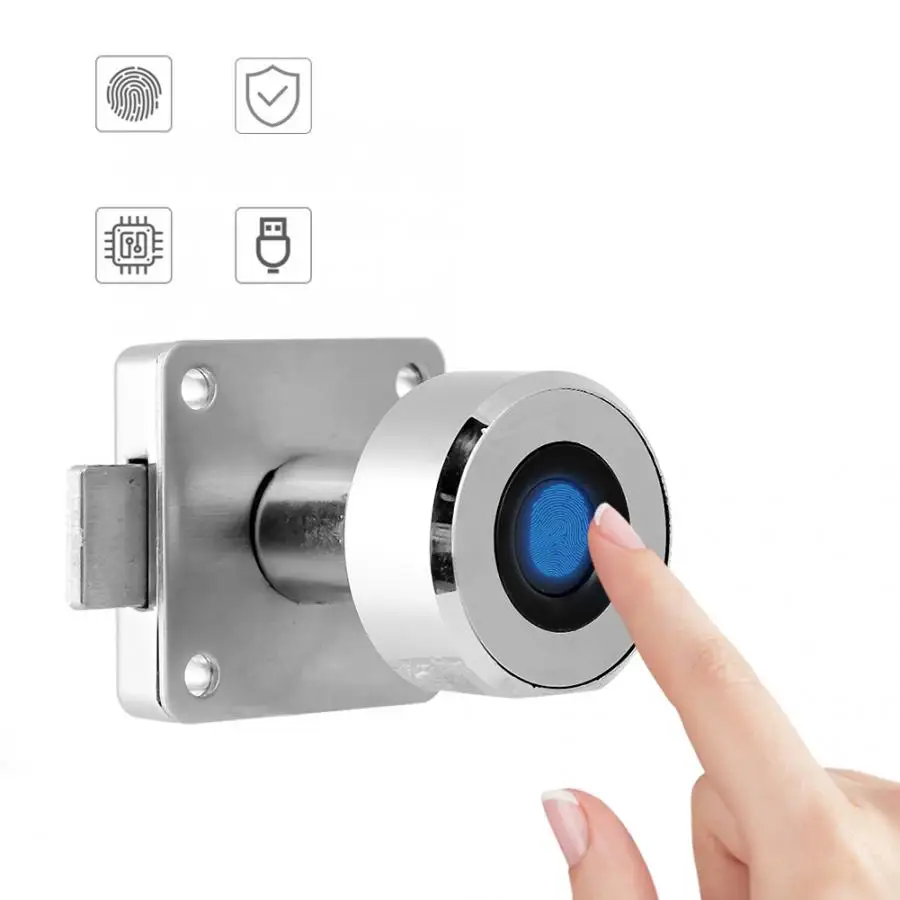
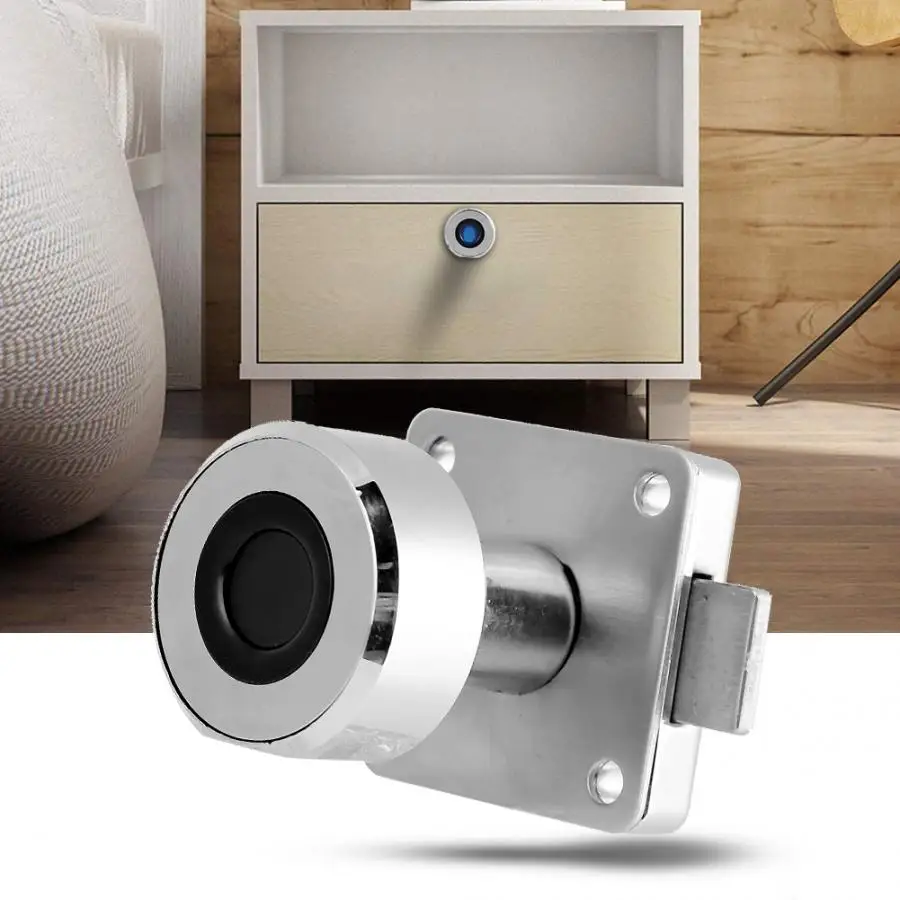
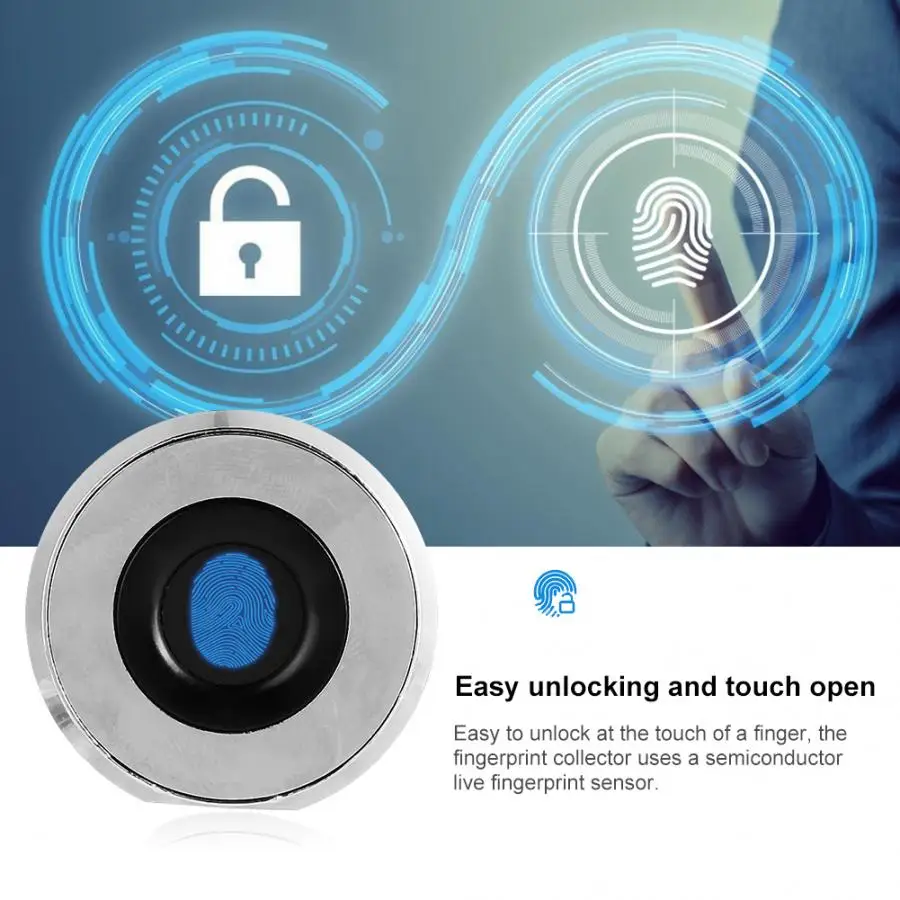
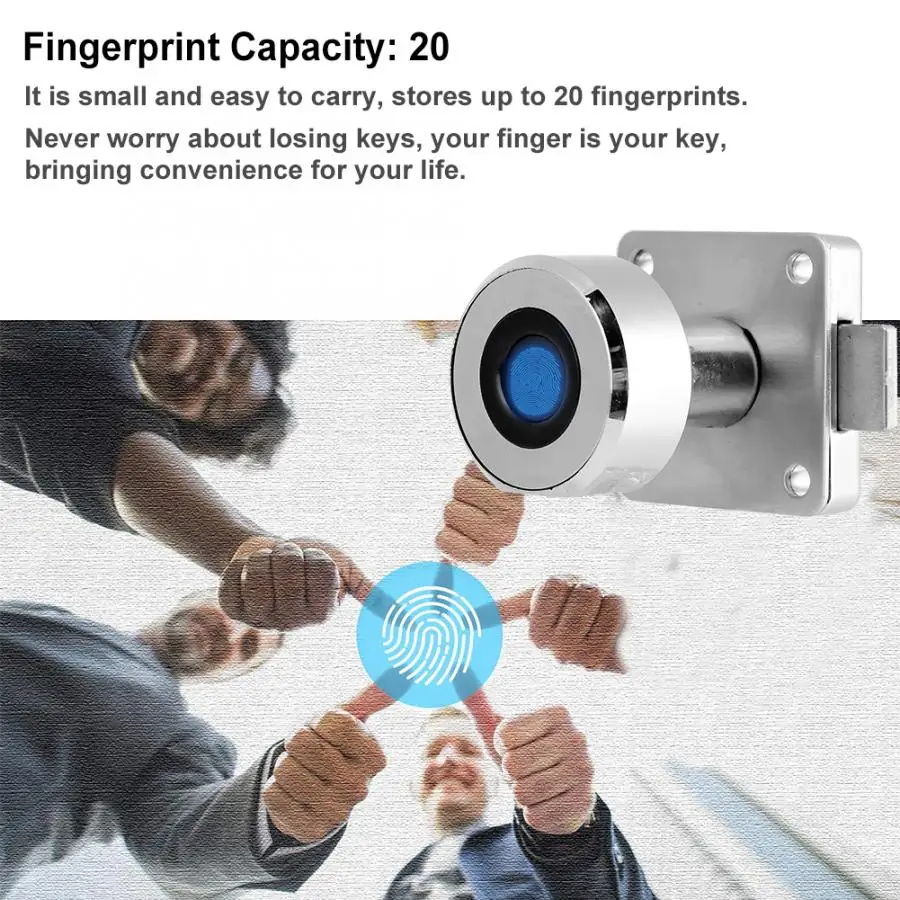
1. It is small and easy to carry, stores up to 20 fingerprints. 2. Quickly identify your fingerprints with advanced semiconductor contact fingerprint sensors. 3. Each time it is unlocked, it will continuously increase the pass rate through fingerprint stitching, image recognition, and self-learning algorithms. 4. The emergency power supply adopts USB interface, which is convenient for use with mobile phone chargers or charging device. 5. Suitable for wardrobes, drawers, shoe cabinets, office cabinets, newspaper boxes, metal cabinets, wooden cabinets, tool boxes, mailboxes, school lockers, etc. 6. Never worry about losing keys, your finger is your key, bringing convenience for your life. 7. Made of high quality zinc alloy material, durable and safe.
Specification:
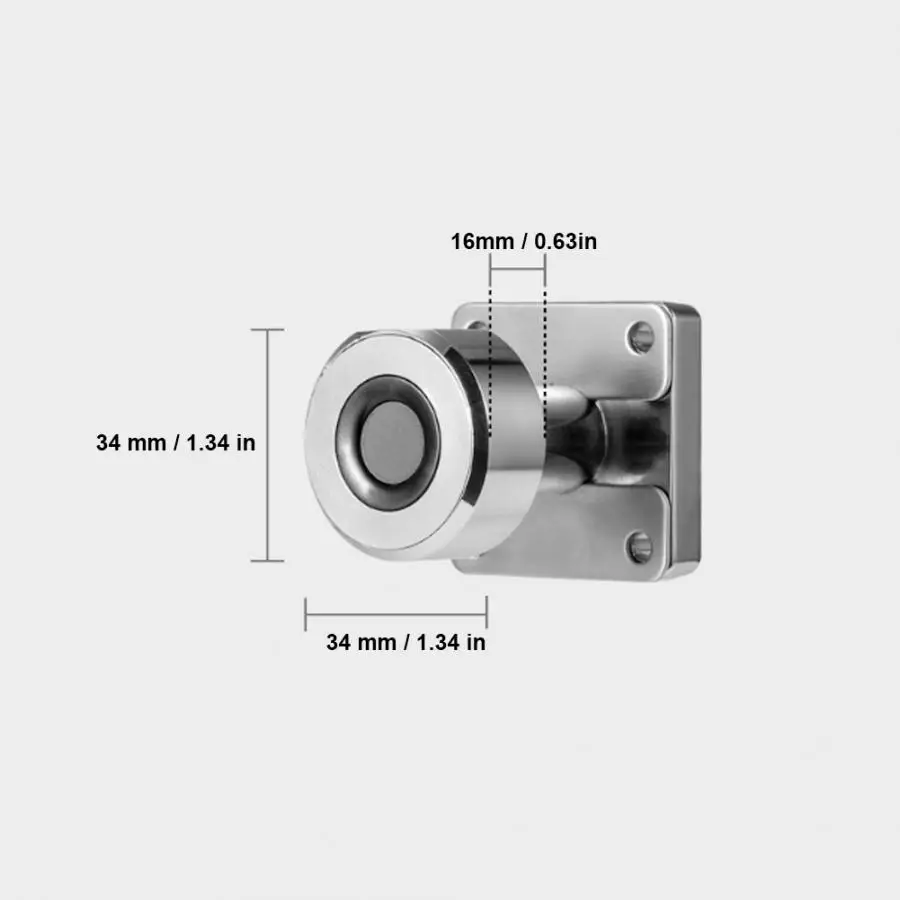
Item Type: Fingerprint Lock Material: Zinc Alloy Color: As Pictures Shown Unlocking Mode: Pure Fingerprint Fingerprint Capacity: 20 Power Type: Lithium Battery (Built-in) Use Time: Charging for 2 hours, 180 days of continuous use, unlocking ten times a day Size: Approx. 34 x 34 x 16mm / 1.34 x 1.34 x 0.63in
Package List:
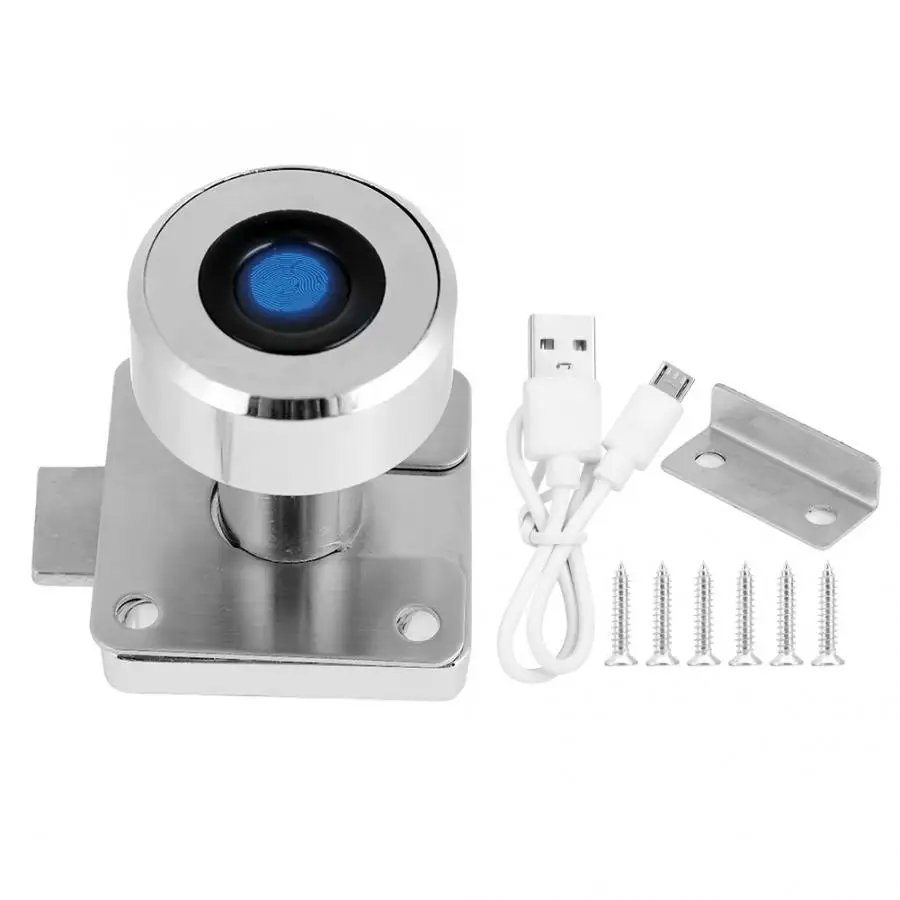
1 x Fingerprint Lock
1 x USB Cable
1 x Screw Kit
1 x Manual
Product Overviews
Application
FAQ
Q: How to add more fingerprints?
A: Adding a fingerprint to the APP requires 6 times of 360° omnidirectional multi-touch entry on the fingerprint lock. Go to the APP's setting, follow the prompts in the screen, tap your fingerprint on the reader multi times until it is recorded successfully. Q: How to remove fingerprints? A: Delete directly in the app. Q: What if the APP prompts "no device is found"? A: Charge the padlock first, and enable your phone's Bluetooth feature. Then touch the fingerprint pad to activate the lock. The padlock indicator light will flash! Or please download the right APP following the manual! Q: After a rainstorm, the lock can't be opened anymore? Why? A: For the defective, i am sorry in a rainstorm, even top apple iphone or Samsung smartphone with ip68 waterproof will be destroyed, please avoid that
Buying Guides
How to Use the padlock? Add admin user: 1. Press the button(the diamond shaped indicator light) for 2s. 2. The led will be blue and turn to flash in green. 3. Then press fingerprint successfully for 10 times, the led will be blue if succeed, red if fail. 4. The registration is finished if the led turns green after 10 times touch. Delete all users: 1. Press the button for 5s. 2. Press the admin fingerprint when led turns from blue to red. 3. All fingerprints deleted if the led shows green, failed if red.
Note: 1.The first and second registered fingerprints will be set as admin users, and more users need admin user’s authentication. 2. Any fingerprint can unlock it when no fingerprint registered. 3. Led is red when charging and goes out when full charged.