
Advantageous Price Built-in Both Wifi And Gsm Wireless Home Devices
US $65.00-$72.00
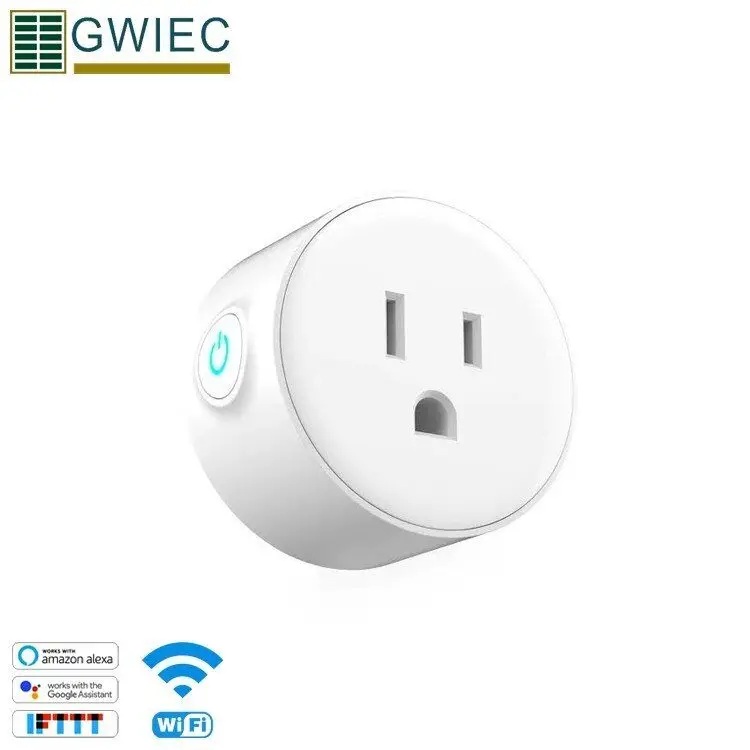
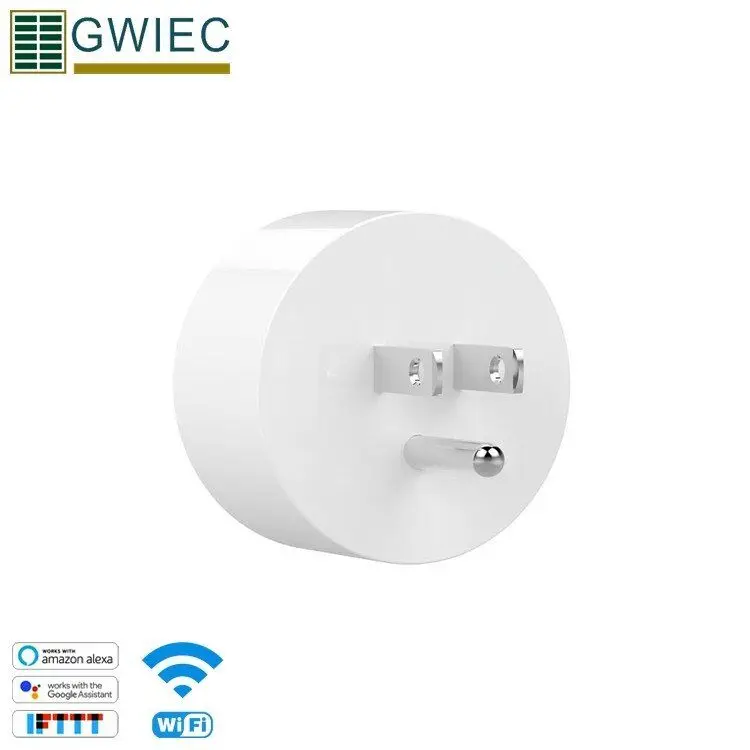
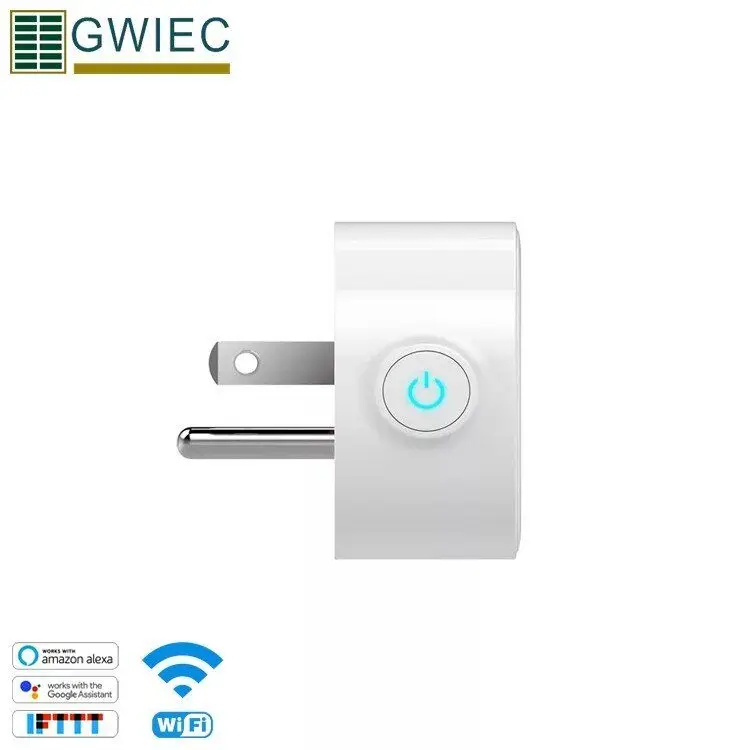
Share on (62495326079):
Rated voltage:AC100-240V 50/60Hz
Max load curent:10A
Wi-Fi Standard: 2.4gHz 802.11 b/g/n
Indicate:Blue
Material crust:PC+ABSAntiflaming grade V0
Operating temp.:-20-50℃
Size Figure:50*50*52MM
G.W product:53g/66g/with box
Certificate:FCC/ROHS/ETL


1.Plug in and power up your GiSC Socket.
2. Press the button for 7 seconds until the green LED blinks like below:
2.1 For 1st generation devices, when enter pairing status the LED blinks 1 time and repeat.
2.2 For 2nd generation devices, when enter pairing status the LED blinks 3 times and on repeatedly.
2.3 For Android, please select the pairing method according to LED blinking way, click next.
For iOS, please go to phone Setting>WiFi>connect the WiFi begins with ITEAD-******, enter default password 12345678. Go back to GiHome, select the pairing method, click next.
3. It will auto-search and connect smart home device around you.
4. Input your home WiFi SSID & password
4.1 Your SSID must be letters or numbers.
4.2 If no password, keep it blank.
4.3 Now GiHome only support 2.4G wifi communication protocol, 5G-WiFi-router is not supported.
5. Name the device to complete.
6. Maybe the device is "Offline" on GiHome, for the device needs 1 minute to connect with your router and server. When the green LED on, the device is "Online", if GiHome shows still "Offline", please close GiHome and re-open.
GWIEC will insist her belief "Quality is Brand"to bring "Better Quality, Better Service and Better Price"to customers, our goal is to maximize your profit and bring mutual success to both of us!

New products from manufacturers at wholesale prices










