




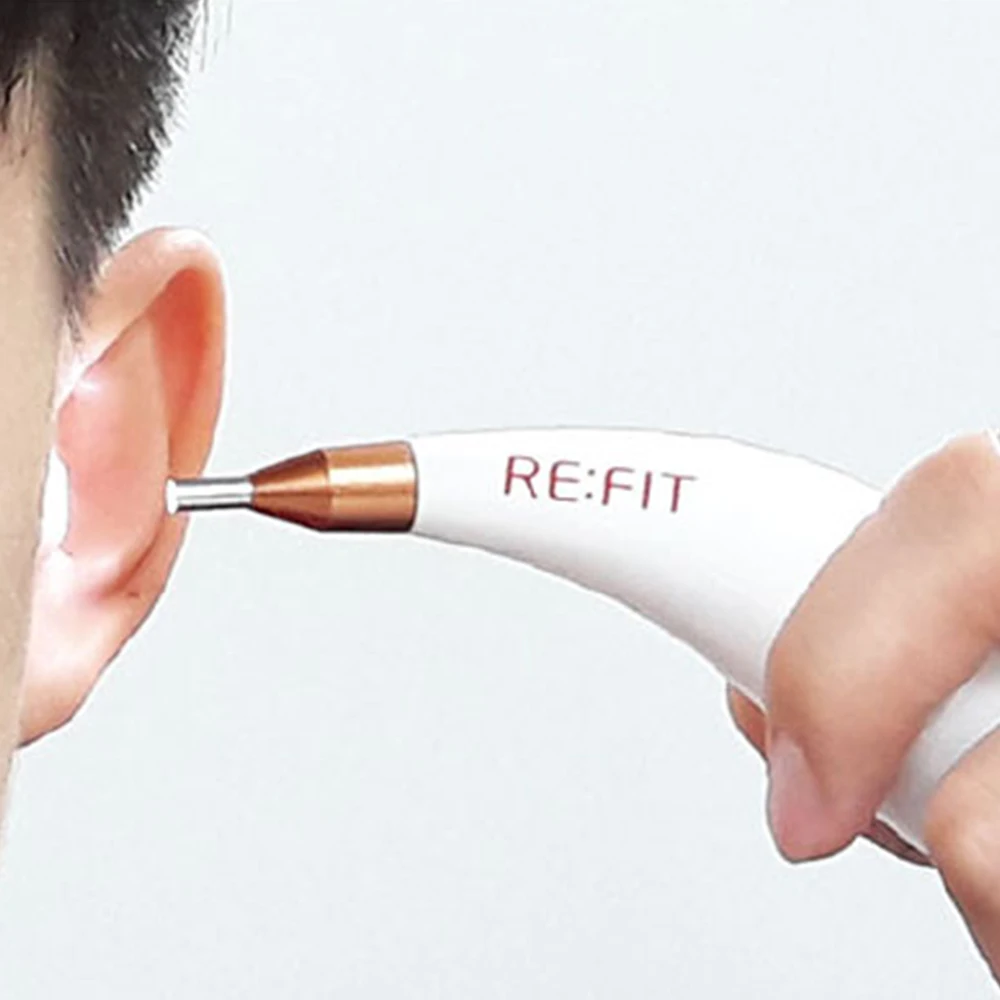
SOLMITECH Refit Cam Medi SHC CM2 Mobile Health Monitoring Camera Checking Body State Easy Caring System Home Items Daily Care
- Category: >>>
- Supplier: GSAK Co. Ltd.
Share on (62541178355):
Product Overview
Description
Our Brand
SOLMITECH Co., Ltd.
Founded in 2010, SOLMITECH Co., Ltd. is a company specialized in next-generation healthcare and medical systems that combines ICT expertise and medical device development technology. Through continuous research and development, we develop and manufacture exercise and health management system that works with mobile phone.
Product Description
SHC-CM2
Model Name : SHC-CM2
Components : 1 Refit Cam-Medi, 1 Pouch, 1 User guide
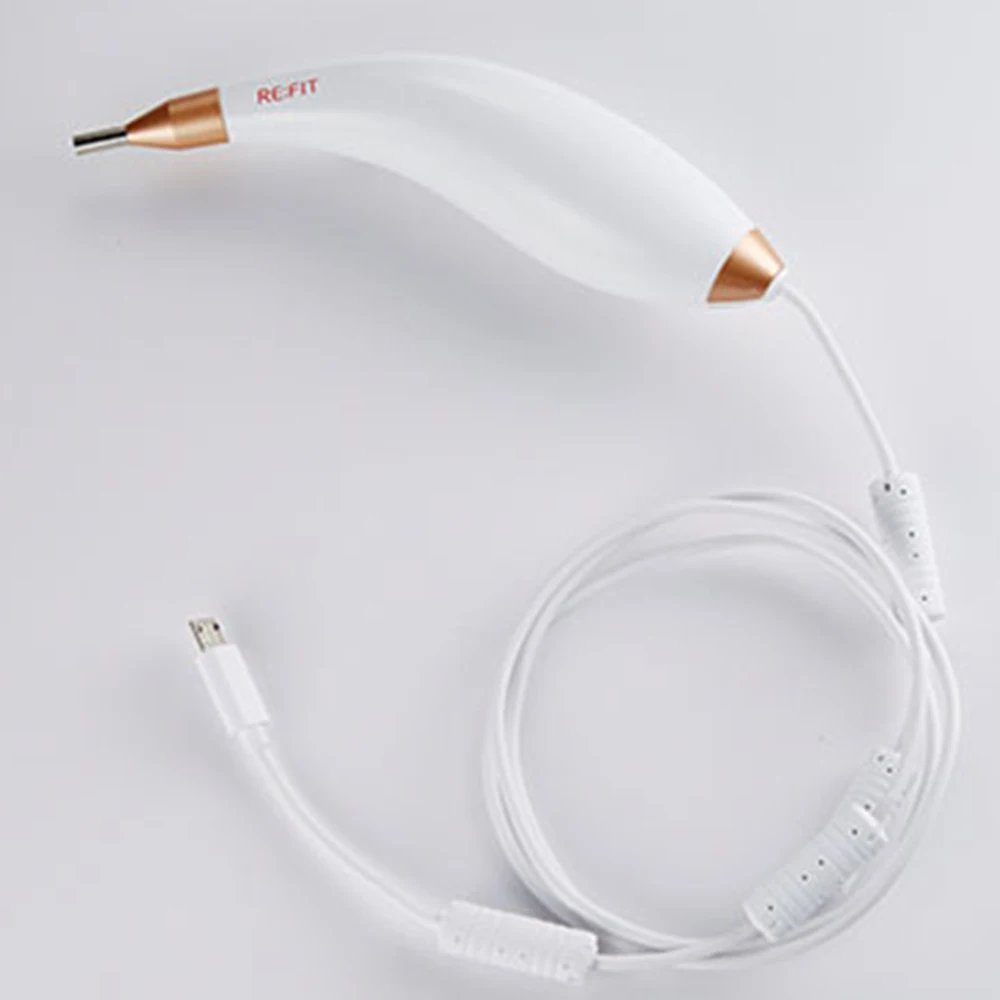
Size : 127mm × 58mm × 33mm, Cable : 100cm
Weight : 88.5g
Color : White (Body)
Rated voltage : DC 5.0 V (No built-in battery, Smartphone battery is applied)
Certificates : KC, CE(MDD), FCC, KFDA
Manufacturer : Solmitech Co., Ltd.
Country of Origin : Republic of Korea
Components : 1 Refit Cam-Medi, 1 Pouch, 1 User guide
Size : 127mm × 58mm × 33mm, Cable : 100cm
Weight : 88.5g
Color : White (Body)
Rated voltage : DC 5.0 V (No built-in battery, Smartphone battery is applied)
Certificates : KC, CE(MDD), FCC, KFDA
Manufacturer : Solmitech Co., Ltd.
Country of Origin : Republic of Korea
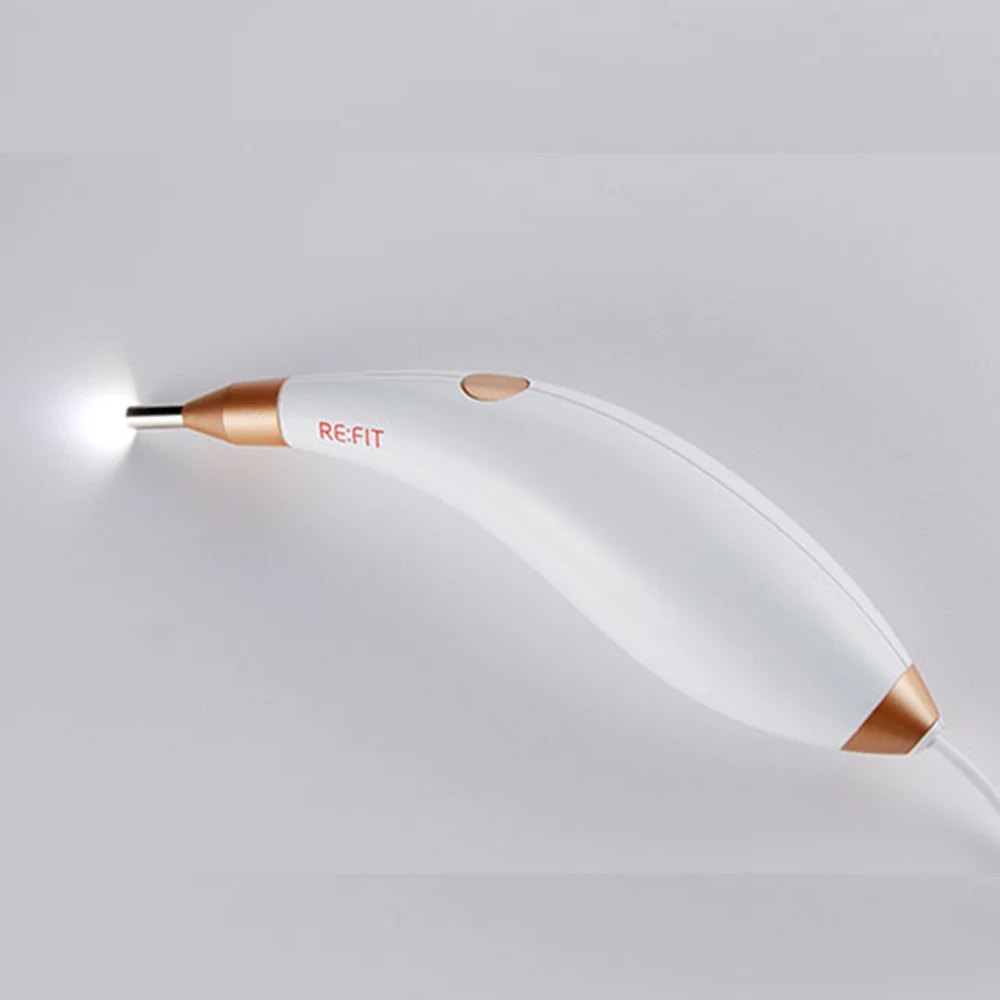
Homecare Health Camera - Refit Cam-Medi
- Smartphone interworking mobile otoscop
- Convenient monitoring of your ears, such as otitis media and earwax.
- Possible to shoot in dark places with LED light
- Screen capturing and video saving by pressing one button
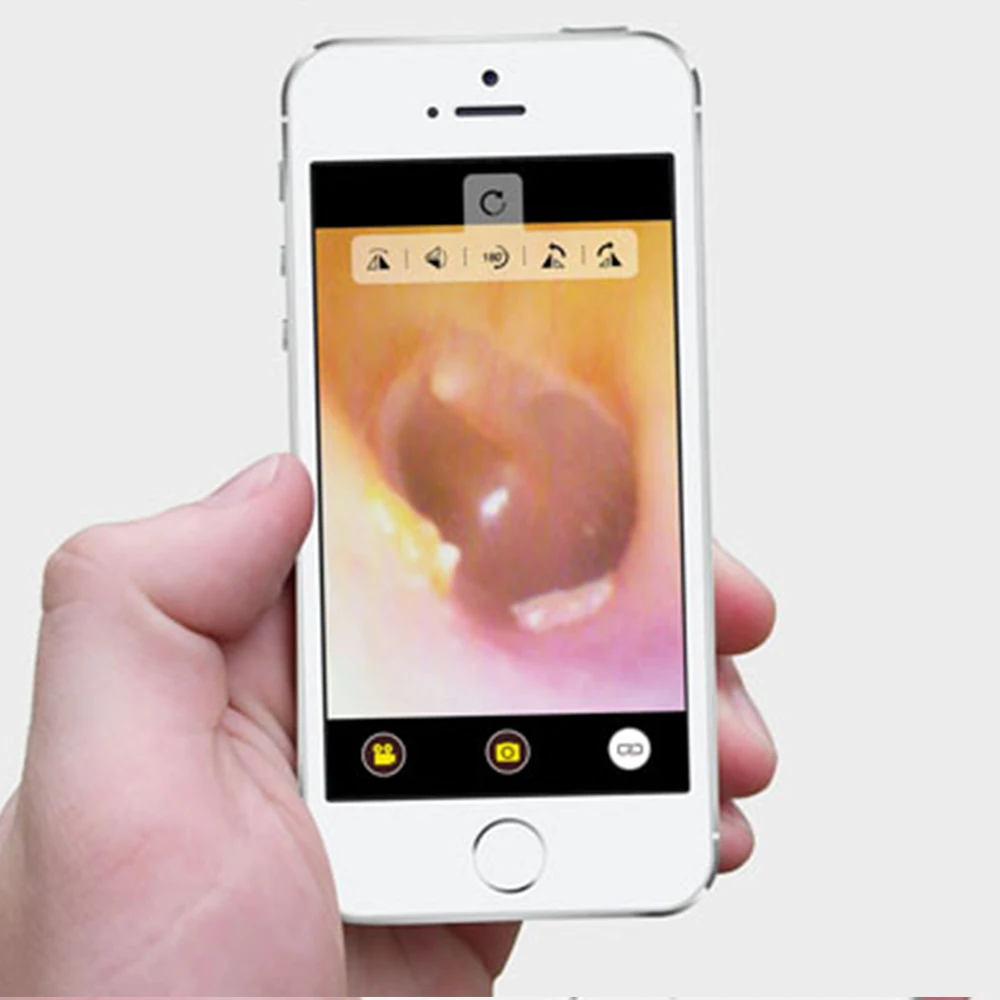
- Zoom in, zoom out, rotate, image capture and video recording functions
- Sharing the recorded images and videos by E-mail or SNS
- Free downloadable 'Refit Cam-Medi' application in Play store and App store.
Is there any way to easily identify the dark ears?
- With Refit Cam-Medi, you can easily observe the inside of your ears where it is hard to see with the naked eyes.
Smartphone interworking video monitoring system
- Refit Cam-Medi is easy to use with smartphone to observe your ears.
- It can be used with iPhone by connecting with Refit Gateway(SHC-GT1).
Convenient monitoring the places that are difficult to see with your eyes – Otitis media, ear wax, etc.
- Refit Cam-Medi is an otoscope that allows you to check your ears, such as otitis media, ear wax, etc
Easy to shoot with one touch button !
LED light with dark places OK !
- When the shooting icon turns blue, you can easily take a photograph with one touch button while watching the screen.
- LED light illuminates your dark and narrow ears.
Excellent grip feelings and usability of ergonomic design
- Easy to see the cramped ears by applying small camera module
- Fits in one hand when you use it
Zoom in, zoom out, rotate, image capture and video recording functions
- You can easily zoom in, zoom out, rotate, image capture and video recording. - Recorded images are saved automatically.
Confirming saved image, E-mail and SNS sharing function
- You can save the images and videos, and send them via E-mail and SNS.
Easy to connect to Android smartphones
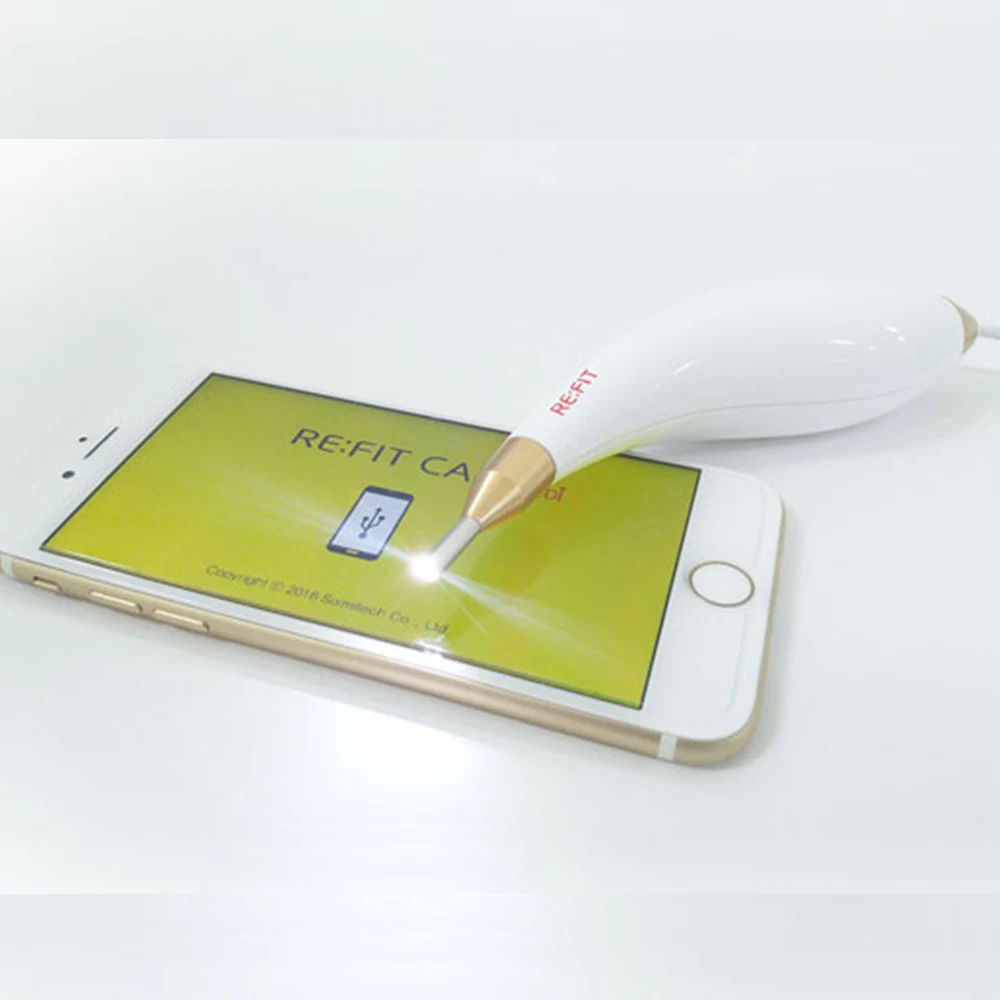
- By connecting Refit Cam-Medi to the USB terminal of the Android smartphone, the LED light will be lighted automatically and you can check the application screen.
iPhone connection using Refit Gateway
- You can use it on your iPhone by connecting to the Refit Gateway (SHC-GT1).
Download RefitCam-Medi application from the Play store or App store.
- You need RefitCam-Medi application to use the Refit Cam-Medi.
- Get it free from the Play store or App store.
Refit Cam-Medi using Tip!
- Maximize the screen brightness of your smartphone. - You can see more clear images.
How to Use (Android OS Smartphones)
- Connect Refit Cam-Medi's USB cable to the 5-pin micro charge terminal of your smartphone. If the application is pre-installed, the LED will light and the video will appear on the screen. Place the Refit Cam-Medi on the spot to observe and check the image on the smartphone screen.
How to Use (iOS Smartphones)
- In case of iPhone, you need the Refit Gateway (SHC-GT1)
※ Refit Gateway (SHC-GT1) sold separately
Connect the power adapter or supplementary battery to the power socket on the gateway. Attach the Refit Cam-Medi to the socket for camera connection on the gateway. Find and activate 'Refit Cam Gateway' in the WiFi search box. (Depending on the communication status, it may take 1-2 minutes.) Run the Refit Cam-Medi application to watch the video
Download RefitCam-Medi application from the Play store or App store.
- You need RefitCam-Medi application to use the Refit Cam-Medi. Get it free from the Play store or App store.
Refit Cam-Medi using Tip!
- Maximize the screen brightness of your smartphone. You can see more clear images.
Certification
We Recommend







New Arrivals
New products from manufacturers at wholesale prices






