




Cheap 1080P P2P CCTV Security Surveillance Outdoor WIFI Bullet Camera with APP Mobile Monitoring
- Category: >>>
- Supplier: Shenzhen Yuxi Smart Electronic Limited
Share on (62545034654):
Product Overview
Description
Product Description
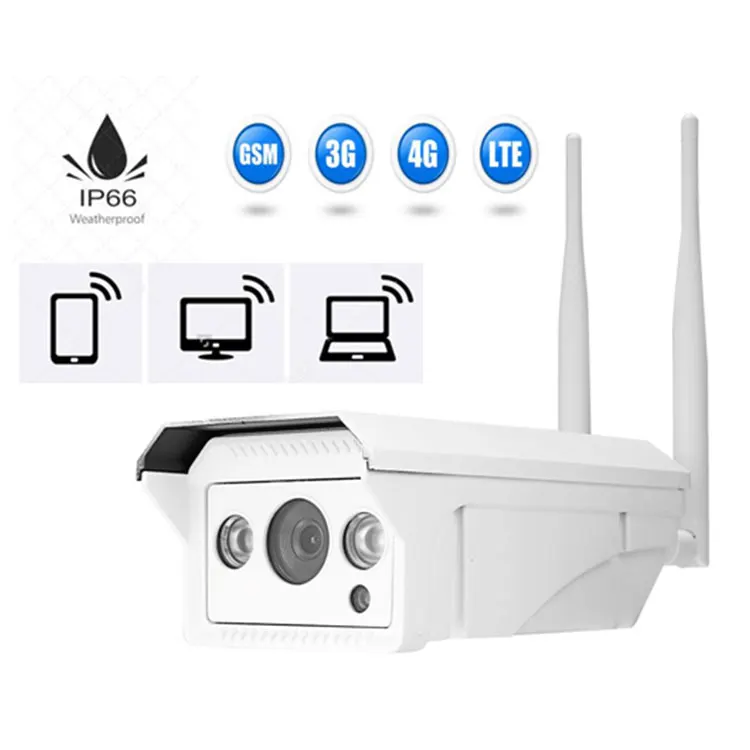
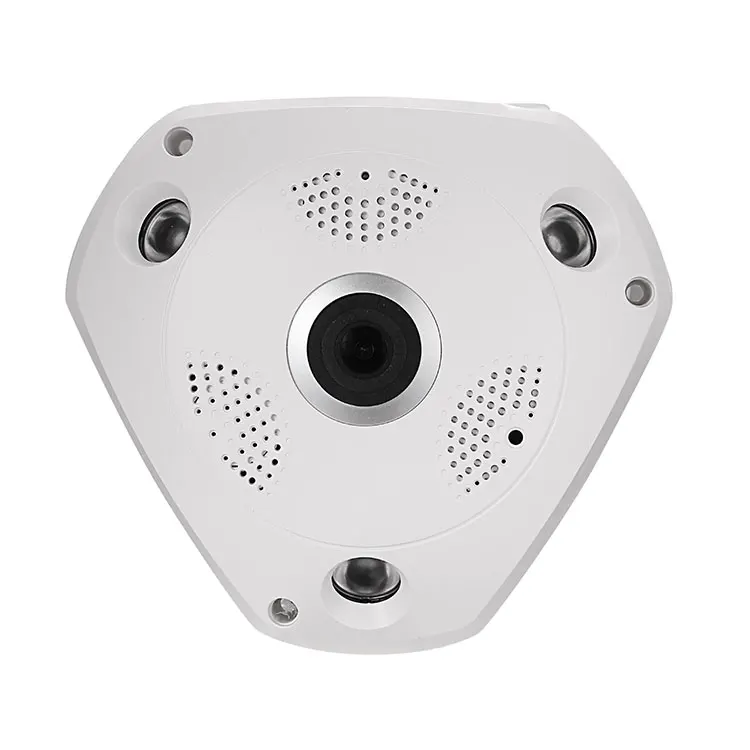
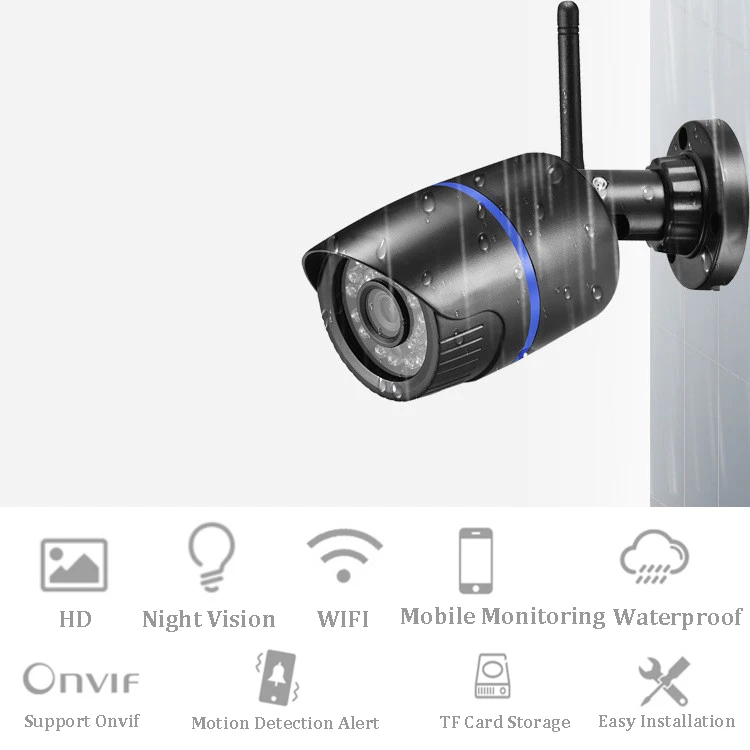
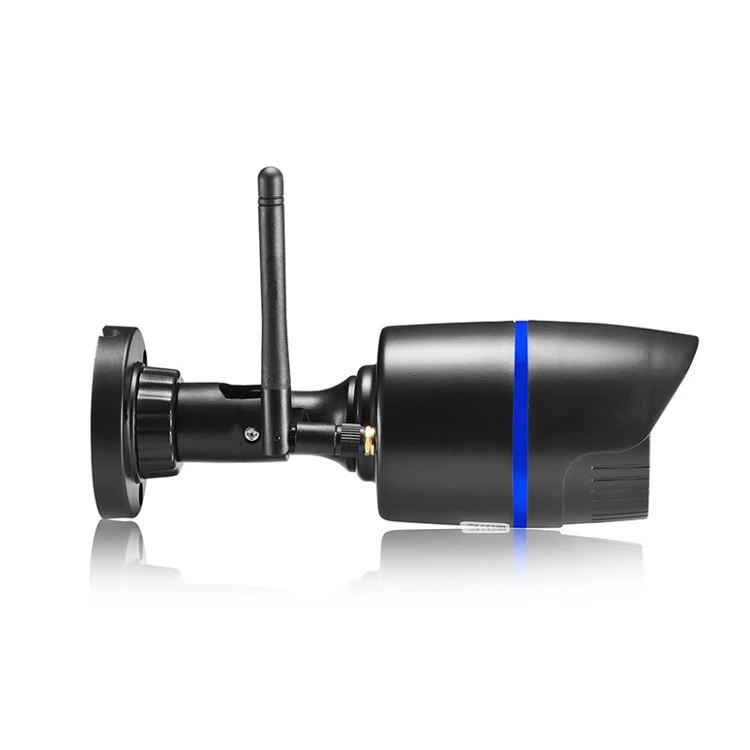
1080P P2P outdoor Weatherproof /Waterproof IP66 WIFI IP Camera for Home and Office
What are the Main Features?
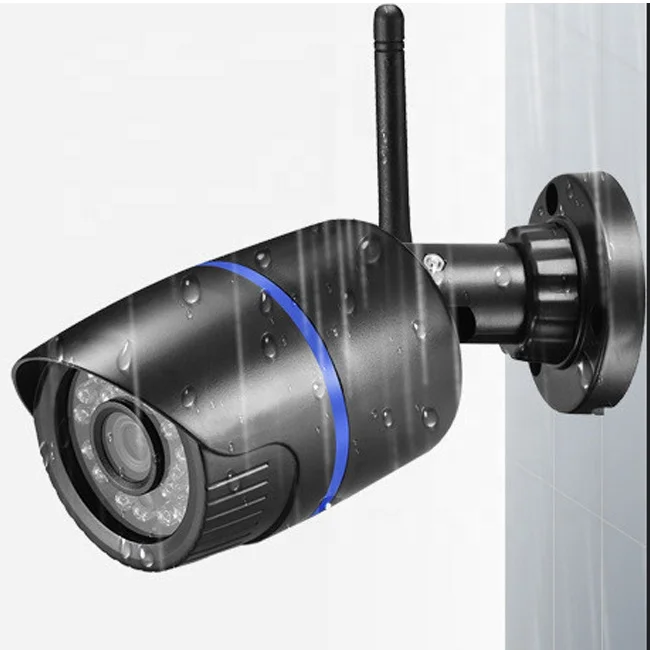
Waterproof IP66 for outdoor use

Support WIFI and Network Cable Connection

Support TF Card Storage.

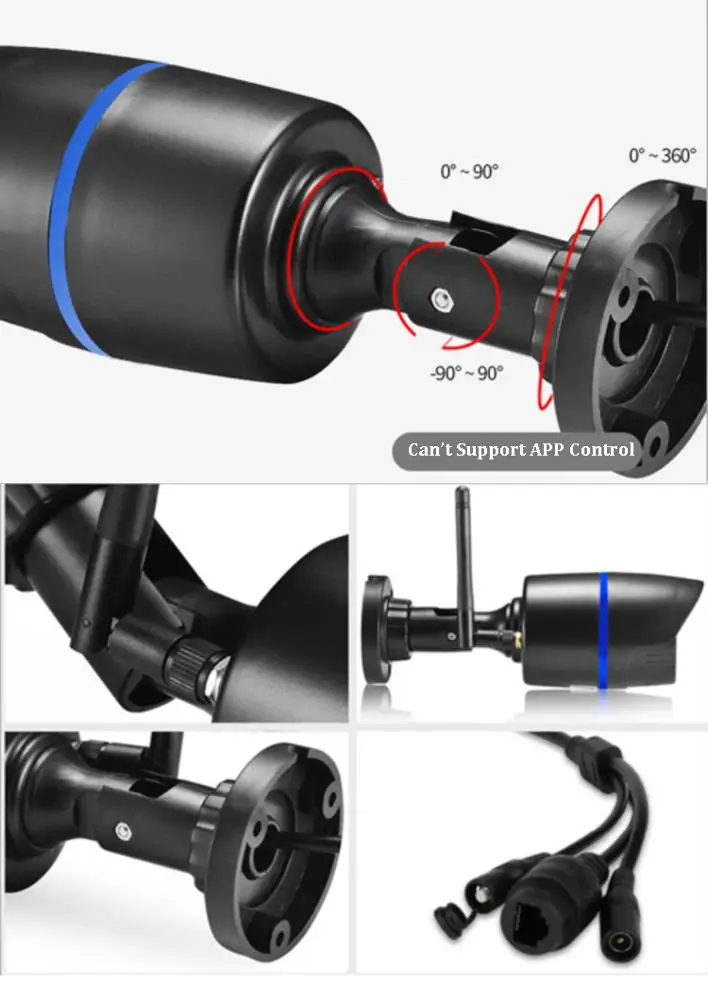
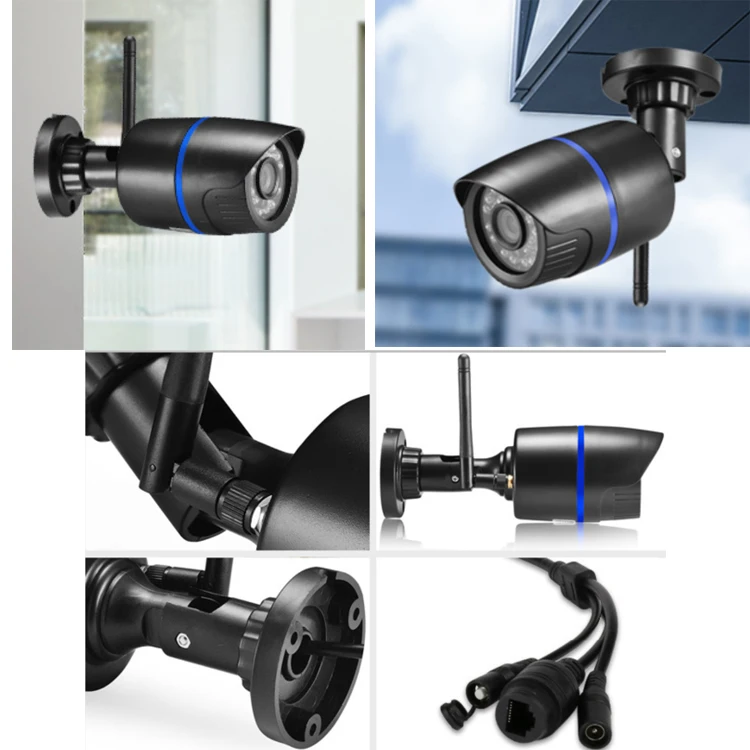
Easy and Flexible Installation.

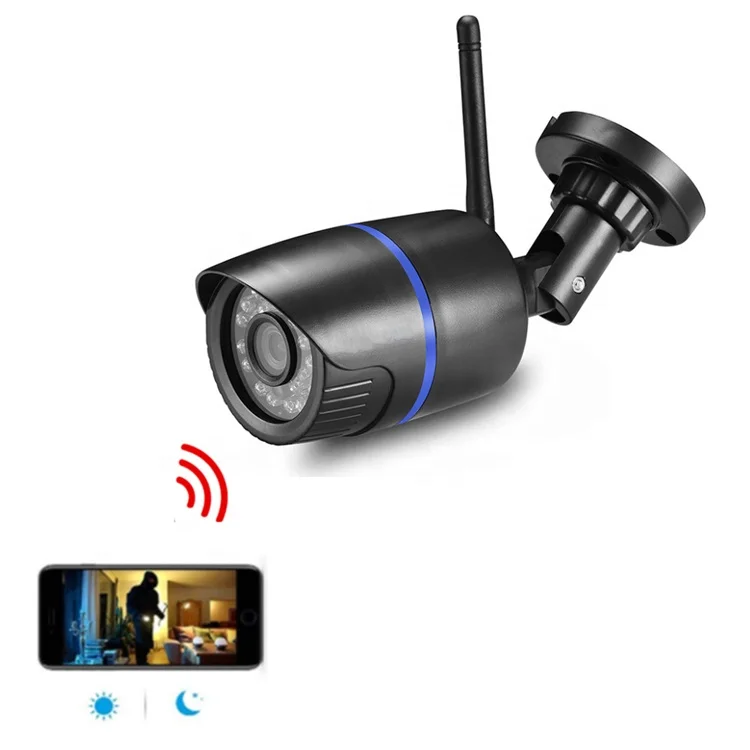
Day/Night Surveillance, Infrared LED On/Off Auto Switch, Clear Night Vision.

Compatible with free PC Central Management Software & free iOS and Android APP
Support Windows, Android and Mac 24 hours / 7days video recording.

Multi-Screen View

More Information,Click here to send us Inquiry now
Related IP Cameras
Company Information

FAQ
Q:Can’t add the device?
A.Please make sure the camera has been reset. Press the Reset button until hear the prompt tone
B.Only support 2.4GHZ Wi-Fi, if your Wi-Fi router is 5GHZ, please switch to 2.4/5GHZ dual mode.
C.Please turn on the GPS service before adding the device on the Android mobile phone . After installation is complete, you will be asked to turn on GPS service when you use the app at the first time, if you choose not to turn on the GPS service, please uninstall and reinstall the app again
D.Please confirm the camera wasn’t binding by the other account.
There are four voice prompts in the progress
(1)“Please configure camera by scanning code or AP hot spot”
(2)Select your Wi-Fi and login with your password, after the device makes a noise like “beep” you will hear this “Please wait for Wi-Fi connecting”.
(3)“Please wait for internet connecting” after getting the Internet ip address.
(4)“Internet connected welcome to use cloud camera”
A.If you can’t go to the second step, please check your Wi-Fi channel is not hidden, and the Wi-Fi router can’t be so far from the camera. If this way doesn’t work, please scan the QR code to add the camera.
B.If you can’t go to the third step, please reduce the number of the Wi-Fi users, and delete the special characters of your Wi-Fi password.
C.If you can’t go to the forth step, please try again, if it still doesn’t work, please contact the seller.
Q: Why I can’t get the notifications on my phone?
A. Make sure the App get the message pushing rights, Otherwise, when you are watching the real-time video in the App, there is no warning notifications, because it’s unnecessary to send notifications when you are watching the video online.
Advanced message push system, the warning notifications won’t be pushed to your phone all the time but it will record all the messages and videos.
Q: What is the APP?
A: YCC 365 Plus.
Q: How do the other people watch the video?
A:Share the App account with the other people.
Q: Could the camera record 24hours per day? How many memory needed for 24 hours?
A: Yes, it could record 24 hours per day, it will take about 21GB memory.

We Recommend







New Arrivals
New products from manufacturers at wholesale prices






