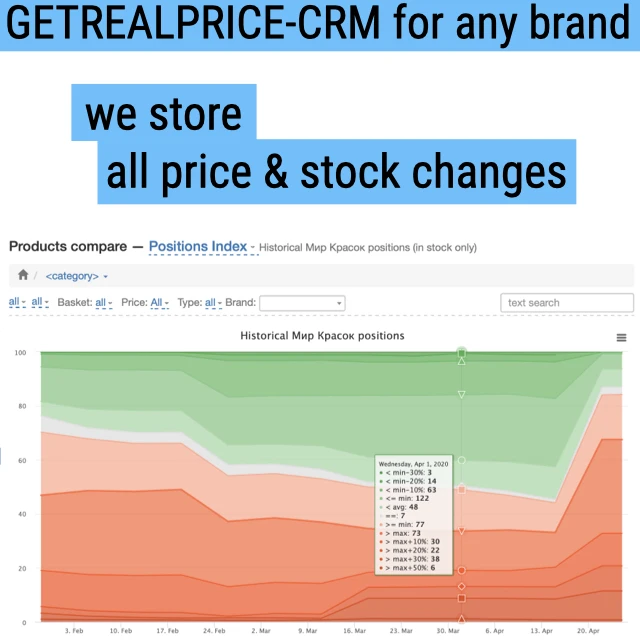
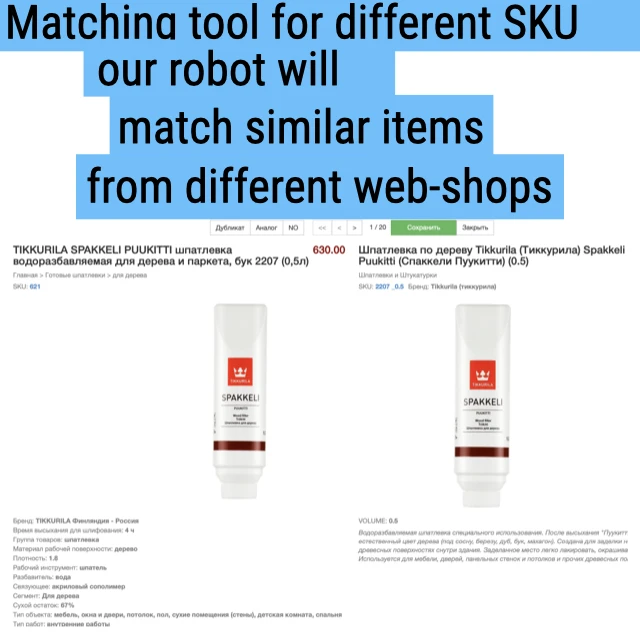
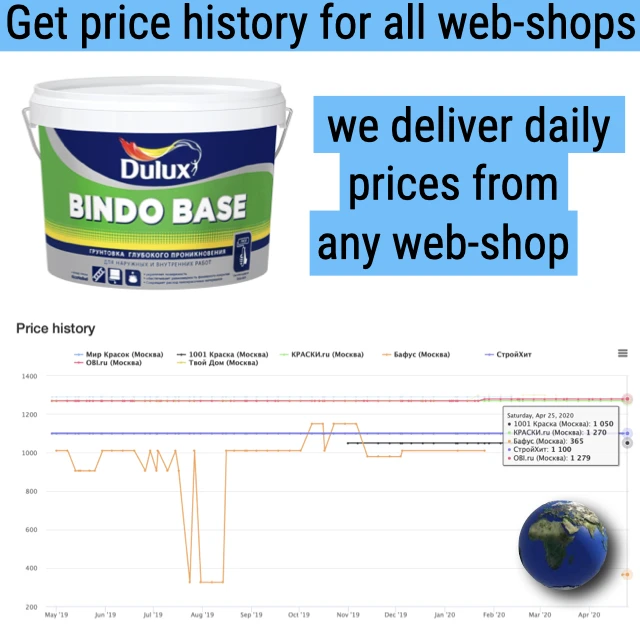
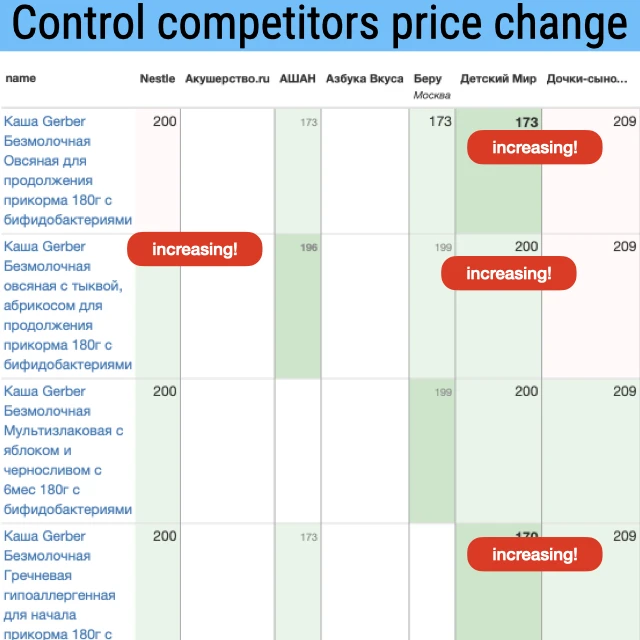
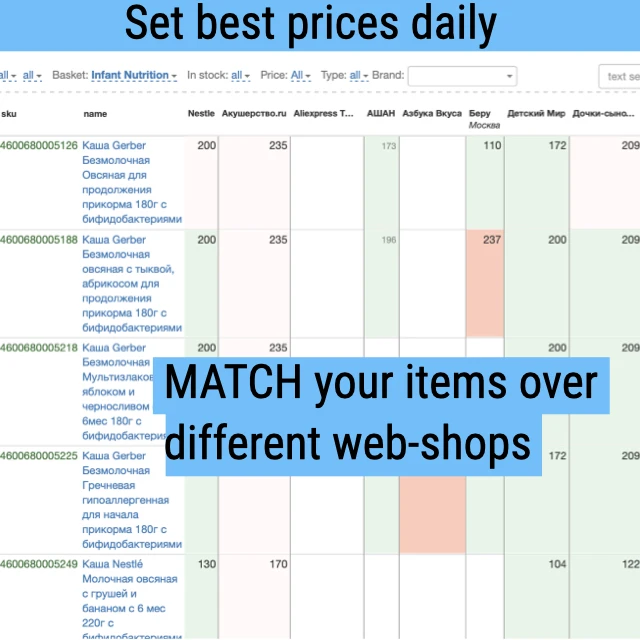
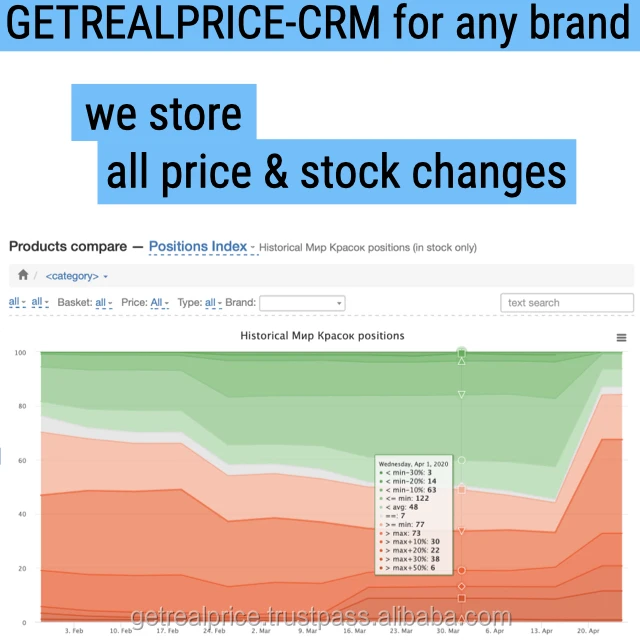
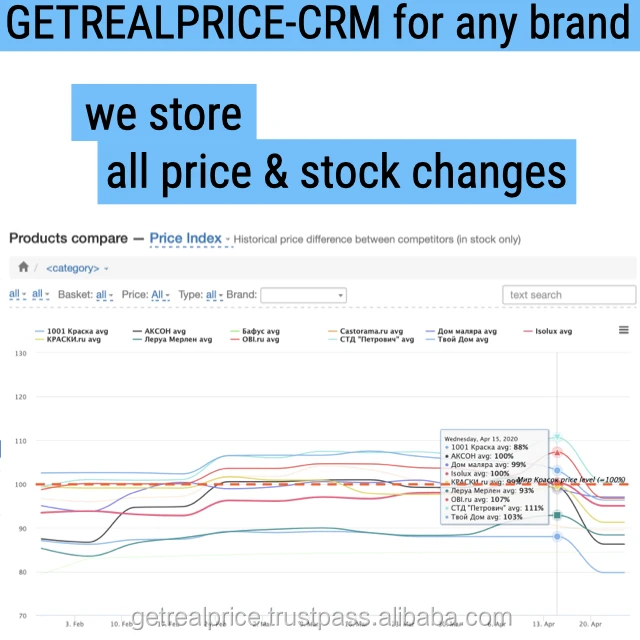
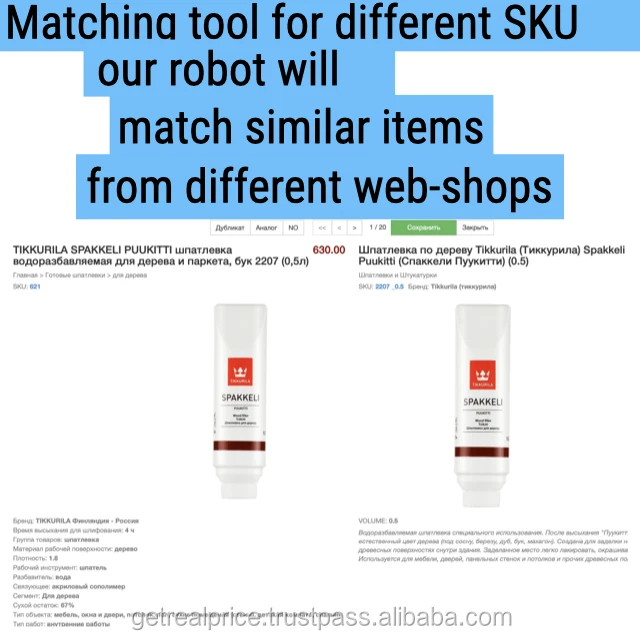
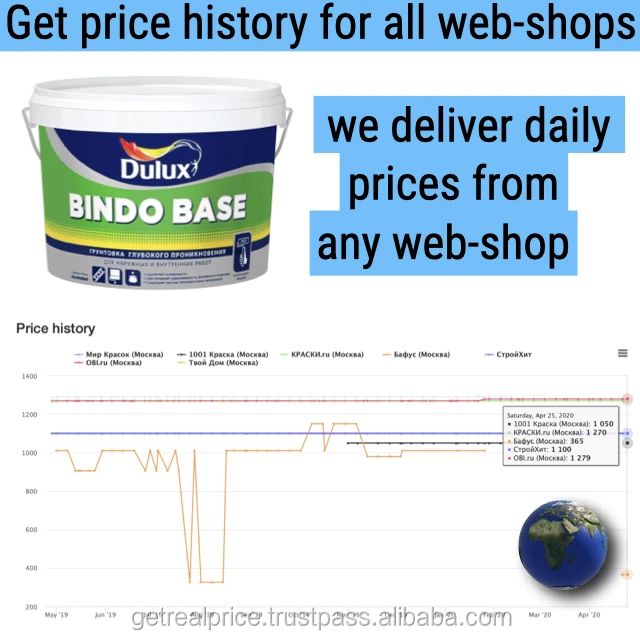
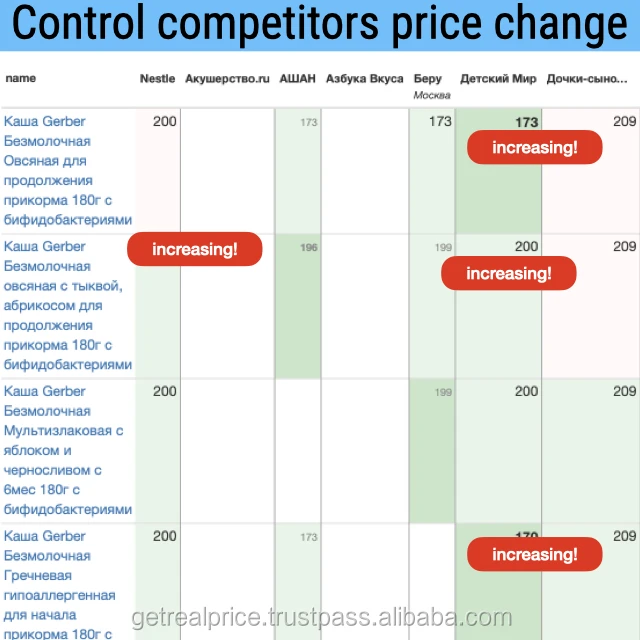
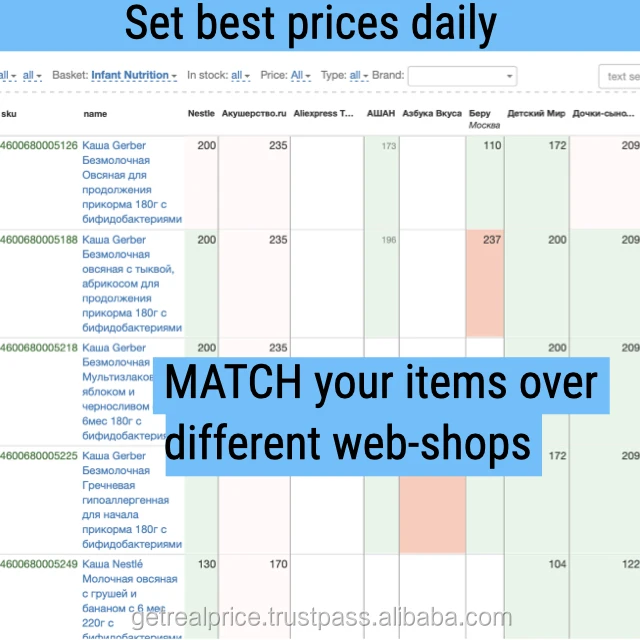
What we propose: Getrealprice performs regular price updates in all you-are-interested-internet webshop-stores to match items between your Webshop and competitors Webshop. After we match items it's easy to manage your prices and to win competitors with pricing. We can match the same items (duplicate mmatches) or similar items (analog matches) After Product matching you can easily organize your price monitoring business process for example splitting range to: top-100 products; each category; each brand; new products; products without direct rival products (so-called "me-too" products).
How to install: Tell us:
1) Amount of your SKU to monitor 2) Number of competitors webshops and their URL's 3) QTY of employees that need access to Getrealprice Web App After this we will install crawlers for regular price update (price parsing) and give an access to Getrealprice Web App.
How to work with software: There are many ways to learn how to work with Price Monitoring software: - Skype/Phone call 2-4 hrs (free for new clients) - Training done by our specialists (700 USD for visiting your office) - Training done by our specialists in Getrealprice office (0 USD for new clietns) - Self video watching-and-learning on youtube:
1 Manage Price monitoring, easy step 1 https://youtu.be/jCoANm4Biek 2 Manage Price monitoring, easy step 2 https://youtu.be/Wx9xOVtWKjs 3 Manage Price monitoring, easy step 3 https://youtu.be/0GAPaPnDK-w 4 Learn CRM section - Messages https://youtu.be/zc4eiy_02CE 5 Learn CRM section - Issues https://youtu.be/A3n3-0zFNU4 6 Learn CRM section - Reports https://youtu.be/pbqcqU9TwUY 7 Learn CRM section - Search https://youtu.be/CdeRzb4GVh0 8 How to load goods into monitoring https://youtu.be/9X9utU6tmX0 9 How to work with prices for different cities https://youtu.be/WM-wQbBbt2U 10 How to find out the monitoring frequency https://youtu.be/UQZMRCYJ2s4 11 How to divide monitoring by departments https://youtu.be/as6dG9Mpd_Y 12 How to see the price of goods https://youtu.be/AG3Bw7LeCAw 13 How to find the date of the match https://youtu.be/E_X8AlRGWOQ 14 What are the duplicates for the product https://youtu.be/kPpYl9l-bF4 15 How the Price Difference filter works https://youtu.be/eWngag6dZIA 16 How to change found duplicates for goods https://youtu.be/ZnYnWlQ1ewk 17 How to find out when the prices for a product and its doubles were updated https://youtu.be/kKW9Uu-OQPA 18 How to find out when a product appeared in monitoring https://youtu.be/oTZtcNEe_lY 19 How to quickly identify problematic products https://youtu.be/-SESwhRfMow 20 how to use the price divider https://youtu.be/xeRG4upJP2Q 21 how to remove previously affixed duplicates https://youtu.be/9c-JuAfm0-E 22 how to change the analogue to a duplicate https://youtu.be/bfJRZbR-h_Y 23 how to see how many analogues and takes for 1 product https://youtu.be/LIaBYLLDgFg 24 according to what rules are duplicates displayed if there are more than 1 of them https://youtu.be/qYGS-zZTrRQ 25 what reports are - general https://youtu.be/YtOLSHghuSE 26 duplicate report - detailed https://youtu.be/_6O0R_Vk44Q 27 take report - abbreviated https://youtu.be/kNGQqOP569Y 28 duplicate report - for different departments https://youtu.be/uwuS0OGmaVo 29 duplicate report - with different price options https://youtu.be/wfBGsBTIdc0 30 duplicate report with baskets https://youtu.be/UxHwnPK8EiU 31 duplicate report with different tabs https://youtu.be/wdXBdMwCAnw 32 report with duplicates and analogues if there are more than 1 on the product https://youtu.be/jecT1N4skcs 33 report on duplicates found during the period https://youtu.be/yOsz64EjtP8
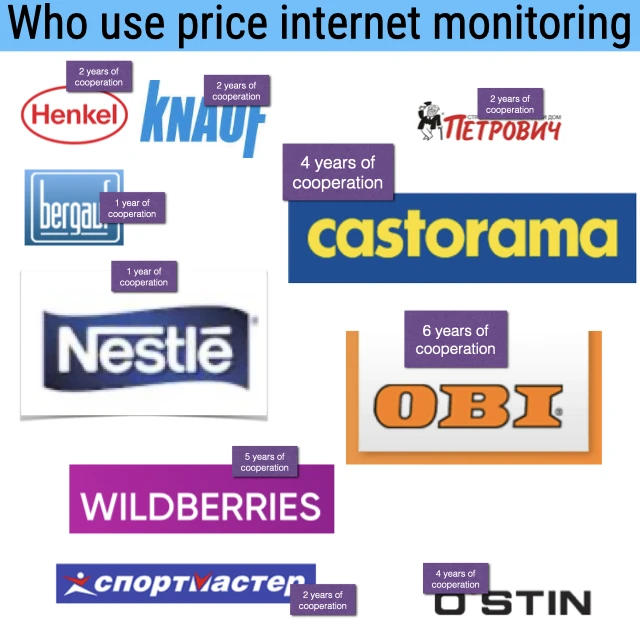
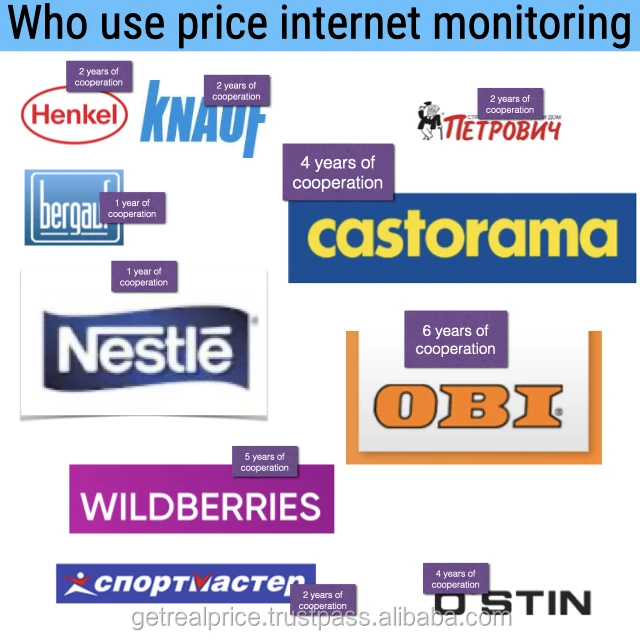
Who works with Getrealprice software: We are cooperating with many world brands: Nestle, Decathlon, OBI, Castorama, Knauf.
Detailed Images
Packaging & Shipping
Packaging Details
Not needed
Port
Saint Petersburg
Processing Time
3 days
MOQ
1
Unit type
Custom WebApp setting
FAQ
How to contact? See contact section
Delivery methods Not needed
Payment methods Bank transfer (options: European Union bank, Russian bank) and PayPal.