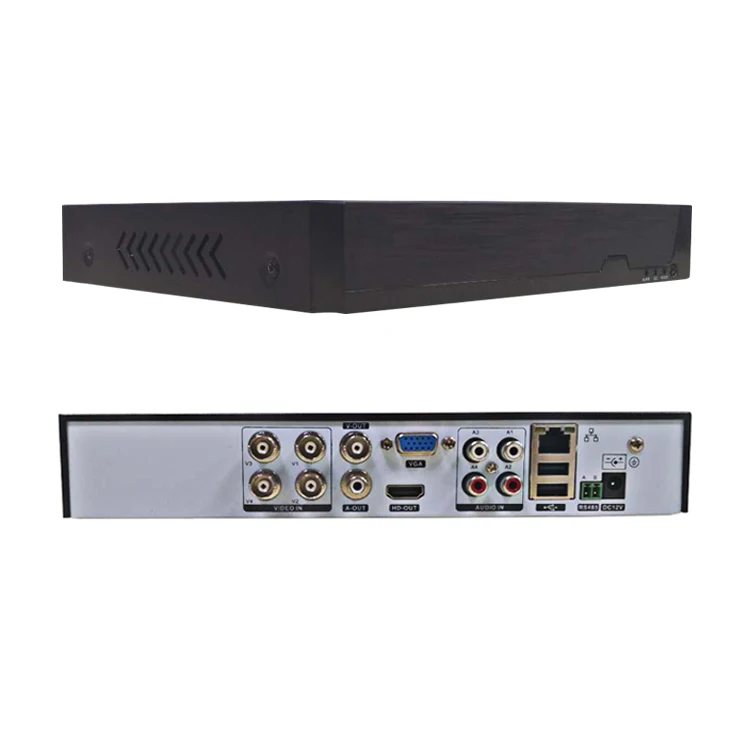
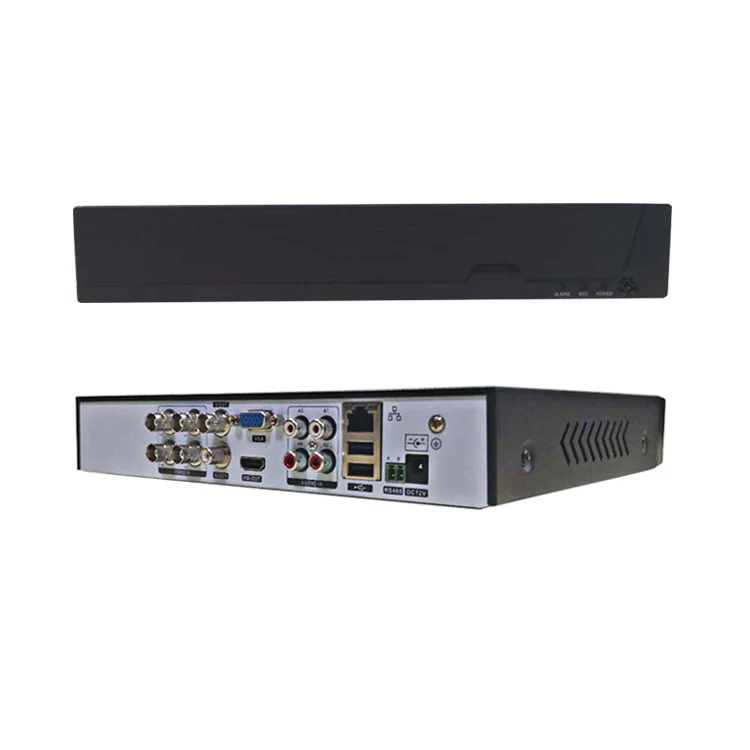
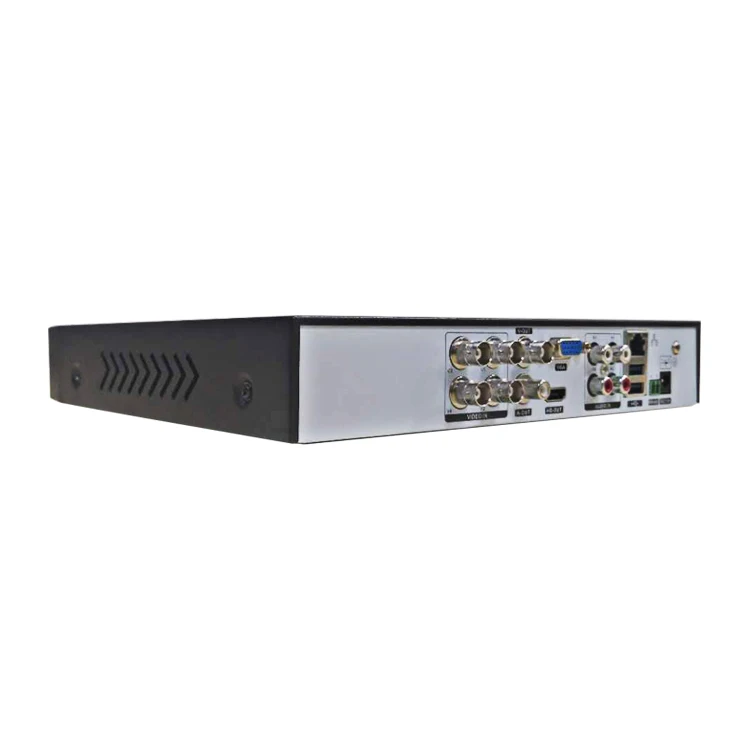
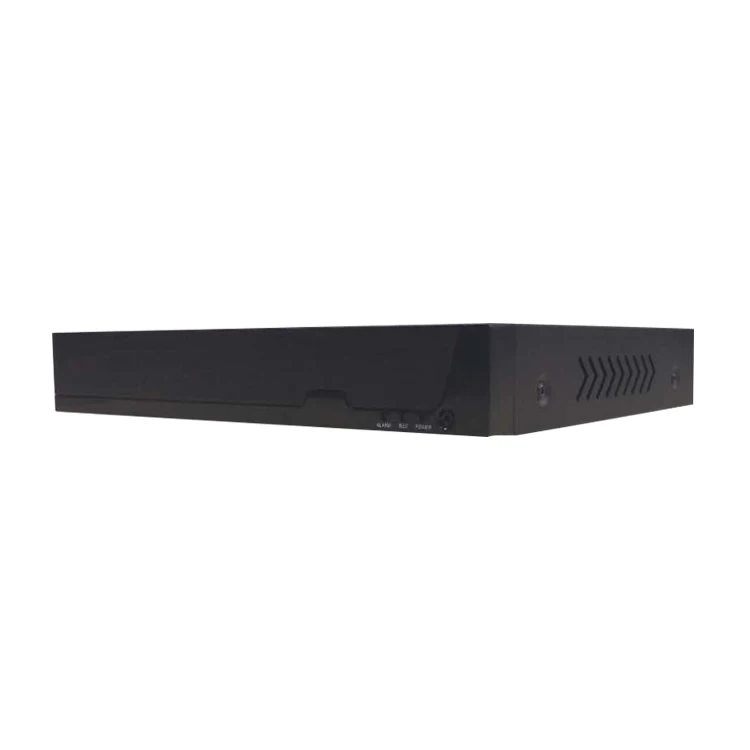
video surveillance 5in1 hybrid DVR XVR3204FHH1 A9 4K/5MP intelligent HD CCTV DVR/TVI xvrview dannal hisilicon platform
- Category: >>>
- Supplier: Hangzhou Topsvision Technology Co. Ltd.
Share on (62564839592):
Product Overview
Description
Products Description
Master | RAM | FLASH | AD chip | HDD |
3521D | 8G | 16M | 2831 | 2 |
channel | Channel mode (Analog channel + digital channel) | Playback | Preview (Analog channel + digital channel) | ||
Serial number | Number of lines * resolution / frame rate | Number of lines * resolution / frame rate | Preview the number of frames | ||
4CH | 1 | 4 * 5M/12+ 0 | 4 * 5M/12 | 4 * 5M/20 + 0 | |
2 | 4 * 8M/6 + 0 | 2 * 8M/6 | 4 * 8M/15 + 0 | ||
3 | 2 * 5M/12 + 2 * 5M/25 | 2 * 5M/25 | 2 * 5M/20+ 2 * 5M/25 | ||
4 | 0 + 8 * 1080P/25 | 8 * 1080P/25 | 0 + 8 * 1080P/25 | ||

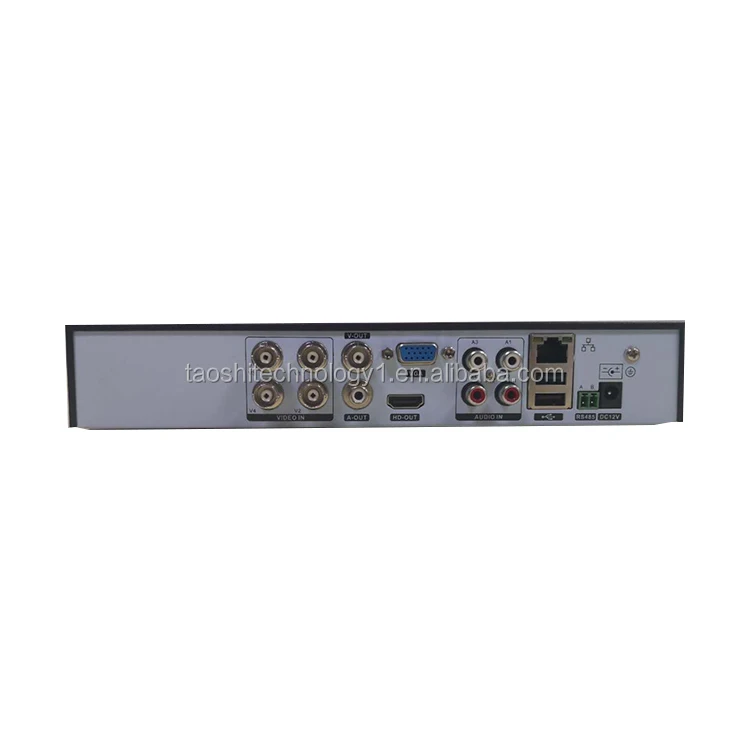

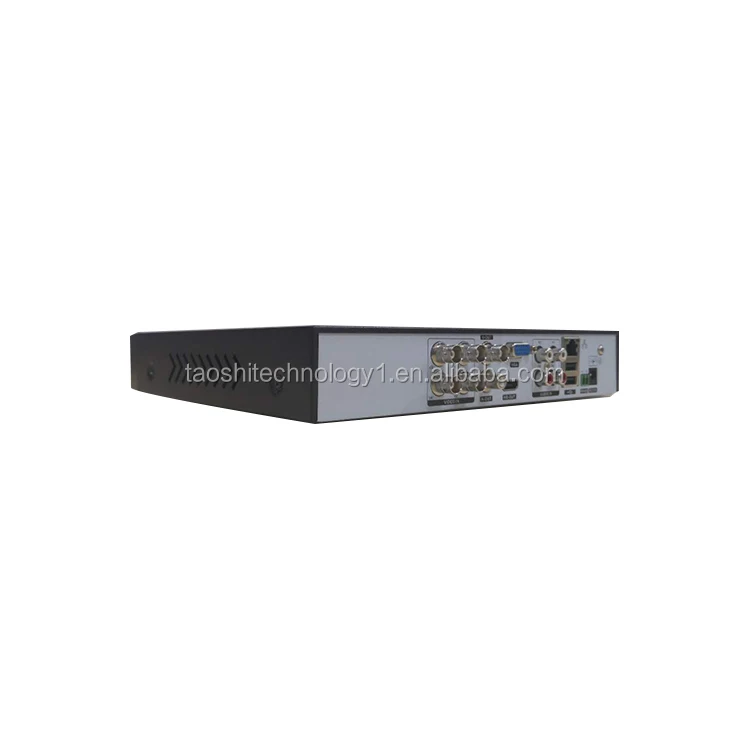
Features
TVI / AHD / DVR / NVR / CVI five-in-one, many kinds of mode to switch, support full HD analog, HD analog plus digit HD, full digit HD.
Through Cloud service, easily realize net penetration, only one step to achieve remote viewing.
Support mobile phone view.(iPhone Android)。
Support many kinds of Web browsers.(IE/Chrome/Firefox/Safari)。
Support VGA、TV、and HDMI output at the same time.
Powerful network service(DHCP、PPPOE、FTP、DNS、DDNS、NTP、UPNP、Email etc. ) Perfect supporting(WEB、Client 、SDK), easily achieve interconnection.
Support twenty more kinds of languages.
Freely Change boot logo and choose interface style.
Support basic intelligent alarm (mixing line, perimeter, item care)
Through Cloud service, easily realize net penetration, only one step to achieve remote viewing.
Support mobile phone view.(iPhone Android)。
Support many kinds of Web browsers.(IE/Chrome/Firefox/Safari)。
Support VGA、TV、and HDMI output at the same time.
Powerful network service(DHCP、PPPOE、FTP、DNS、DDNS、NTP、UPNP、Email etc. ) Perfect supporting(WEB、Client 、SDK), easily achieve interconnection.
Support twenty more kinds of languages.
Freely Change boot logo and choose interface style.
Support basic intelligent alarm (mixing line, perimeter, item care)
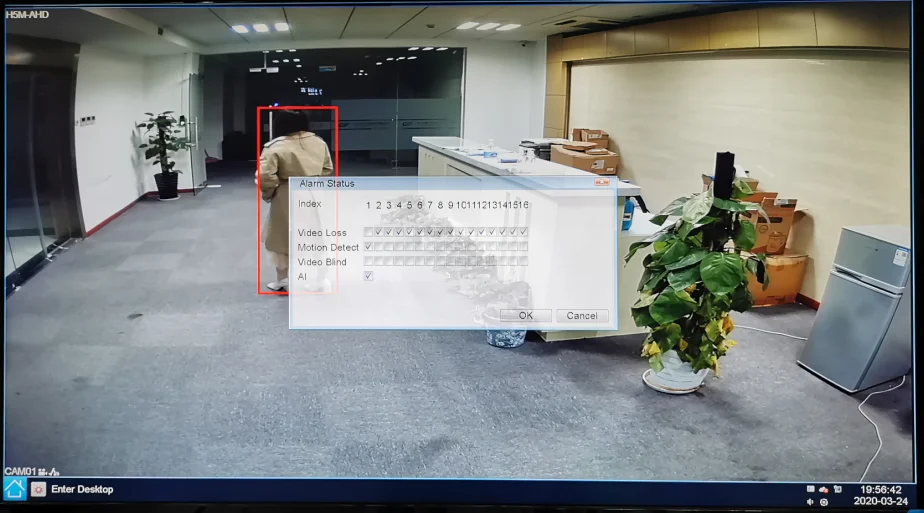
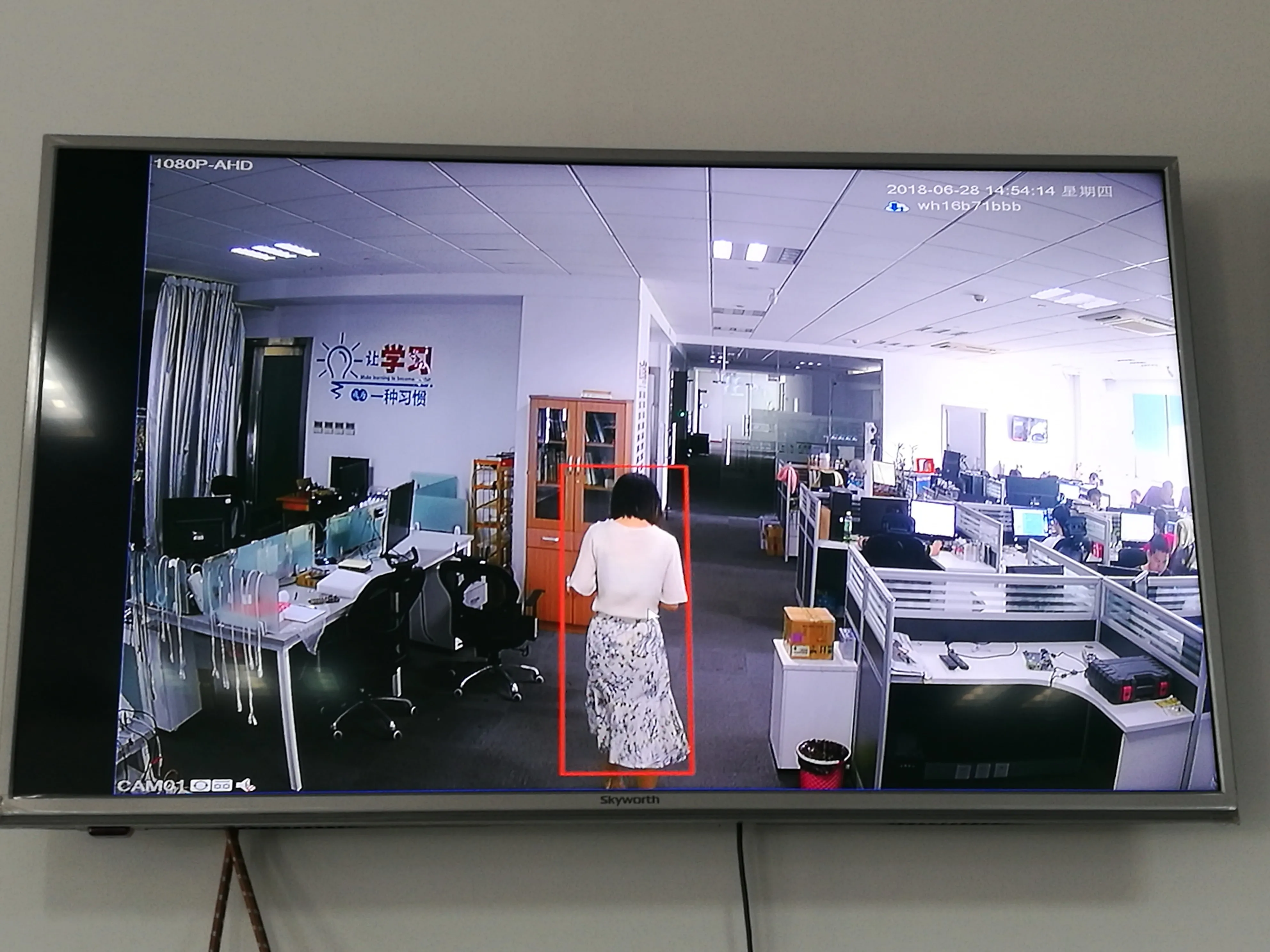
IPD——Human shape detection
Humanoid target detection algorithm. It can detect pedestrians in the picture. The current version is limited to standing upright.
It can detect complete humanoid targets from head to toe, as well as targets exposed only by the upper body.
Detection: Within the detection range, when a human figure is detected, a red detection frame will appear, and the detection frame
will frame the entire human figure. After the human figure is detected, an alarm will be triggered;
Detection range: the farthest can be detected, the human shape about 5 meters away from the lens, can detect multiple human shapes.
It can detect complete humanoid targets from head to toe, as well as targets exposed only by the upper body.
Detection: Within the detection range, when a human figure is detected, a red detection frame will appear, and the detection frame
will frame the entire human figure. After the human figure is detected, an alarm will be triggered;
Detection range: the farthest can be detected, the human shape about 5 meters away from the lens, can detect multiple human shapes.

Perimeter alert-introduction:
Track all moving targets in the image,
The DVR generates an alarm when the edge of the target (upper left, lower left, upper right, lower right) exceeds the set rule.
Cordon:User set cordon in the image range and set prohibited direction.When a specified type of target crosses this cordon while the forward direction is consistent with the prohibited direction,DVR will alarm.
Perimeter alert:The user sets a prohibited area of any shape within the image range. Also set the alarm type to ‘go out’ or ‘enter’.when the target triggers the set rule, the DVR will alarm.
Note:
1. The warning area only supports 8 fixed-points at most.
2. Each DVR only supports setting one Warning area.
3.The warning area should not set too close to the edge of the image.
4.The warning area should be set out more than expected position.
The DVR generates an alarm when the edge of the target (upper left, lower left, upper right, lower right) exceeds the set rule.
Cordon:User set cordon in the image range and set prohibited direction.When a specified type of target crosses this cordon while the forward direction is consistent with the prohibited direction,DVR will alarm.
Perimeter alert:The user sets a prohibited area of any shape within the image range. Also set the alarm type to ‘go out’ or ‘enter’.when the target triggers the set rule, the DVR will alarm.
Note:
1. The warning area only supports 8 fixed-points at most.
2. Each DVR only supports setting one Warning area.
3.The warning area should not set too close to the edge of the image.
4.The warning area should be set out more than expected position.


Items care:
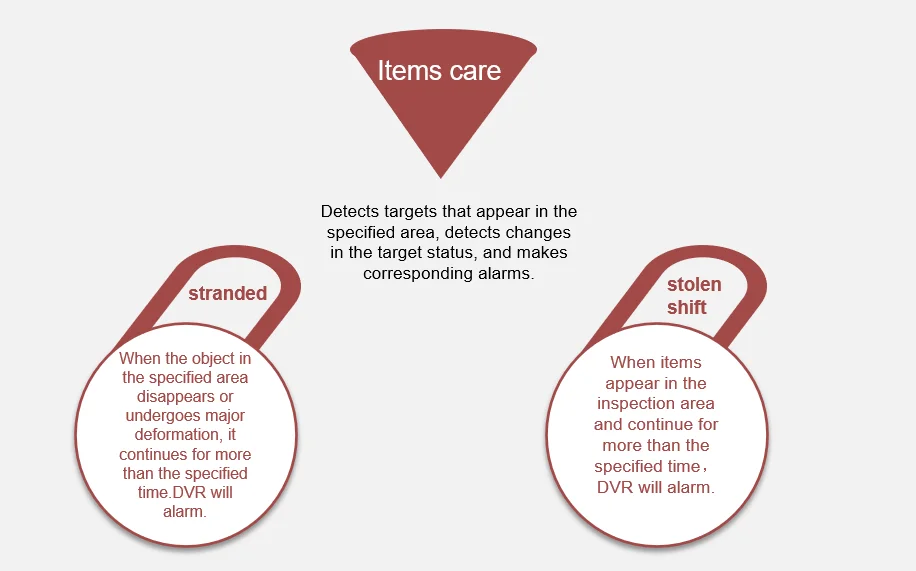
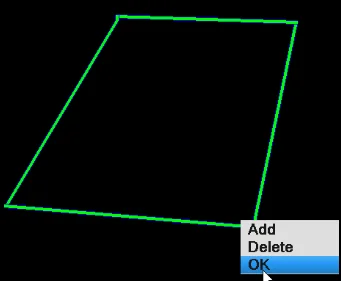
Note:
1. The 'Items stolen shift' area only supports
8 fixed-points at most.
2. Each DVR only supports setting four items stranded area.
3. 'Items stolen shift' area must be drawn outside of the item to be inspected.
2. Each DVR only supports setting four items stranded area.
3. 'Items stolen shift' area must be drawn outside of the item to be inspected.
Technical parameters | ||||
system | Compression format | H.265、H.265+ | ||
operating system | Embedded Linux operating system | |||
video | enter | 4 | ||
VGA output | Yes | |||
BNC output | Yes | |||
Loop output | NO | |||
HDMI output | Yes | |||
Audio | Audio Input | 4 | ||
Audio output | 1 | |||
Two-way intercom | Yes | |||
Video | Real-time video frequency | 4Ch is not real time | ||
Video mode | Timing, manual, dynamic detection, external alarm | |||
Playback | The number of simultaneous playback | 4 | ||
Search mode | Time point retrieval, calendar retrieval, event retrieval, channel retrieval | |||
Backup | USB mobile hard disk, U disk | Yes | ||
USB DVD burner | Yes | |||
Backup file format | H264、H265、AVI | |||
remote access | Browser | Supports multiple web browsers | ||
CMS | Support CMS3.0、VMS | |||
APP | Support for iPhone, Android | |||
Alarm | Alarm input | 4 | ||
Alarm Output | 1 | |||
storage | HDD number | 2 | ||
E-SATA | NO | |||
PTZ | interface | 1*RS485 | ||
protocol | PELCOP,PELCOD,LILIN,MINKING,NEON,STAR,VIDO,DSCP,VISCA,SAMSUNG,RM110,HY | |||
control method | Pan, Tilt, Zoom, Preset, Cruise, Trace | |||
Network | Network port | 10 / 100 Mbps Ethernet (RJ-45) | ||
Network protocol | TCP/IP, DHCP, DDNS, NTP, SMTP | |||
other | remote control | Yes | ||
power supply | DC12V /4A | |||
Work Temperature | -10°C ~60°C | |||
Working humidity | 10% ~ 90% Humidity | |||
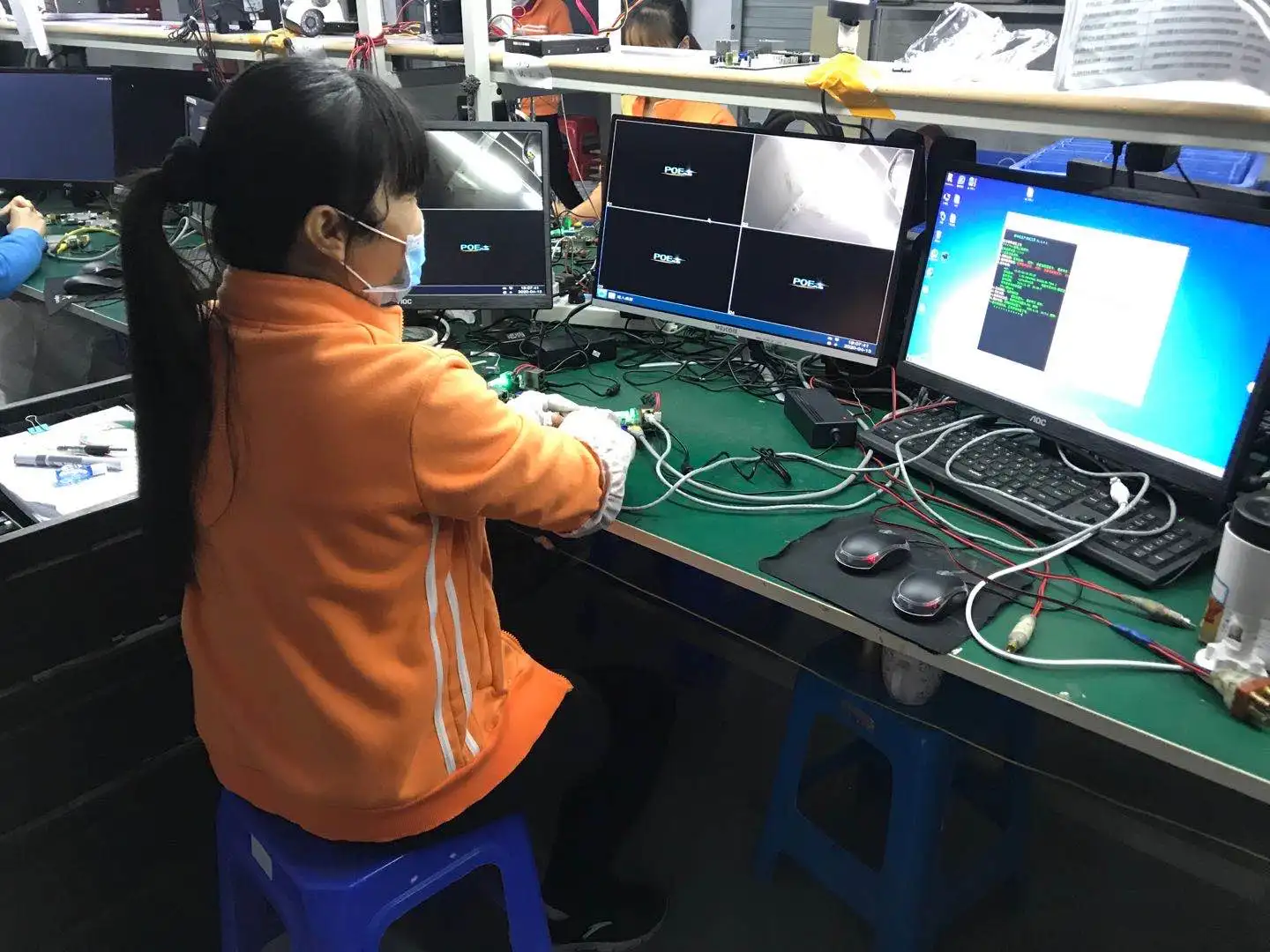
Factory Equipment



Exhibition

Founded in November 2012, Hangzhou Taoshi Technology Co., Ltd. is an excellent enterprise dedicated to high-definition network video monitoring.
The company has a strong R & D team. The team members are energetic, active, United, harmonious, with innovative spirit, and constantly expand new knowledge areas. They are broad-minded and take, thick accumulation and thin hair!
The company has a strong R & D team. The team members are energetic, active, United, harmonious, with innovative spirit, and constantly expand new knowledge areas. They are broad-minded and take, thick accumulation and thin hair!
Company Profile


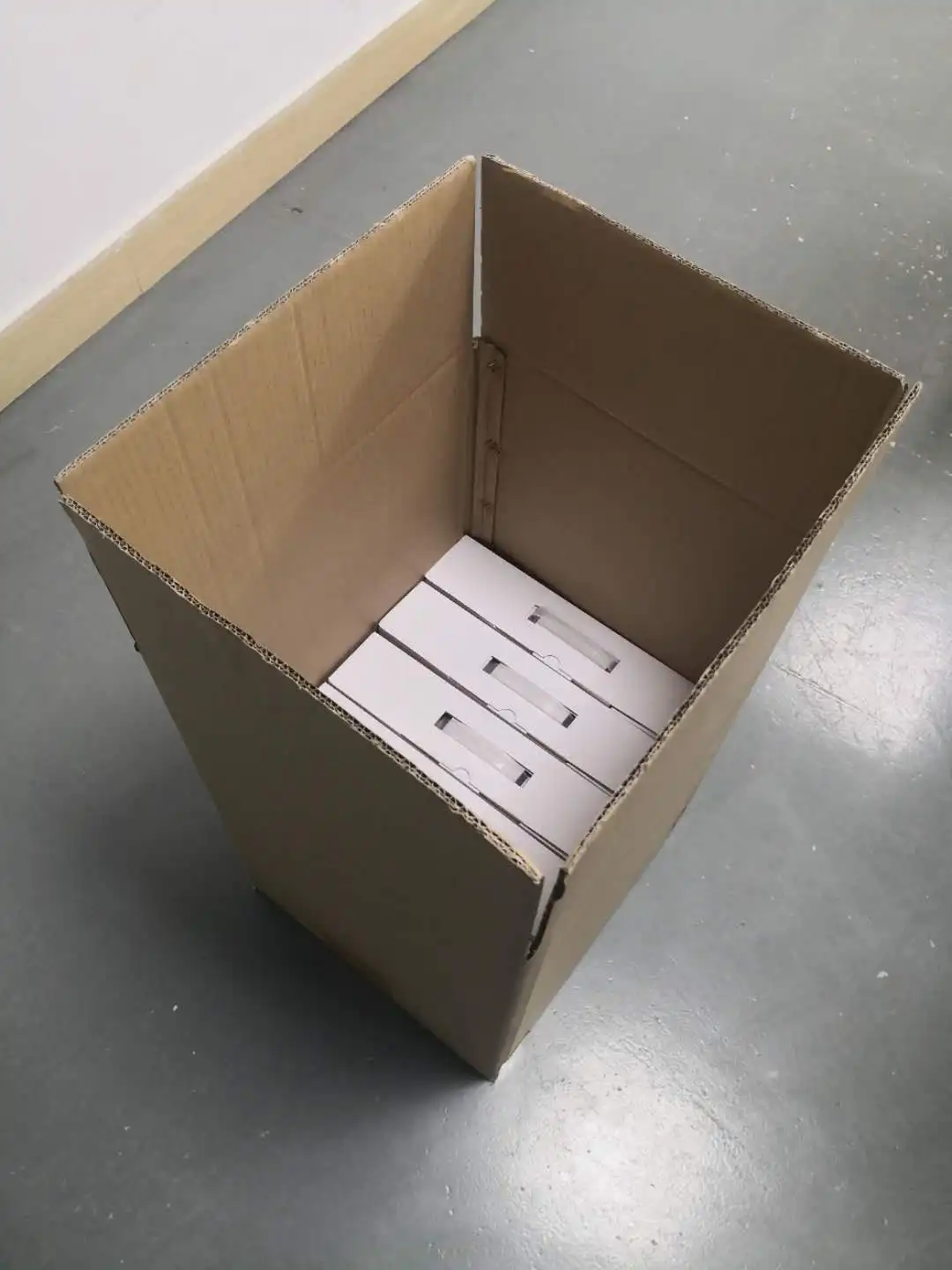
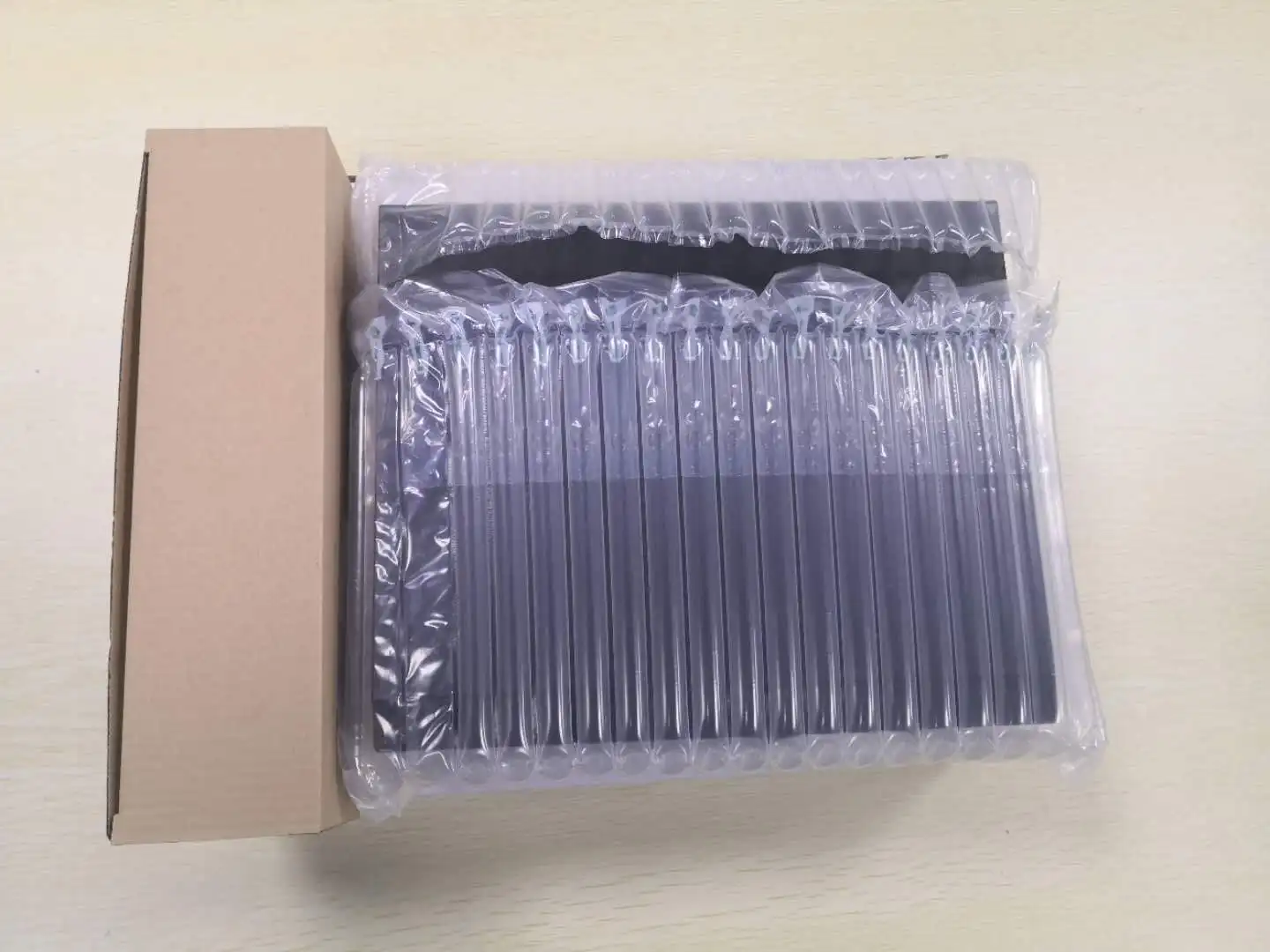
Product packaging



FAQ
1.DVR user login password forgotten, or multiple attempts to user lock?
——The device has a password retrieval function, you can scan the code to get the super password.
2. How many users can be added to the recorder user management.
——No restrictions
3. IE access, click the system configuration will open a new page, or an error occurs.
——Remove the existing plug-in, download and install again
4. The monitor cannot display the interface
——Super resolution Long press the right mouse button to modify the resolution
5.TVOUT cannot output
(1) Enter DVR.
(2) Login interface.
(3) Enter with 121126 password Open CVBS.
6.XVR channel interface display? X cannot be plotted
? : Indicates that the front and back systems do not match.
X: Super resolution.
7.XVR appears single screen, prompting MAC00 00 00 00 00
——Cryptographic soldering or encryption broken need to return to the factory.
8. DVR is online, VMS cannot be connected
——Provide the interface for adding technology to confirm whether the adding method is correct.
9.XVR recorder restarts automatically
A. It can run normally, but it will restart from time to time
1). Check management tools-automatic maintenance interface-whether to set automatic restart.
2). Update other versions of the program to troubleshoot the current version; restore the default configuration.
3). Shut down the cloud service or unplug the network cable, and check whether the IP address conflict or MAC conflict caused.
4). Replace the power adapter and check whether the power of the power supply is reduced and the power supply is insufficient.
5). Disconnect the hard disk and check for hardware compatibility issues.
6). Ask the interface person if there are any batch problems.
7). No fruit, work order submission.
B. XVR cannot start stuck on the color bar interface.
1). Provide motherboard information, use rescue procedures.
10. Unrecognized hard drive
1).The hard disk of the video recorder does not support hot plugging. When the video recorder is powered off, connect the hard disk and then power on to start the video recorder.
2).Check whether the hard disk is properly powered and the sata data cable is connected properly. You can replace the data cable to check whether the hard disk is normally powered.
3).It may be a compatibility problem between the hard disk and the device. Try another hard disk. It is recommended to use WD Western Digital purple disk.
4).Check if we use the standard power adapter, it may be caused by insufficient power of the power adapter.
5).It may be that the hard disk is damaged and cannot be used normally. Connect it to a computer or other video recorder equipment to test whether the hard disk is damaged.
6).Restore the recorder to the default configuration and confirm that the program of the recorder has been updated to the latest version.
——The device has a password retrieval function, you can scan the code to get the super password.
2. How many users can be added to the recorder user management.
——No restrictions
3. IE access, click the system configuration will open a new page, or an error occurs.
——Remove the existing plug-in, download and install again
4. The monitor cannot display the interface
——Super resolution Long press the right mouse button to modify the resolution
5.TVOUT cannot output
(1) Enter DVR.
(2) Login interface.
(3) Enter with 121126 password Open CVBS.
6.XVR channel interface display? X cannot be plotted
? : Indicates that the front and back systems do not match.
X: Super resolution.
7.XVR appears single screen, prompting MAC00 00 00 00 00
——Cryptographic soldering or encryption broken need to return to the factory.
8. DVR is online, VMS cannot be connected
——Provide the interface for adding technology to confirm whether the adding method is correct.
9.XVR recorder restarts automatically
A. It can run normally, but it will restart from time to time
1). Check management tools-automatic maintenance interface-whether to set automatic restart.
2). Update other versions of the program to troubleshoot the current version; restore the default configuration.
3). Shut down the cloud service or unplug the network cable, and check whether the IP address conflict or MAC conflict caused.
4). Replace the power adapter and check whether the power of the power supply is reduced and the power supply is insufficient.
5). Disconnect the hard disk and check for hardware compatibility issues.
6). Ask the interface person if there are any batch problems.
7). No fruit, work order submission.
B. XVR cannot start stuck on the color bar interface.
1). Provide motherboard information, use rescue procedures.
10. Unrecognized hard drive
1).The hard disk of the video recorder does not support hot plugging. When the video recorder is powered off, connect the hard disk and then power on to start the video recorder.
2).Check whether the hard disk is properly powered and the sata data cable is connected properly. You can replace the data cable to check whether the hard disk is normally powered.
3).It may be a compatibility problem between the hard disk and the device. Try another hard disk. It is recommended to use WD Western Digital purple disk.
4).Check if we use the standard power adapter, it may be caused by insufficient power of the power adapter.
5).It may be that the hard disk is damaged and cannot be used normally. Connect it to a computer or other video recorder equipment to test whether the hard disk is damaged.
6).Restore the recorder to the default configuration and confirm that the program of the recorder has been updated to the latest version.
We Recommend

New Arrivals
New products from manufacturers at wholesale prices