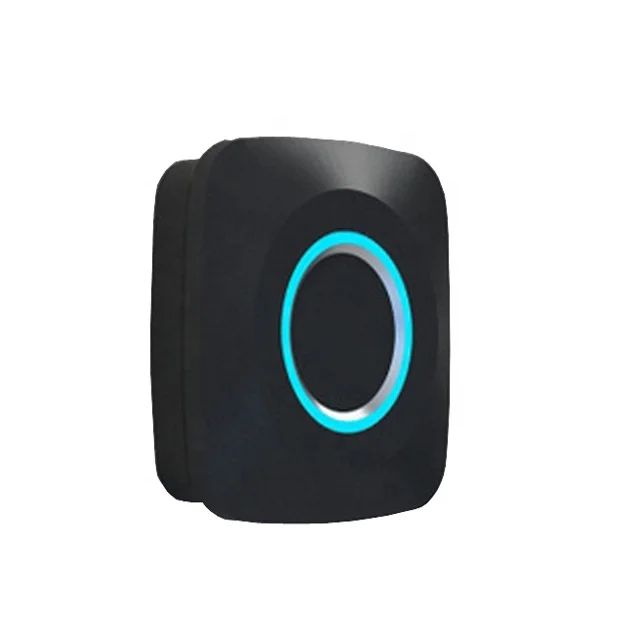
Маленький сбрасываемый отпечаток пальца Электрический ящик смарт замки Деревянная Сауна тренажерный зал шкаф мебель безопасность БЕСКЛЮЧЕВОЙ замок
- Категория: Furniture Locks >>>
- Поставщик: Guangzhou Liwen Houseware Co. Ltd.
Сохранить в закладки 1600410798823:
Описание и отзывы
Характеристики
Recommend Products
Product Description

Small resettable fingerprint electric drawer smart locks wooden sauna gym cupboard furniture safety keyless cabinet safe lock
Product name | Fingerprint cabinet lock |
Number | LW-Lock-016 |
Color | Black |
Case Material | ABS+PC |
Unlock mode | Fingerprint unlock |
Lock catch | Self elastic lock catch |
Store fingerprints | 10PCS |
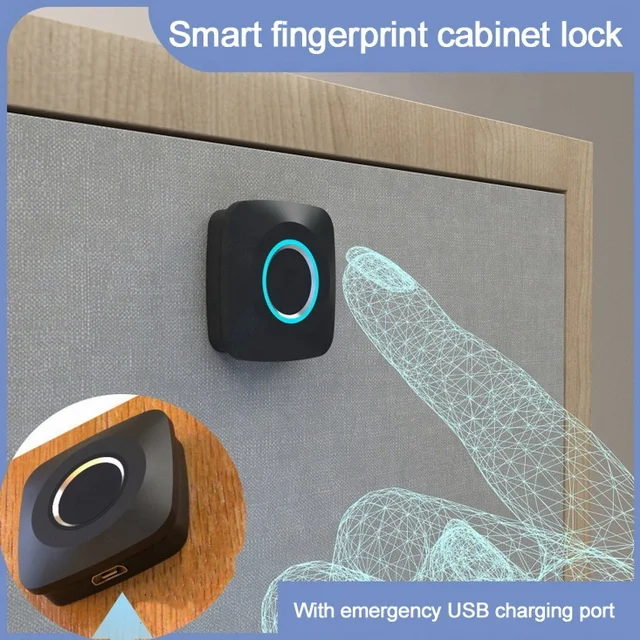
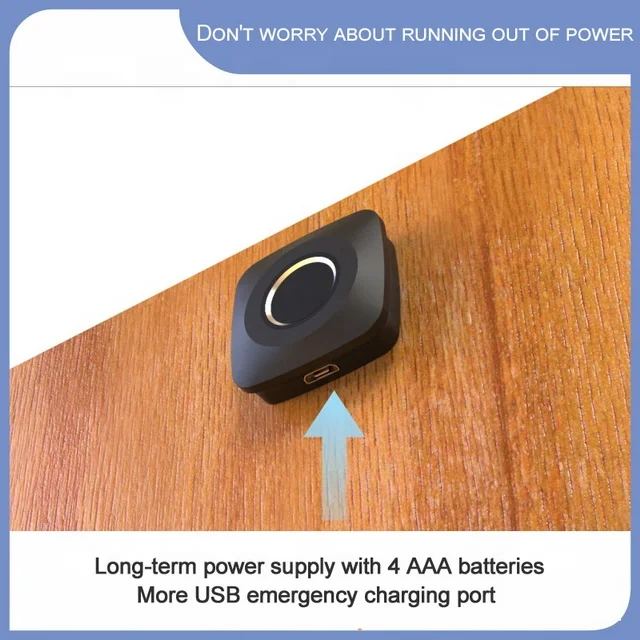
USB | USB emergency charging |
Battery specifications | Four AAA batteries( the parcel will come Without battery to save shipping) |
Lock size | 36*36*23mm |
Application | Office cabinet / Storage cabinet / Shoe cabinet / Drawer cabinet / Wine cabinet / Locker |
Real pictures taken by mobile phone under natural light


Feature of Fingerprint cabinet lock:
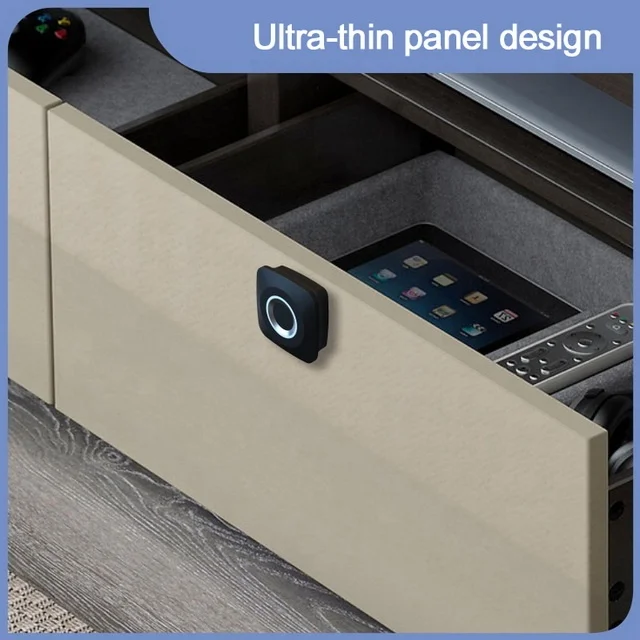
1. Ultra-thin panel design, beautiful and generous;
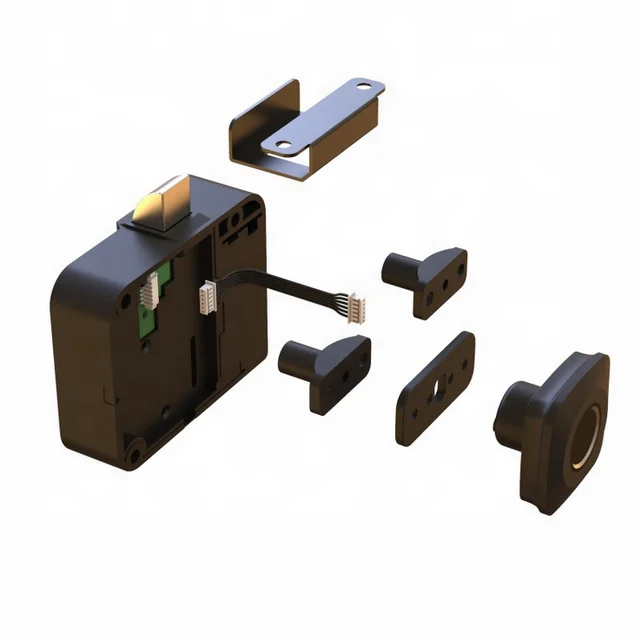
2. It can be easily installed with the original keyhole;
3. Precise fingerprint identification reader, safe and secure;
4. Simple and convenient fingerprint setting;
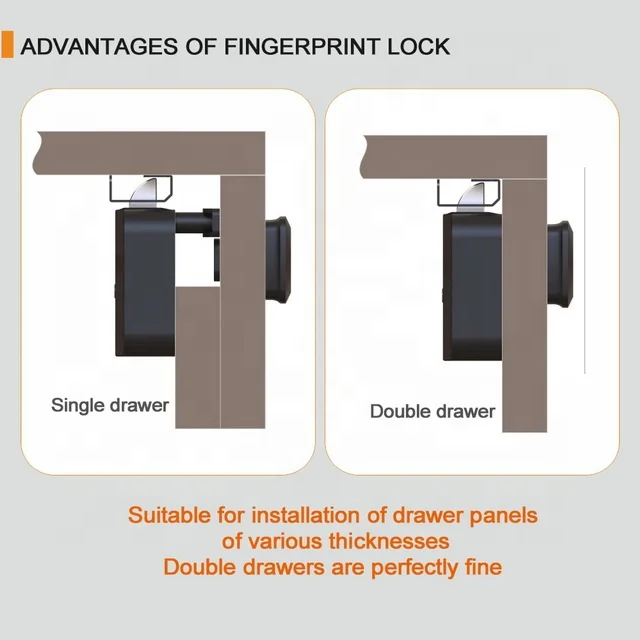
5. Unique design, suitable for installation of various thicknesses and double-layer boards;
6. It can be used as a small handle for drawers, which is convenient and practical;
7.USB + battery dual power supply, when the battery is used out, you can also unlock the lock through USB emergency charging,long-term use
8.Suitable for multiple scenarios,Office cabinet / Storage cabinet / Shoe cabinet / Drawer cabinet / Wine cabinet / Locker
Fingerprint settings :
1. The smart fingerprint lock can register 10 fingerprints in total.
2. Use the registration pin to short press the reset hole once, the blue light will be on, put your finger on the fingerprint recognition window within 3 seconds, the blue light flashes to indicate successful recognition, the same fingerprint is operated five times in sequence, the blue light is always On for 2 seconds, the registration is successful. The red light flashes to indicate that the registration has failed. Re-register and repeat the above operation.
3. To register the second fingerprint, please repeat the second step.
4. Press and hold the reset hole for more than 5 seconds for the registration pin. If the blue light flashes 5 times, it means that all fingerprints
have been cleared.
have been cleared.
How to unlock the action:
1: Touch the fingerprint recognition area, see the blue light on and feel the vibration and voice prompt, the fingerprint recognition is successful, you can unlock.
How to unlock the battery when there is no electricity:
1: When the battery voltage is low, there will be a continuous beep when opening the lock to indicate that the voltage is too low.
2: When the lock body battery voltage is insufficient, the door can be opened by an external power supply.


Packaging & Shipping


Our Services
Warranty :1year
Afterservice : 7/16 hours online technicial support
One-stop solution for all your idea about smart home
No min order quantity and 1 piece sample order is available
Regular stock and On-Time Delivery
Custom order is acceptable including The Package,color, and logo
7/16 Fast response
High- quality standard with reference certification
OEM and ODM order are acceptable
Afterservice : 7/16 hours online technicial support
One-stop solution for all your idea about smart home
No min order quantity and 1 piece sample order is available
Regular stock and On-Time Delivery
Custom order is acceptable including The Package,color, and logo
7/16 Fast response
High- quality standard with reference certification
OEM and ODM order are acceptable
Company Introduction
Guangzhou Liwen Houseware Co., Ltd.(ALIVE HOME) is leading solution provider of the smart home product and devoted to supplying one-stop solution in the field of smart home , Headquartered in Guangzhou ,China . items include mainly: Fingerprint series ,wifi series, smart electronic smart home Automatic and hot smart home appliance .
Our mission and Culture
our mission is to make life easier for customers
Love family, Flexible and Positive are our culture
Our mission and Culture
our mission is to make life easier for customers
Love family, Flexible and Positive are our culture
Workshop

FAQ
How many fingerprints it can read an save?
Re : 10 pcs
If the battery runs out and how to unlock the lock ?
Re : Power bank with the USB rechargeable cable
How about battery ?
Re : Four AAA batteries(Without battery to save shipping)
Can I custom logo and design ?
Re : Yes
How long and often need to charge?
Re : It depends on how frequent you're using it
Похожие товары
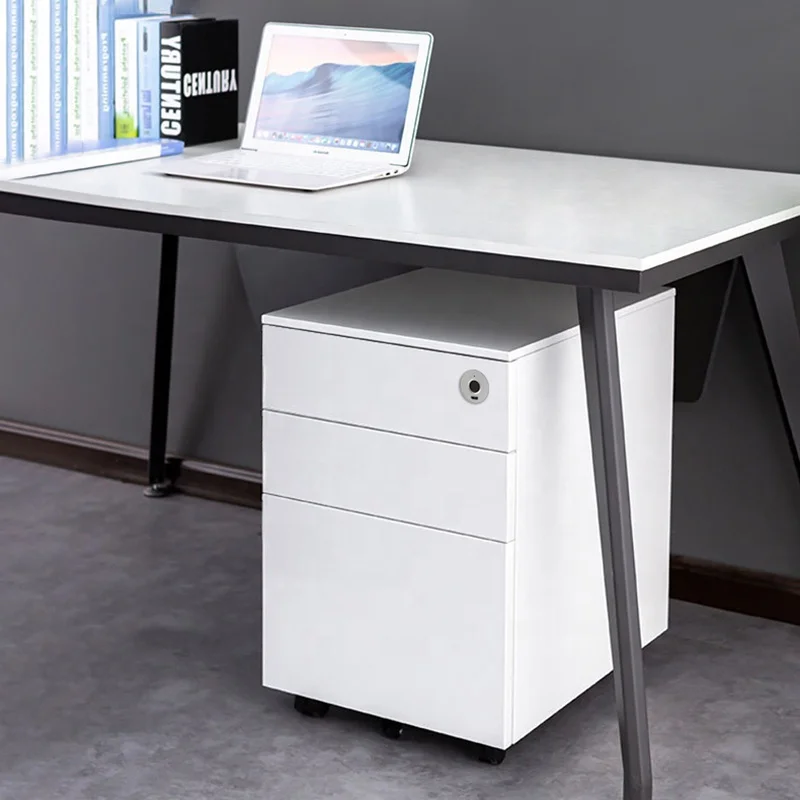
Цинковый сплав отпечатков пальцев замок выдвижного ящика мебельная фурнитура перезаряжаемый электронные настольные часы смарт замки для выдвижных
11,50 $ - 12,80 $
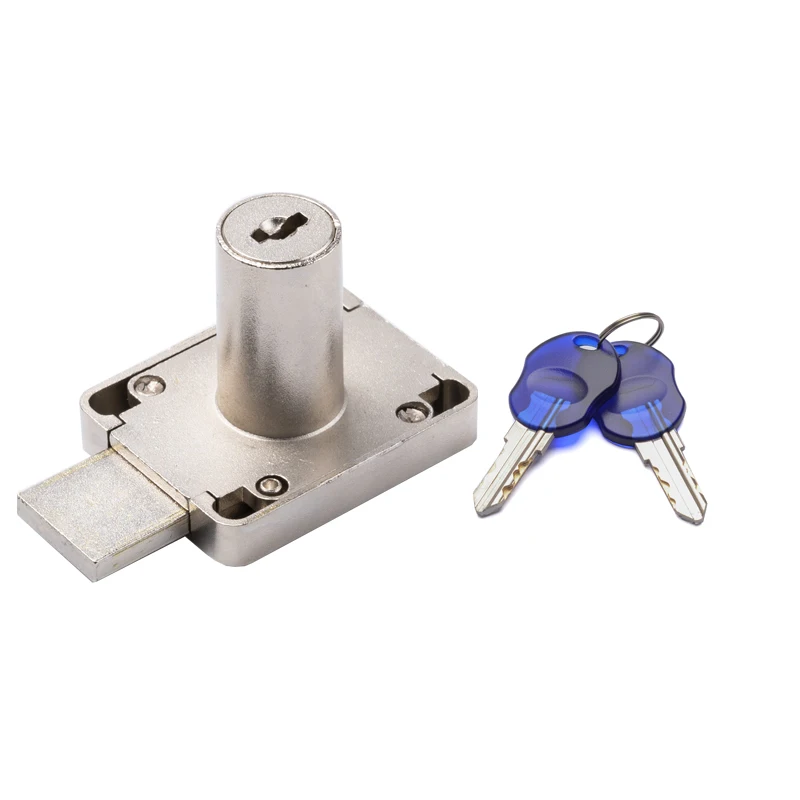
Специальный ключ 139-32 мм замок для
1,10 $
Замок для мебели из цинкового сплава раздвижной замок 105 стеклянные замки
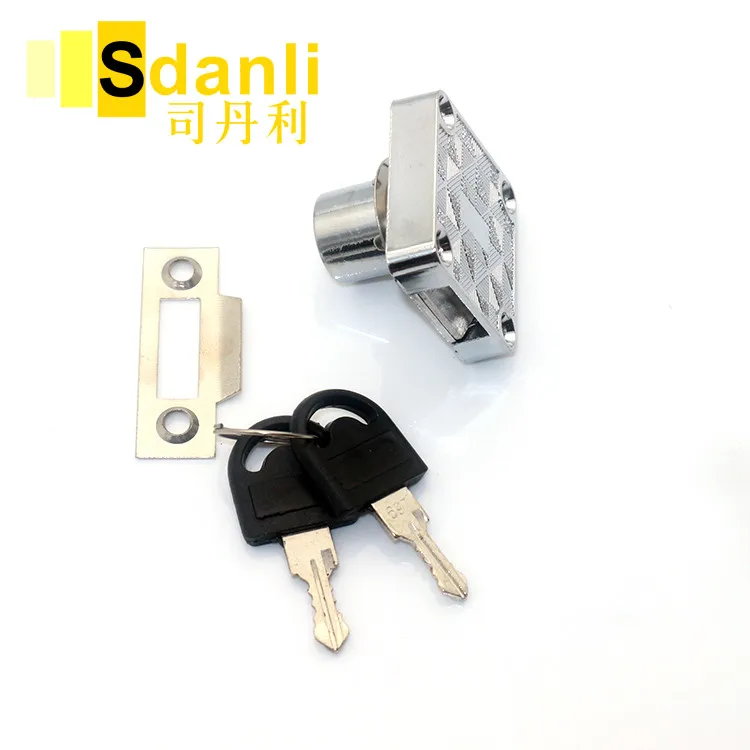
Бренд Sdanli горячая Распродажа низкая цена ручной замок для ящика babysmart
0,40 $ - 0,44 $
HB109 цилиндр из нержавеющей стали и цилиндра четверть поворота замок
Сенсорный индуктивный электронный пароль со сканером отпечатков пальцев интеллектуальный замок шкафчика для спортзала клуба
23,00 $ - 25,00 $
Высококачественный замок из цинкового сплава 138B-22 с цилиндрическим замком 22 мм/32 мм для мебели офиса стола шкафа защелкой
0,95 $ - 0,99 $
Новые поступления
Новинки товаров от производителей по оптовым ценам
300 Вт безопасный для посудомоечной машины 5-скоростной турбо с крючками для теста, венчик, электрический ручной миксер
571,11-666,30 ₽
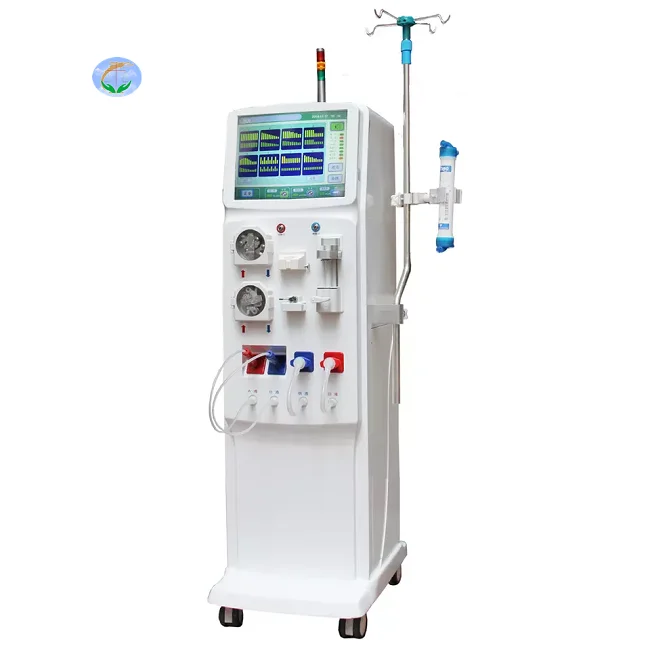
Медицинский портативный прибор для гемодиализа катетер и кровообращения диализа почек ухода за здоровьем
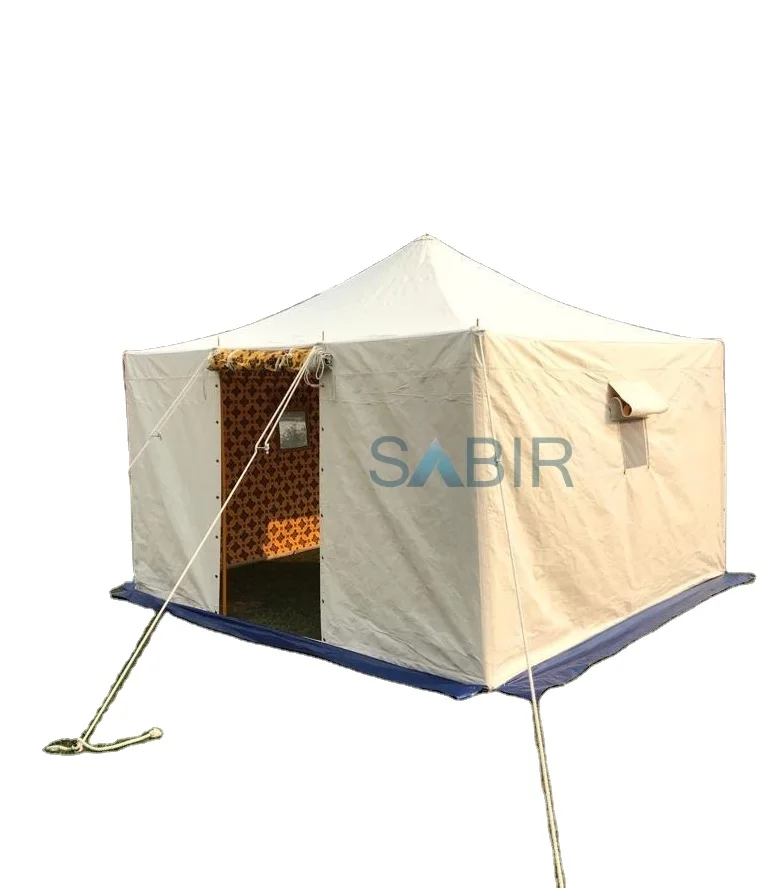
Многофункциональная роскошная водонепроницаемая палатка из брезента для кемпинга однокомнатная всесезонная с настраиваемым размером новый стиль рынка Ближнего Востока
45 688,76-56 159,10 ₽
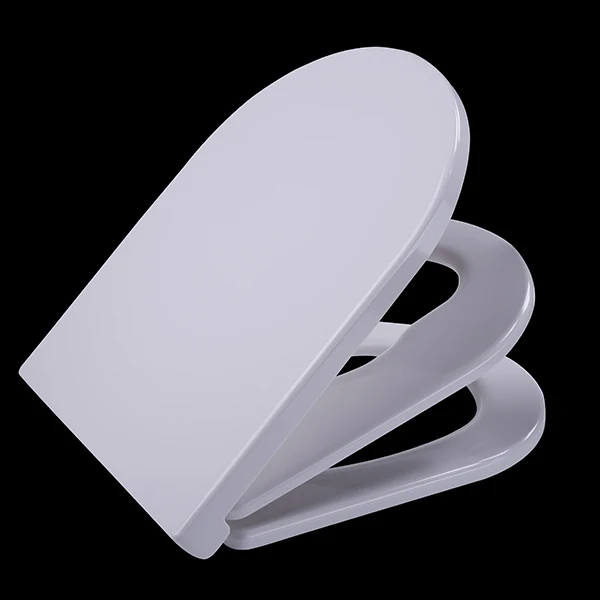
Санитарно-гигиеническое сиденье для
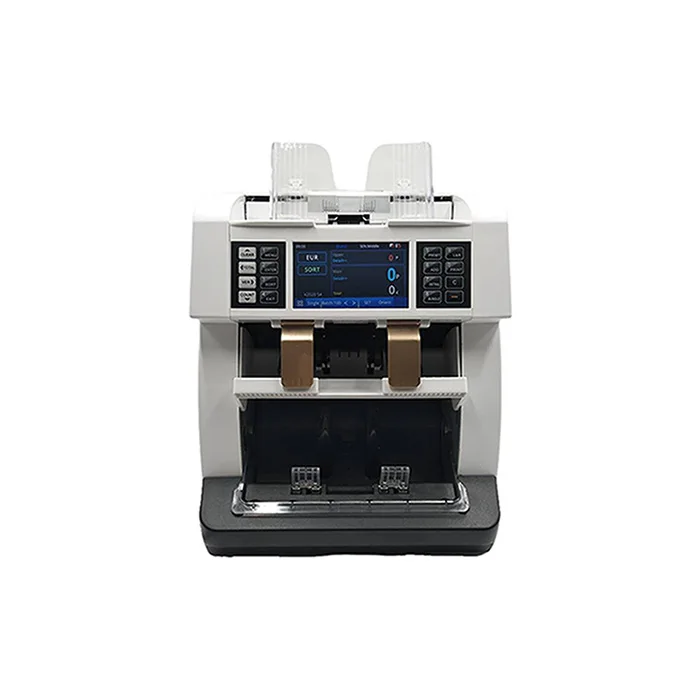
Счетчик купюр с низким уровнем шума на тонкопленочных транзисторах, автоматическое определение разных валют, 4,2 дюйма
50 448-52 351,70 ₽
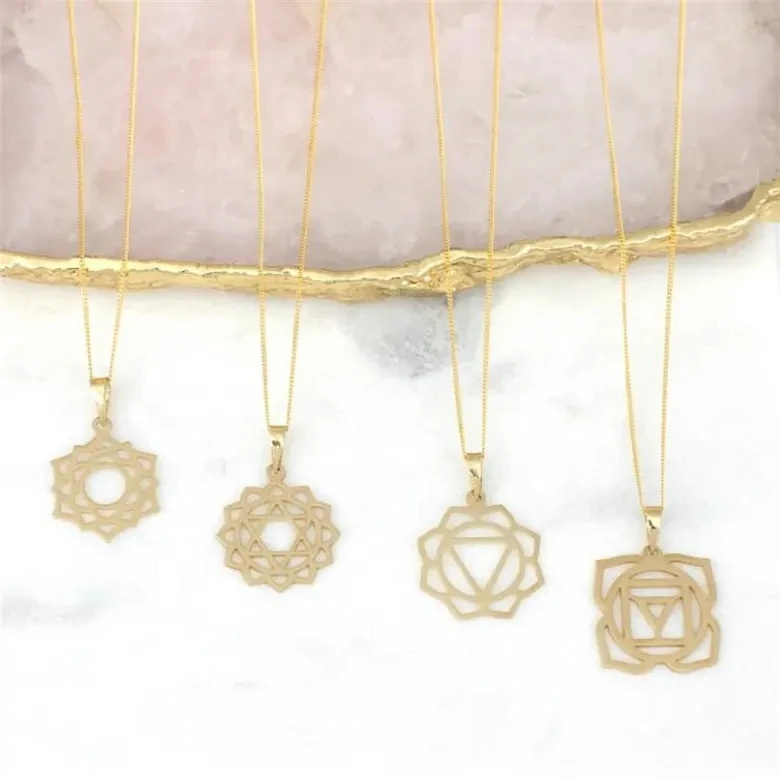
Ожерелье из нержавеющей стали изящное ожерелье с чакрами на заказ модное позолоченное ювелирное изделие водонепроницаемой подвеской без
121,84-217,03 ₽
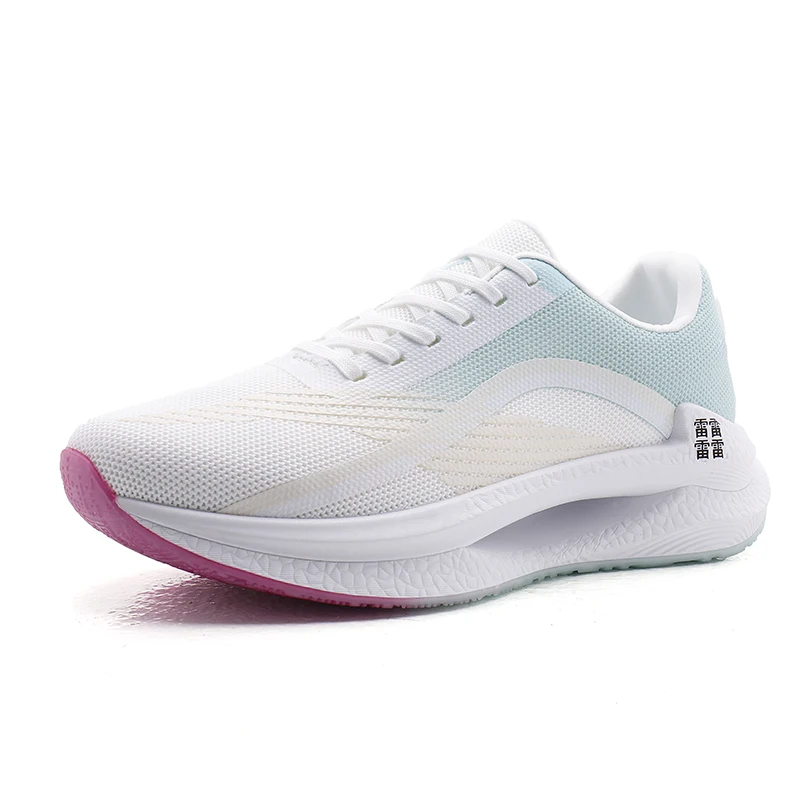
Мужские спортивные кроссовки с логотипом
856,67-999,45 ₽
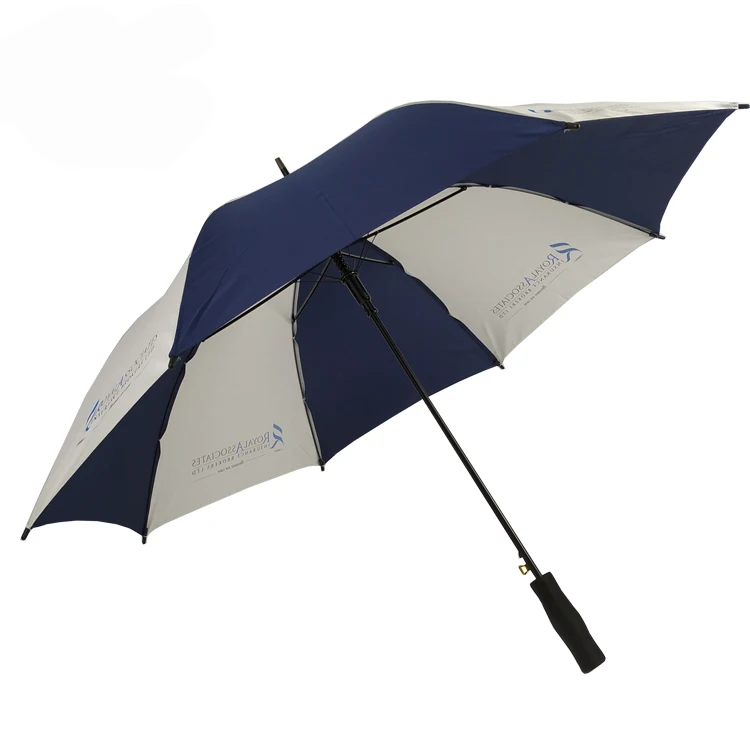
OEM ODM, настоящее изобретение, персонализированный прямой автоматический открытый пользовательский логотип, рекламный зонт для гольфа с логотипом для отелей
842,39-938,53 ₽