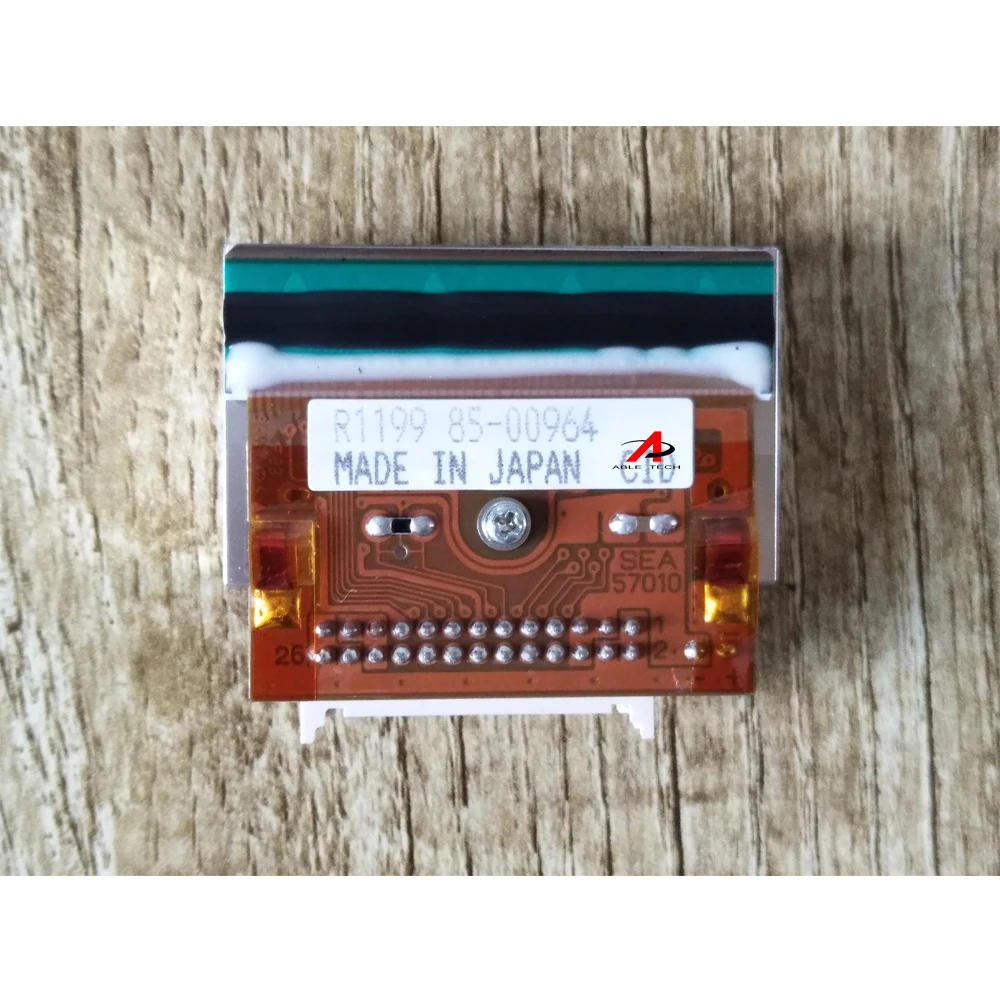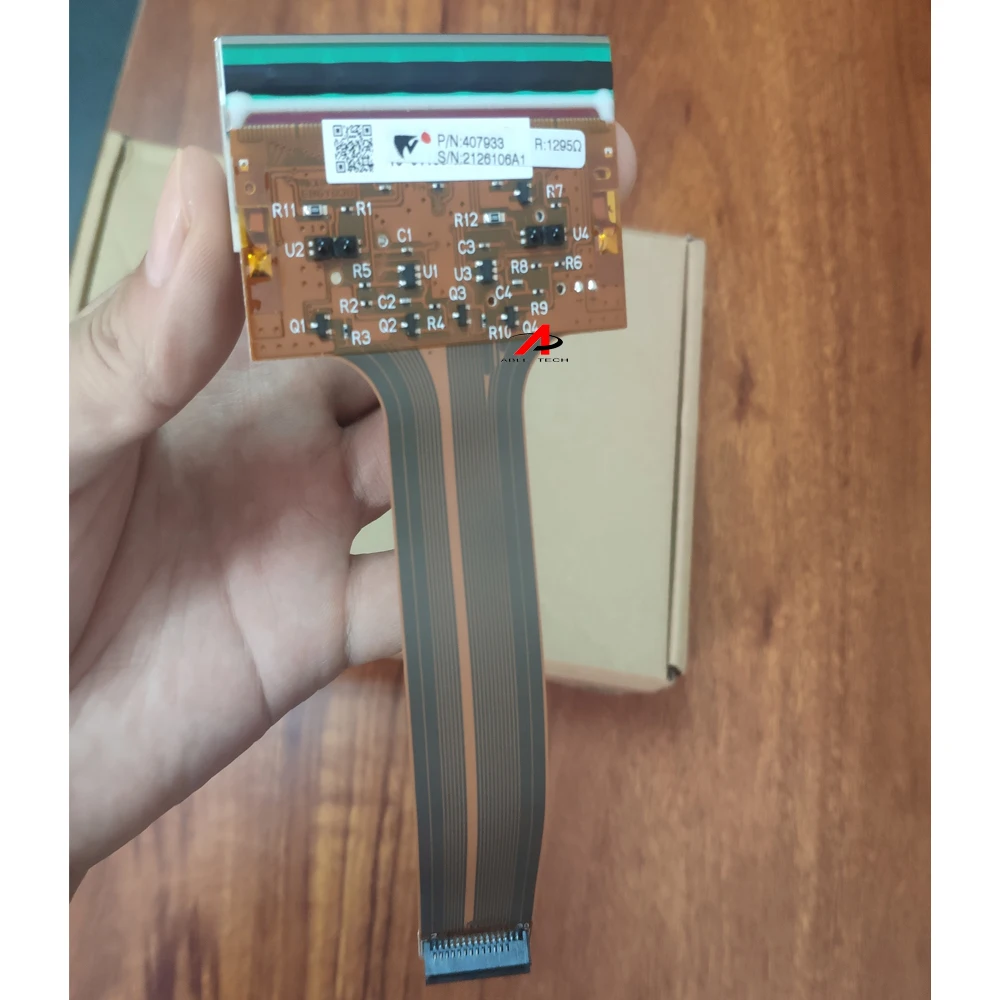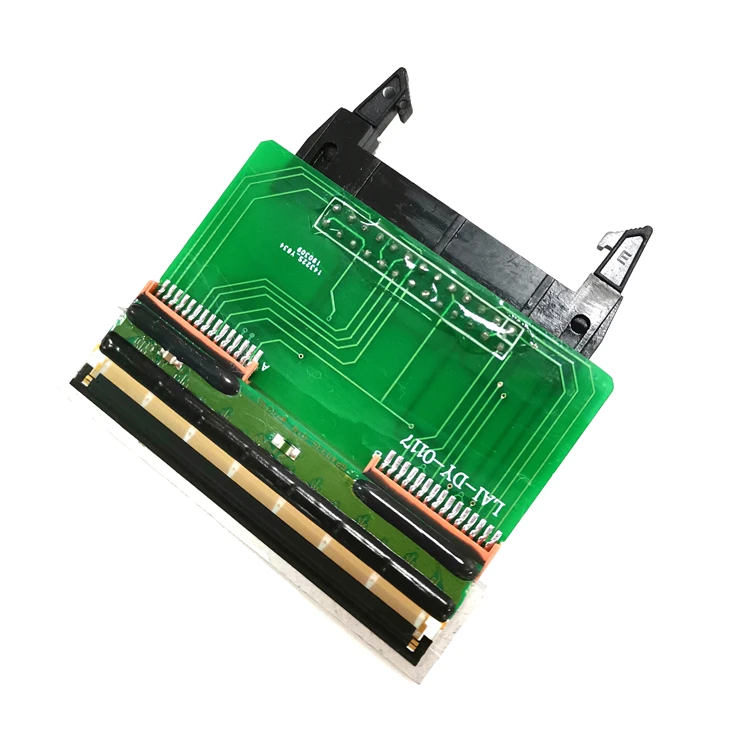
Головка термопринтера tto 32 мм

Сохранить в закладки 1600452908754:


Цена:64 034,09 ₽ - 66 242,16 ₽*

Количество:

  • В избранное

Описание и отзывы

Характеристики


Products Description


Print head
Our company provides new original Markem Imaje Smartdate /Videojet dataflex /LINX/Domino ect. printer heads, the quality is guaranteed, please rest assured to buy.

1.300 dpi resolution ,12 points/ mm, improves the quality of your printing.
2.32mm/53mm can meet variable demands of printing
3.This thermal transfer print head can print real-time date, label,date, QR code, letters and batch number etc.


Applications


Markem imaje Smartdate
8018 x40 x45 x60 x65
Videojet Dataflex
6210 6320 6230 6530 6330


Dikai
D03 D05
Domino V
V120i V230i


TTO printhead information
Markem
8018

Right-Hand
Left-Hand
Continuous
Intermittent
Ink Outside
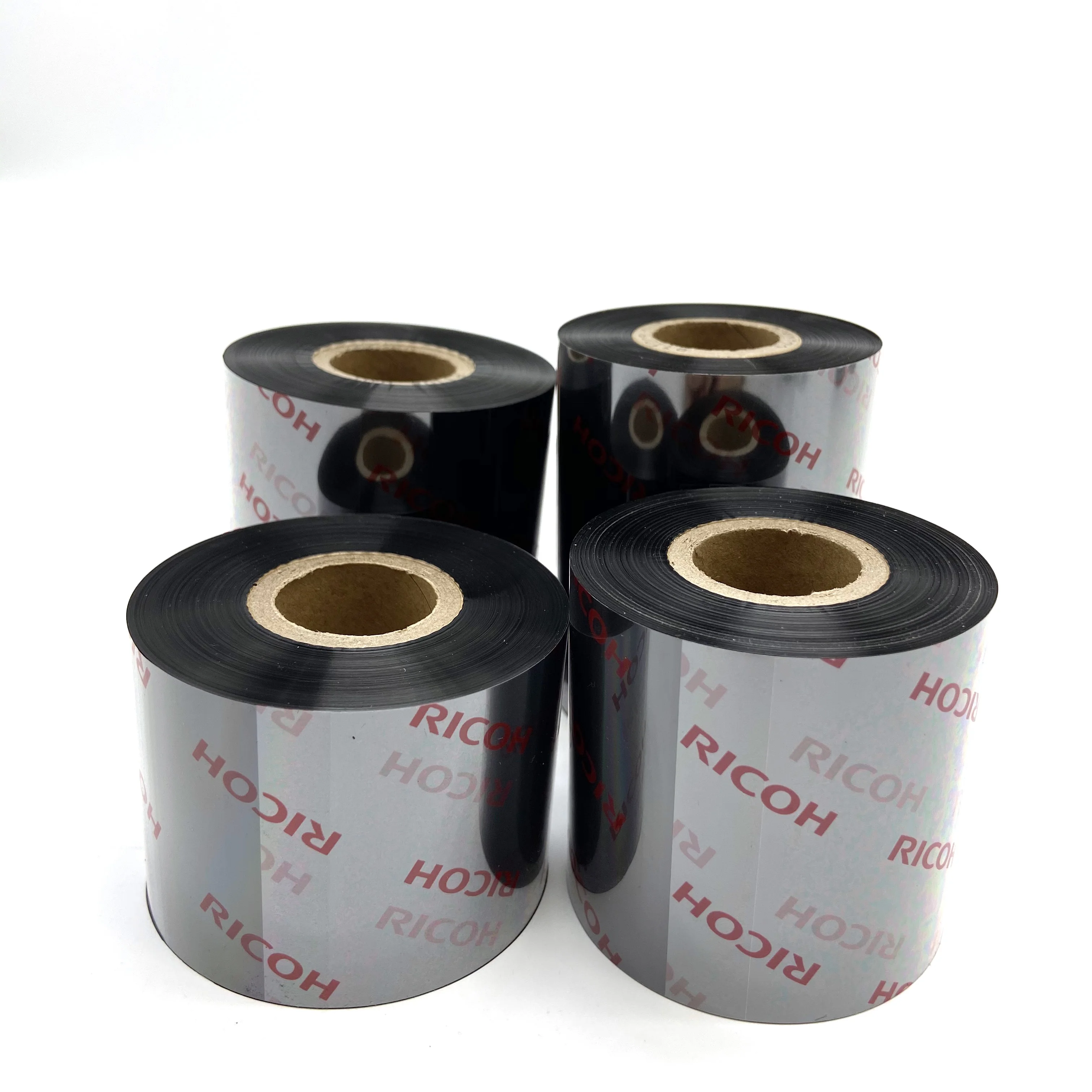
HZ type 32mm ribbon
X40
Right-Hand
Left-Hand
Continuous
Intermittent
Ink Inside
HZ type 32/53mm ribbon
X60
Right-Hand
Left-Hand
Continuous
Intermittent
Ink Inside
HZ type 32/53mm ribbon
Videojet
6320/6420
Right-Hand
Left-Hand
Ink Outside
HZ type 32/53mm ribbon
LINX
TT3/TT5
Right-Hand
Left-Hand
Continuous
Intermittent
Ink Outside
HZ type 32/53mm ribbon
Domino
230i/320i
Continuous
Intermittent
HZ type 34*650 ribbon


contact us to choose your type


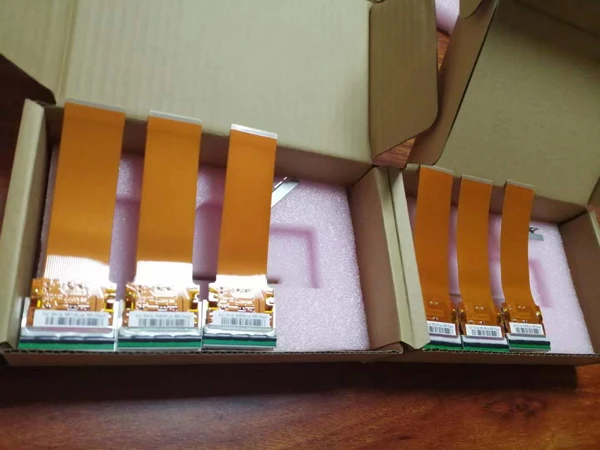
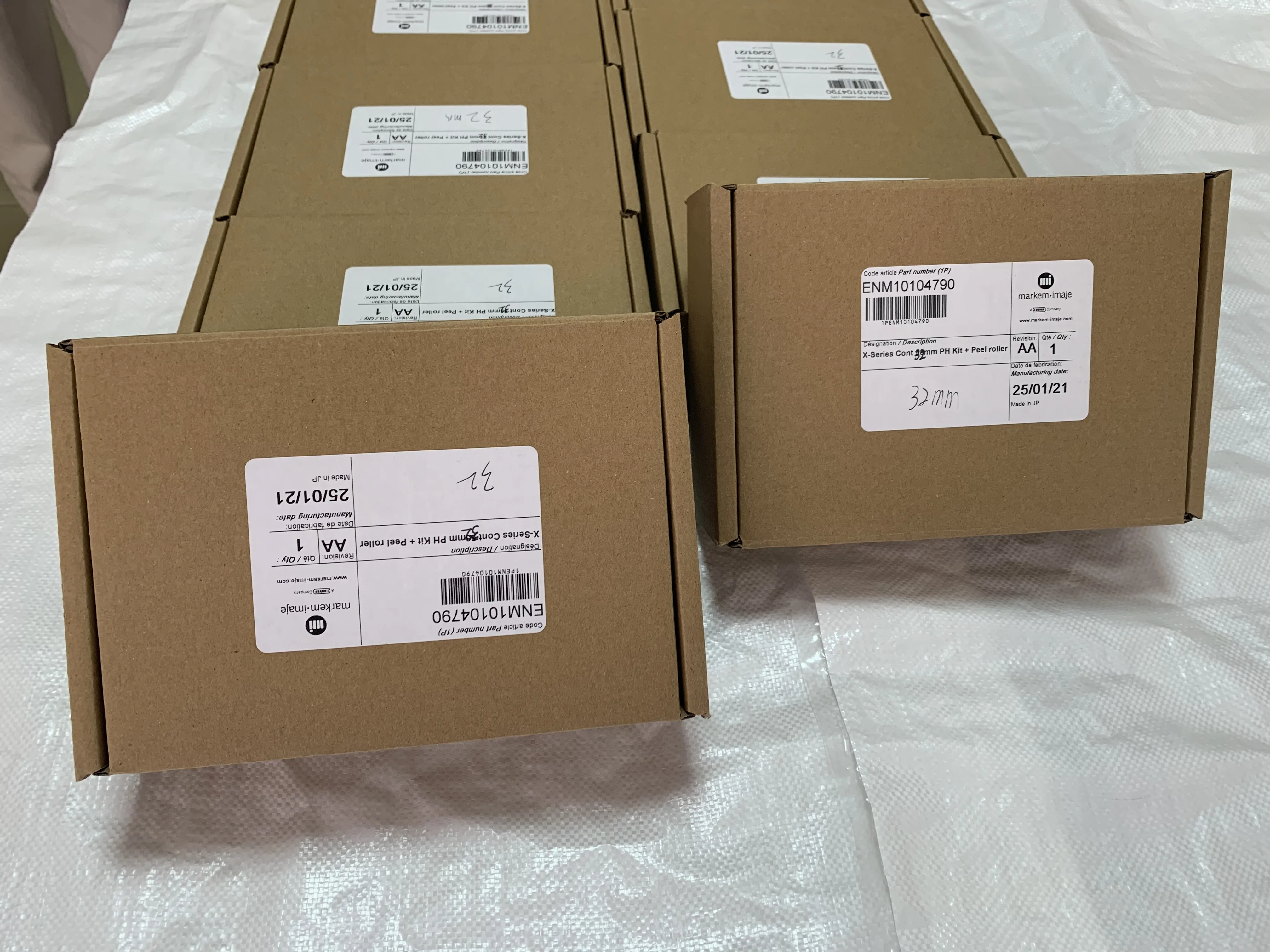
Product packaging


The carton packaging with sponge can ensure to avoid damage caused by bumps during transportation.


FAQ


FAQ
How to replace the print head?
1. Turn Off the Printer:
* Before doing anything, make sure the printer is powered off and unplugged.
2. Access the Print Head:
* Open the printer cover to access the print head. Depending on the model, this might involve pressing a button or releasing a latch.
3. Remove the Ribbon:
* If there's a thermal transfer ribbon installed, remove it carefully. This will usually involve lifting a latch or sliding
the ribbon out.
4. Unplug Cables:
* Unplug any cables connected to the print head. These might include power and data cables.
5. Remove Old Print Head:
* The print head is typically held in place with screws or clips. Unscrew the screws or release the clips to remove the old print head.
6. Clean the Printer Area:
* Before installing the new print head, it's a good idea to clean the area where the print head sits. Use isopropyl alcohol
and cotton swabs to gently clean any residue or buildup. Make sure the area is dry before proceeding.
7. Install the New Print Head:
* Carefully place the new print head into the printer. Make sure it's seated properly and secure it with the screws or
clips.
8. Reconnect Cables:
* Reconnect any cables that were disconnected earlier. Double-check to ensure they are properly seated.
9. Install the Ribbon:
* If you removed the thermal transfer ribbon, reinstall it according to the printer's instructions.
10. Close the Cover:
* Close the printer cover securely.
11. Power On and Test:
* Plug in the printer and power it on. Run a test print to ensure the new print head is installed correctly and is
functioning properly.


Company Profile


Похожие товары

Новые поступления

Новинки товаров от производителей по оптовым ценам