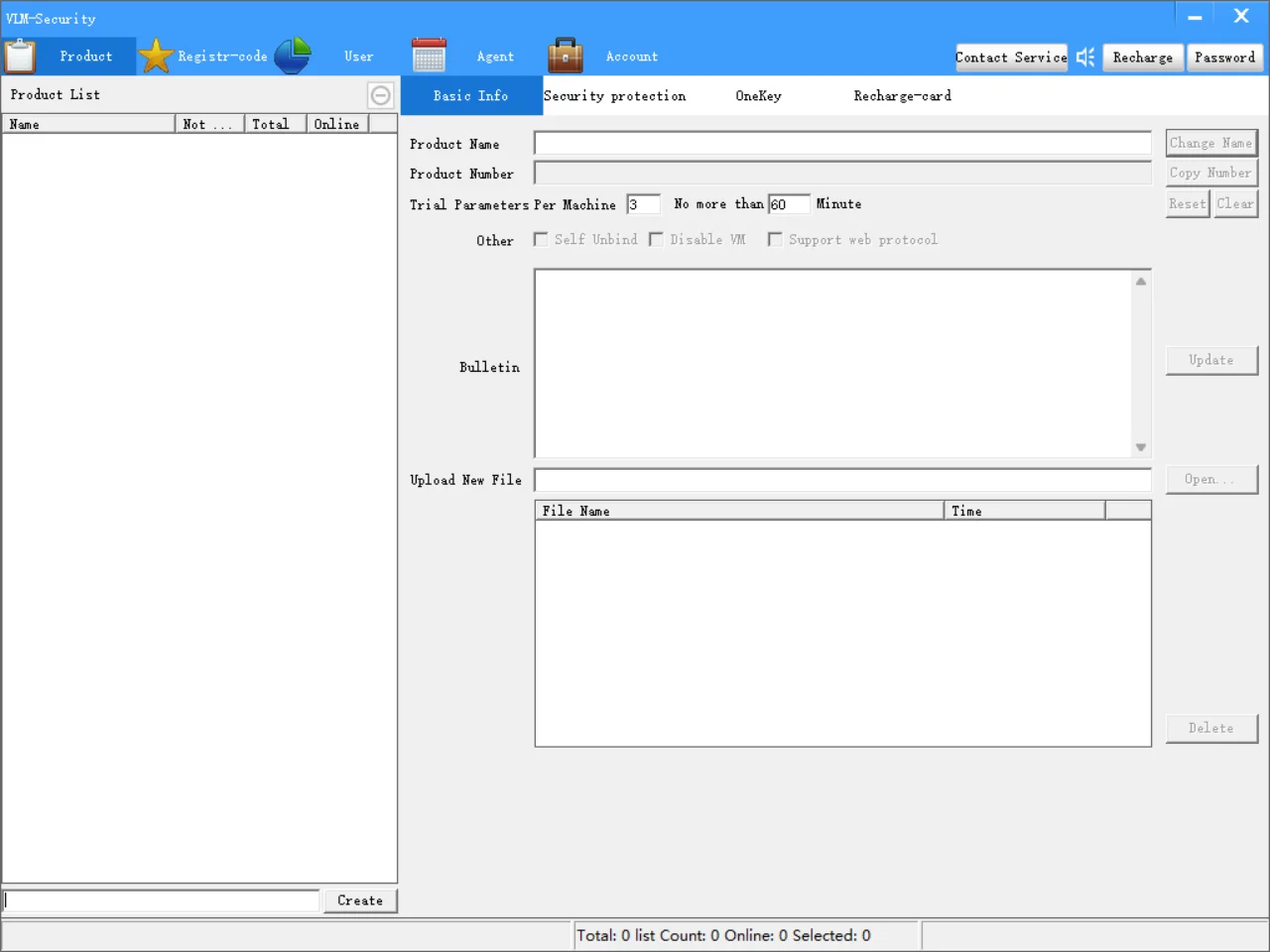
Мощная противотрещинковая система авторизации сети код программное обеспечение API Лицензионная
- Категория: Software Development >>>
- Поставщик: Shenzhen Yianda Electronics Co. Ltd.
Сохранить в закладки 1600511663990:
Описание и отзывы
Характеристики
Product Description
[Attention]
If the developer end cannot login, it may be caused by the developer end being infected with viruses
(the package downloaded from the offical VLM website ensures to be clean), please make
sure that the file is exactly the same as the package file downloaded from the website.
If the developer end cannot login, it may be caused by the developer end being infected with viruses
(the package downloaded from the offical VLM website ensures to be clean), please make
sure that the file is exactly the same as the package file downloaded from the website.
Plugin registration related
1. Please don't put the directory on the desktop or in the root directory of the system disk, and
don't put space charaters in the pathname, which may cause the component registration failure.
2. The first time you use it, you need to register the authentication component. For Windows XP, double-click
reg.bat; for Windows 7 or above, right-click reg.bat and select "Run as administrator" in the pop-up menu.
3. If you choose to use a pure dll(VAuth.dll), you do not need to insall AllpurAuthentic.dll.
VAuth.dll must be copied to the C:\\Windows directory. If choose to use the VAuth.lib static library,
the binary code is embedded into the program and VAuth.dll is not needed. If the "Test-Tool.exe" of
the VLM package works properly, the enviroment is successfully set up. This test tool supports
AllpurAuthentic.dll and VAuth.dll.
4. C++ developers try to use the static library, so that you do not need to carry COM components or VAuth.dll,
which brings better security and simpler user deployment.
[About Deployment]
The following files are required along with you software:
a) Authentication plugin, AllpurAuthentic.dll(or VAuth.dll), one of the two.
b) If the authentication plugin is a COM component(AllpurAuthentic.dll), reg.bat is required,
this file is a batch script for registering COM components.
c) VServerGroup.vnc(this file describes the VLM server cluster information), this file
must be in the same directory as your software.
d) If your software requires the automatic update feature of VLM, please include FileReplace.exe
and put it in the same directory as your software.
[Basic Usage Process]
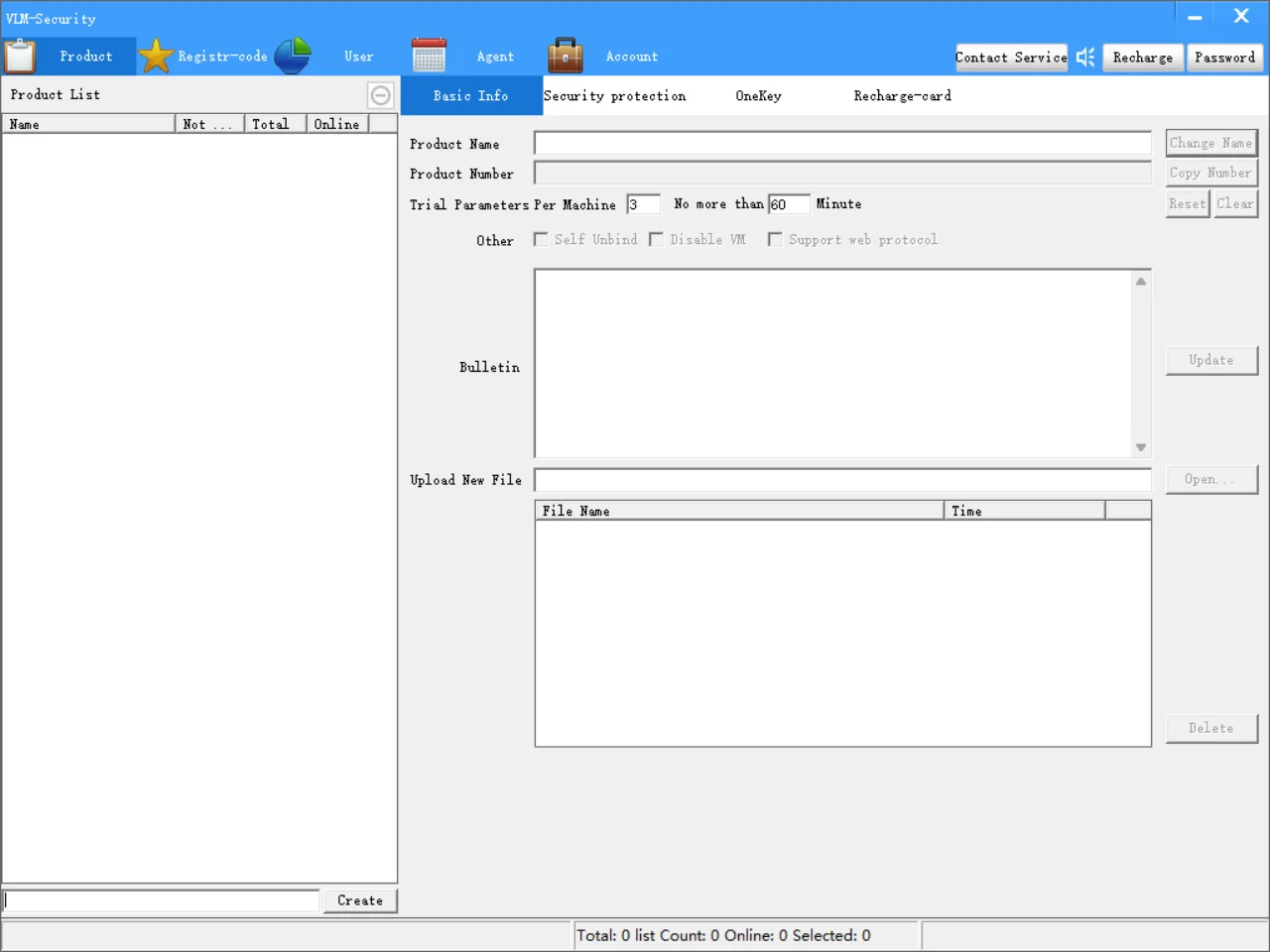
1. Login to the developer end, enter the product name in the lower left corner of "Product",
and click "Create" button to create a product.
2. Create registration codes in the "Registr-Code" (or create users in the "User").
3. Add the call to the authentication plugin in your program code, please refer to the "VLM Network
APIs Description.txt" or visit our official website for API information.
4. Issue your registration codes (or renewal cards for user mode) and your users will login to your
software based on the registr-code (or user password).
1. Please don't put the directory on the desktop or in the root directory of the system disk, and
don't put space charaters in the pathname, which may cause the component registration failure.
2. The first time you use it, you need to register the authentication component. For Windows XP, double-click
reg.bat; for Windows 7 or above, right-click reg.bat and select "Run as administrator" in the pop-up menu.
3. If you choose to use a pure dll(VAuth.dll), you do not need to insall AllpurAuthentic.dll.
VAuth.dll must be copied to the C:\\Windows directory. If choose to use the VAuth.lib static library,
the binary code is embedded into the program and VAuth.dll is not needed. If the "Test-Tool.exe" of
the VLM package works properly, the enviroment is successfully set up. This test tool supports
AllpurAuthentic.dll and VAuth.dll.
4. C++ developers try to use the static library, so that you do not need to carry COM components or VAuth.dll,
which brings better security and simpler user deployment.
[About Deployment]
The following files are required along with you software:
a) Authentication plugin, AllpurAuthentic.dll(or VAuth.dll), one of the two.
b) If the authentication plugin is a COM component(AllpurAuthentic.dll), reg.bat is required,
this file is a batch script for registering COM components.
c) VServerGroup.vnc(this file describes the VLM server cluster information), this file
must be in the same directory as your software.
d) If your software requires the automatic update feature of VLM, please include FileReplace.exe
and put it in the same directory as your software.
[Basic Usage Process]
1. Login to the developer end, enter the product name in the lower left corner of "Product",
and click "Create" button to create a product.
2. Create registration codes in the "Registr-Code" (or create users in the "User").
3. Add the call to the authentication plugin in your program code, please refer to the "VLM Network
APIs Description.txt" or visit our official website for API information.
4. Issue your registration codes (or renewal cards for user mode) and your users will login to your
software based on the registr-code (or user password).

Похожие товары

Ночная теплая Колыбельная ночь без сна с ритмом заживления похожим на приложение мое
14,99 $
Разработка и проектирование веб-сайтов профессиональный веб-сайт популярная компания для разработки веб-сайта электронной
Разработанное по запросу приложение ProtoLabz от компании которая занимается разработкой и
2,00 $
Интегрированные игры по для
1 000,00 $
Приложение для обеспечения безопасности приложение мобильного телефона с высокой степенью от Intellisense
70,00 $
Отслеживание и мобильных телефонов с помощью GPS мобильное приложение
2,00 $
По запросу услуги разработки веб-сайта и плагинов в
2,00 $
Новые поступления
Новинки товаров от производителей по оптовым ценам
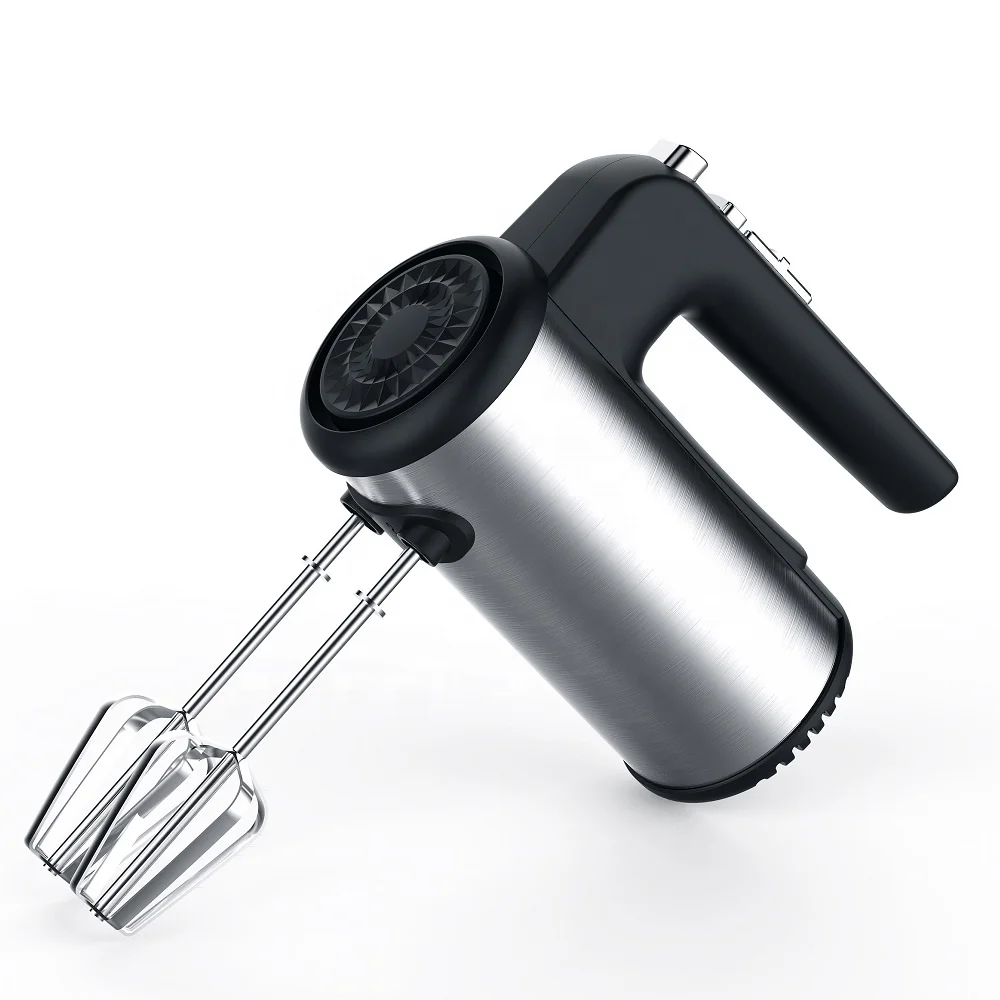
300 Вт безопасный для посудомоечной машины 5-скоростной турбо с крючками для теста, венчик, электрический ручной миксер
571,11-666,30 ₽
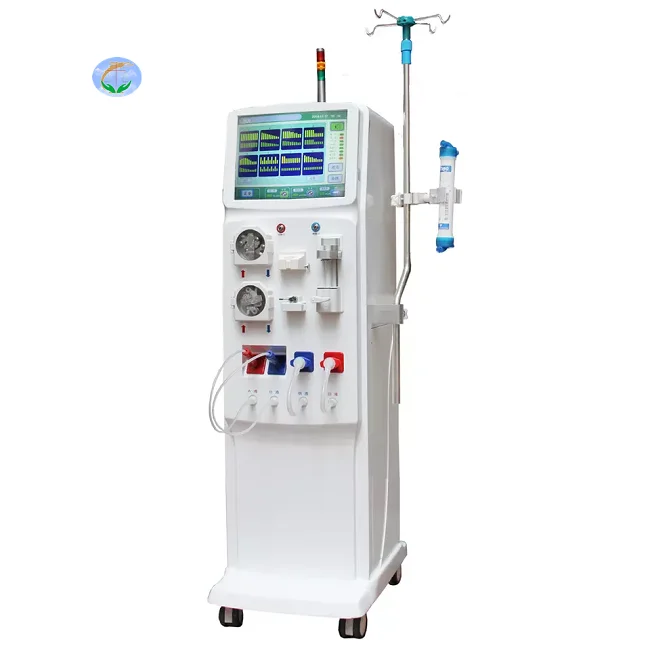
Медицинский портативный прибор для гемодиализа катетер и кровообращения диализа почек ухода за здоровьем
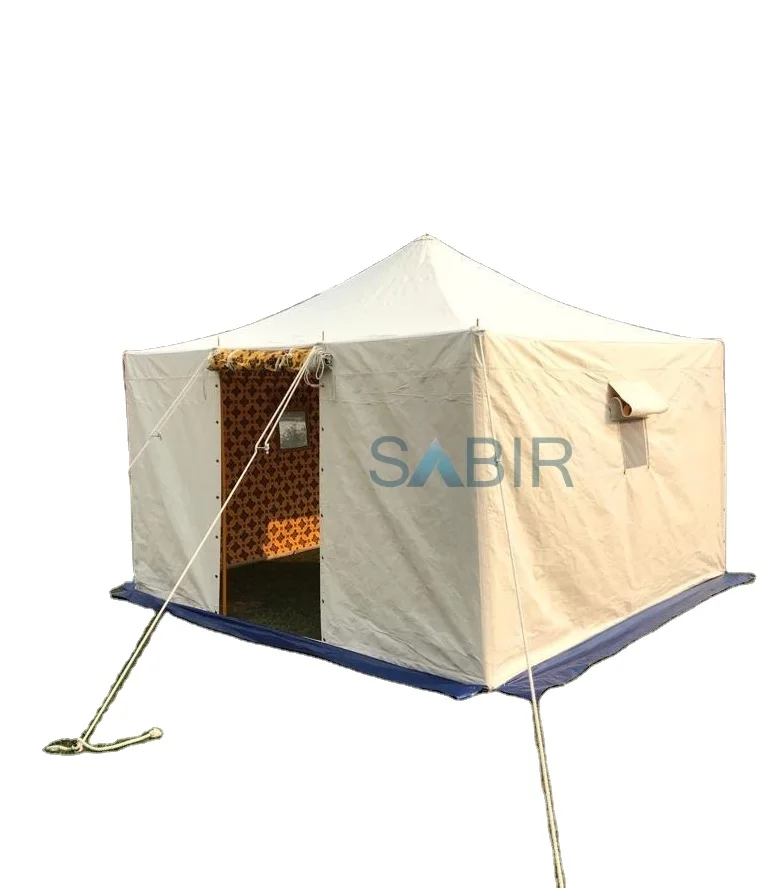
Многофункциональная роскошная водонепроницаемая палатка из брезента для кемпинга однокомнатная всесезонная с настраиваемым размером новый стиль рынка Ближнего Востока
45 688,76-56 159,10 ₽

Санитарно-гигиеническое сиденье для
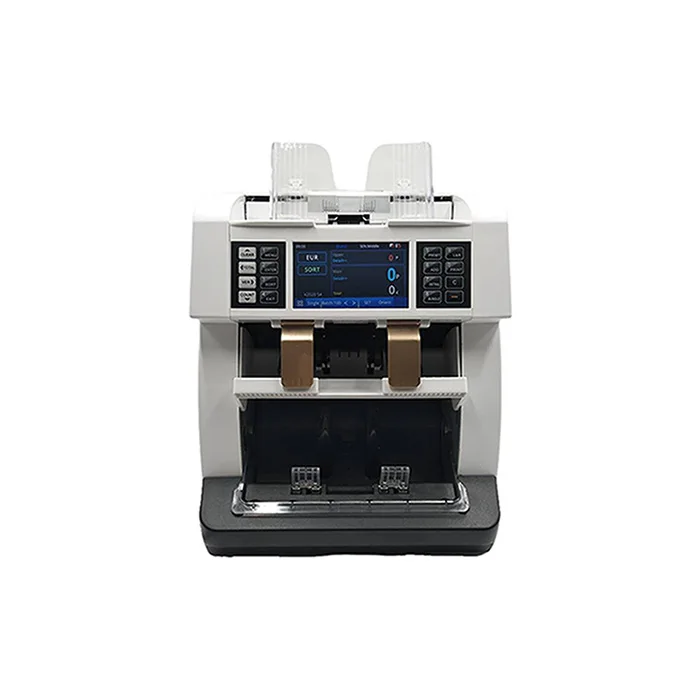
Счетчик купюр с низким уровнем шума на тонкопленочных транзисторах, автоматическое определение разных валют, 4,2 дюйма
50 448-52 351,70 ₽
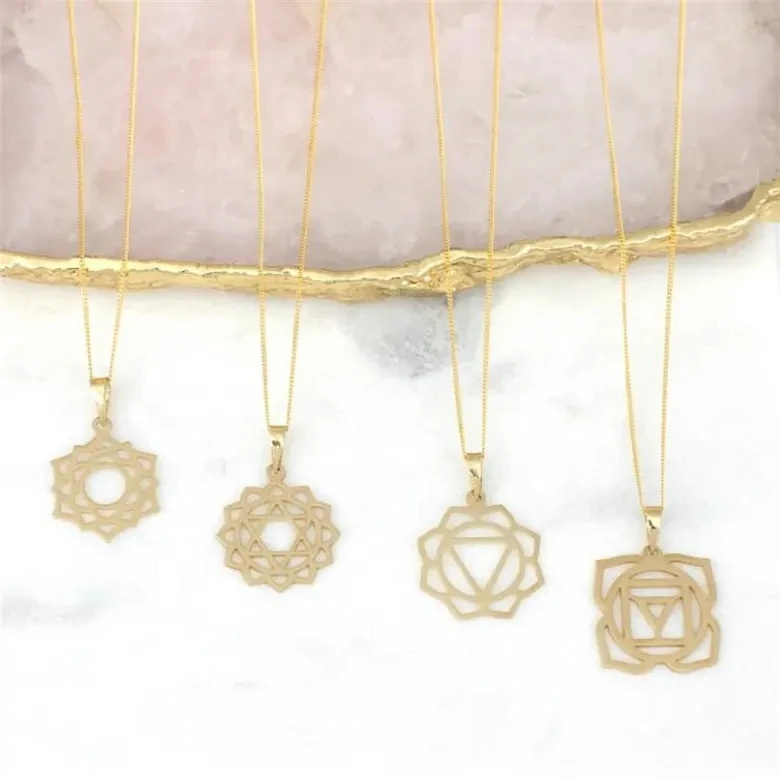
Ожерелье из нержавеющей стали изящное ожерелье с чакрами на заказ модное позолоченное ювелирное изделие водонепроницаемой подвеской без
121,84-217,03 ₽
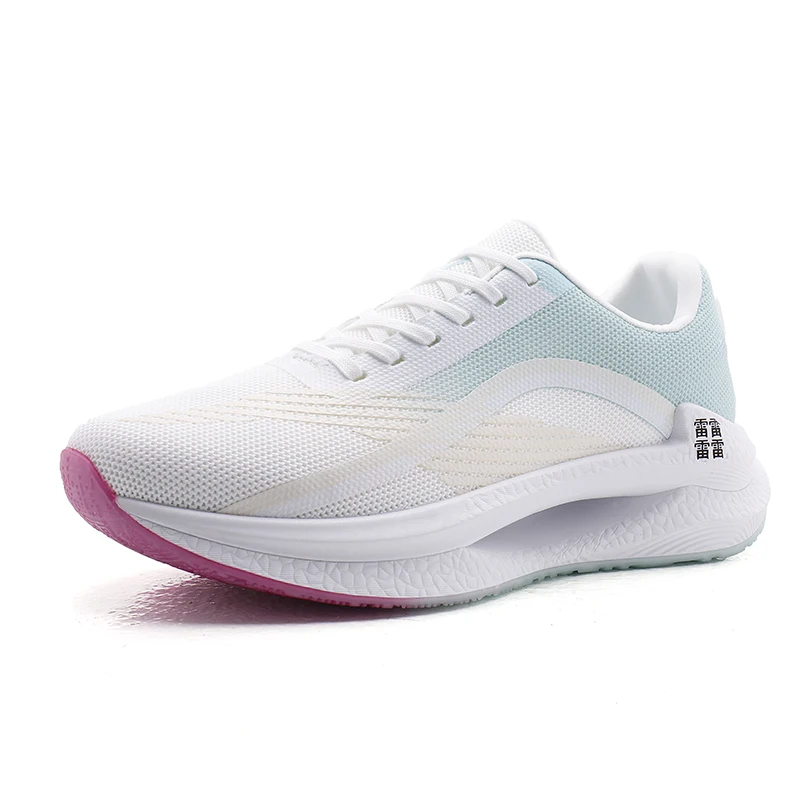
Мужские спортивные кроссовки с логотипом
856,67-999,45 ₽
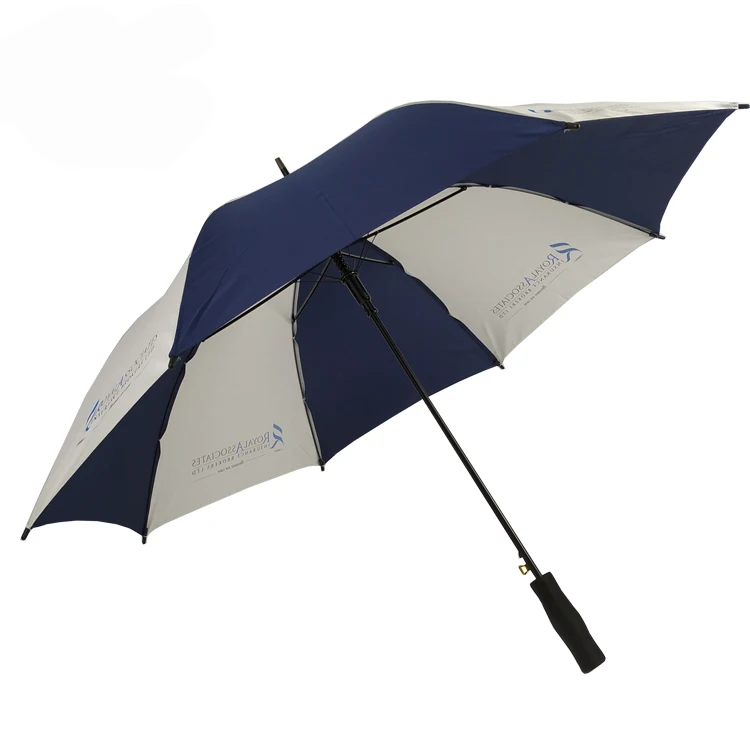
OEM ODM, настоящее изобретение, персонализированный прямой автоматический открытый пользовательский логотип, рекламный зонт для гольфа с логотипом для отелей
842,39-938,53 ₽