Сканер X431 Diagun IV по заводской цене мощный инструмент для диагностики автомобиля
- Категория: >>>
- Поставщик: Shenzhen Talentcar Electronic Co. Ltd.
Сохранить в закладки 1600512560108:
Описание и отзывы
Характеристики
Factory Price Launch X431 Diagun IV Scanner Powerful Auto Diagnostic Tool
Product Description

Material | Plastic |
Color | As the photo |
MOQ | 1Pcs Or 1 sets |
Packing | By Standard Packing |
Shipping | By DHL/By Fedex/ by TNt by Post Etc. |
Delivery time | Within 3 days |
Launch edition X431 Diagun IV better than old diagun iii 3
Top Reason to choose X431 Diagun IV:
1, 2017 Diagun Latest version : Diagun IV
2, With Android 7.0 system, support wifi one-click update
3, Handset, Easy to operate, avoid broken or lost adpater.
4, SD Card storage: 16GB Storage,Enough room to download all software you want
5, Add Special Function: Brake Reset,Oil Reset,SAS Reset,BAT.Reset,Bleeding,Elec.TH Tottle 6,Rottle Rlrn, TPMS Reset, DPF REG.IMMO,Injector
7, 2 Years Free update online
8, Multi-language, easy to change the language by yourself.
9, Languageincluding: English,Spanish,French,Russian,Japanese,Arabic,Korean,Italian,German,Danish,polish,Finnish,Dutch,Portuguese,Swedish,Turkish,Greek,Hungarian,Romanian,Serbian.
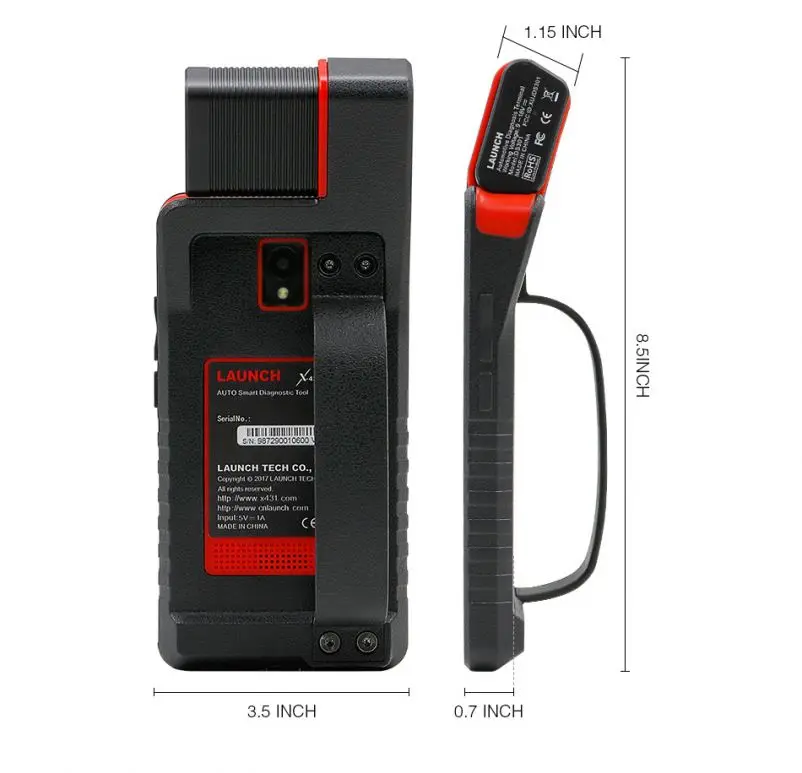
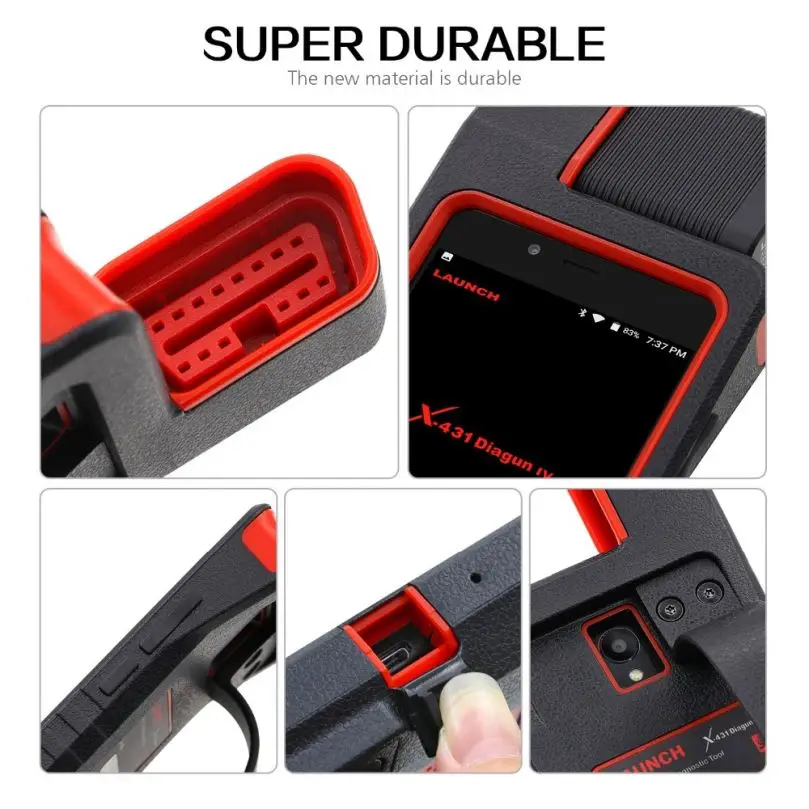
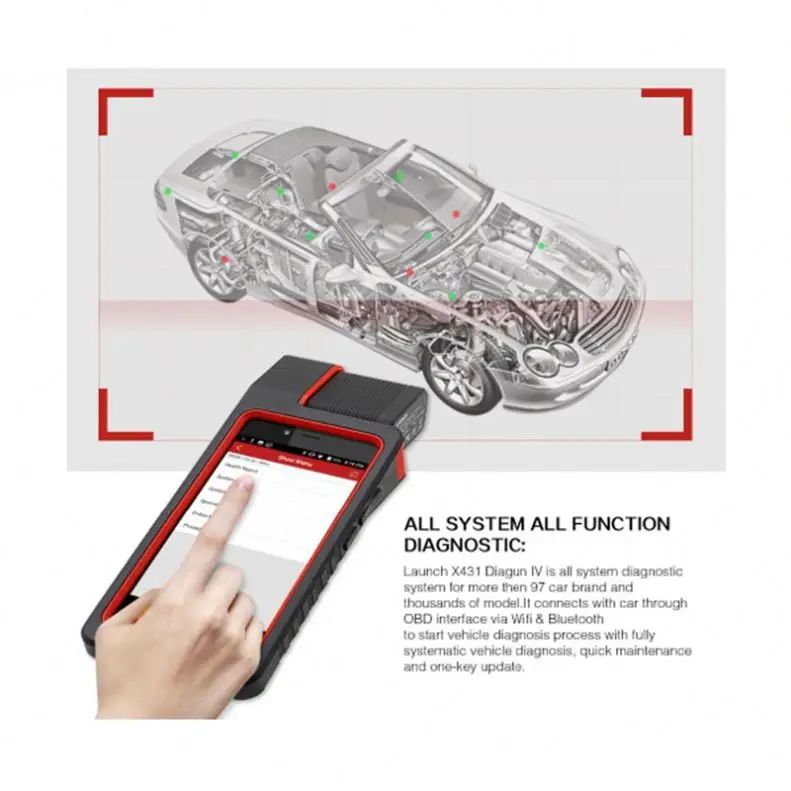
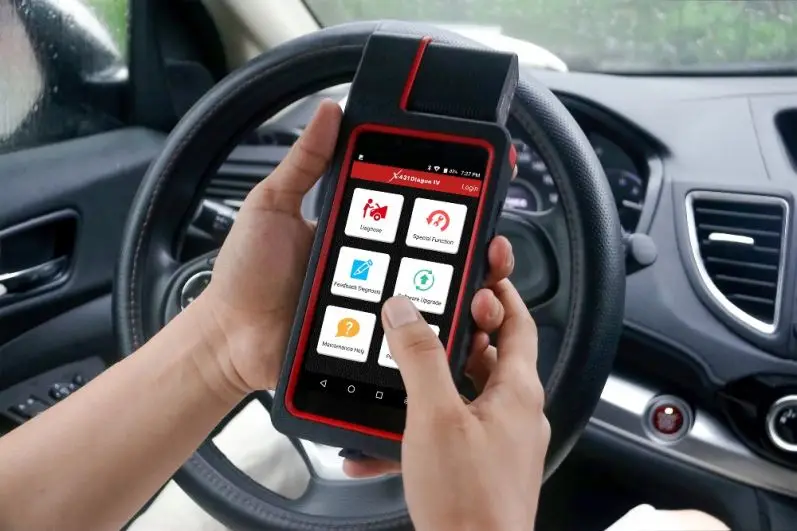
X-431 Diagun IV is an slim evolutionary vehicle diagnostic tool. Featuring a quad-core 1.1GHz processor, and a 5.5 inch capacitive screen, X-431 Diagun IV delivers diagnostic functionality which helps to diagnose vehicle issues more efficiently.
In addition, X-431 Diagun IV supports Wi-Fi connection, one-click update, diagnostic feedback and all kinds of service functions (including oil lamp reset etc).
Features:
1.Diagnostics:
A.Diagnose
*Diagnose the electronic control systems of prevailing vehicle models covering Asian, European, American and Chinese. Diagnosis functions include: Read DTCs, Clear DTCs and Read data stream etc.
*Specially designed for Android platform with clear and user-friendly interface.
*Via , it is simple for the VCI connector to communicate with X-431 Diagun IV.
B.Reset: Includes all kinds of maintenance resets.
C.One-click Update: lets you update diagnostic software and APK more efficiently.
2.Browser: built-in Wi-Fi module makes surfing on the internet freely.
3.Email: allows you to send and receive emails.
4.Settings: to configure your personalized X-431 Diagun IV through it.
5.Applications: other android based applications can be customized to install or uninstall.
Vehicle connection:
The method used to connect the VCI connector to a vehicle’s DLC depends on the vehicle’s configuration as follows:
• A vehicle equipped with an OBD II management system supplies both communication and 12V power through a standardized DLC.
• A vehicle not equipped with an OBD II management system supplies communication through a DLC connection, and in some cases supplies 12V power through the cigarette lighter receptacle or a connection to the vehicle battery.
For non-OBDII vehicle,proceed as follows:
| 1. Locate vehicle’s DLC socket. | |||
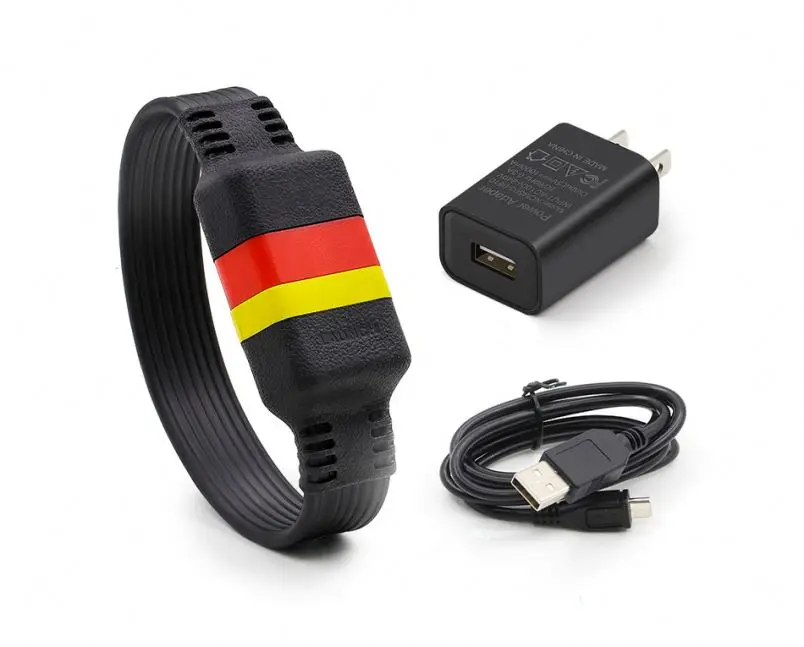
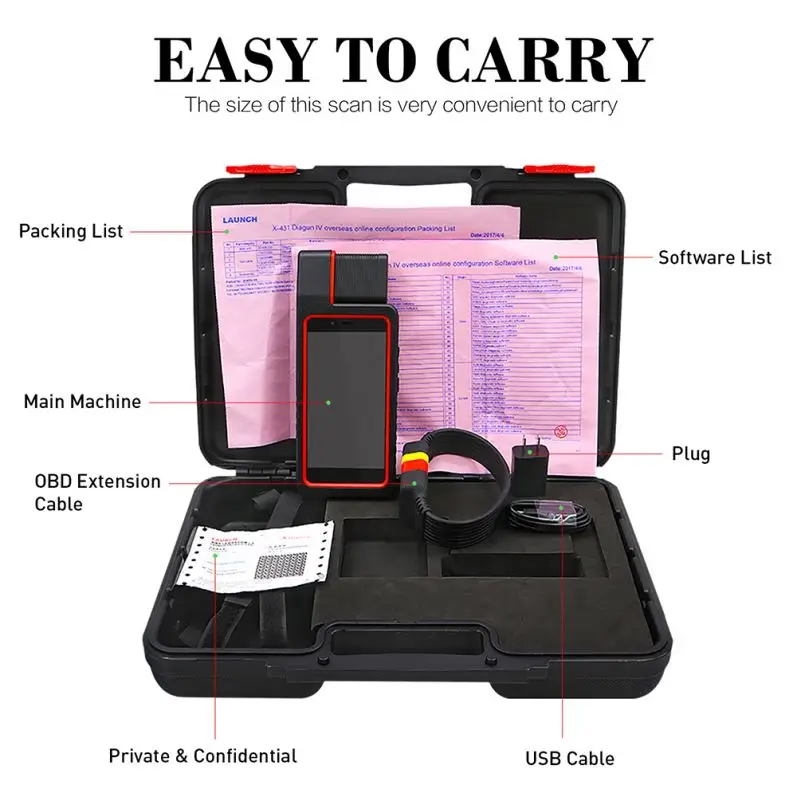
2. Plug the VCI connector into the vehicle’s DLC socket (It is suggested to use the OBD II extension cable to connect the VCI connector and DLC socket). 3. Choose one of the two ways to obtain power from: A. Power adaptor: Connect one end of the included power adaptor to DC IN port of X-431 Diagun IV handset, and the other end to AC outlet. B. Internal battery pack |
For non-OBDII vehicle, proceed as follows:
1. Locate vehicle’s DLC socket.
2. Select the corresponding non-16pin connector.
3. Plug the non-16pin end of the connector into the DLC socket, then connect the other end to the OBD I adaptor, and then tighten the captive screws.
4. Connect the other end of the adaptor to the included VCI connector.
5. To supply power to OBD I adaptor from:
A. Cigarette Lighter cable(optional): Connect one end of the cigarette lighter cable to vehicle’s cigarette lighter receptacle, and the other end to the power jack of OBD I adaptor.
B. Battery Clamps Cable(optional): Connect one end of the battery clamps
product picture


Feedback

Company Information

Похожие товары
SG-490 высокоскоростная прокатывая машина внутренней с анти-скользящий технологии
1 080,00 $ - 1 400,00 $
Технология 1/32 тележка для сборщиков игрушечная сельскохозяйственная техника б/у трактор с
2,39 $ - 2,75 $

Автоматическая складная машина для полотенец для отеля
Bonsen, заводская цена, лампа для салона автомобиля H3 H1 881 T15 T20 11560 1157, боковая лампа T10
1,20 $ - 3,20 $

Купить BSCI, смывной OEM 2,0 3,0 мм, Фабричный, многоцветный ароматный наполнитель для кошачьего туалета с тофу
1,40 $ - 1,50 $
Расширенный электрический внедорожник Lixiang L7 удлинитель гибридный автомобиль Air Pro Max Edition новые энергетические автомобили в наличии Китай 0 км Подержанный автомобиль
Совершенно новый аппарат не Привязанный к оператору сотовой связи ABB AX серии контактор переменного тока AX150-30 контактор
Новые поступления
Новинки товаров от производителей по оптовым ценам
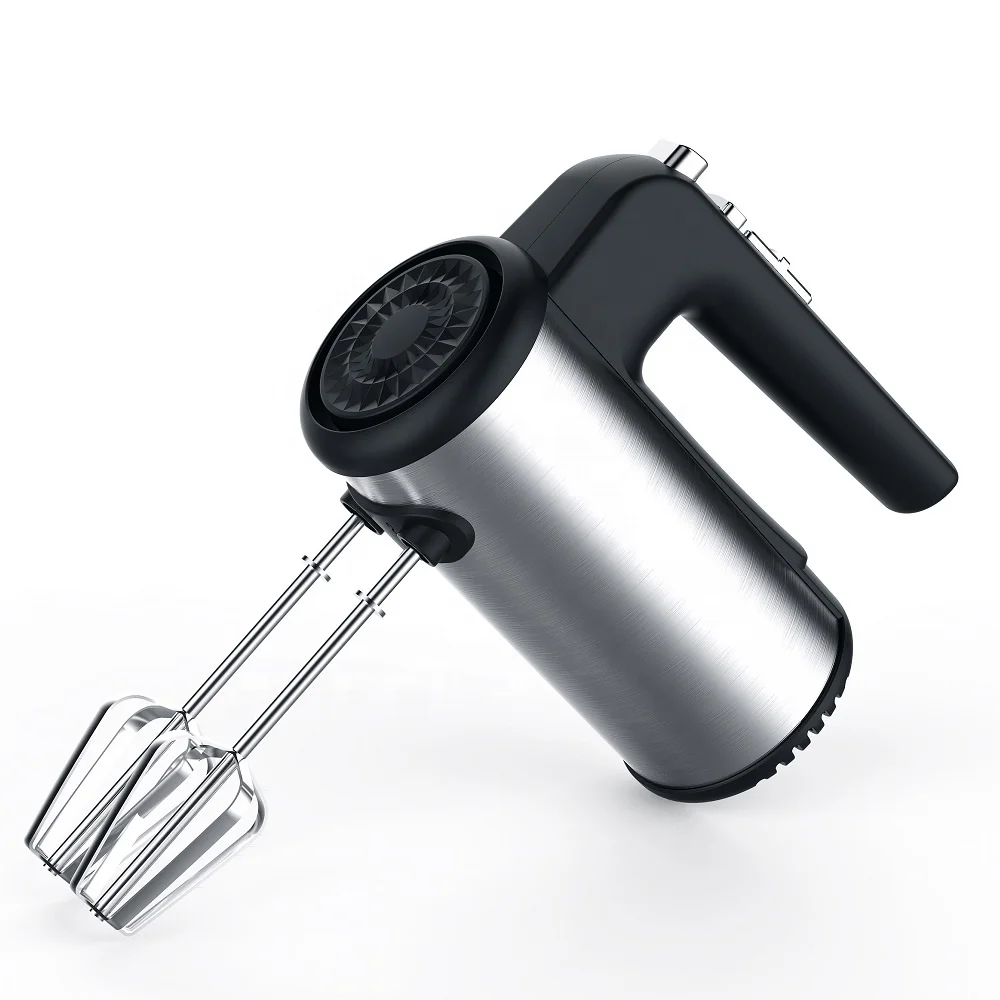
300 Вт безопасный для посудомоечной машины 5-скоростной турбо с крючками для теста, венчик, электрический ручной миксер
571,11-666,30 ₽
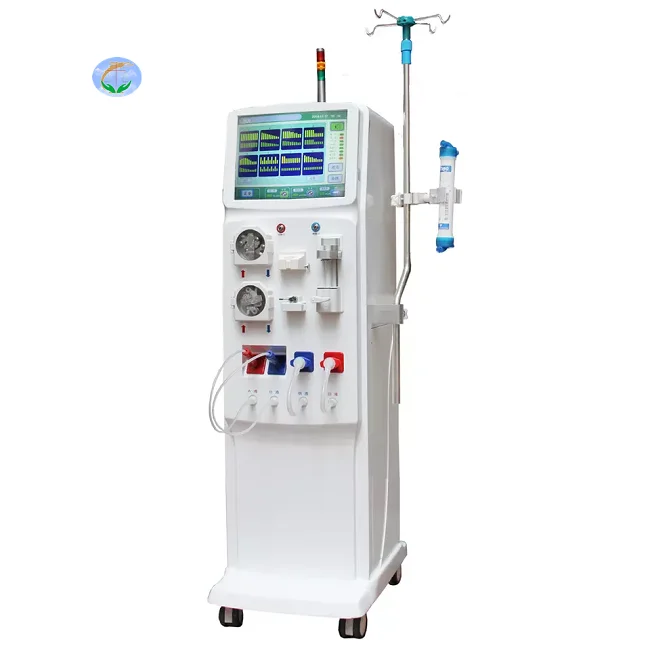
Медицинский портативный прибор для гемодиализа катетер и кровообращения диализа почек ухода за здоровьем
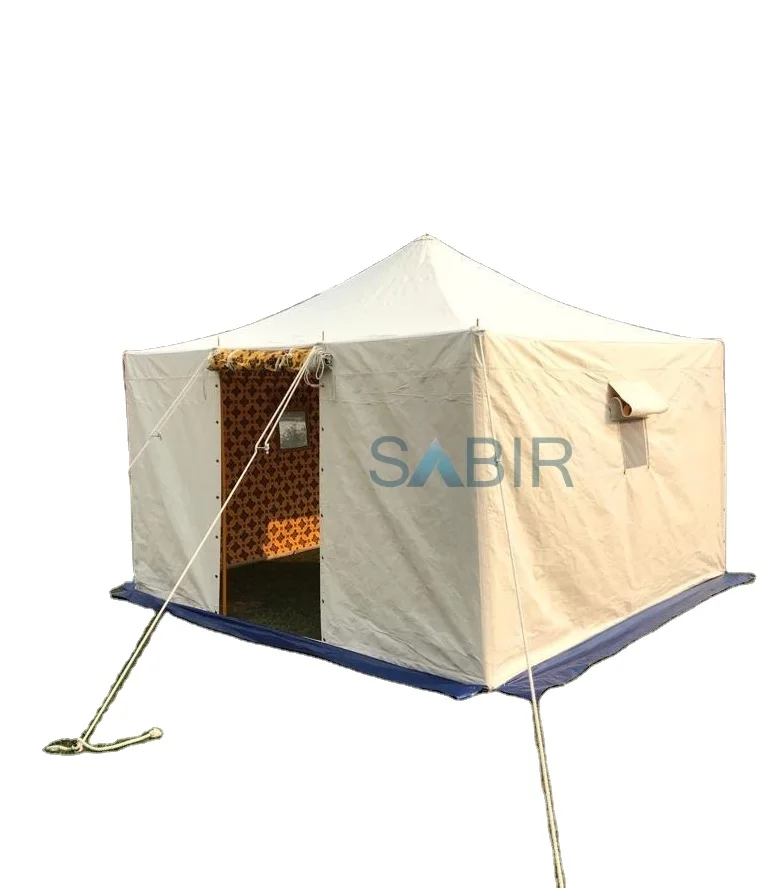
Многофункциональная роскошная водонепроницаемая палатка из брезента для кемпинга однокомнатная всесезонная с настраиваемым размером новый стиль рынка Ближнего Востока
45 688,76-56 159,10 ₽

Санитарно-гигиеническое сиденье для
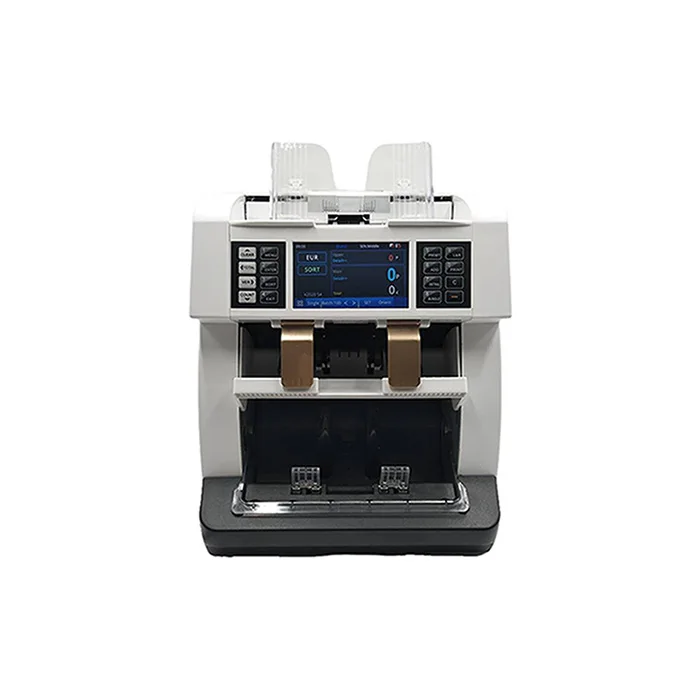
Счетчик купюр с низким уровнем шума на тонкопленочных транзисторах, автоматическое определение разных валют, 4,2 дюйма
50 448-52 351,70 ₽

Ожерелье из нержавеющей стали изящное ожерелье с чакрами на заказ модное позолоченное ювелирное изделие водонепроницаемой подвеской без
121,84-217,03 ₽
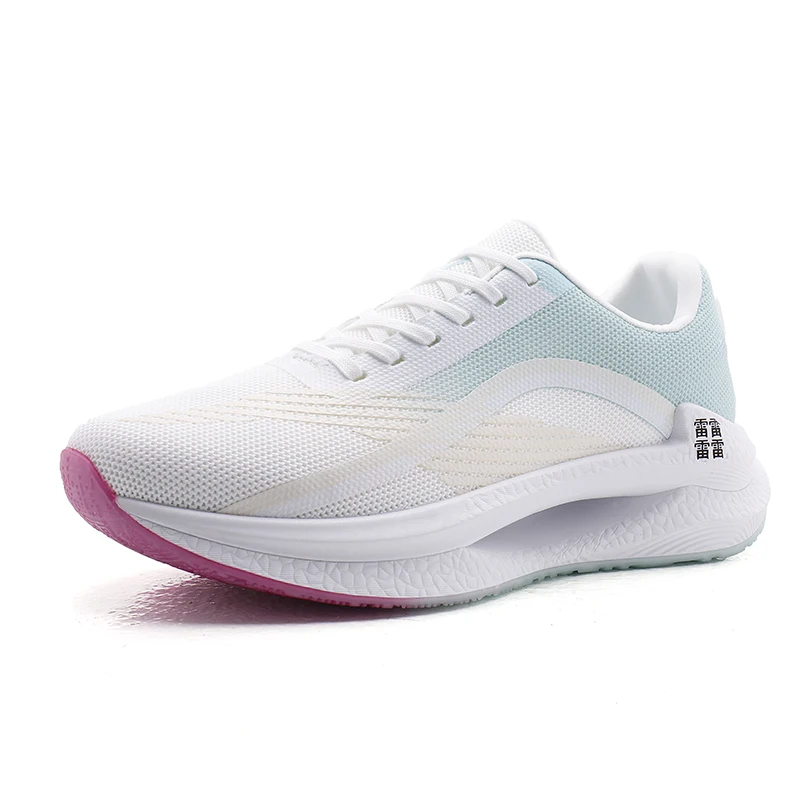
Мужские спортивные кроссовки с логотипом
856,67-999,45 ₽
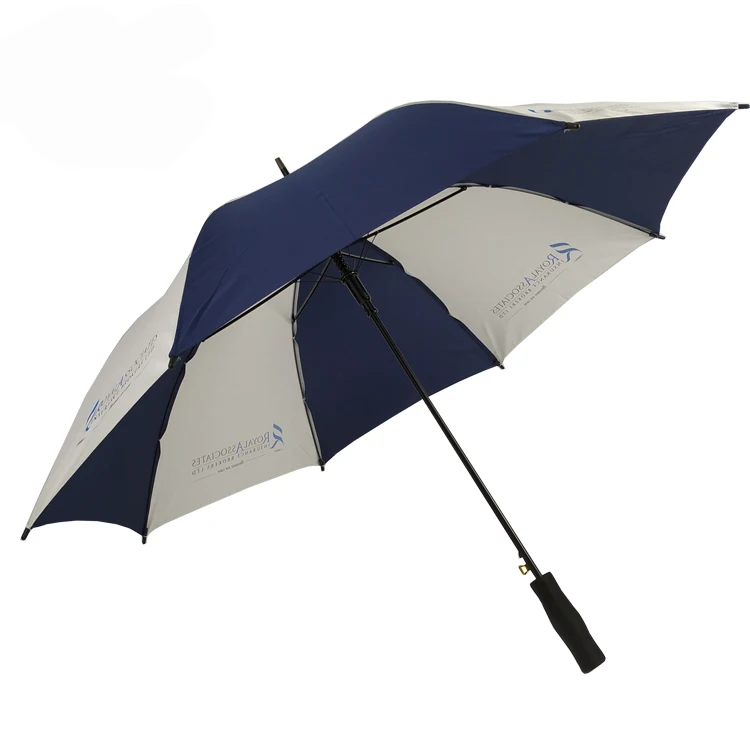
OEM ODM, настоящее изобретение, персонализированный прямой автоматический открытый пользовательский логотип, рекламный зонт для гольфа с логотипом для отелей
842,39-938,53 ₽