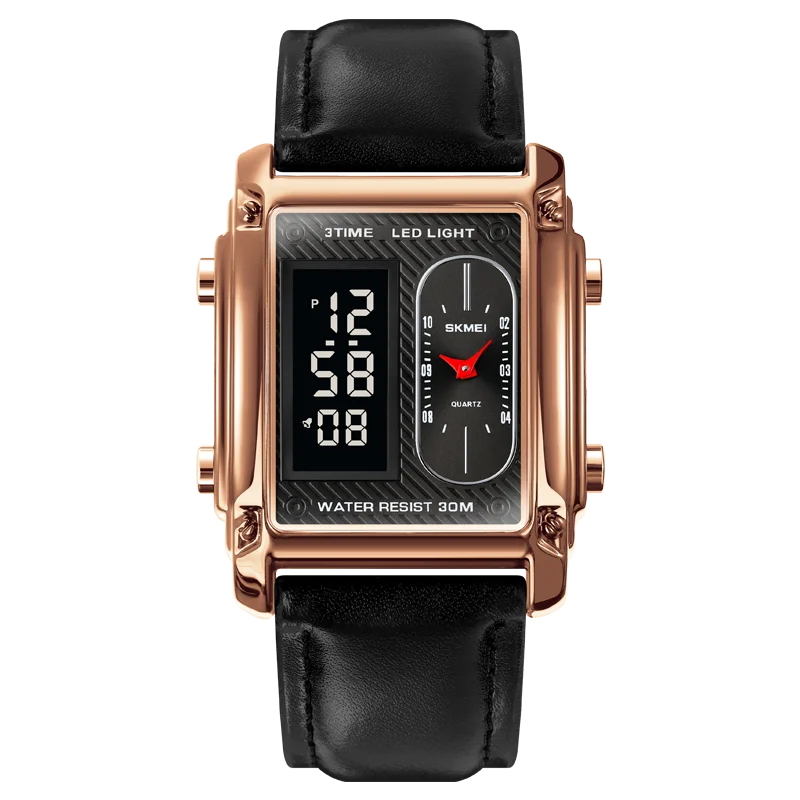
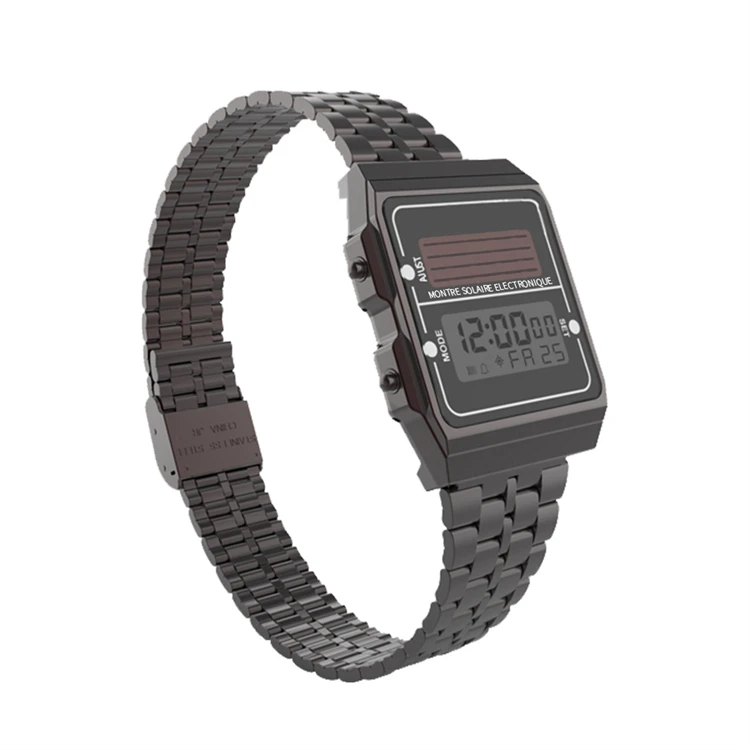
Press the button on the side of the dial, the light will turn on and the time will be displayed. Click again to display the stopwatch; Click again to display the date; If no operation is performed in 5 seconds, the screen enters the power saving mode.
1. Time system:
When the light is on, long press the button for about 3 seconds to enter the time system and tap to select 12/24 hours.
2. Clock:
After adjusting the timing, long press the button for about 3 seconds, the hour light flashes, and gently press to adjust the hour.
3. Minutes:
After adjusting the clock, long press the button for about 3 seconds, the minute light flashes, and tap to adjust the minute.
4. Year:
After setting for minutes, long press the button for about 3 seconds, the year light flashes, and tap to adjust the year.
5. Month:
After adjusting the year, long press the button for about 3 seconds, the month light will flash, and tap to adjust the month.
6. Date:
After adjusting the month, long press the button for about 3 seconds, the date light will flash, and tap to adjust the date.
5, after the adjustment, wait for a few seconds, return to the time display interface,5 seconds no operation, enter the power saving mode.