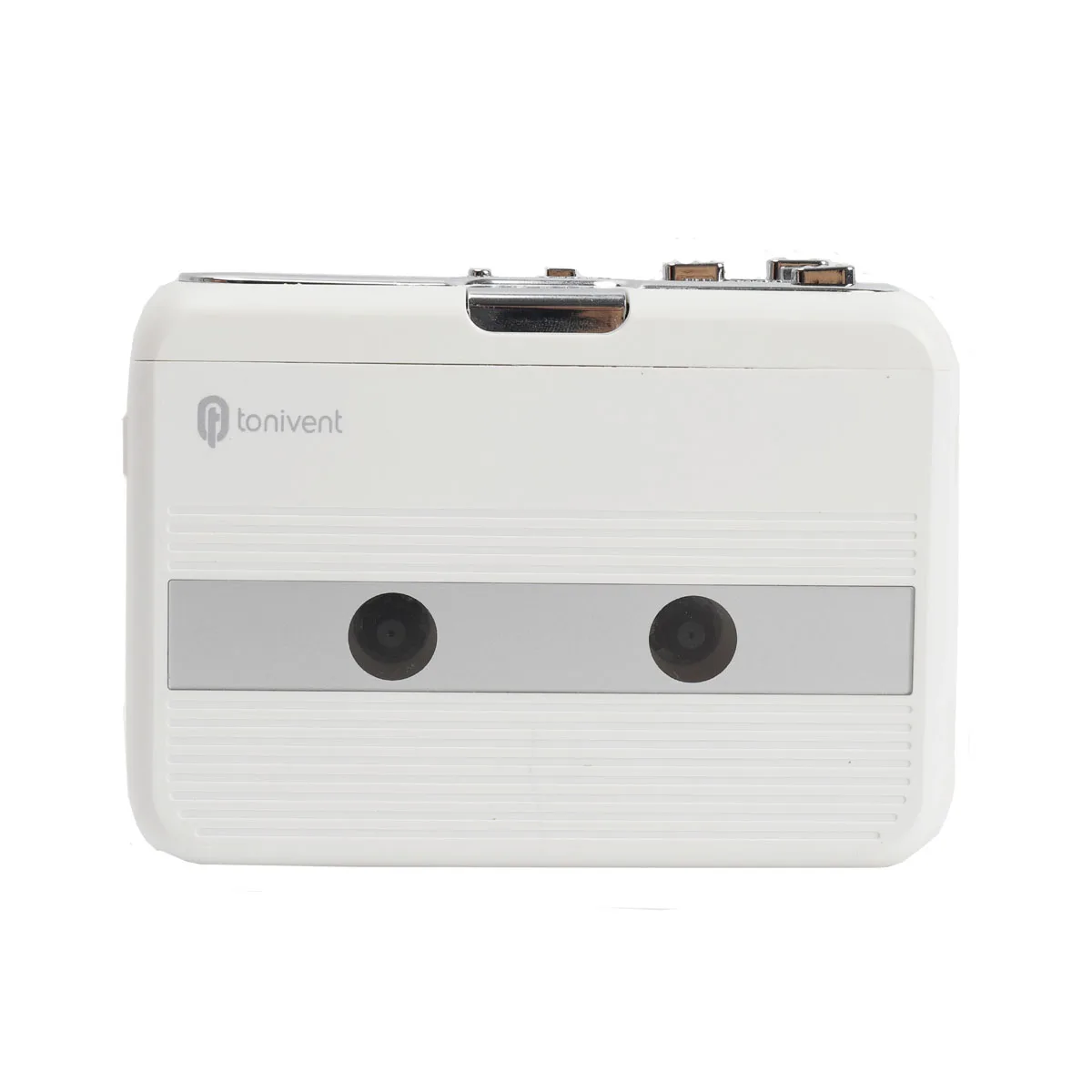
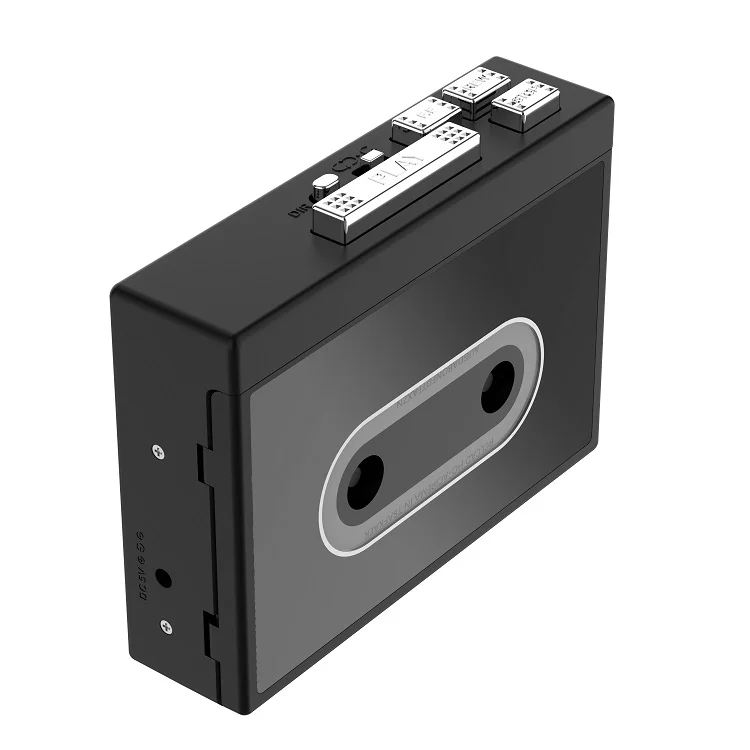
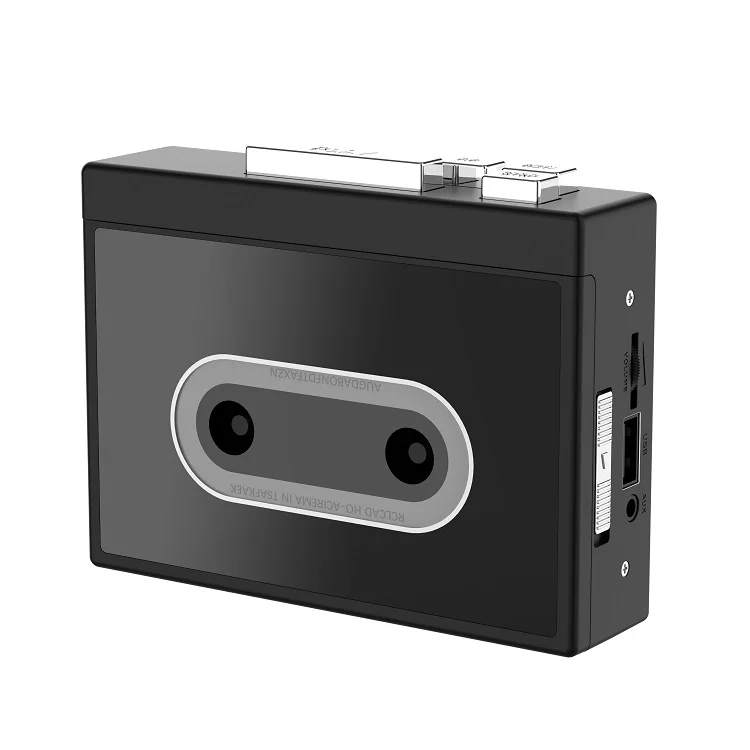
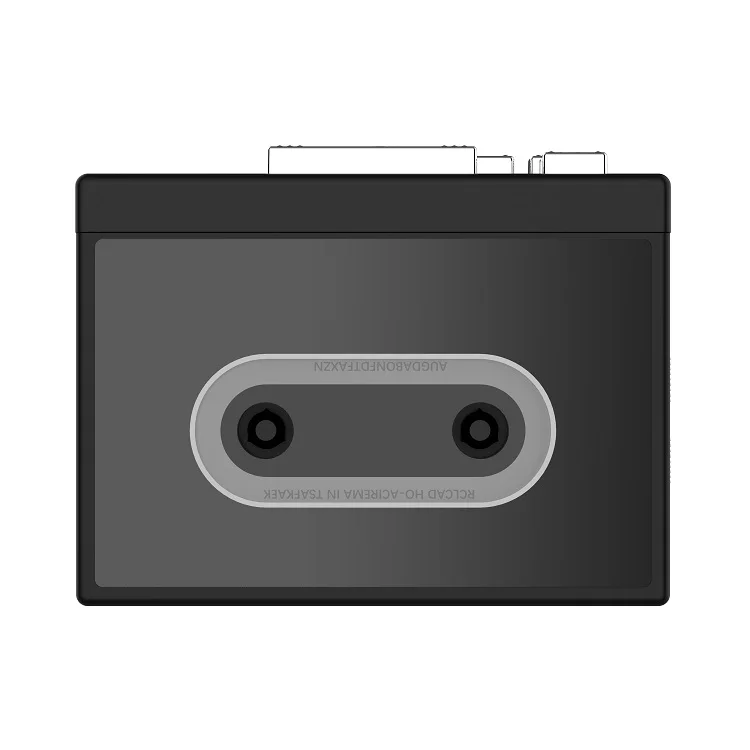
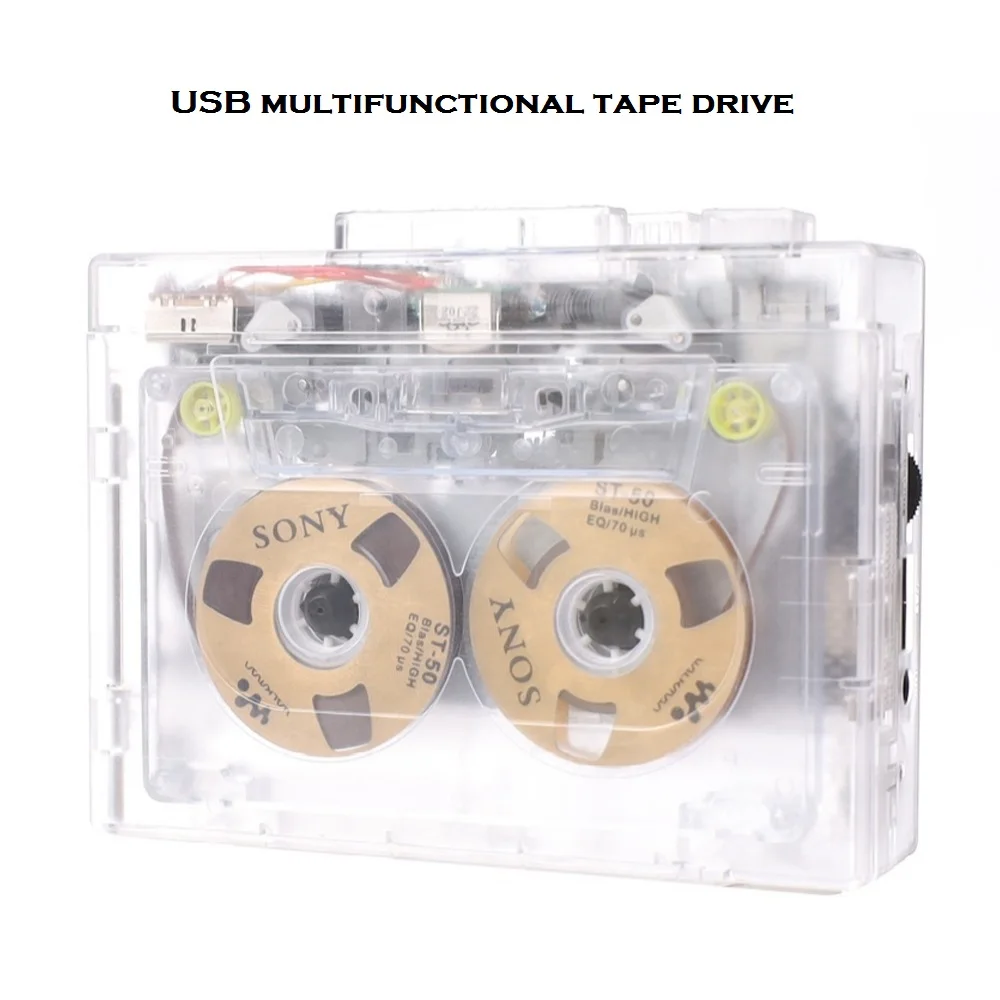
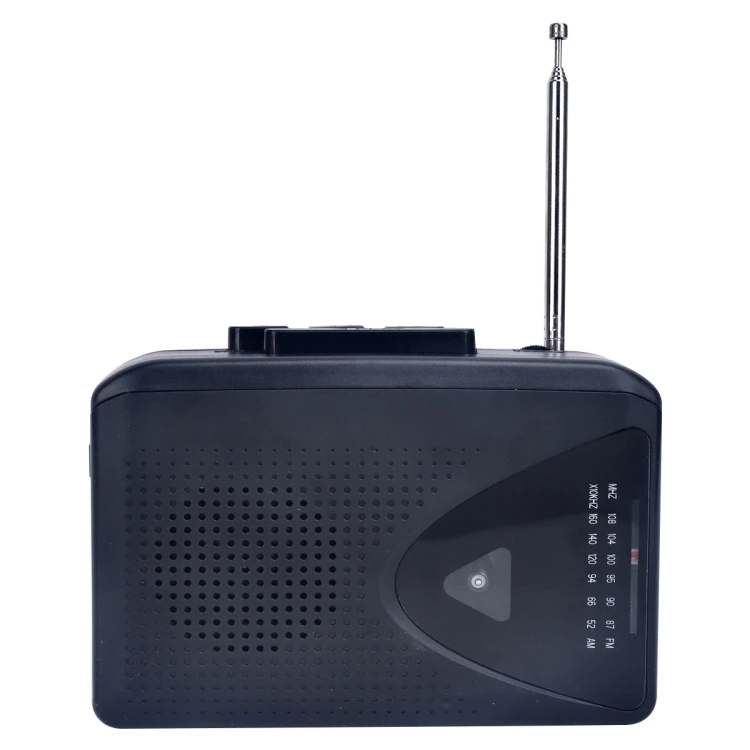
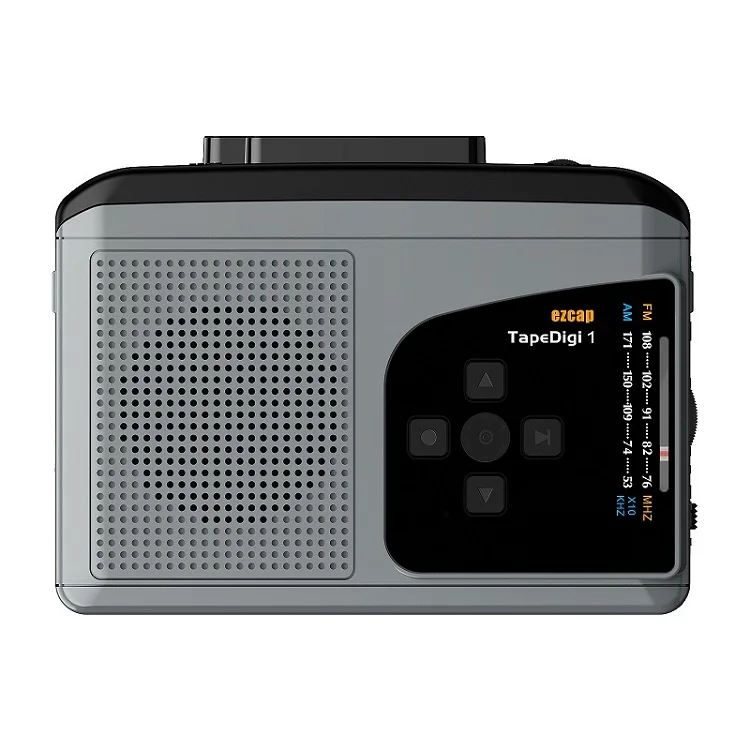
Молочно-белый Bluetooth-Кассетный плеер с наушниками ленточный Bluetooth-выход для динамика и
18,00 $ - 25,00 $
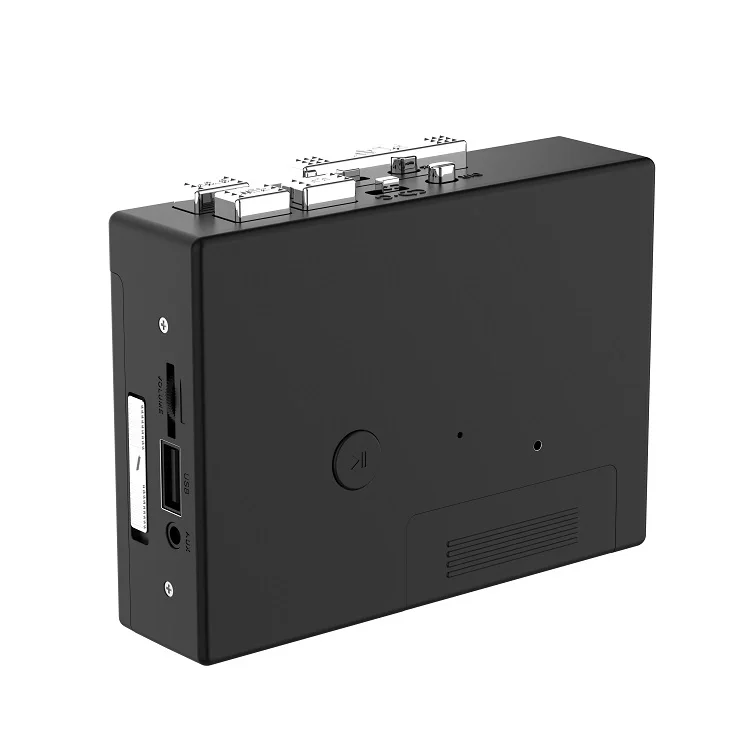
Сохранить в закладки 1600789684767:
| Specification parameter | |
| Input voltage | DC 5V(2 No. 5 dry batteries) |
| Output voltage | DC5V |
| Output current | <400MA |
| Output power | <2 W |
| Tape speed | Standard 4.76±5% |
| Recording rate | 128KPS |
| Data protocol | USB2.0 |
| LED indication | White light Blue light 2 LED |
| Track form | Two-channel stereo |
*Note: Power Mode
1.Use the matching DC5 power cord to supply power, suitable for home use
2.Use 2 AA batteries for power supply, suitable for goingout (The courier is not equipped with batteries, please purchase by yourself)
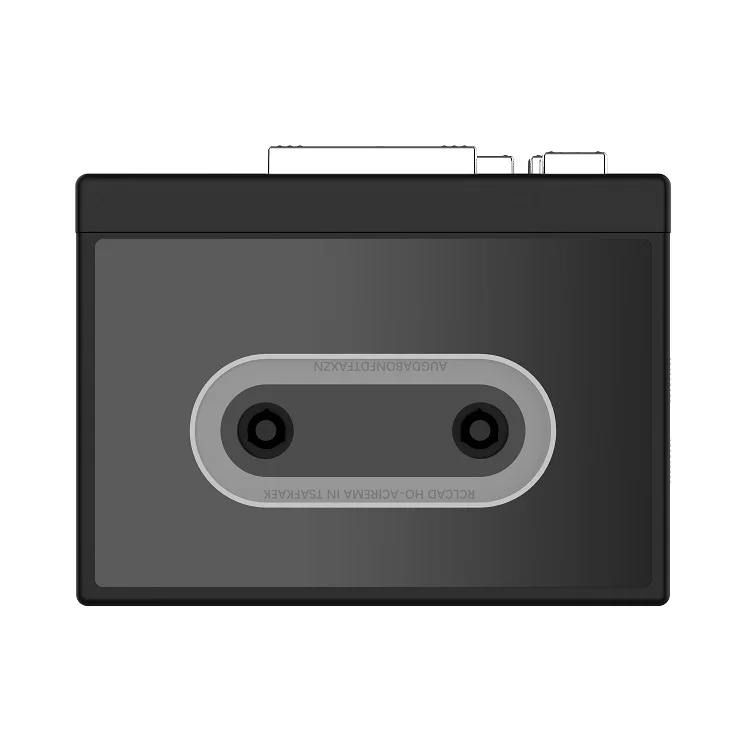
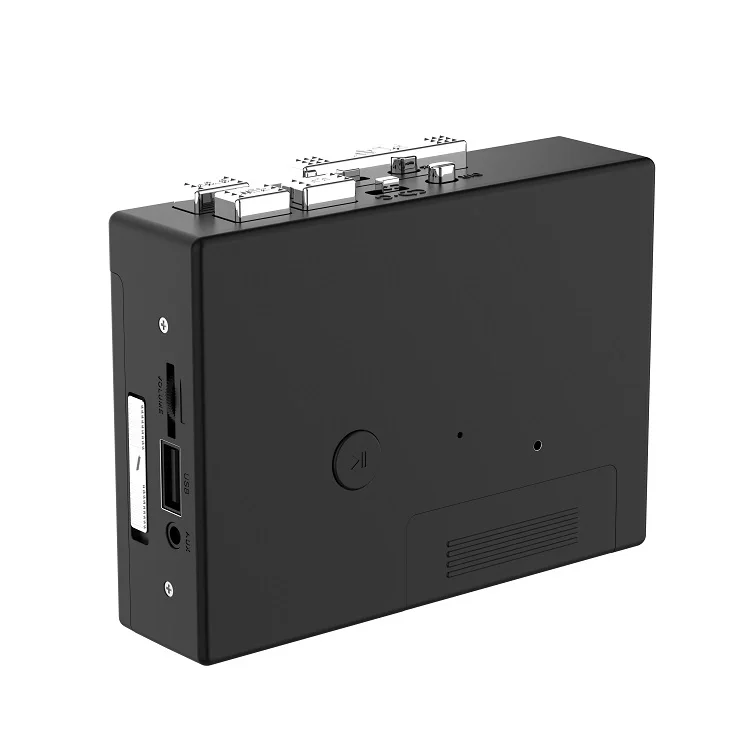
Instructions
How to play tapes?
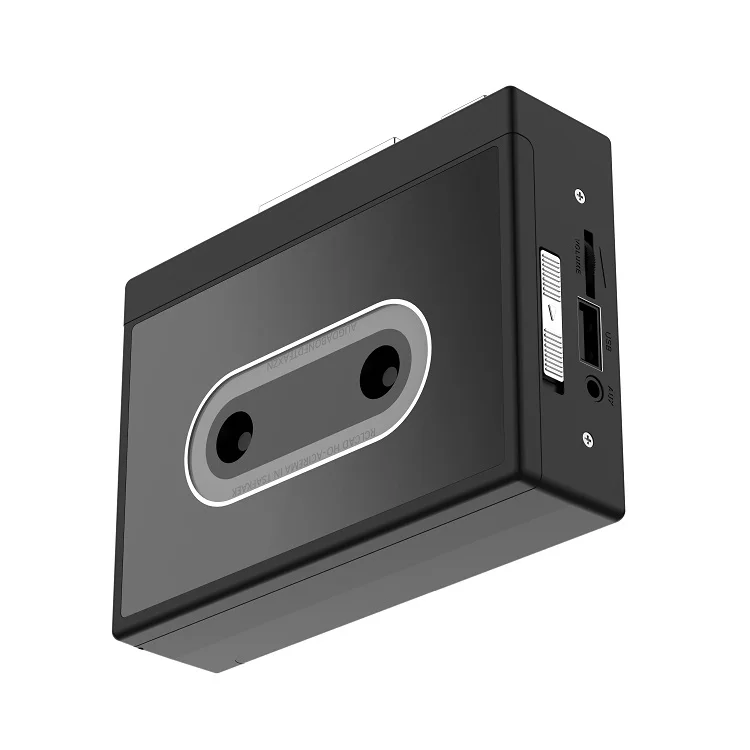
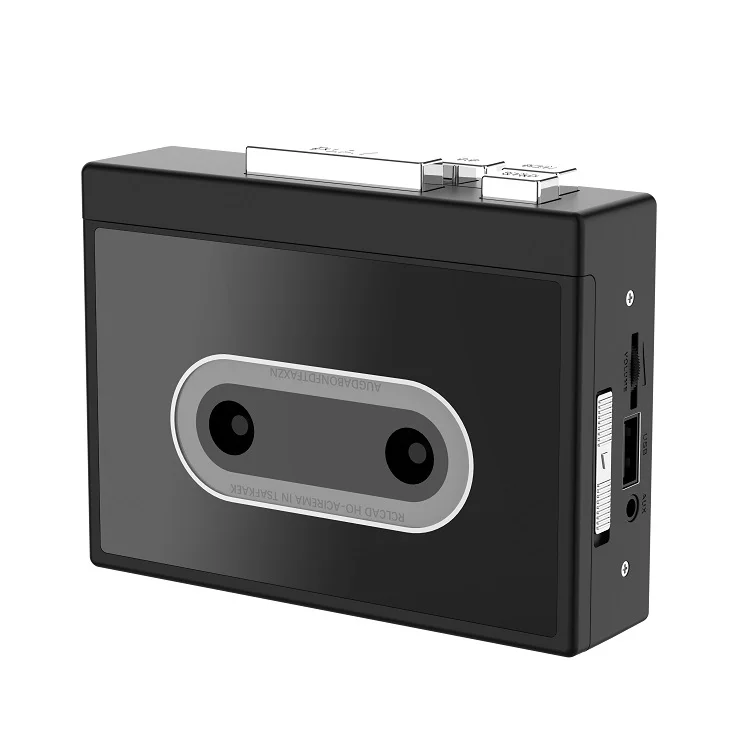
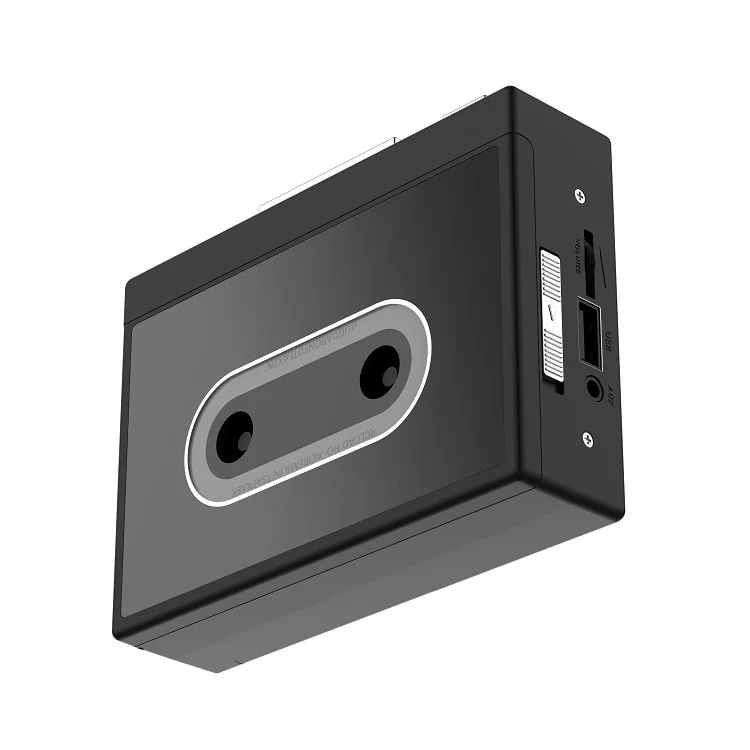
1. Headphone jack: Use the headphone insert slot to enjoy music
2. When playing music, you can use the volume control knob to adjust the volume;
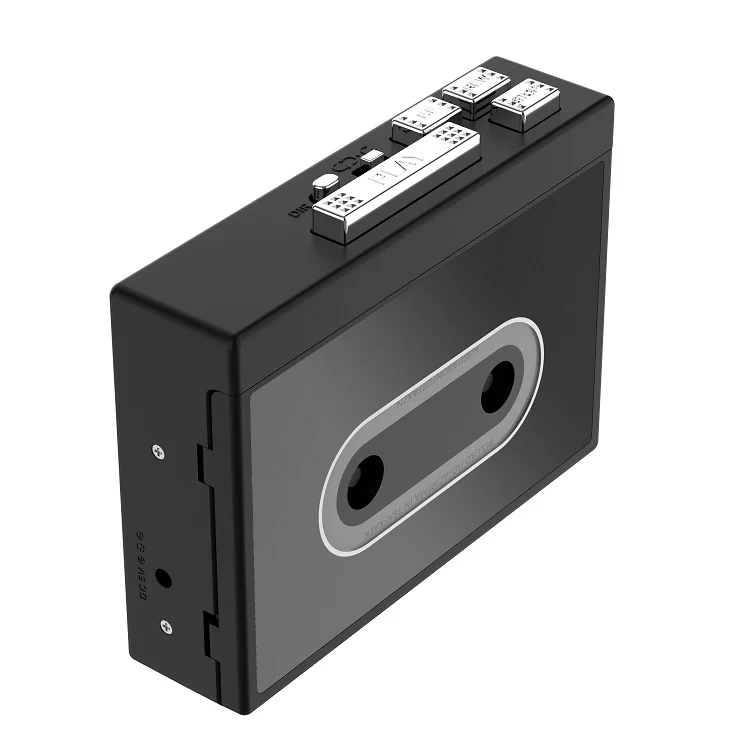
3. Press the "DR button to reverse the tape automatically;
4. Press the "PLAY" button to play the tape;
5. Play Mode: Select the operation when the tape reaches the end of one end, when set to the position of the loop icon, the tape will automatically switch directions, and start playing the opposite side after one side is played, when set to a single arrow icon, the tape will Automatically stop playing the tape after one side has finished playing;
6. Press the FF button to fast-forward the tape;
7. Press the "REW" button to rewind the tape;
8. Press the "STOP" button to stop playing the tape.
How to record tape to MP3 format?
Ensure that the tape drive is powered on.
1. Place the tape to be recorded in the tape drive.
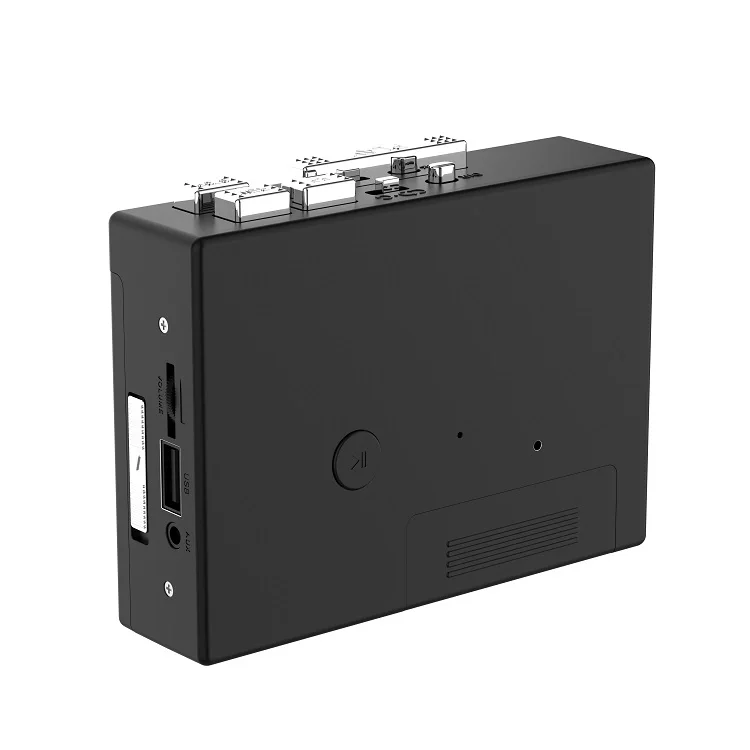
2. Insert the USB disk into the USB port, turn the white indicator light on, press the button once, the white indicator light slowly blinks to start recording, and press the tape playback button at the same time; When recording, press the button again to stop recording, and the white light will turn on;
3. When the recorded file needs to be played back, press the button twice, the white indicator will turn and the blue indicator will light up, and automatically play the recorded MP3 file, the blue indicator will blink slowly, and press the button again to pause the playback, and the blue indicator will be steady on
4. When playing back, pause the tape to avoid crosstalk. Long press the key to adjust the volume of the MP3 file.
5. When the playback is switched back to the recording state, press the button twice and the blue indicator will turn to the white indicator.
Precautions for recording tapes
1. Select a USB flash drive with good performance to record storage files. If the chip performance is poor or the USB flash drive has been expanded, data may be lost during recording.
2. To ensure audio quality, use the power cable to power the tape drive to ensure stable voltage and adjust the volume of the tape volume adjustment knob to the maximum.
3. The USB flash drive system format is FAT32 and EXFAT, but not NTFS.
4. Select a well-maintained tape to record and convert. The tape will be moldy and depowdered. Loose ones are not recommended for recording.
Новинки товаров от производителей по оптовым ценам