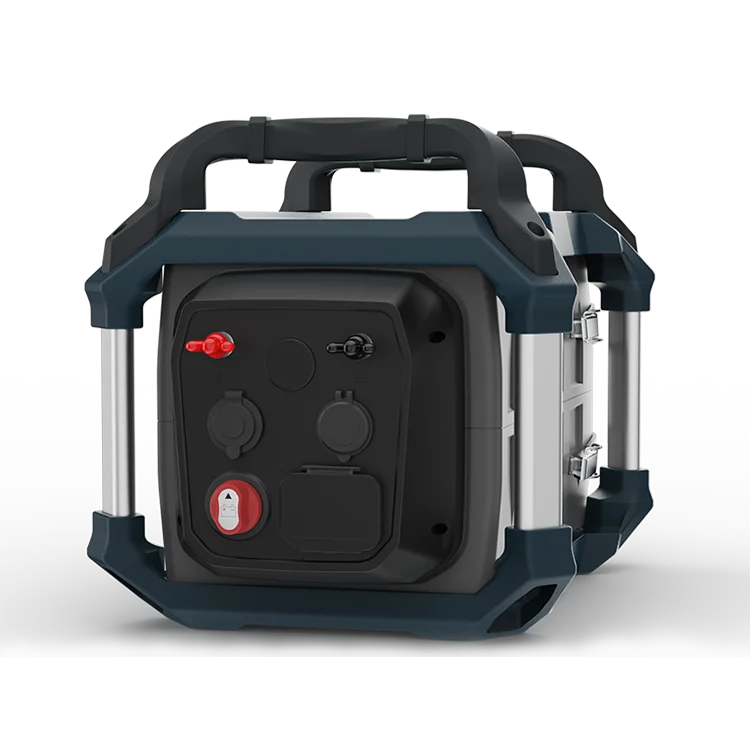
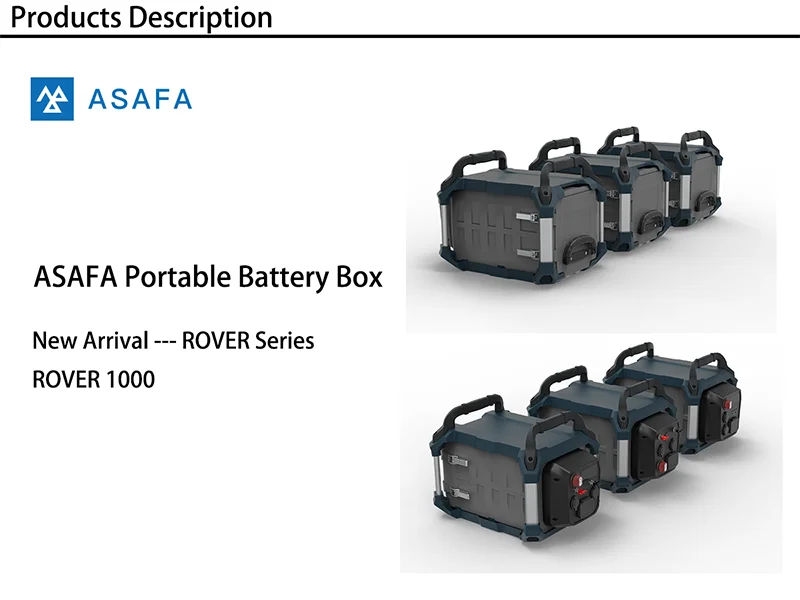
1.Q: Does my ROVER 1000 include battery inside?
A: No, your ROVER 1000 DOES NOT include any battery inside.
2.Q: My ROVER 1000 is not responding, what should I do?
A: Try resetting the unit by turning the Switch to reset your ROVER 1000. Check your ROVER 1000 to see if the issue is resolved after the reset.
3.Q: My new ROVER 1000 does not initially charge to 100%, it only charges to 95% what’s going on?
A: Cycle the battery a few times and the issue should resolve itself as the ROVER 1000 dials in its charge parameters.
4.Q: Have my ROVER 1000 connected to a charger but it is at 98% and not charging, what is going on?
A: In order to get the most life out of your battery we make sure to not stress the battery pack at the full state of charge. The battery will charge to 100% and then stop, self-discharge over time to 98% before the charge will engage again. If you are wanting to make sure your ROVER 1000 is completely topped off for upcoming use, unplugging and then re-plugging in your input cable should reengage the input and start the charge again.
5.Q: My charging controller is not working with my ROVER 1000, should it be working?
A: Check your charging controller, if it is for Lithium battery or Lead-Acid battery.
6.Q: Can I use my 3rd party panels with my ROVER 1000?
A: Yes, you can, so long as you stay under 50V. If using multiple 3rd party panels, be careful! Chaining 3rd party panels together can be dangerous if done in the wrong way.
7.Q: Can I chain multiple ASAFA Aix-50 panels into a ROVER 1000?
A: Yes, our panels are designed to be safely chained together out of the box and eliminate the risks associated with 3rd party panels.
8.Q: How do I know if my ASAFA ROVER 1000 is charged?
A: To check the charge level of your ASAFA ROVER 1000, refer to the Battery Display. When lit up, you’ll see a battery outline with 5 segments, indicating the current charge level. It is OK to use your ASAFA ROVER 1000 even when it’s not fully charged.
9.Q: How do I know if my device will work with the ROVER 1000 ?
A: First, you’ll need to determine the amount of power your device requires. This may require some research on your end, a good internet search or examining the user guide for your device should suffice.
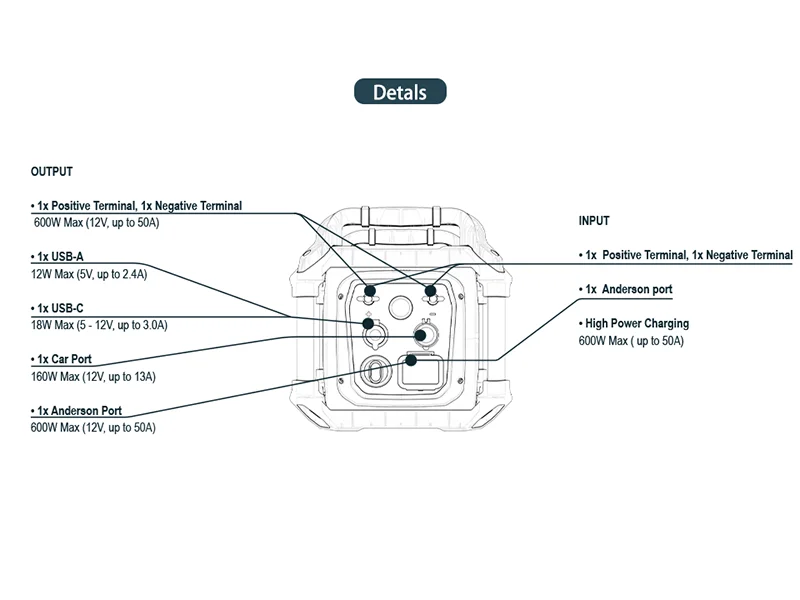
Second, you will need to check the capacity for the individual output ports. For example, your device is pulling more than 600W for an extended period of time.