1. How to print consecutive number?
Repeat print function is set as default in B10 printer. To print consecutive number, you will need to turn off the repeat
function first by following the steps below:
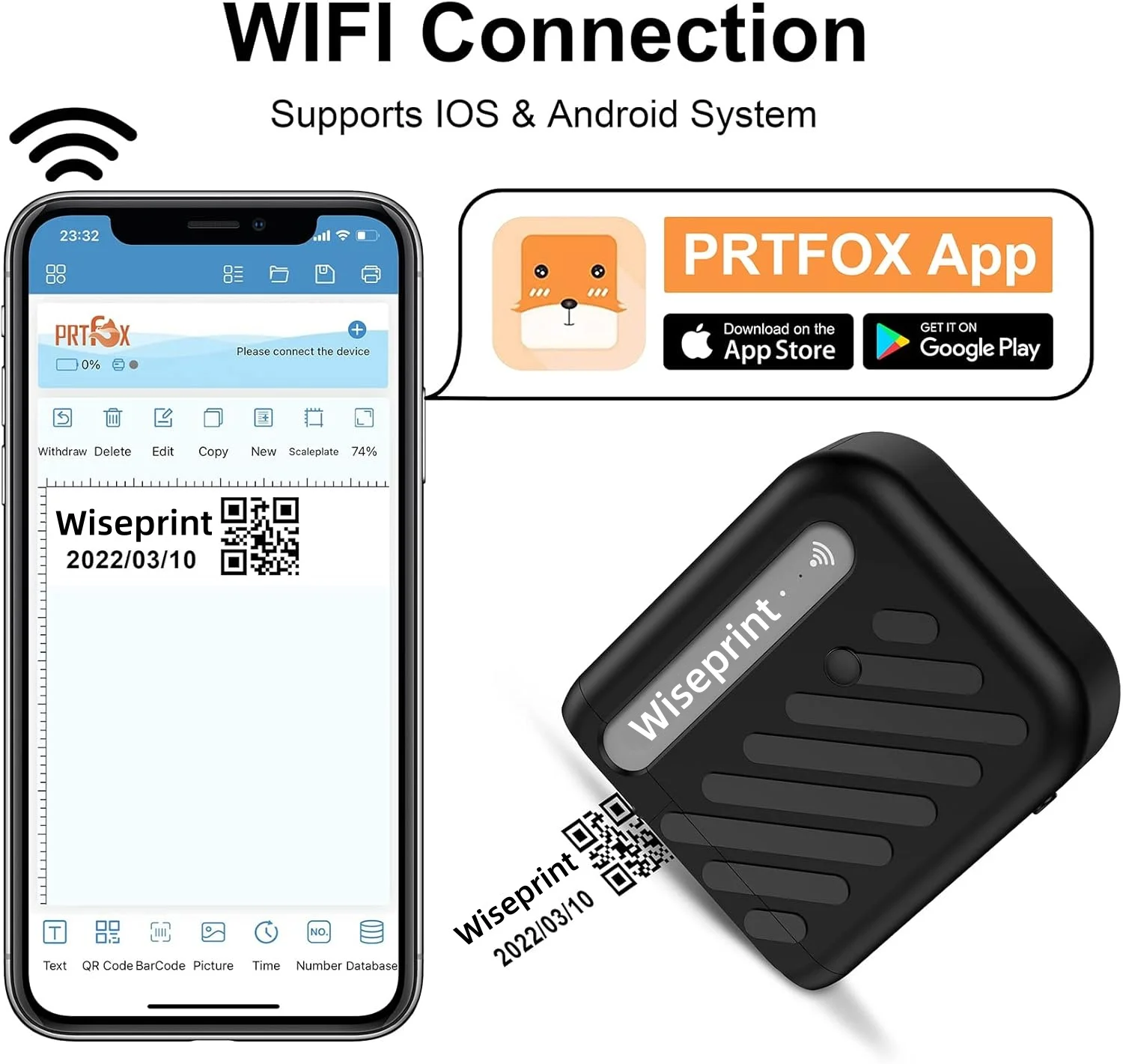
1. ❀ Connect your printer to APP
2. ❀ Click "Settings" icon at the top left corner
3. ❀ Click "Print" in Setting
4. ❀ Turn off the "Repeat print" at the bottom
5. ❀ Click the check icon
After this setting your printer should be ready to print consecutive number.
2. How to use the bulk print function?
You could simply import your file to your phone. Multiple files can be imported in the APP, by creating multiple jobs, you could print different file at one work.
3. Can I print on an uneven surface?
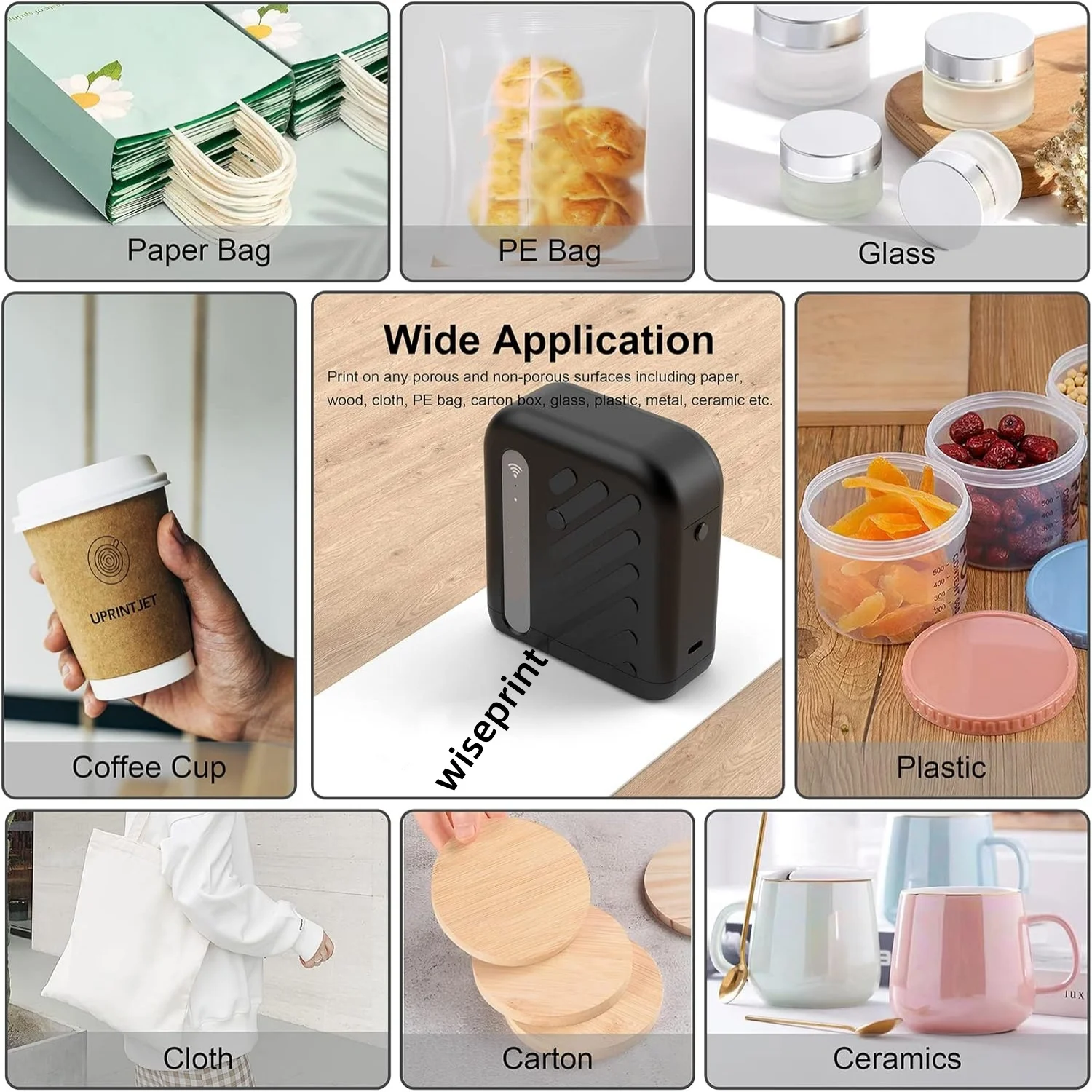
Yes, under proper conditions, B10 can print on rough, curved and uneven surfaces. You can also use this to print temporary tattoos on the skin. In a safe way of use, any creative ideas can be realized by it.