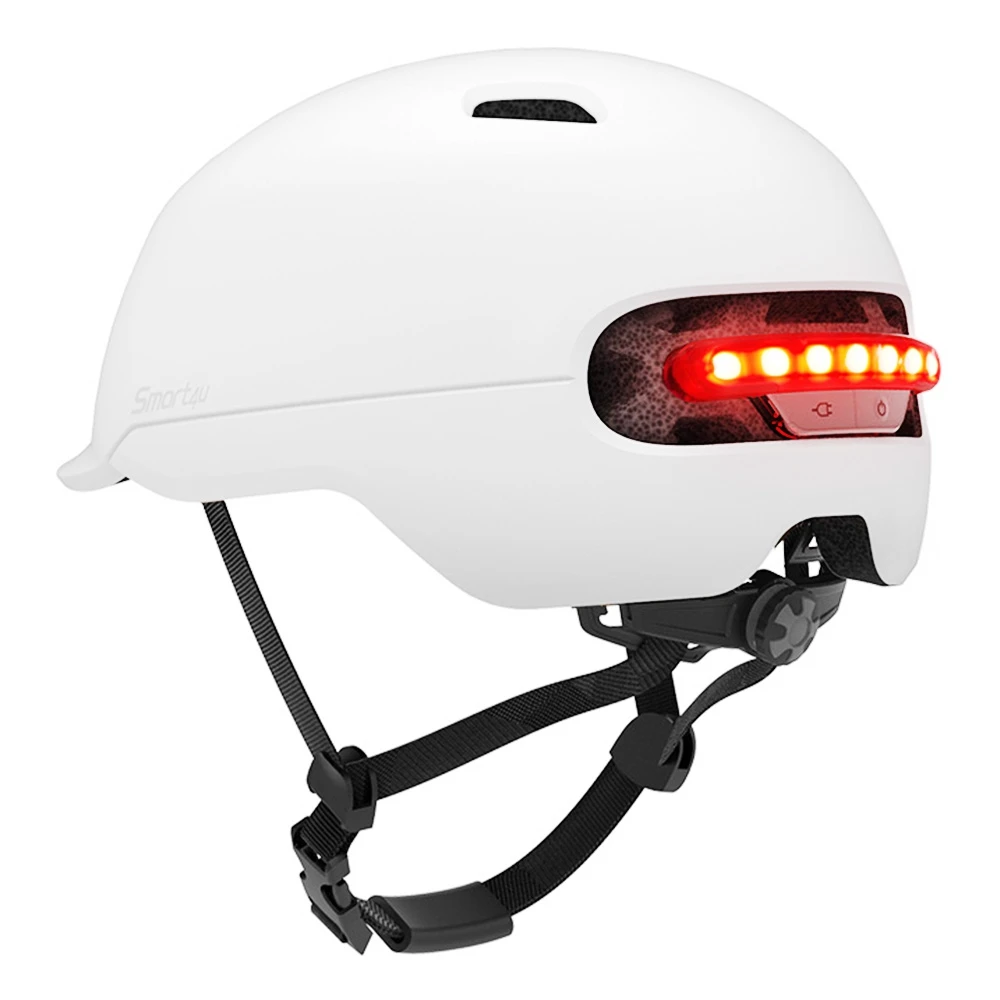
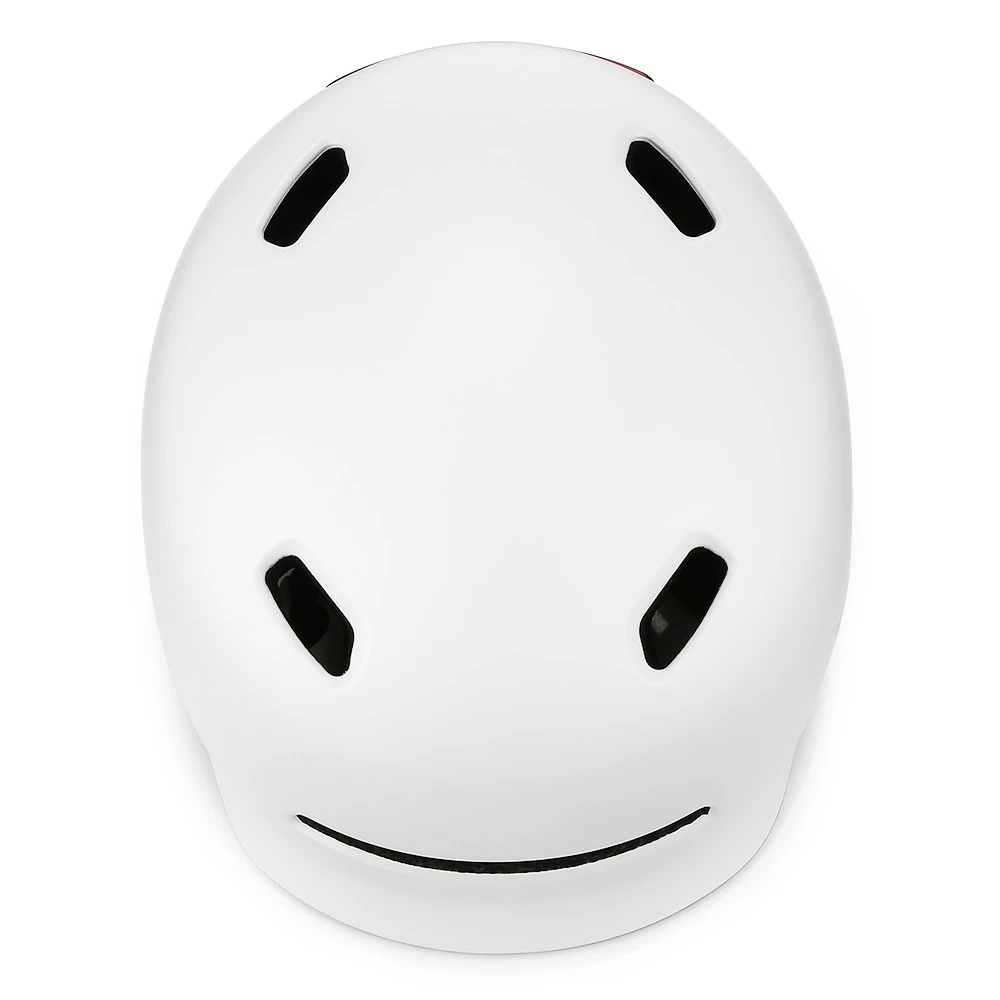
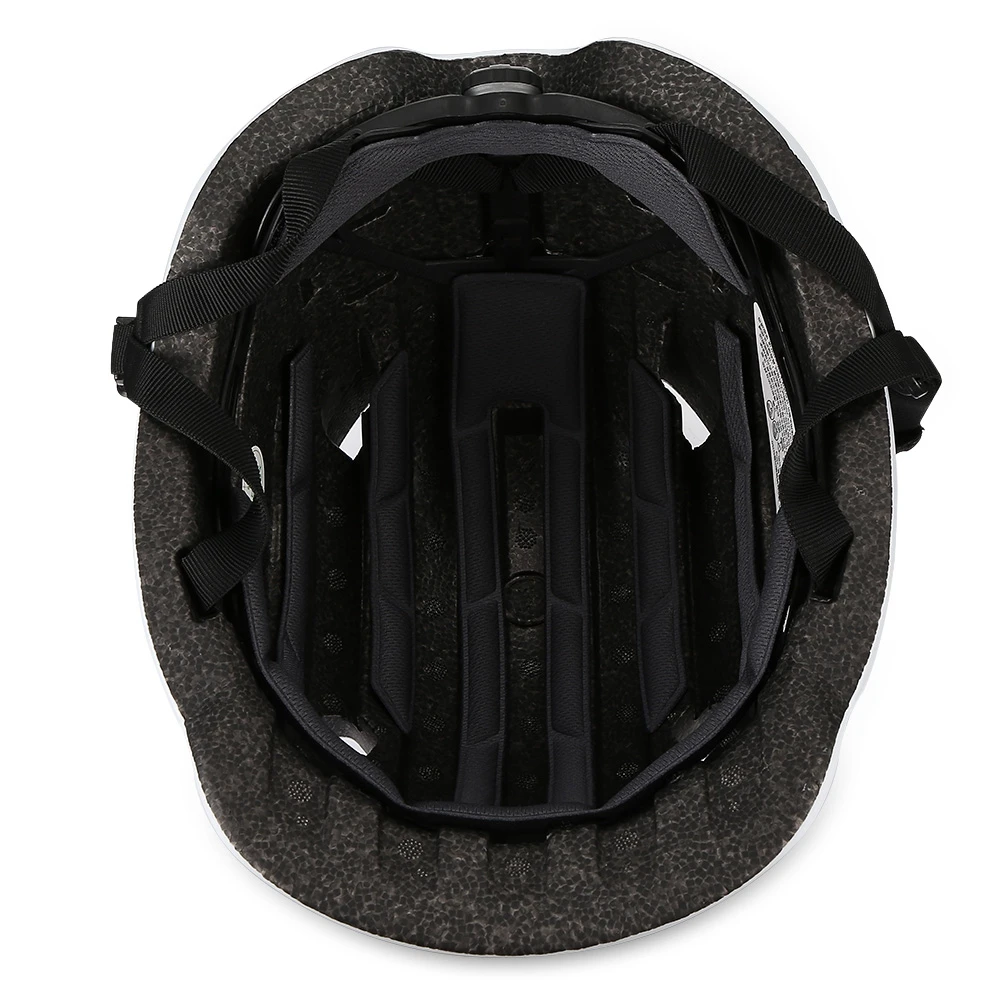

Водонепроницаемый шлем Smart4u для скутера светодиодный автоматический предупреждающий горного велосипеда со светодиодной подсветкой
- Категория: Motorcycle Helmets >>>
- Поставщик: Shenzhen New Image Technology Co. Ltd.
Сохранить в закладки 62393827712:
Описание и отзывы
Характеристики
Product Description
Bike Helmets Waterproof Smart Flash cap | |
EPS+PC | |
Black/white | |
Size | L/M |
Smart 4U helmet | |
Use for | Bike/scooter/ Motorcycle |
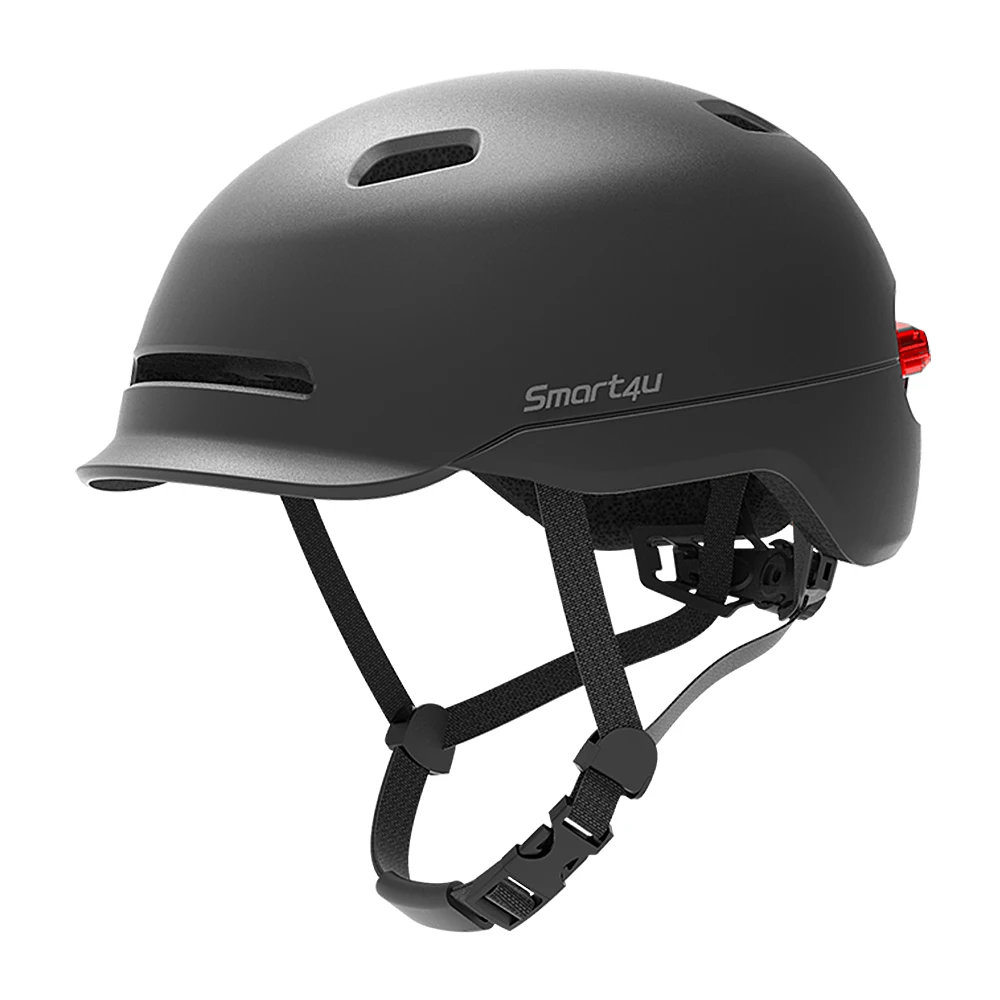
● Safety: one-piece molding process, High strength PC, EPS raw materials, so that the helmet is more secure
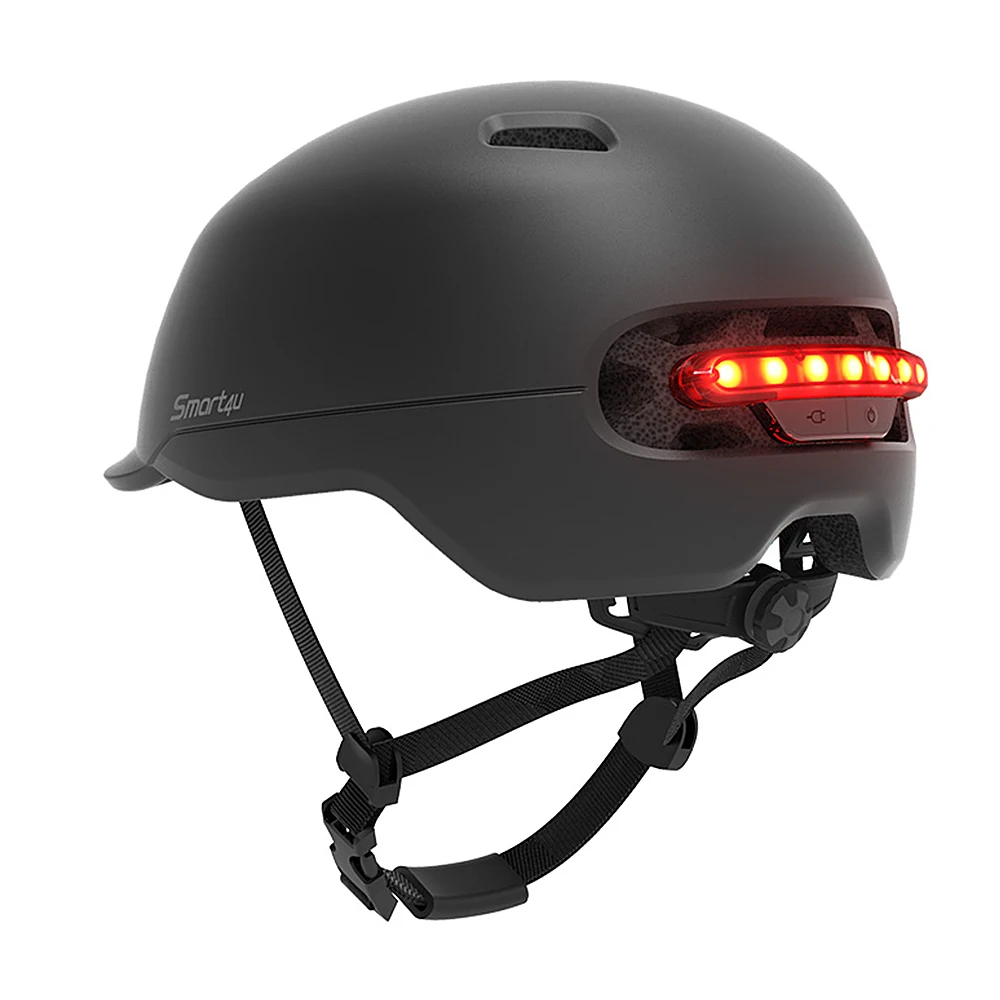
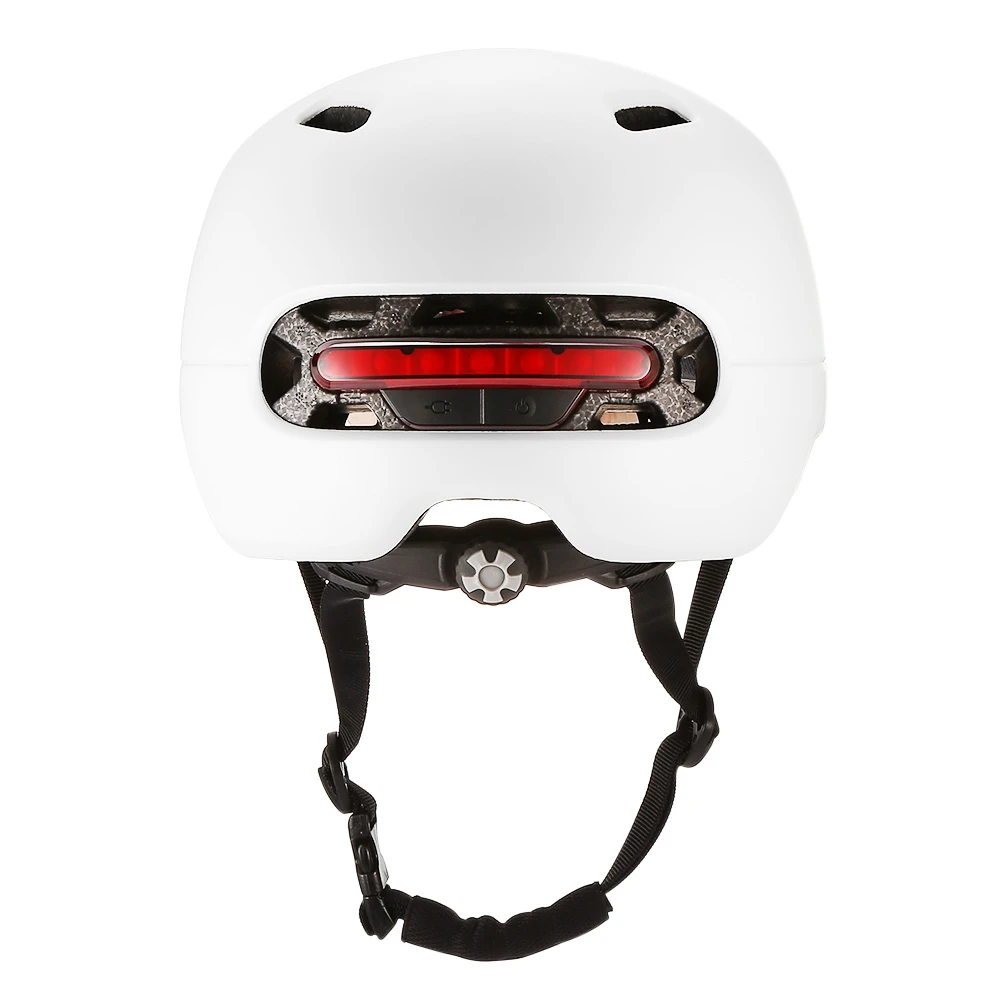
● Intelligent lighting: 7 high-brightness LED taillights automatically light or off according to the intensity of light, the visible distance is over 180 meters
● Brake warning lights and automatic shutdown: when braking, all light are lighting for about 2 seconds. Remove the helmet for about 20 minutes, the helmet automatically power off
● One key control of 3 light modes: shortly press the key to switch the light mode after booting: tide mode, flash mode, flash mode
● Applications: electric car, electric scooter, balance car, bicycle, roller skating
● Charging method USB charging
● Charging time: 1 hour
● Use time: 36 hours
● Use time: 36 hours
1 Power on
Hold the U button at the backof the helmet for 2 seconds,then the LED tilight will blink for 10 seconds after the helmetis powered on, which means the helmet automatically enters adaptive waming light mode.
2. Power off
1 Hold the O button at the back of the helmetfor 2 seconds unti all the LED alightg tumsoff
3. Lighting Model
lighting mode: After the helmet is power on, press the o button for a second to switch the three lighting modesin order.1.adaptive warning mode A,2.adaptive waming mode B;3.keep warming light always on
lighting mode: After the helmet is power on, press the o button for a second to switch the three lighting modesin order.1.adaptive warning mode A,2.adaptive waming mode B;3.keep warming light always on
4. Adaptive Warning Lighting
2 seconds after power on, press the button [less than 1 second), the helmet will enter the adaptive warninglighting mode. In daytime or in a bright environment, only the central LED will keep flashing, other LED will turnoff utomatcally While at night or ina dark environment, the whole talight will keep fashing automatically
2 seconds after power on, press the button [less than 1 second), the helmet will enter the adaptive warninglighting mode. In daytime or in a bright environment, only the central LED will keep flashing, other LED will turnoff utomatcally While at night or ina dark environment, the whole talight will keep fashing automatically
5. Lighting Always on Mode
ln daytime or inabright environment, the whole tali will keep flashing
ln daytime or inabright environment, the whole tali will keep flashing
6. Brake Light
(Only teadingditin has thfutction When the helmet detects a clear deceleration, the whole tailli will light up for 1-2 seconds to warn thevehidles behind, Only the upgraded version has this function.) Comment When the helmet shakes too heavy, the built in sensor detects obvious deceleration to tigger the warning lightalways on, which i normal QuickI AdaptBrakeAuto
(Only teadingditin has thfutction When the helmet detects a clear deceleration, the whole tailli will light up for 1-2 seconds to warn thevehidles behind, Only the upgraded version has this function.) Comment When the helmet shakes too heavy, the built in sensor detects obvious deceleration to tigger the warning lightalways on, which i normal QuickI AdaptBrakeAuto
7. Auto Power-off
(Only the Leading Edition has this function.) When the helmet keeps stationary for 20 minutes, it will automatically power oft.
(Only the Leading Edition has this function.) When the helmet keeps stationary for 20 minutes, it will automatically power oft.
Detailed Images


Related Products
Packing&Shipping
DHL | 3~5 Working days | ||||||
UPS | 5~7 Working days | ||||||
TNT | 5~7 Working days | ||||||
FedEx | 4~6 working days | ||||||
1. OEM Manufacturing welcome: Product, Package...
2. Sample order
3. We will reply you for your inquiry in 24 hours.
4. After sending, we will track the products for you, When you got the goods, test them, and give me a feedback.If you have any
questions about the problem, contact with us, we will offer the solve way for you.
2. Sample order
3. We will reply you for your inquiry in 24 hours.
4. After sending, we will track the products for you, When you got the goods, test them, and give me a feedback.If you have any
questions about the problem, contact with us, we will offer the solve way for you.


Certificate


FAQ
Q1. What is your terms of packing?
A: Generally, we pack our goods in neutral white boxes and brown cartons. If you have legally registered patent,
we can pack the goods in your branded boxes after getting your authorization letters.
Q2. What is your terms of payment?
A: TT/Western Union/Trade Assurance 30% as deposit, and 70% before delivery. We'll show you the photos of the products and
packages
before you pay the balance.
Q3. What is your terms of delivery?
A: EXW, FOB, CFR, CIF, DDU.
Q4. How about your delivery time?
A: The specific delivery time depends on the items and the quantity of your order.Generally we have some in stock.
Q5. Can you produce according to the samples?
A: Yes, we can produce by your samples or technical drawings. We can build the molds and fixtures.
Q6. What is your sample policy?
A: We can supply the sample if we have ready parts in stock, but the customers have to pay the sample cost and the courier cost.
A: Generally, we pack our goods in neutral white boxes and brown cartons. If you have legally registered patent,
we can pack the goods in your branded boxes after getting your authorization letters.
Q2. What is your terms of payment?
A: TT/Western Union/Trade Assurance 30% as deposit, and 70% before delivery. We'll show you the photos of the products and
packages
before you pay the balance.
Q3. What is your terms of delivery?
A: EXW, FOB, CFR, CIF, DDU.
Q4. How about your delivery time?
A: The specific delivery time depends on the items and the quantity of your order.Generally we have some in stock.
Q5. Can you produce according to the samples?
A: Yes, we can produce by your samples or technical drawings. We can build the molds and fixtures.
Q6. What is your sample policy?
A: We can supply the sample if we have ready parts in stock, but the customers have to pay the sample cost and the courier cost.
Company Introduction
Shenzhen New Image Technology CO.,LTD have 4 years of electric scooters experience. As a R&D, design and sales comprehensive , modern high-tech company, New-Image have a powerful and complete R&D design team, professional sales team, and more than 10 years of OEM design and manufacturing experiences.Our factory covers more than 2000 meter square, equipped with advanced facilities and skilled workers. "Be loyal to company, sincere to customer and honest to colleague" is the enterprise tenet,and take technological innovation as our basis. With further development, we hope to establish friendly and long-term business relationship with all trades and customers.

Contacte infs
E-mail: Joanna at superbsail.com.
WhasAPP: + 86 187 7590 8892
Skype: + 86 187 7590 8892
Wechat: WLL1454424277
Skype: + 86 187 7590 8892
Wechat: WLL1454424277
Похожие товары
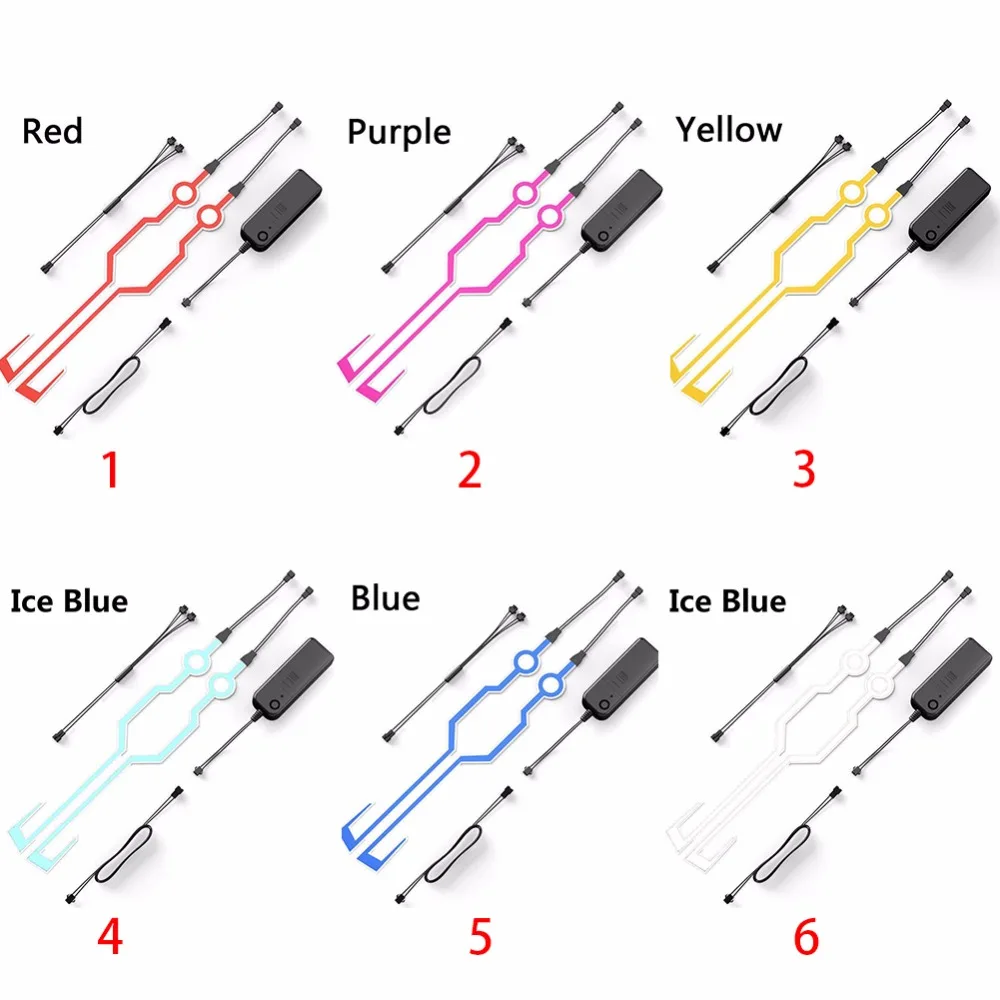
Мотоциклетный комплект для езды на мотоцикле прочный водонепроницаемый шлем с сигналом холодного света мигающая полоса светодиодная подсветка световая
4,90 $ - 8,00 $
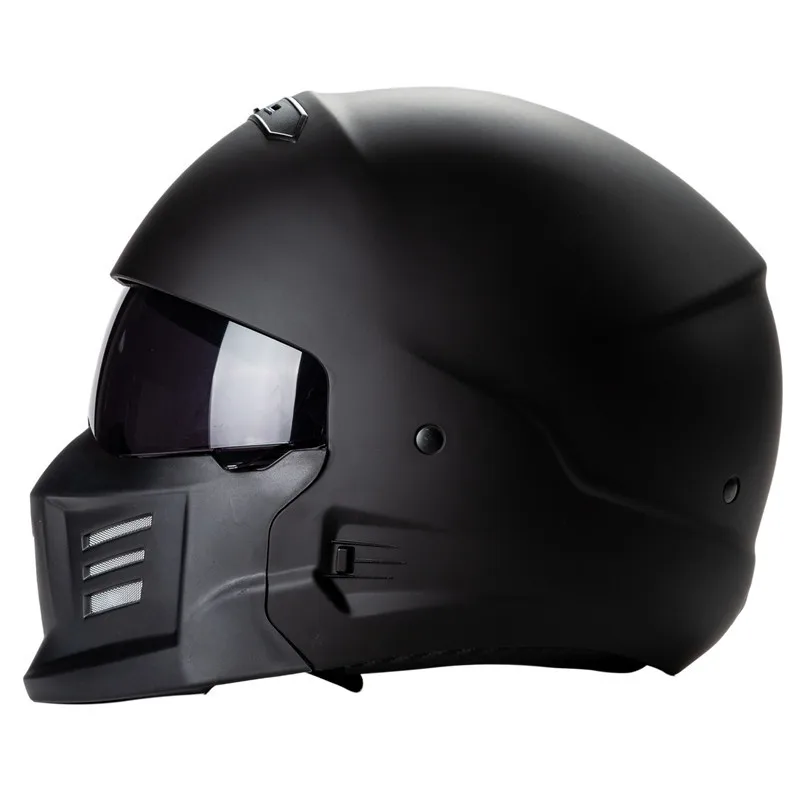
Мотоциклетный шлем EXO модульный защитный на все лицо в 3
60,00 $ - 70,00 $
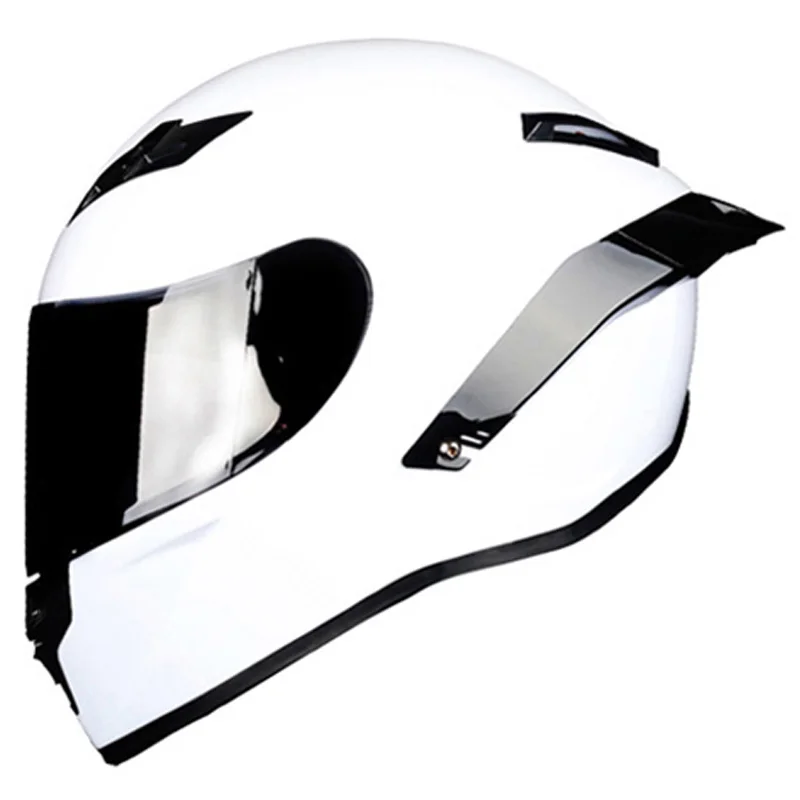
Винтажные мотоциклетные шлемы Gmart защита от падения черный классический с внутренним козырьком в горошек
50,00 $ - 64,00 $
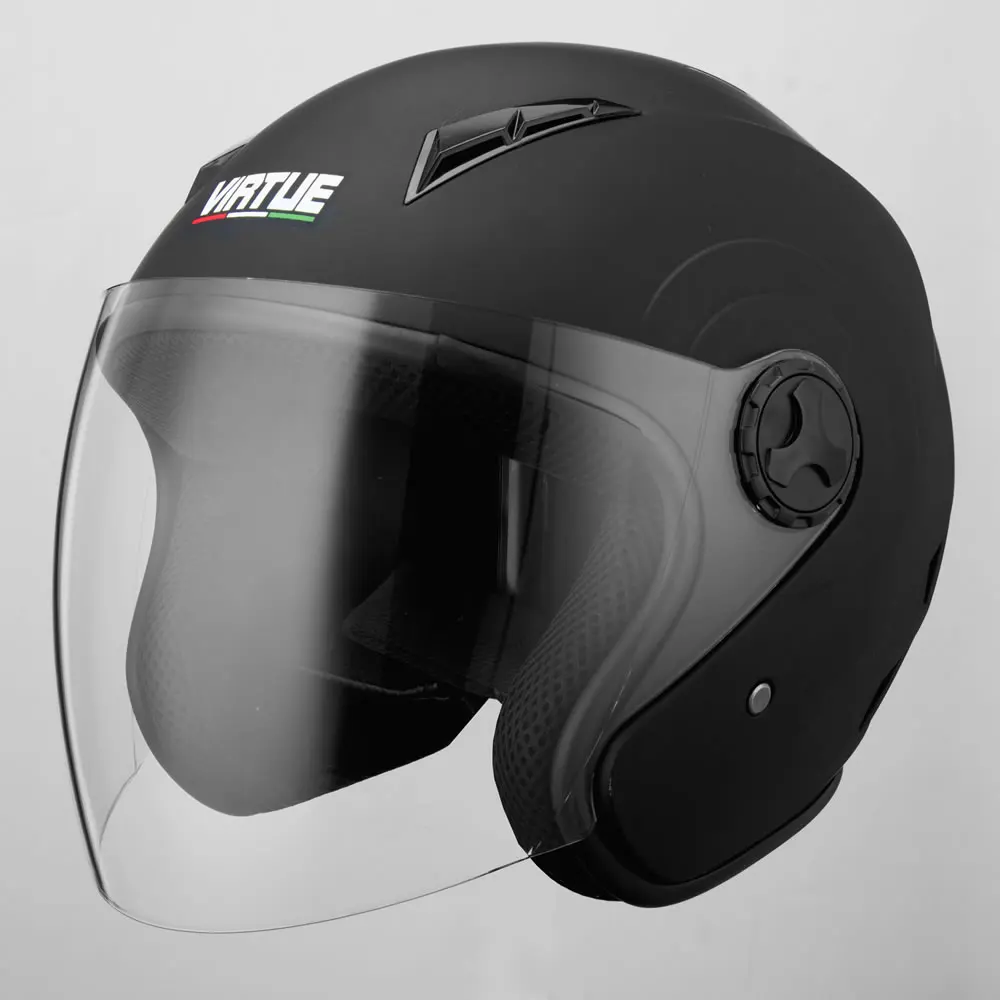
На заказ оптовая продажа мотоциклетный шлем красного цвета с открытым
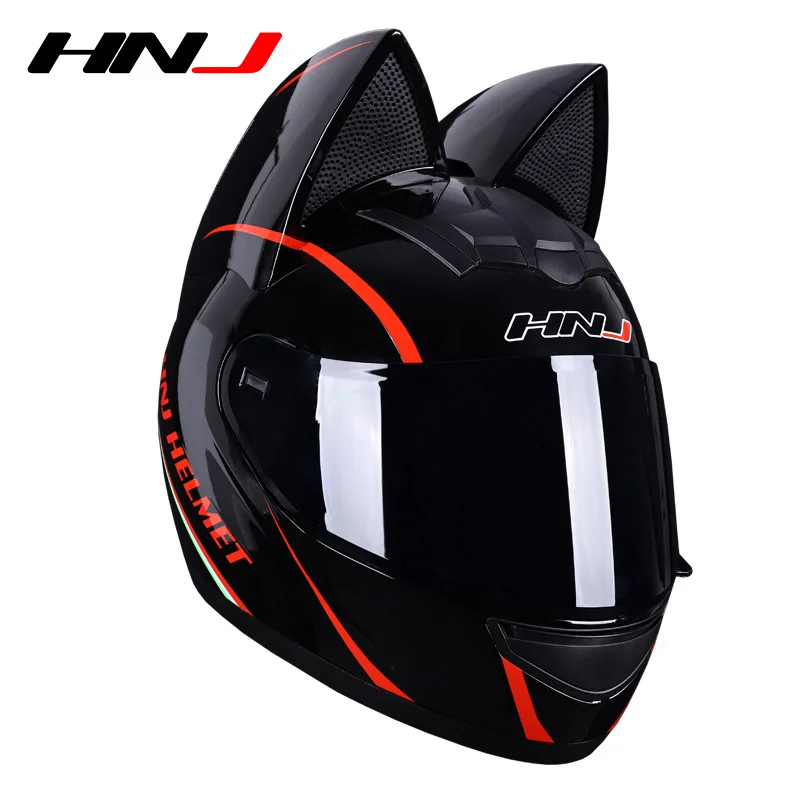
Шлем HNJ в виде кошачьих ушей для женщин модный шлем на все лицо мотоциклистов ракушка быстрая
35,00 $ - 50,00 $
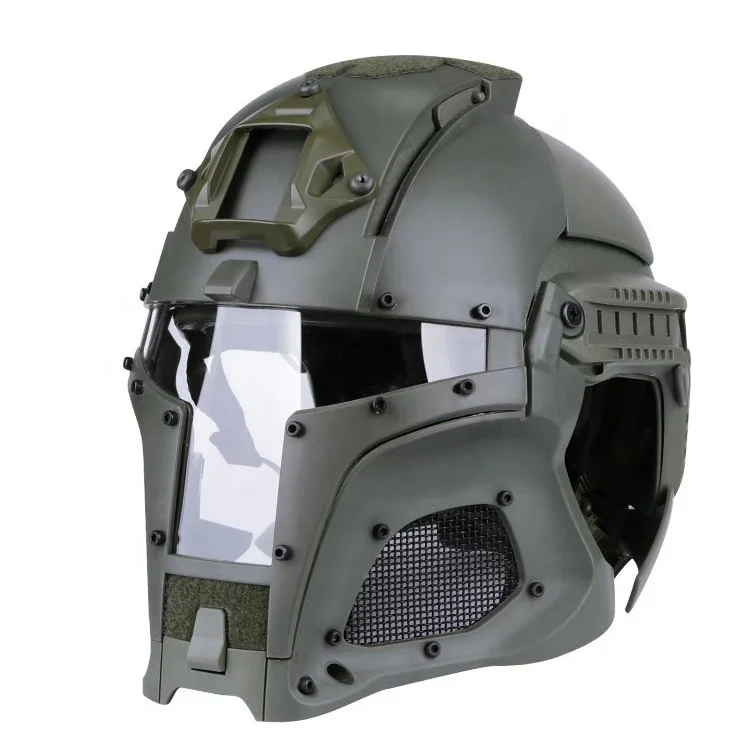
Мотоциклетный шлем CQJB, шлем «Железный человек»
47,80 $ - 63,00 $
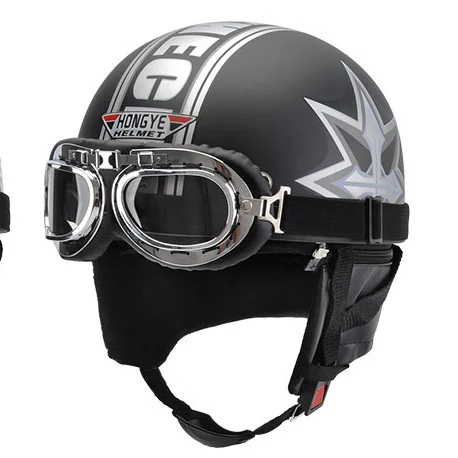
2020 новая модель шлема с переводным козырьком
3,30 $ - 3,50 $
Новые поступления
Новинки товаров от производителей по оптовым ценам
300 Вт безопасный для посудомоечной машины 5-скоростной турбо с крючками для теста, венчик, электрический ручной миксер
571,11-666,30 ₽
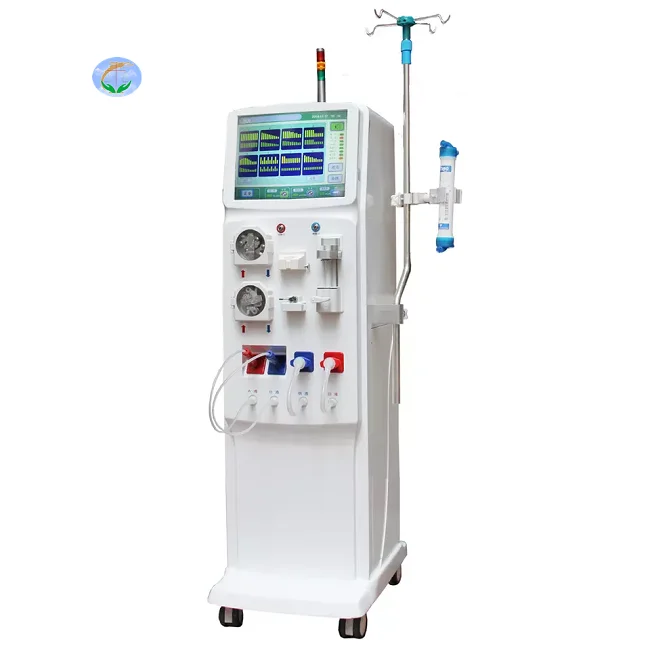
Медицинский портативный прибор для гемодиализа катетер и кровообращения диализа почек ухода за здоровьем
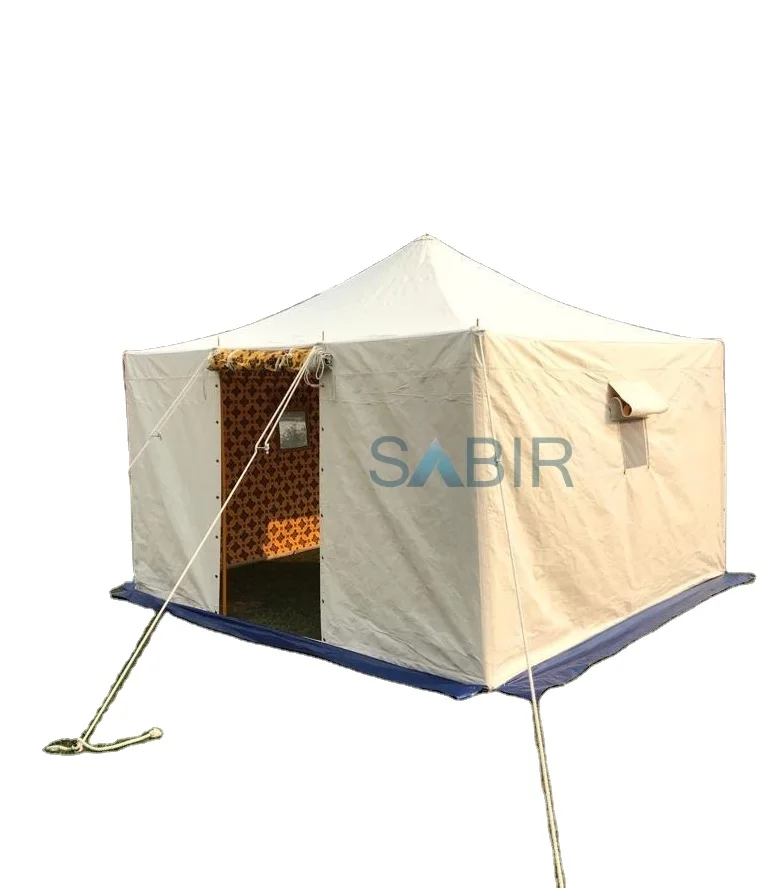
Многофункциональная роскошная водонепроницаемая палатка из брезента для кемпинга однокомнатная всесезонная с настраиваемым размером новый стиль рынка Ближнего Востока
45 688,76-56 159,10 ₽
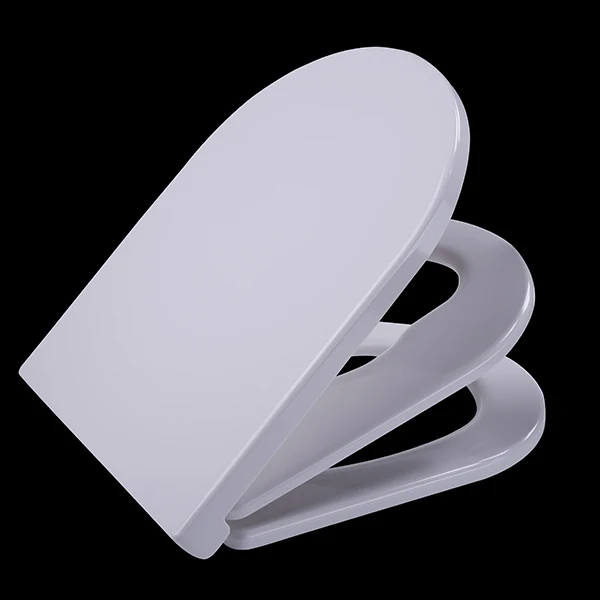
Санитарно-гигиеническое сиденье для
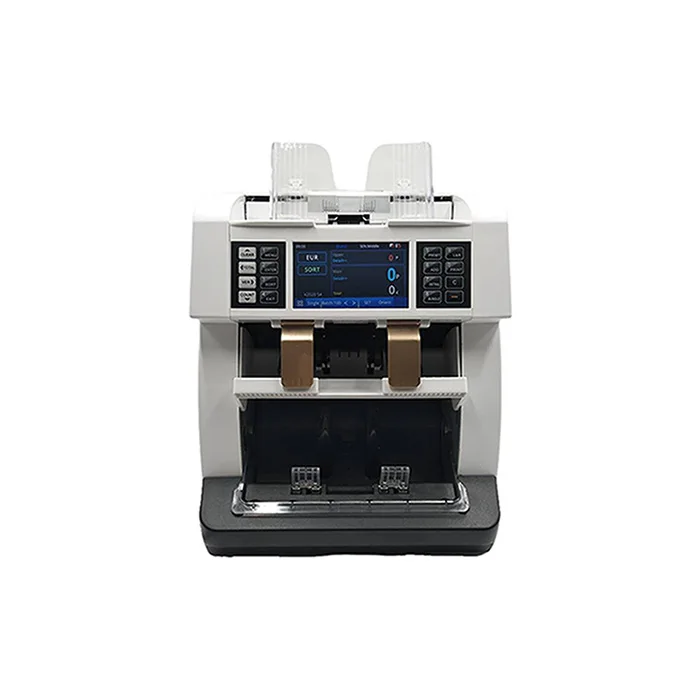
Счетчик купюр с низким уровнем шума на тонкопленочных транзисторах, автоматическое определение разных валют, 4,2 дюйма
50 448-52 351,70 ₽
Ожерелье из нержавеющей стали изящное ожерелье с чакрами на заказ модное позолоченное ювелирное изделие водонепроницаемой подвеской без
121,84-217,03 ₽
Мужские спортивные кроссовки с логотипом
856,67-999,45 ₽
OEM ODM, настоящее изобретение, персонализированный прямой автоматический открытый пользовательский логотип, рекламный зонт для гольфа с логотипом для отелей
842,39-938,53 ₽