

2 порты и разъёмы 4 HDMI KVM переключатель для двойной мониторы клавиатура мышь офис быстрый
- Category: KVM Switches >>>
- Supplier: Shenzhen Tesla Elec Technology Co. Ltd
Share on (60715535417):
Product Overview
Description
2 Port 4 Port HDMI KVM Switch for Dual Monitor Keyboard Mouse Office Quick
Specification
HKS0401A1U/HKS0201A1U | 2 Ports 4 Ports HDMI KVM Switch | |
Functionality: | ||
Auto Scan | Yes | |
Port selection | Front panel buttons | Yes |
Keyboard hotkeys | Yes | |
IR remote control | Yes | |
Technical: | ||
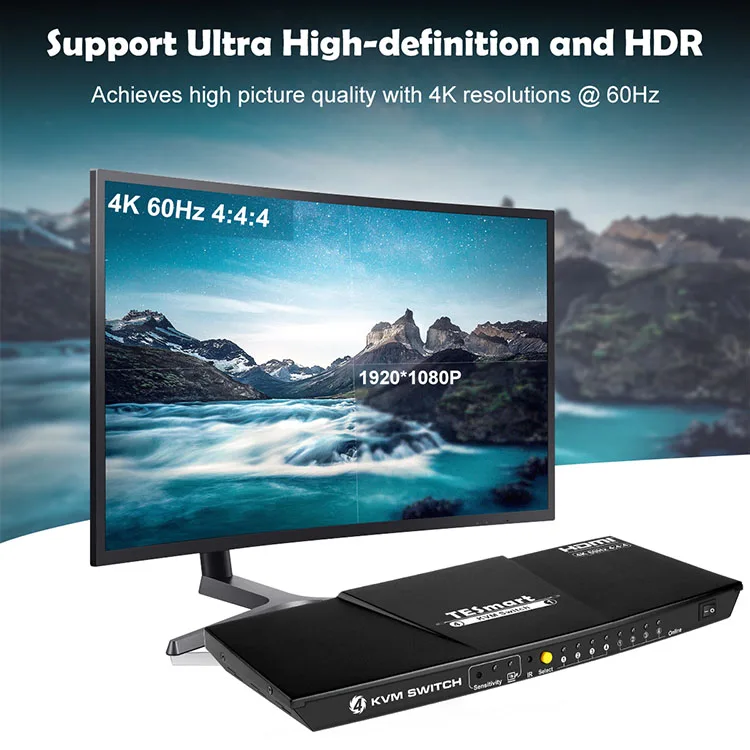
Resolution | Up to 3840x2160@60Hz 4:4:4 | |
HDMI version | Yes | |
Auto to get EDID | Yes | |
Data rate | 18 Gbps | |
Auto scan interval | 1~250 Seconds | |
Beep Sound | On/Off | |
OSD | No | |
Supported OS | Unix/Windows/Debian /Ubuntu /Fedora /Mac OS X/ Raspbian /Ubuntu for Raspberry Pi and other Linux based system | |
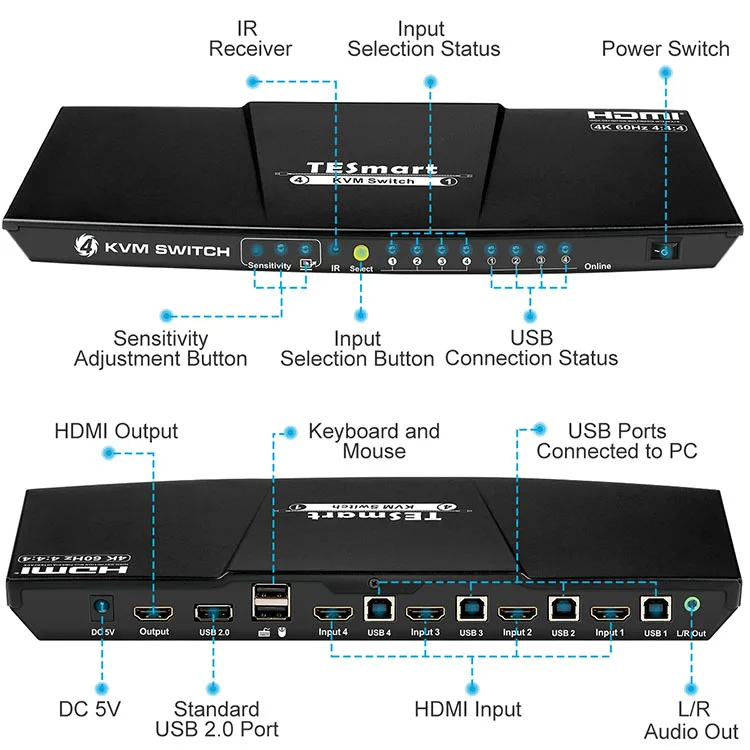
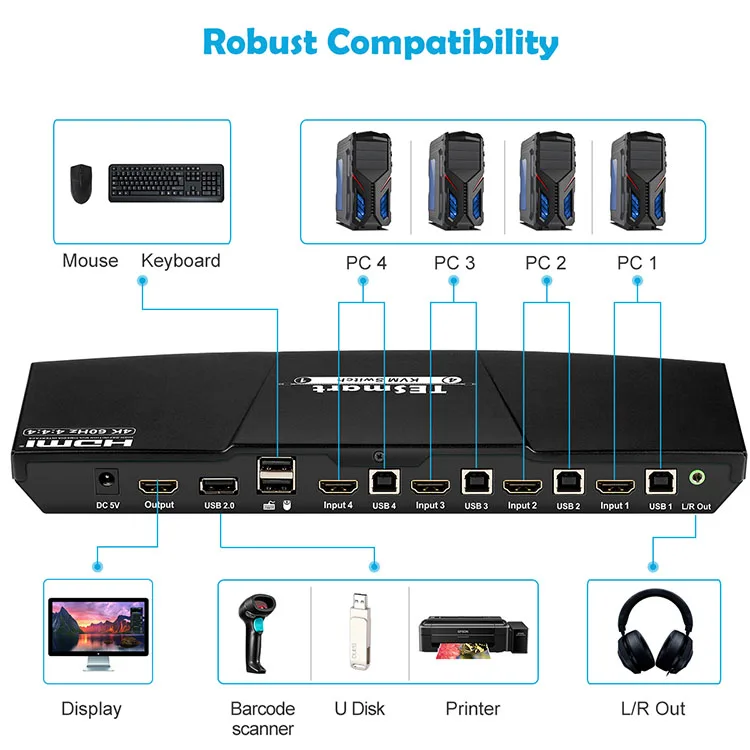
Console ports | Keyboard emulation | 1 * USB Type A |
Mouse emulation | 1 * USB Type A | |
USB Hub ports | 1 * USB Type A | |
Video /Audio | 1 * HDMI Type A | |
System ports | USB Data | 4 * USB Type B |
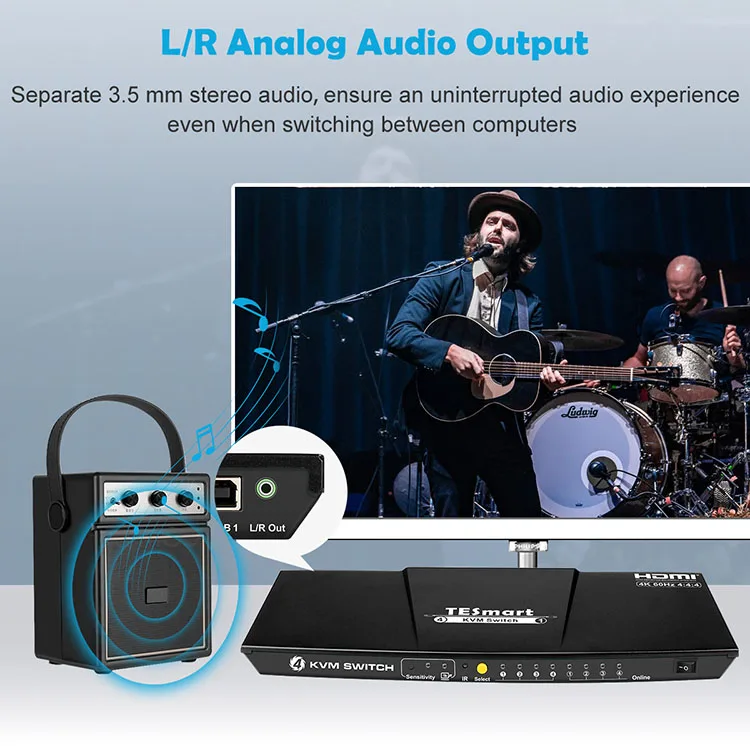
L/R Audio output | 1 * AUX | |
Video / Audio | 4 * HDMI Type A | |
ESD protection | Human body model - ±8kV (Air-gap discharge) | |
Mechanical: | ||
Chasing material | Aluminum Alloy | |
Product dimensions | 290 (L) x 110 (W) x 28 (H) mm | |
Item weight | 800g | |
Connection Diagram


Packaging & Shipping
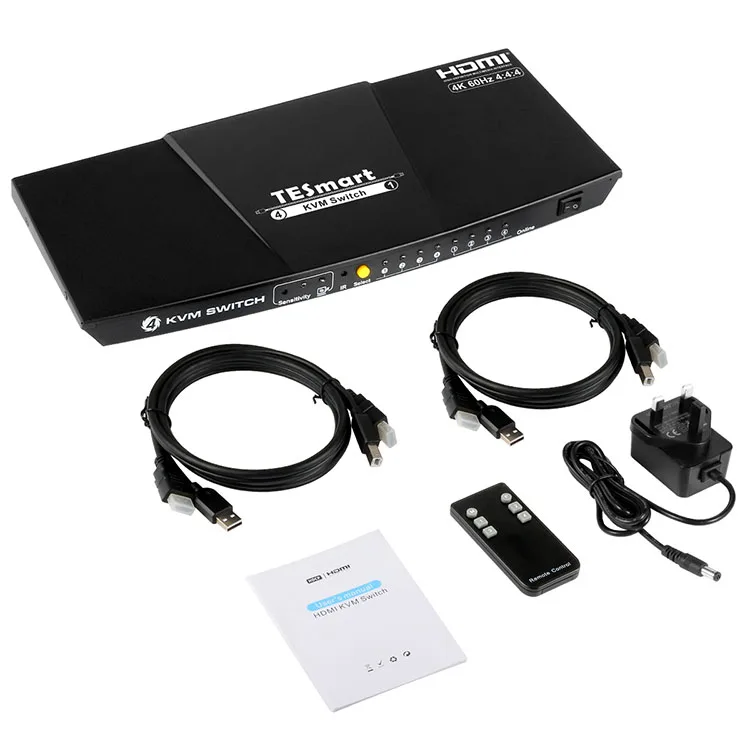
Packing
1 * 4x1 HDMI KVM Switcher
1 * DC 5V Power Adapter
1 * IR Remote Control
1 * User manual
Delivery
1.Products in stock: within 3 days after the payment
2.Products out of stock: 35 days after the payment
3.OEM/ODM order: more than 35 days after the deposit
Tesla Elec DVD HDMI Video Capture Card Support L/R Audio Output
Certifications

FAQ
1. What is KVM switch?
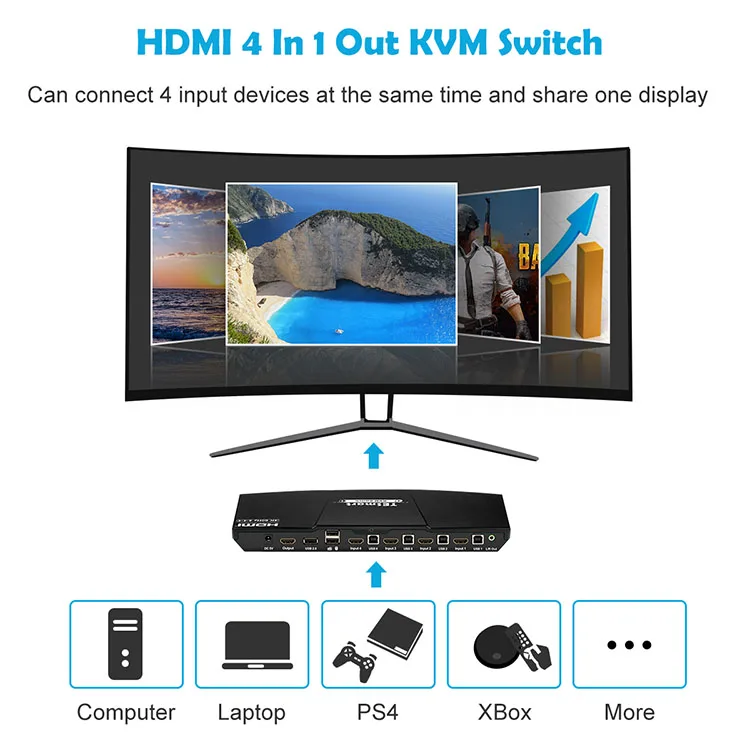
Answer: A KVM switch is a hardware device that allows a user to control multiple computers from one set of keyboard, monitor, and mouse.
2. Does your KVM support barcode scanner?
Answer: Yes, support any standard USB devices, such as USB drive, printer, touch screen etc.
3. Does your KVM support seamless switch?
Answer: No, there is a black screen when switching. But for keyboard and mouse, it is seamless, you could use keyboard and mouse after switch immediately.
4. How long will the KVM be in black screen when switching from one port to another?
Answer: Around 1~3 seconds depends on different band monitor.
5. I had bought one other band KVM, when I switch input ports, my PC's windows always moved, does your KVM also has this problem?
Answer: No, our KVM don't have this problem, as we have an emulated display devices in every input ports which are fix connect to all the PCs.
Company Information

We Recommend
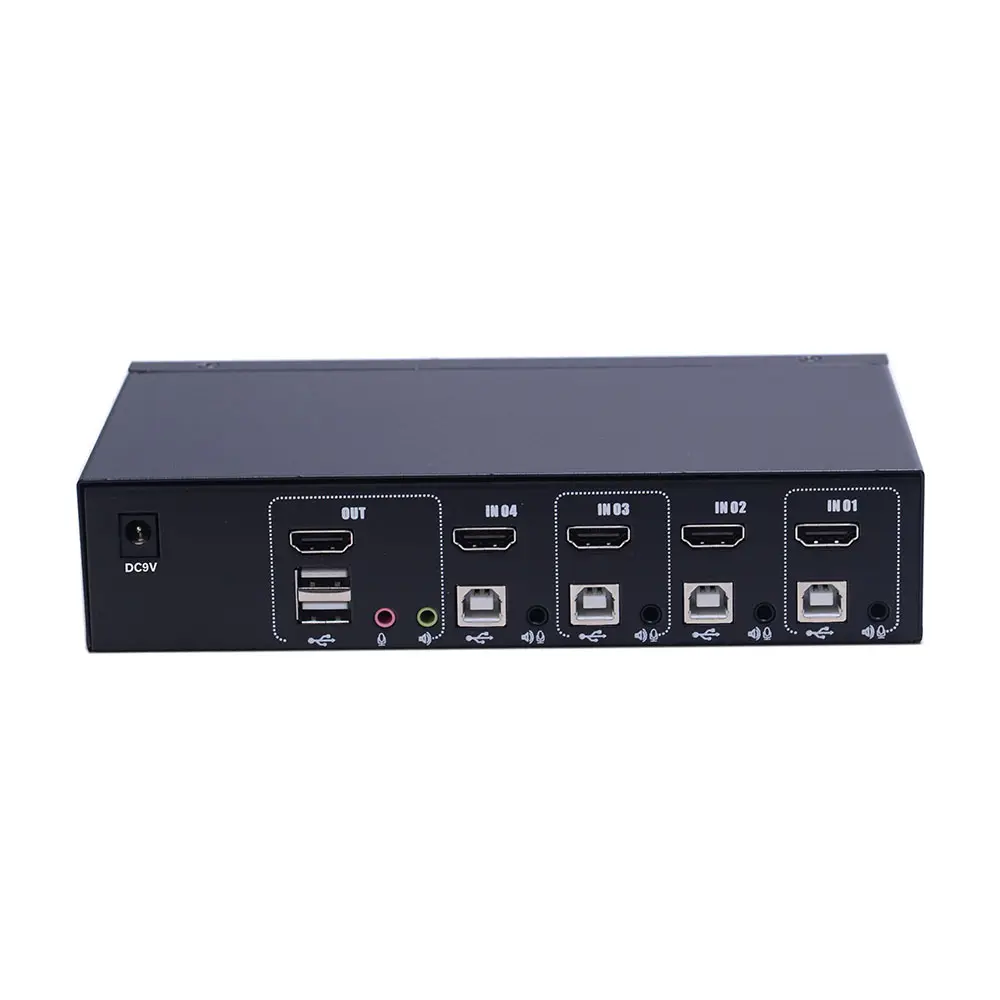

Extra standard USB port 4x1 HDMI KVM Switch
US $69.95-$105.00


NEW TESmart 16x1 usb HDMI passthrough EDID emulator HDMI KVM switch 4K@30Hz
US $189.90-$269.68

New Arrivals
New products from manufacturers at wholesale prices







