
4K 16X1 Switcher switches HDMI kvm video LCD LED TV monitor signal select
- Category: KVM Switches >>>
- Supplier: Shenzhen Tesla Elec Technology Co. Ltd
Share on (60769406961):
Product Overview
Description
Product Description
16X1 Switcher switches HDMI video LCD LED TV monitor signal select
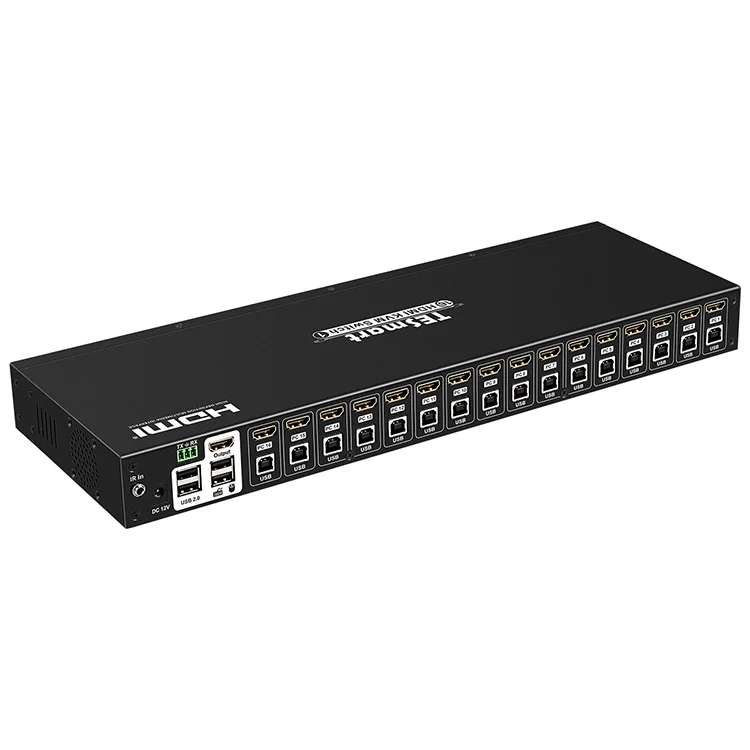
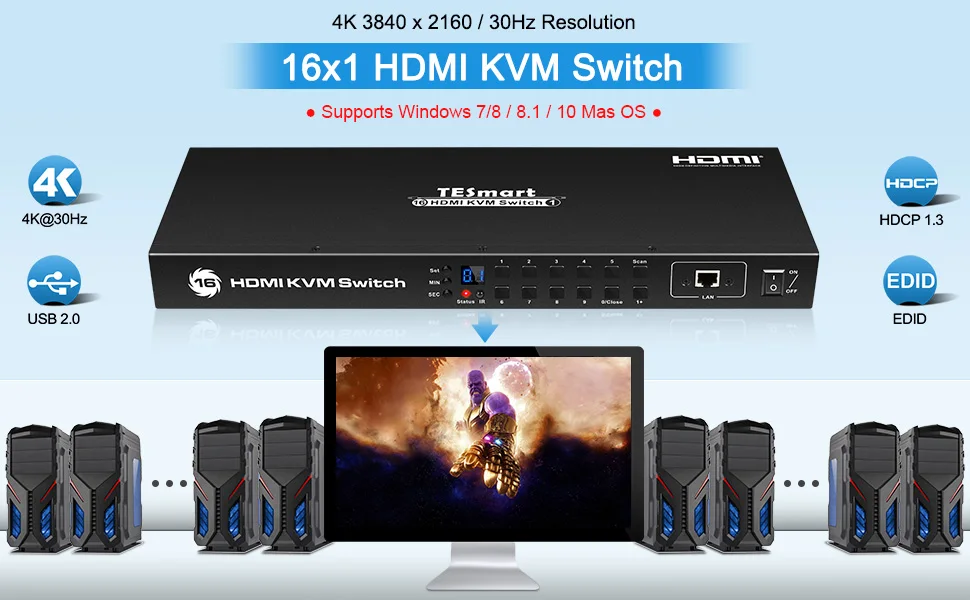
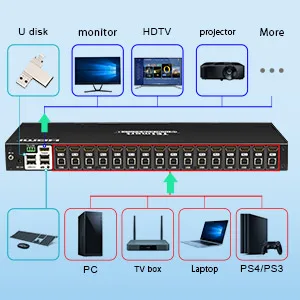
This 16x1 HDMI KVM switch provides you with great flexibility in integrating cross-platform computer equipment easily. It makes you available to switch easily and reliably between any HDMI computers using one HDMI compliant display.

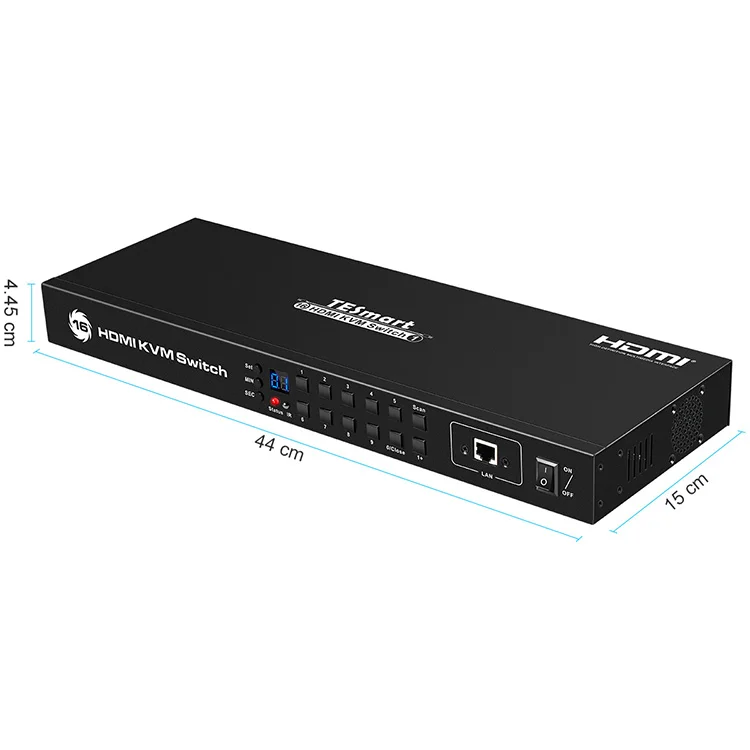
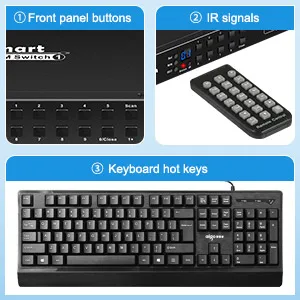
The 16x1 HDMI KVM switch supports USB 2.0 hub and USB 2.0 keyboard /mouse. By using USB 2.0 hub ports on the KVM, you even can attach USB drive, printer, barcode scanner or other USB devices to the KVM. Switching can be controlled through variable methods, such as the front panel source selector buttons, RS232 commands, IP commands, IR signals and hot keys on keyboard.
Features
1.Using one USB console controls 16 HDMI computers.
2.Support Unix /Windows /Debian /Ubuntu /Fedora /Mac OS X /Raspbian /Ubuntu for Raspberry Pi and other Linux based system
3.With EDID emulators in every input ports, keep PCs always have correct display information
4.Support hot plug, connect or disconnect devices to the KVM switch in any time and without turn off devices
5.Support auto switching to monitor computers in a specified time interval
6.Support front panel buttons, IR signals, keyboard hot keys, RS232 serial commands or IP commands to control KVM switch.
7.Available to use keyboard without any delay after switch input sources.
8.Support resolution up to 3840*2160@30Hz
9.With extra standard USB 2.0 hub port, it is possible to connect bar code scanner, USB hard drive or other USB devices to KVM just as you have plug these devices directly to computer.
10.Supports DVI-D single link sources and displays with the use of HDMI-to-DVI adapters.
Product Show


Specification
HKS1601A10 | 16x1 HDMI KVM Switch | |
Functionality: | ||
Auto Scan | Yes | |
Port selection | Front panel buttons | Yes |
Keyboard hotkeys | Yes | |
IR remote control | Yes | |
Console commands | RS232 / IP | |
Technical: | ||
Max. Resolution | 3840x2160@30Hz | |
HDMI | Yes | |
Auto to get EDID | Yes | |
Data rate | 10.2 Gbps | |
Auto scan interval | 5~3600 Seconds | |
Beep Sound | On/Off | |
OSD | No | |
Supported OS | Unix/Windows/Debian /Ubuntu /Fedora /Mac OS X/ Raspbian /Ubuntu for Raspberry Pi and other Linux based system | |
Console ports | Keyboard emulation | 1 * USB Type A |
Mouse emulation | 1 * USB Type A | |
USB 2.0 Hub ports | 2 * USB Type A | |
Video /Audio | 1 * HDMI Type A | |
RS232 | 3 Pins jack | |
LAN (TCP/IP) | 1 * RJ45 | |
IR extension input | 1 * AUX | |
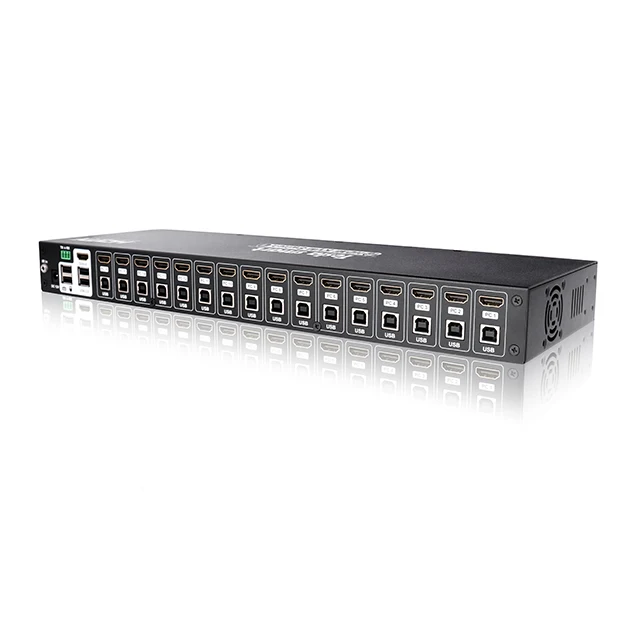
System ports | USB Data | 16 * USB Type B |
Video / Audio | 16 * HDMI Type A | |
ESD protection | Human body model - ±8kV (Air-gap discharge) | |
Mechanical: | ||
Chasing material | Metal | |
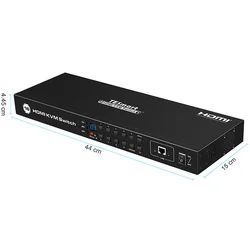
Product Dimensions | 415 (L) x 110 (W) x 45 (H) mm | |
Item Weight | 1800g | |
Packaging list
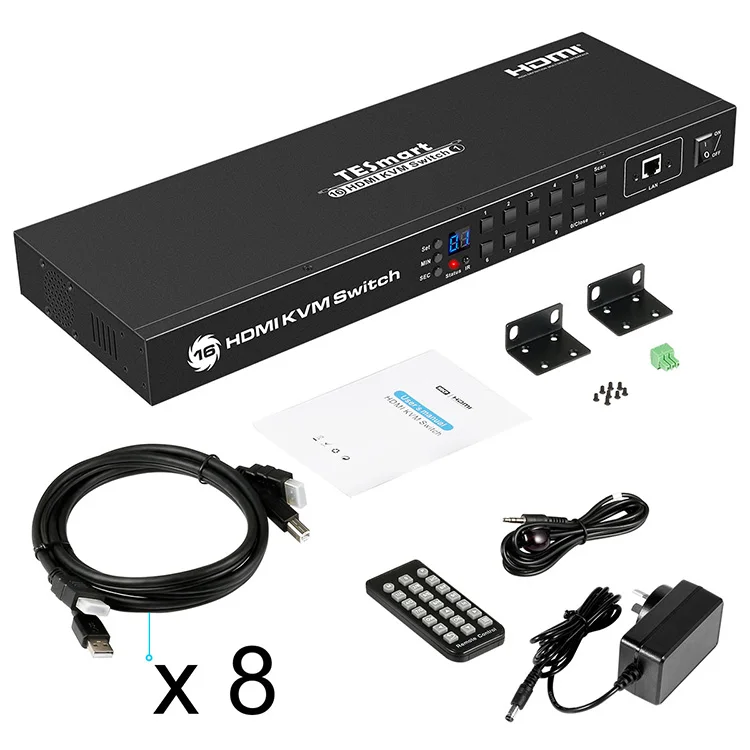
1 * 16x1 HDMI KVM Switch
1 * DC 12V 2A Power Adapter
1 * IR Remote Control
1 * IR Receiver Cable
1 * 3 Pins Connector (For RS232)
2 * Rack-ears
1 * Quick-Start Guide
Our company

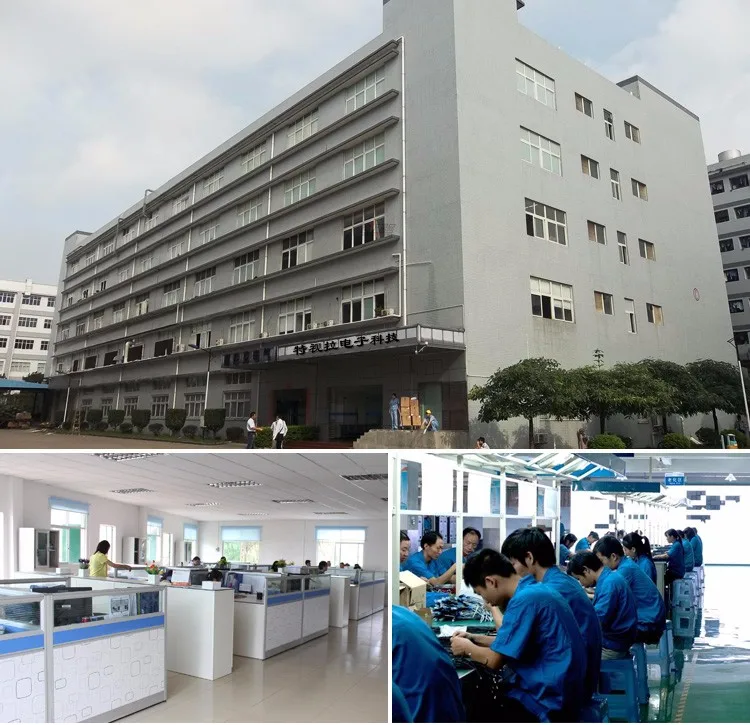
2018 New Product 16 Port HDMI KVM Switch Support USB 2.0 Device2018 New Product 16 Port HDMI KVM Switch Support USB 

 2.0 Device
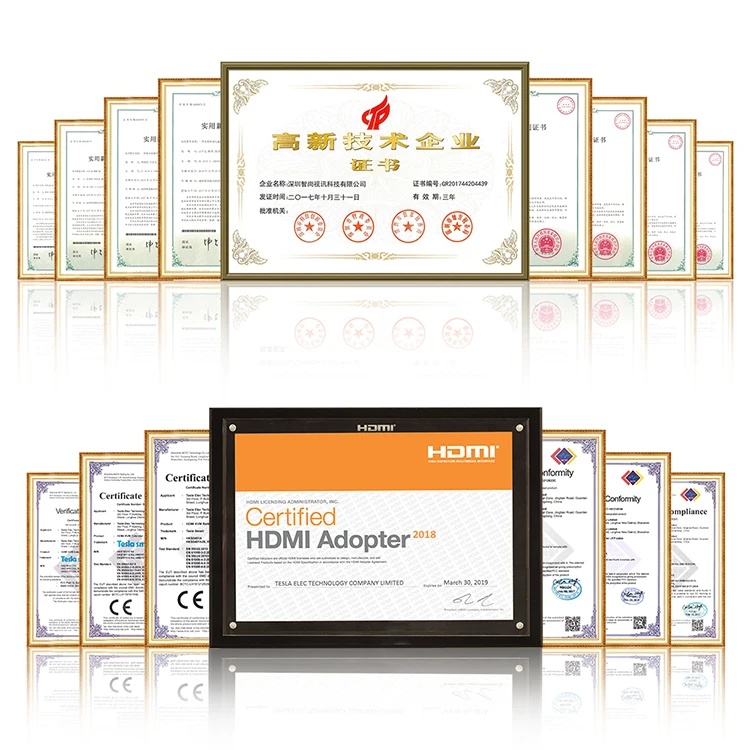
2018 New Product 16 Port HDMI KVM Switch Support USB 2.0 Device2018 New Product 16 Port HDMI KVM Switch Support USB 2.0 Device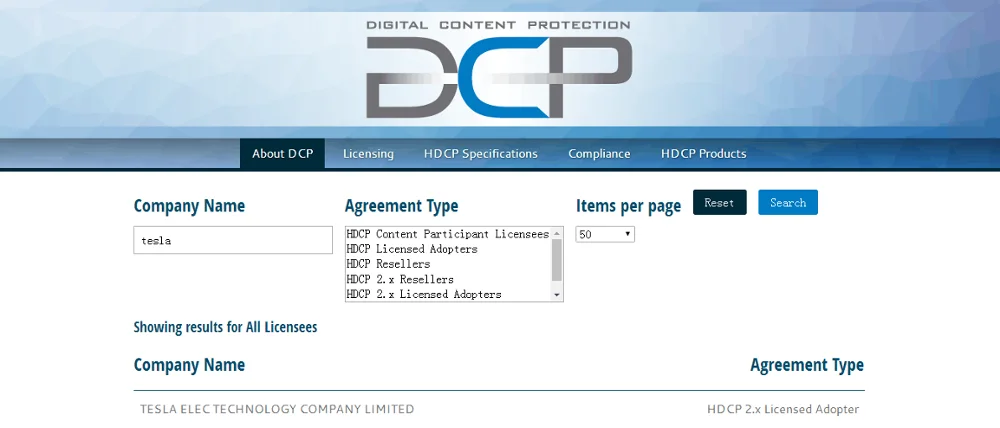
FAQ
1. Does the kvm switch come with the cables or do they have to be ordered seperatly?
Some of the kvm switch products are with cables , some are not. Buyer can also purchase extra cables from us or buy them from local markets .
2. Do I need a power adapter?
That depends on which product you require. Some of our products are powered over the USB connections from the host computers, some of them need an extra power adapter.
3. Does this product work with a wireless keyboard and mouse?
Yes, it works fine for wireless keyboard and mouse.
4. How long are the cables?
Currently we provide 1.5-3 meter high quality KVM cables .
5. How many switch mode you provide ?
Our KVM switches support 4 selection modes: push-button, hotkey , IR remote control , desktop controller.
We Recommend
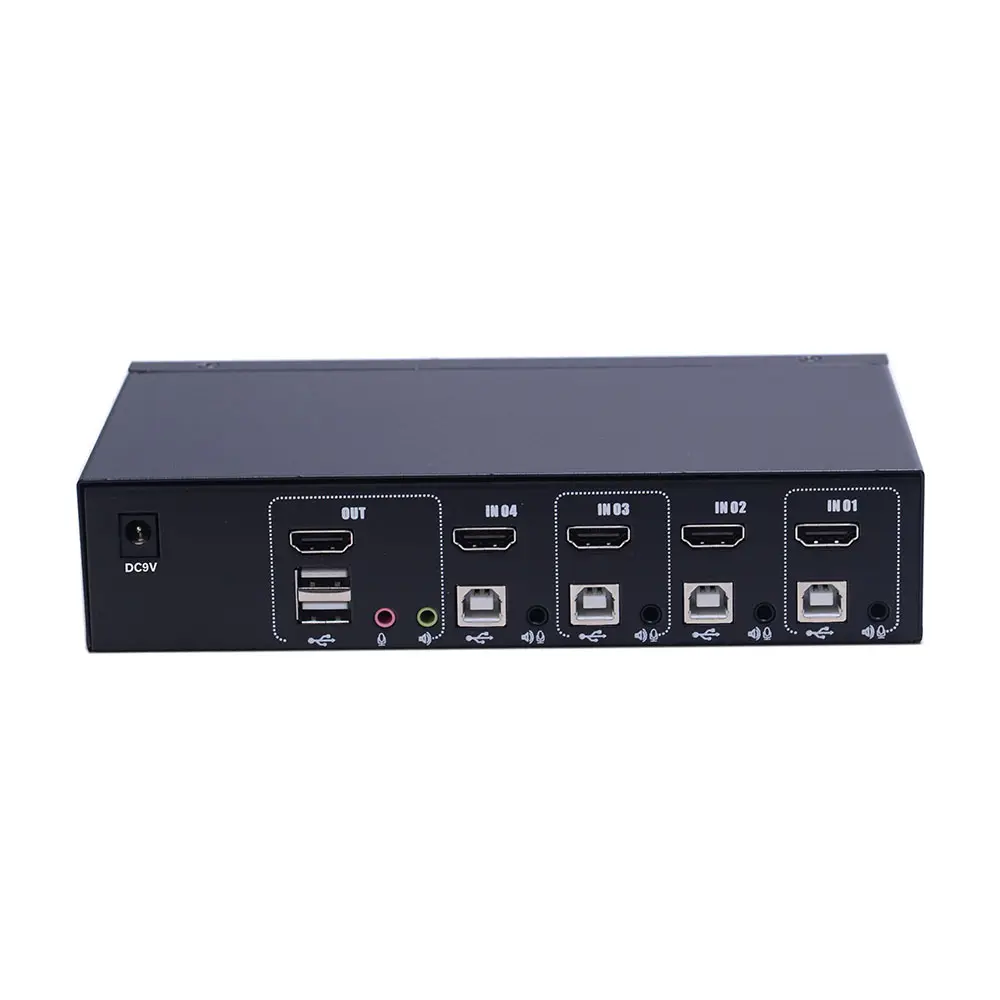

Extra standard USB port 4x1 HDMI KVM Switch
US $69.95-$105.00


NEW TESmart 16x1 usb HDMI passthrough EDID emulator HDMI KVM switch 4K@30Hz
US $189.90-$269.68

New Arrivals
New products from manufacturers at wholesale prices







