
Telikou good quality wireless intercom system MDS 240 PACKAGE broadcast equipment
- Category: Broadcast Intercom System >>>
- Supplier: TELIKOU Technologies Co. Ltd.
Share on (60799522896):
Product Overview
Description
Overview
Quick Details
- Type: wireless
- colour: black
- Item: Wireless intercom Belt pack
SupplyAbility
- SupplyAbility: 342 Set/Sets per Day
Packaging & Delivery
- Packaging Details in carton
- Port PEK
- Lead Time : within 10 days
Product Details
Overview
Type: Live Broadcast System
colour: black
channel: two channel, each channel carry 4 belt pack
compatibility: clear-com , RTS
Connection: 2-wire , 4-wire
Supply Ability: 20 Set/Sets per Day
Packaging Details: in carton
Port: PEK
Lead Time : Shipped in 8 days after paymentProduct Description
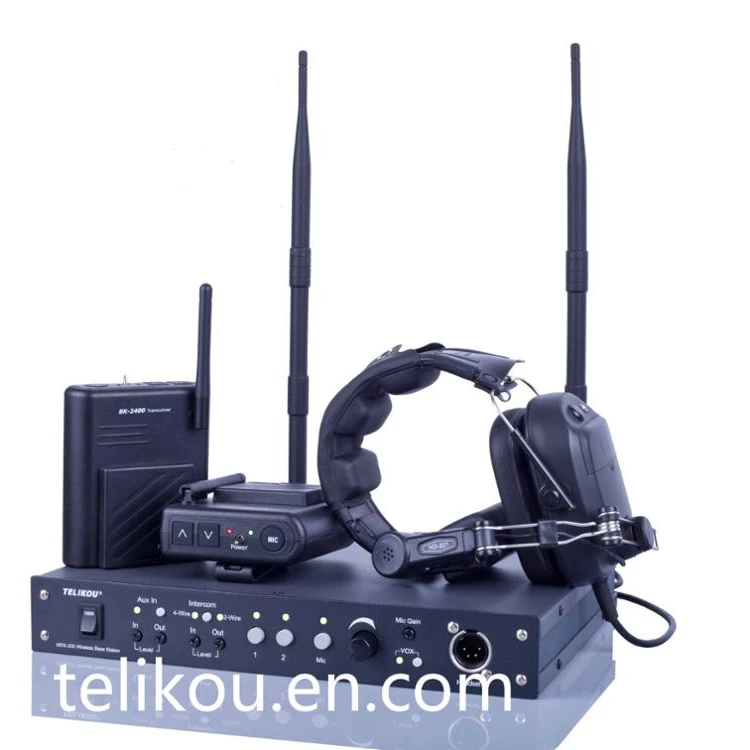
MDS-240 wireless system is suitable for television
station, communication center, UB truck, live performance and any other environment which requires communication.
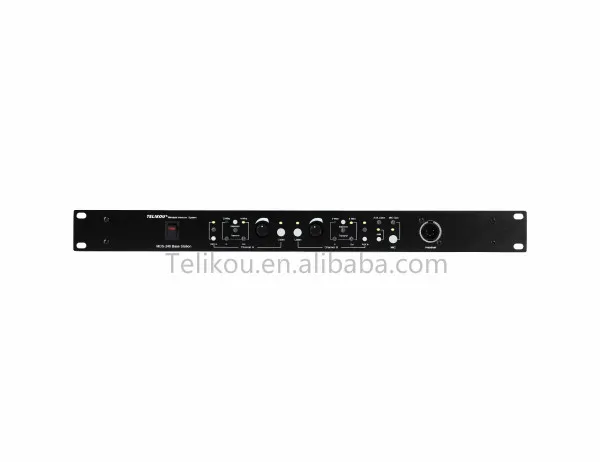
MDS-240 two channel wireless main station is a full duplex system and running on 2.4G. Each MDS-240 can carry eight belt packs.
MDS-240 has LINK connector which supports max 4pcs MDS-240 are connected together.
MDS-240 also has 2-wire/4-wire connector, AUX in, ANN out, Gain adjustment and etc functions.
MDS-240 is a standard 1U rack, can be mounted on the rack. total set
contain : MDS-240 wireless master station , one set
BK-1200 wireless belt pack , eight sets
HE-121/122 single or dual ear headsets for wireless , nine pieces
antennas , two pieces
Special belt pack for MDS-240
have to use 3XAA battery
BK-1200 wireless belt pack can work alone , 2 or 3 or 4 or 5 BK-1200 can make a working group
BK-1200 wireless belt pack for MDS-240
Product Description
1.summarize
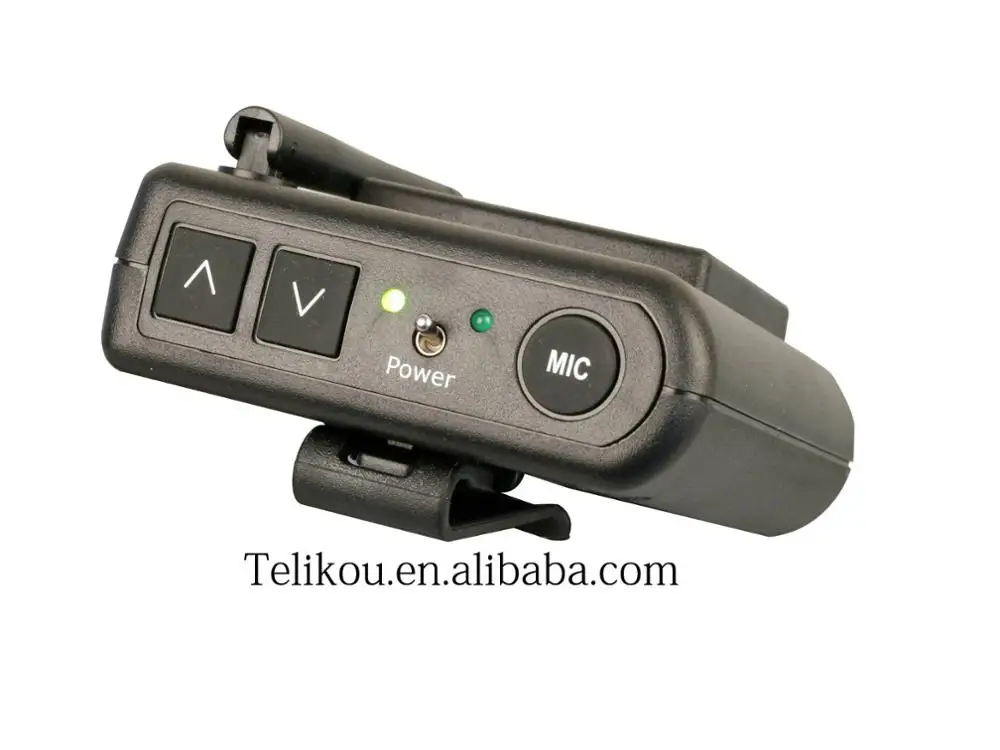
BK-1200 intercom system wireless belt pack is designed for Tv station,communication command
center,outside broadcast van,live performance and project command center.it is used to be used
with telikou intercom main station. full-duplex work way and wired connection maintain the
functions are more stable ,the voice is more clearly.easy to operate and well done in denosing
would provide you more quality output.
this BK-1200 designed for wireless master station MDS-240 , also worked with wireless
interface TF-2400
MIC | Microphone Control Button |
| Volume Control |
POWER | Power Switch |
Low Battery & Code LED | Dual Color LED |
MIC LED | Microphone status indicator |
Vox | Null |
Dyn | Microphone type selector On: Dynamic Off: Electret belt pack can work alone without main station. 1. Select one belt pack as main station. 2. Hold ‘VOL+’ button then turn on the power for this belt pack. 3. When Power LED flashes slowly. Release the ‘VOL+’ button. This belt pack has set as main station. 4. Select another belt pack. 5. Hold ‘VOL-’ button then turn on the belt pack power. When power LED flashes slow, release the ‘VOL-’ button. 6. System does the code matching automatically. Power LED flashes fast, then light constantly means code matching has finished. 7. Repeat step 3 and 4 for rest belt pack. 8. Restart all the belt pack. |
We Recommend


New Arrivals
New products from manufacturers at wholesale prices







