
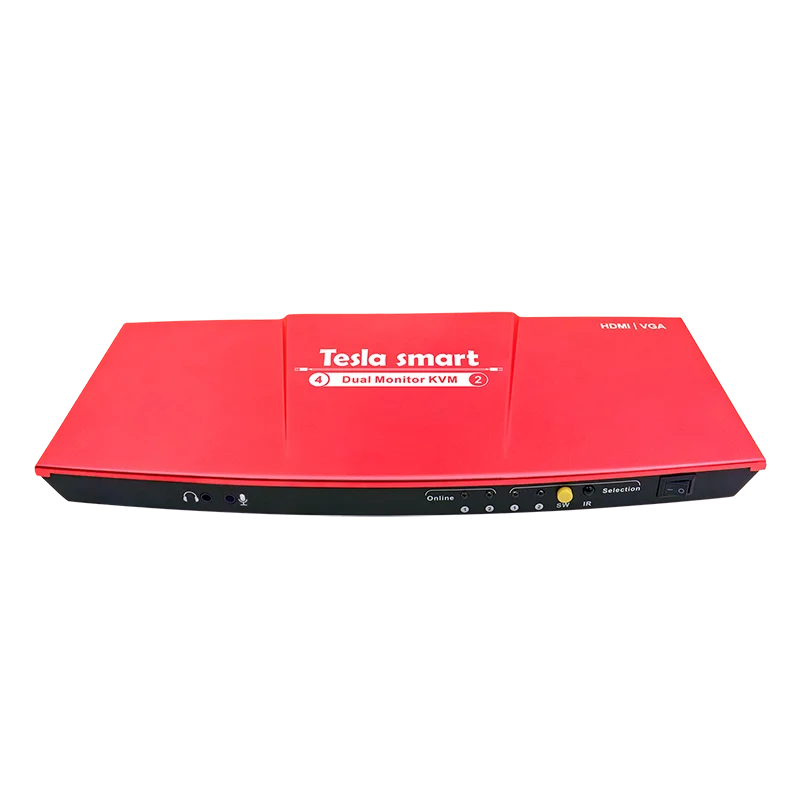
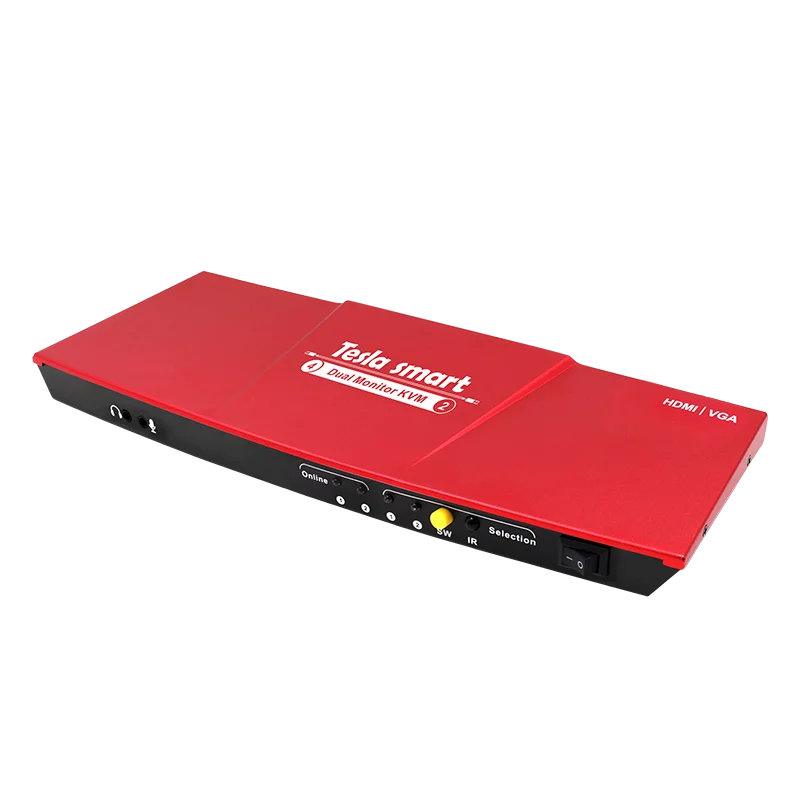
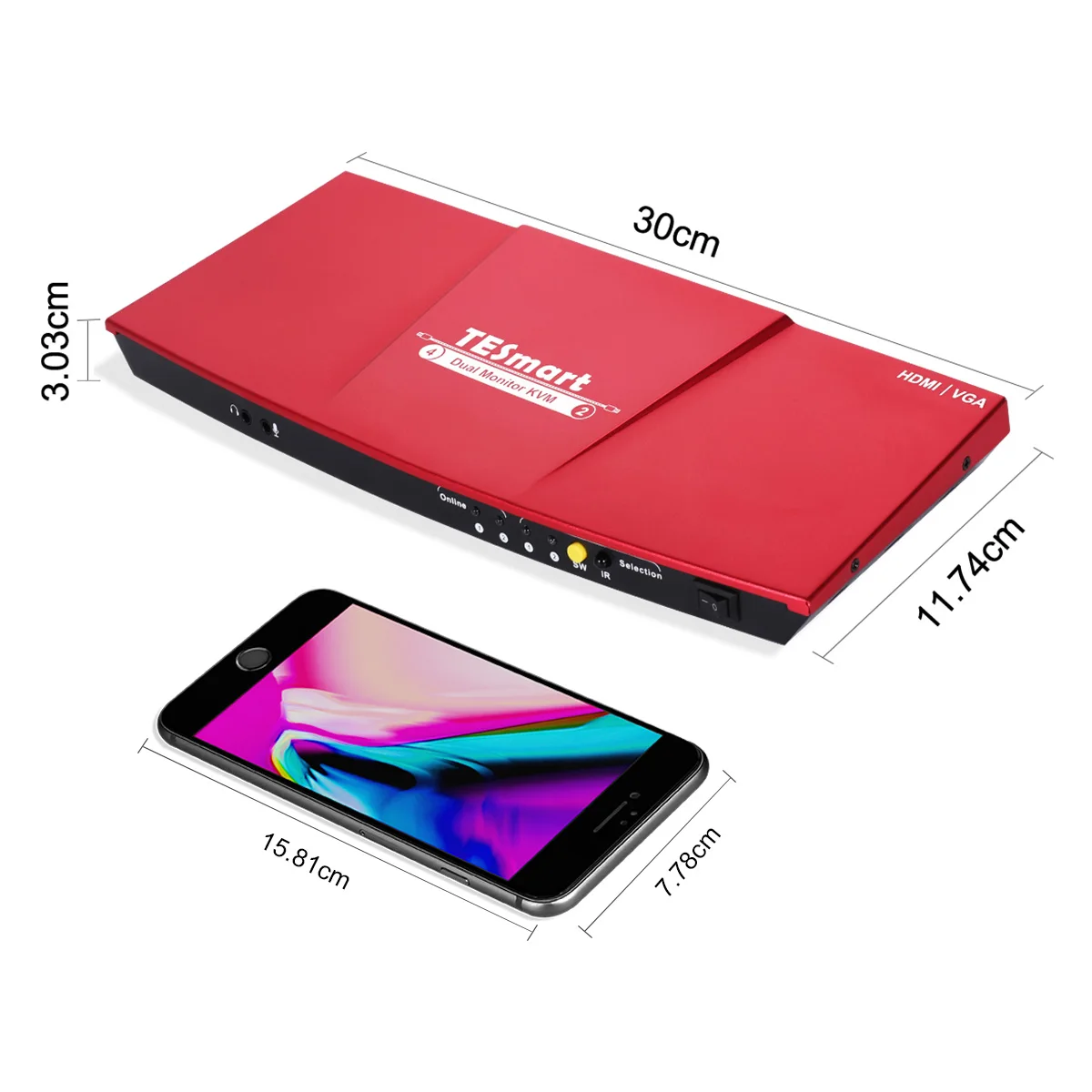
Certified 4x2 Dual Monitor KVM Switch support only a set of keyboard & mouse and 2 monitors to control 2 PCs
- Category: KVM Switches >>>
- Supplier: Shenzhen Tesla Elec Technology Co. Ltd
Share on (62193799739):
Product Overview
Description
Certified 4x2 Dual Monitor KVM Switch support only a set of keyboard & mouse and 2 monitors to control 2 PCs
Product Description
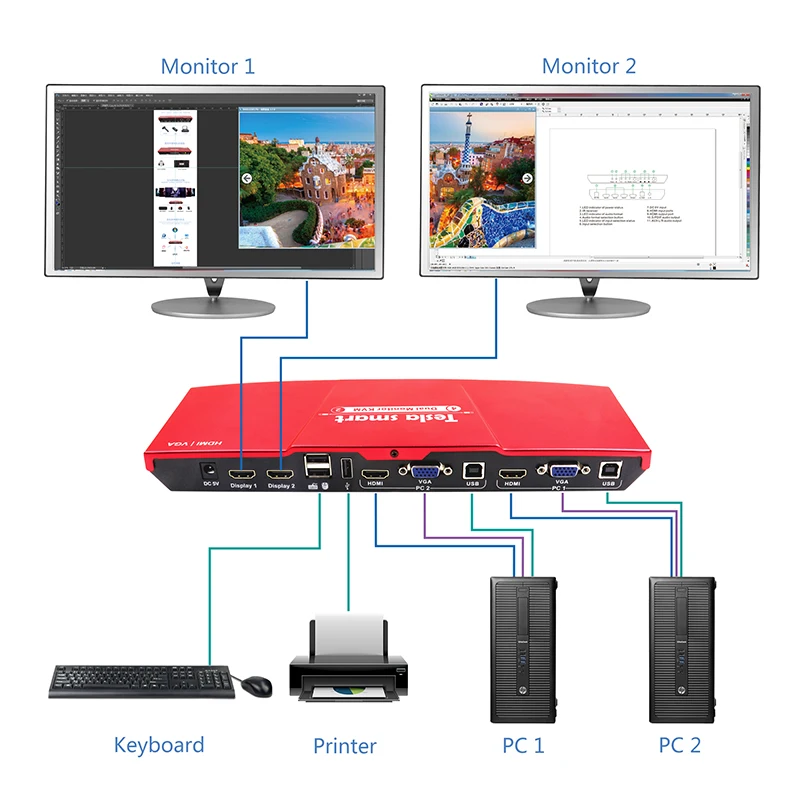
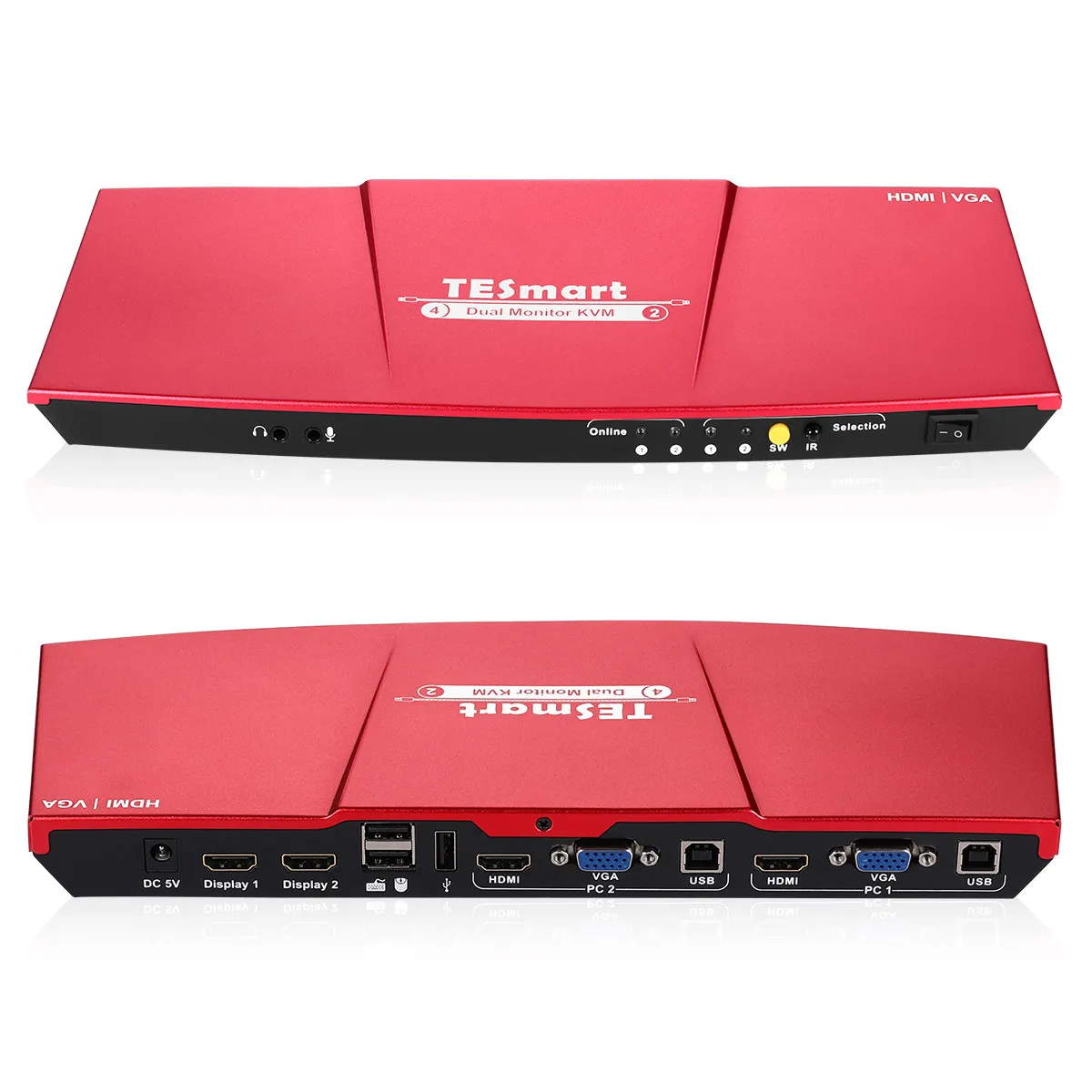
This 4x2 Dual Monitor KVM provides you with great flexibility in integrating cross-platform computer equipment easily. You can simultaneously output the HDMI and VGA of one PC to two HDMI monitors, or you can select HDMI signal of two PCs to output to both displays at the same time. You can control the Dual Monitor KVM with front-panel buttons, IR remote control and keyboard hotkeys.
The 4x2 Dual Monitor KVM support only a set of keyboard & mouse and 2 monitors to control 2 PCs. Supports switching between keyboard and mouse and external devices and audio channels using hotkey commands without switching screen order. Supports USB 2.0, you can even attach USB 2.0 hub , USB drive, printer, barcode scanner or other USB devices to the Dual Monitor KVM. With EDID emulators in each input port , keep PCs always having correct display information, prevent display settings changed while switching input ports.


Features
Using only 1 set of keyboard, mouse and 2 monitors to control 2 computers
Support Unix /Windows /Debian /Ubuntu /Fedora /Mac OS X /Raspbian /Ubuntu for Raspberry Pi and other Linux based systems
Support hot plugging, connect or disconnect devices to the KVM switch at any time without turning off devices
Support front panel buttons, IR signals, keyboard hot keys to control Dual Monitor KVM
Available to use keyboard and mouse without any delay after switching computers
Support resolution up to 3840*2160@30Hz
With extra standard USB 2.0 hub port, it is possible to connect bar code scanner, USB hard drive or other USB devices to KVM
With EDID emulators in each input port, keep PCs always having correct display information
Support the use of DVI sources and DVI displays with DVI-to-HDMI cables
Specification
ID | Name | Description |
1 | L/R audio output | Analog L/R audio output |
2 | Microphone input | Connect with microphone and receive audio signal |
3 | USB connection status | The corresponding LED will be lit if the USB data port is well connected to the computer and the computer is on |
4 | Input selection status | Indicate current active selected input source LED1 on, both monitors display PC1 LED2 on, both monitors display PC2 LED1 & LED2 on, one monitor display one PC |
5 | Input selection button | Select input source |
6 | IR receiver | IR receiver |
7 | Power switch | Turn on or off power supply |
8 | DC 5V input | DC 5V power supply |
9 | HDMI output | Connect to HDMI display |
10 | Keyboard and mouse input | Connect with keyboard and mouse |
11 | Standard USB2.0 input | Connect to USB 2.0 devices such as printers, USB drives, etc |
12 | HDMI input | Connect to HDMI source devices |
13 | VGA input | Connect to VGA source devices |
14 | USB data port | Connect to USB ports of PC |
Packing List
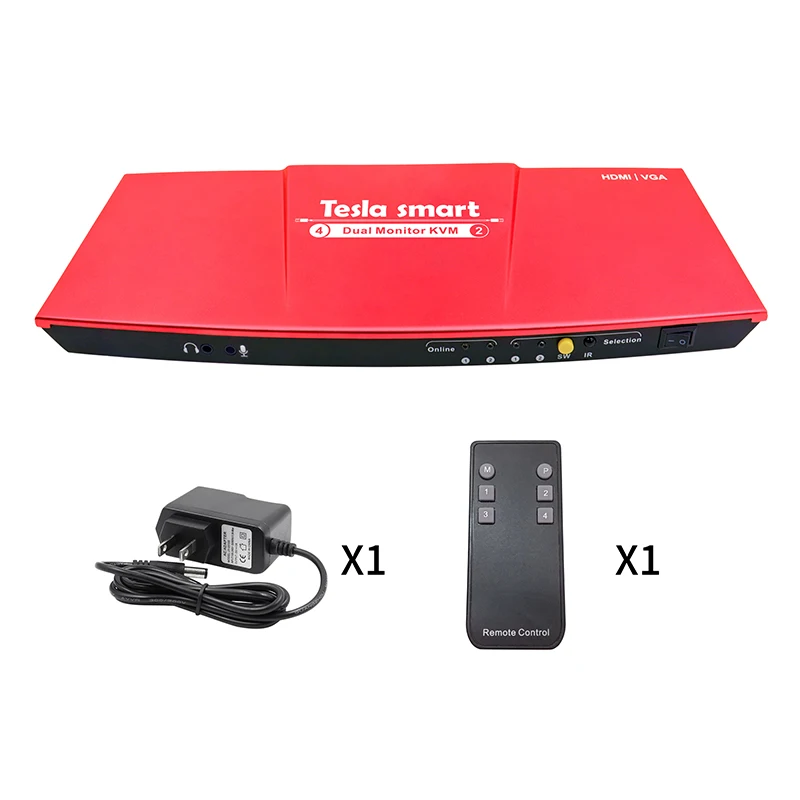
1 * 4x2 Dual KVM Monitor
1 * DC 5V Power Adapter
1 * IR Remote Control
1 * Quick-Start Guide
Company Information


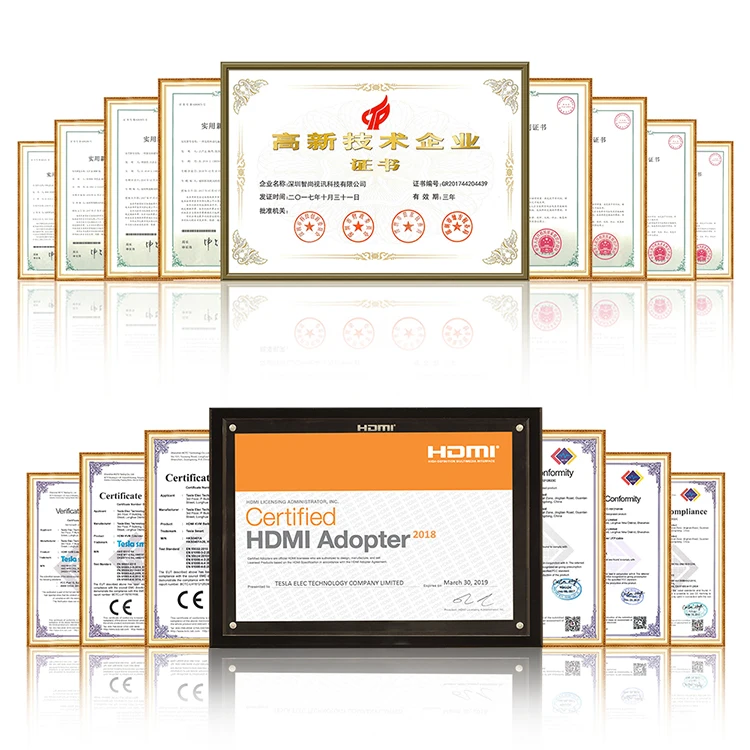
Our Services
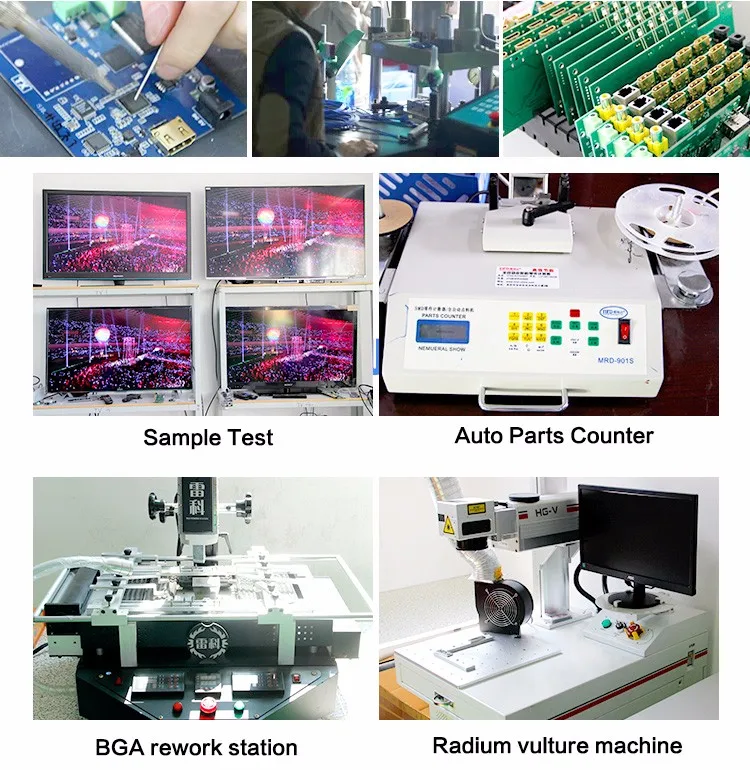
Benefits from commissioned SMT processing, we are able to keep quick delivery and focus more resources on new technology research, product test and improving our customer service. We are providing ODM and OEM services in various video related products, just tell us your requirements, we can do more than you can imagine. We are looking forward to forming successful business relationships with new clients around the world in the near future.


FAQ
Q1:Are you a factory or teading compny .
A1: We are a factory.
Q2:What about the lead time?
A2:Sample needs 3-5 days,mass production time needs 1-2 weeks for order quantity more than 100 PC.
Q3:How about the payment terms?
A3:We accept T/T, paypal or western union as payment .
Q4:What are your strengths?
A4:Our biggest advantage is theOEM /ODM service.
Q5:If I am not clear about the how to use the products, what should I do?
A5:Each of our products has a manual, you can read it or you may contact with us.
We Recommend
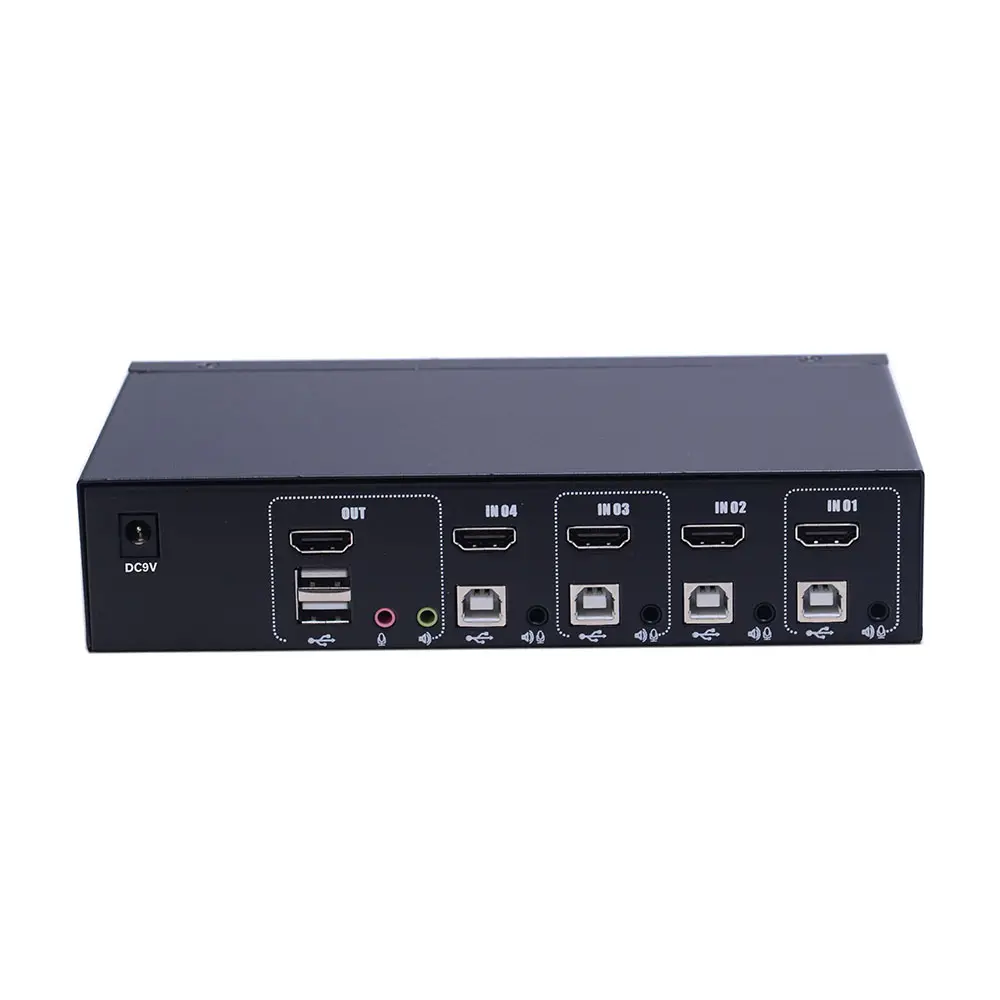

Extra standard USB port 4x1 HDMI KVM Switch
US $69.95-$105.00


NEW TESmart 16x1 usb HDMI passthrough EDID emulator HDMI KVM switch 4K@30Hz
US $189.90-$269.68

New Arrivals
New products from manufacturers at wholesale prices







