
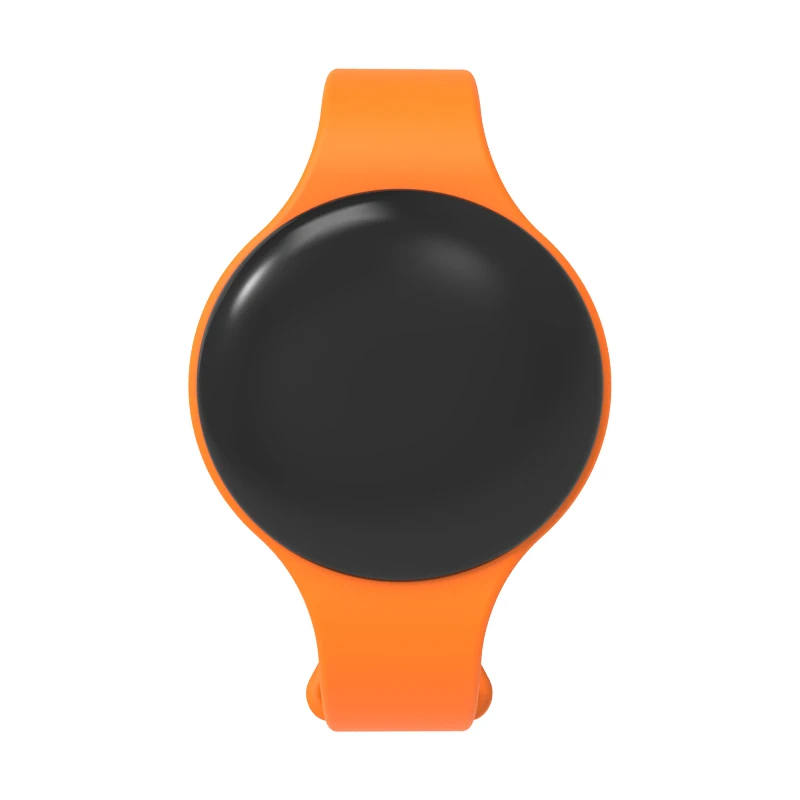
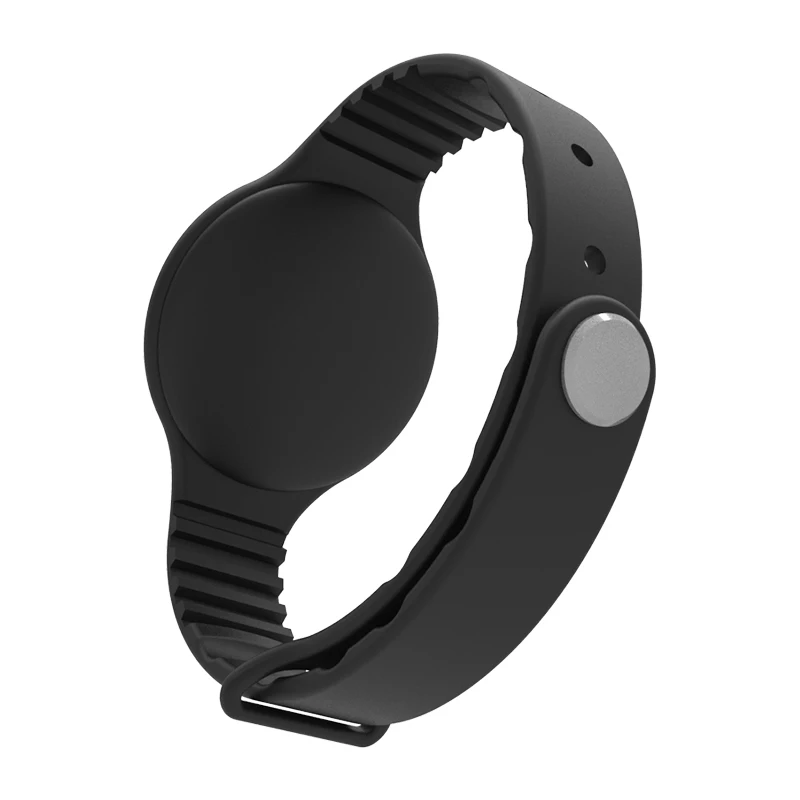
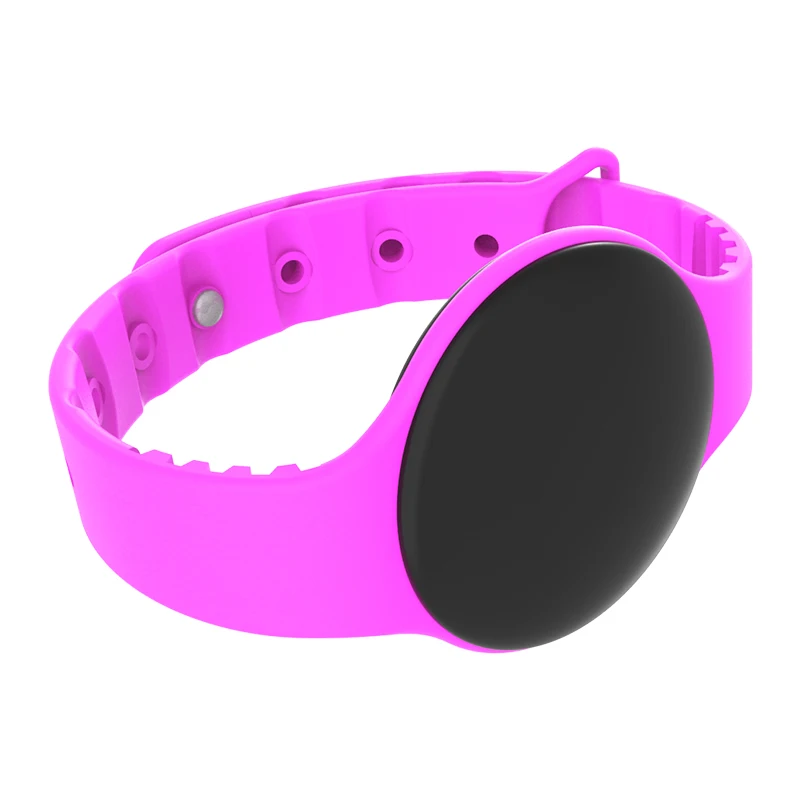
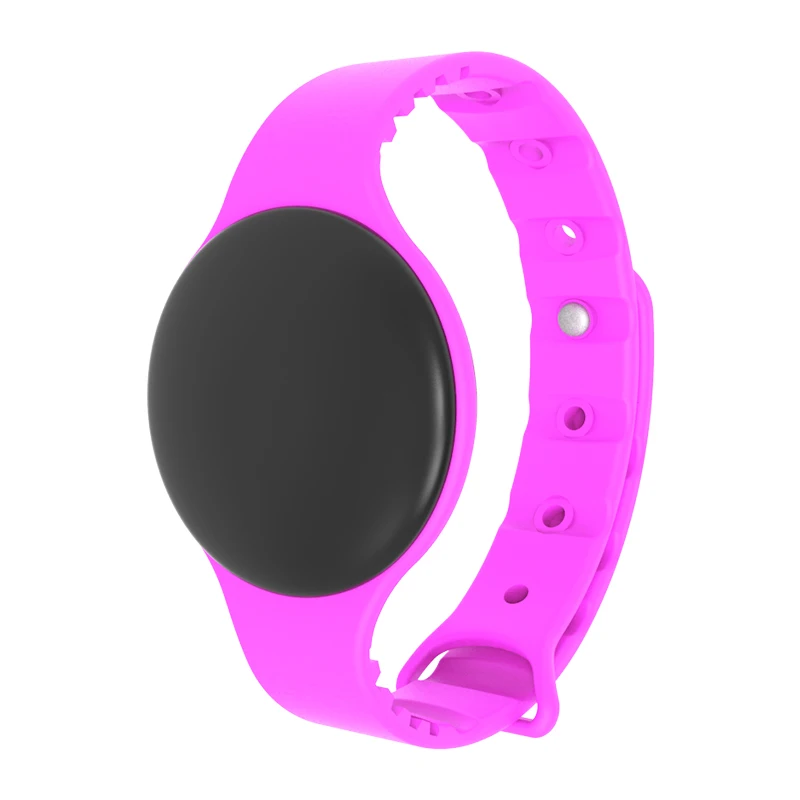
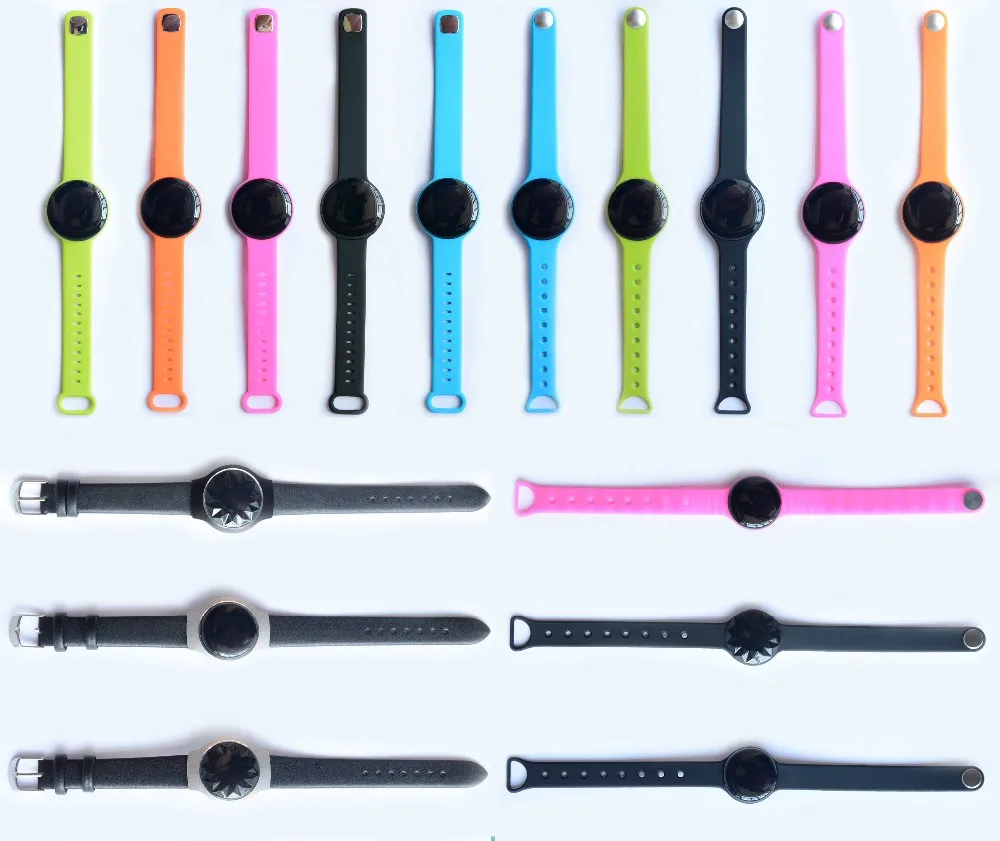
Новинка, силиконовая кнопка SOS, oem ble, браслет blueteeth, трекинг, Водонепроницаемый BT beacon, умные наручные часы
- Category: Bluetooth Modules >>>
- Supplier: Shenzhen Moko Technology Ltd.
Share on (62385139718):
Product Overview
Description
Newest SOS silicon button oem ble blueteeth bracelet tracking waterproof BT beacon smart wrist watch
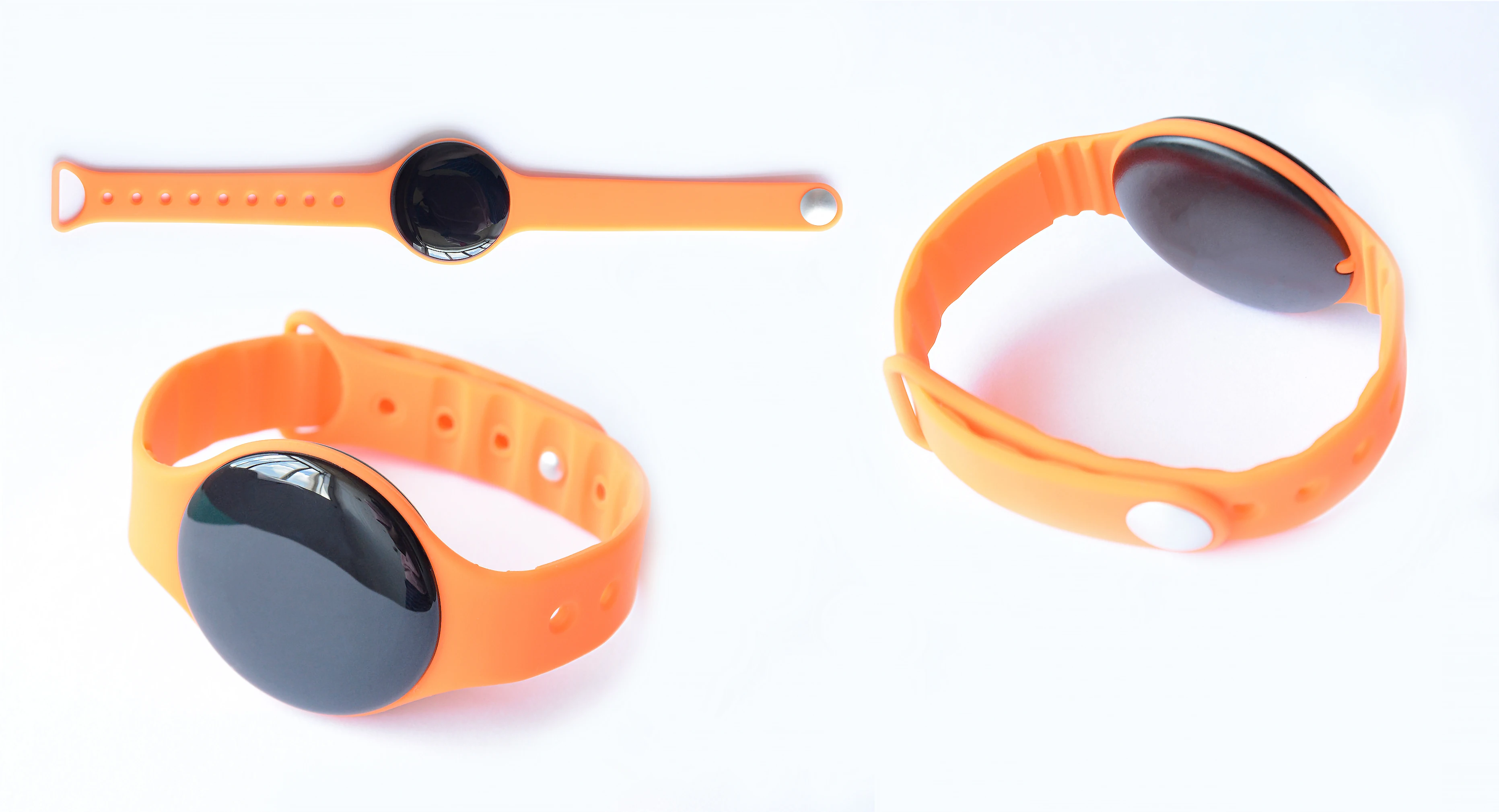
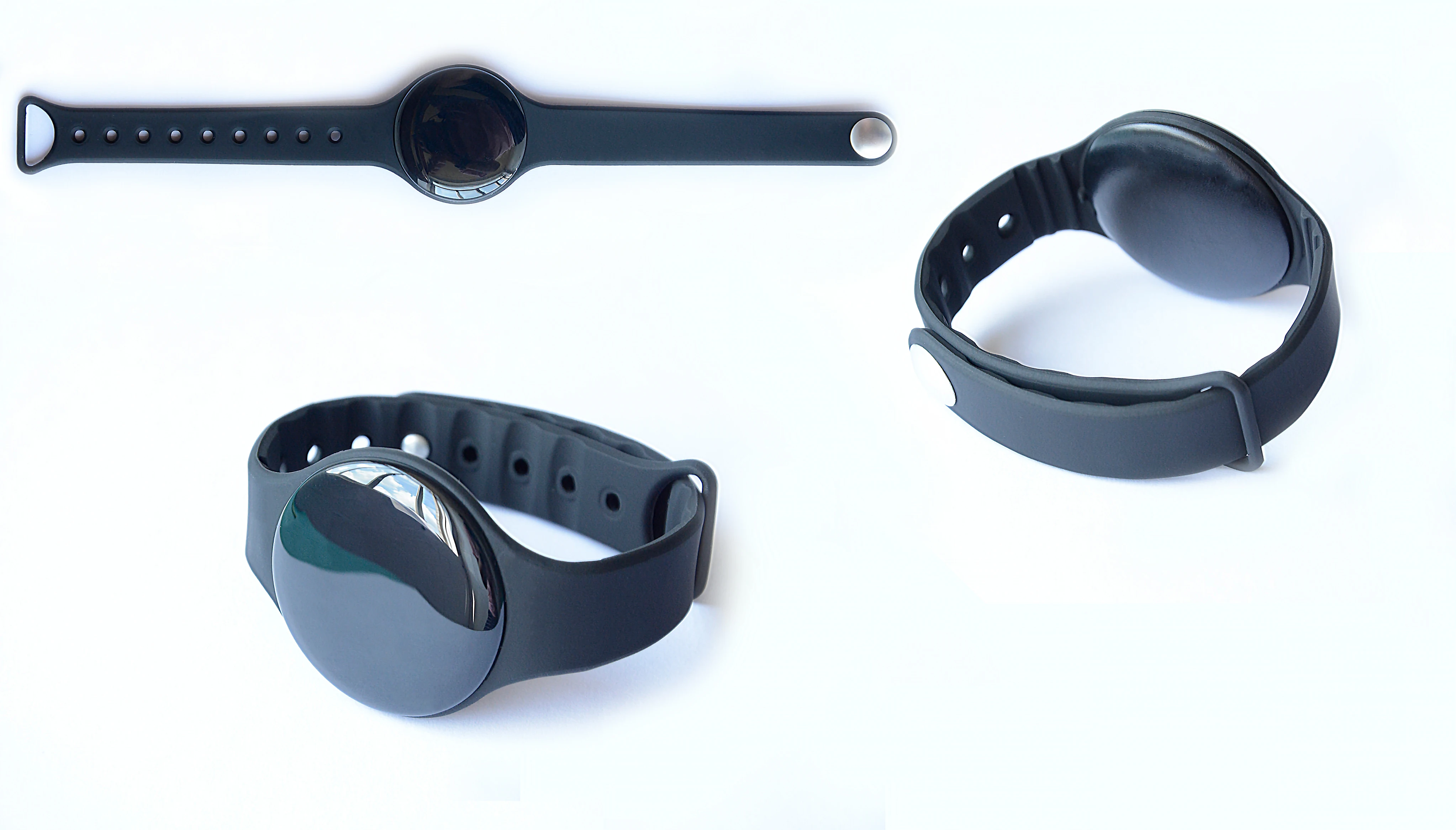
The W1 wristband beacon is a very popular and modern iBeacon with ARM core chipset nRF52 serial and leverage BLE 4.0 technology; It is designed for the commercial advertising and student location service.
Beacons broadcast 2.4GHz radio signals at regular and adjustable intervals. W1 can be heard and interpreted by iOS and Android BLE-enabled devices that are equipped with many mobile apps.
Beacons broadcast 2.4GHz radio signals at regular and adjustable intervals. W1 can be heard and interpreted by iOS and Android BLE-enabled devices that are equipped with many mobile apps.
Product Description
Technology Parameter | ||||||||
Item | Value | Remarks | ||||||
Case Color | Black | Other colors can be customization | For free | |||||
Main material | PC (Shell) | |||||||
Main material | ABS | |||||||
Chipset | nRF52832 | |||||||
Battery Model | CR2032 | Coin battery, 1pc, 230mAh | ||||||
Operation Voltage | 1.8-3.6V | DC | ||||||
Waterproof level | IP65 | |||||||
Average Current | 19.4uA | Tested at -4dBm | ||||||
Transmission Range | Up to 90m(+4dBm) | |||||||
Antenna | 50ohm | On board/PCB Antenna | ||||||
Net Weight | 20.4g | With battery, keychain and strapIn the open space | ||||||
Operating Temperature | -25 to +60ºC | |||||||
Storage Temperature | 20 to +30ºC | |||||||
Details Images

1. advertising and positioning
2. Built-in pairing password preventing others to modify Settings
3. UUID, Major and Minor values can be amended by the users
4. Broadcast cycle can be modified by the users
5. The battery intelligent detection and notification
6. Names shown on the iOS device can be modified by the user
7. Free Beacon firmware upgrade services
8. Fashionable customized cover and firmware services
9. Kinds of sensors can be added to use it in logistics tracking, greenhouse, buildings, baby house, hospitals, etc.
2. Built-in pairing password preventing others to modify Settings
3. UUID, Major and Minor values can be amended by the users
4. Broadcast cycle can be modified by the users
5. The battery intelligent detection and notification
6. Names shown on the iOS device can be modified by the user
7. Free Beacon firmware upgrade services
8. Fashionable customized cover and firmware services
9. Kinds of sensors can be added to use it in logistics tracking, greenhouse, buildings, baby house, hospitals, etc.
Mechainical Draws
All dimensions is mm.
Product Usage


How to use it?
Load the URL onto beacon
If you'd like to set up your own Physical Web beacon, you can follow these steps below
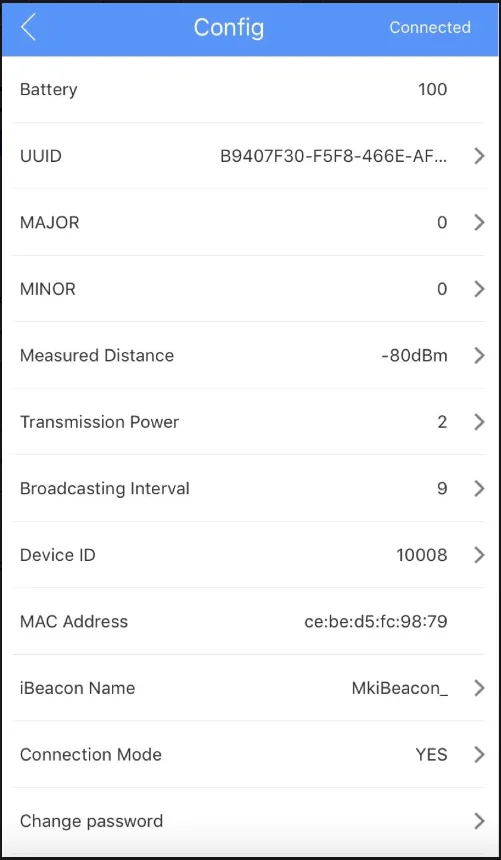
1. Download the beacon configuration app MokobeaconX from Google Play or Apple store;
2. Open MokobeaconX, and connect the beacon.
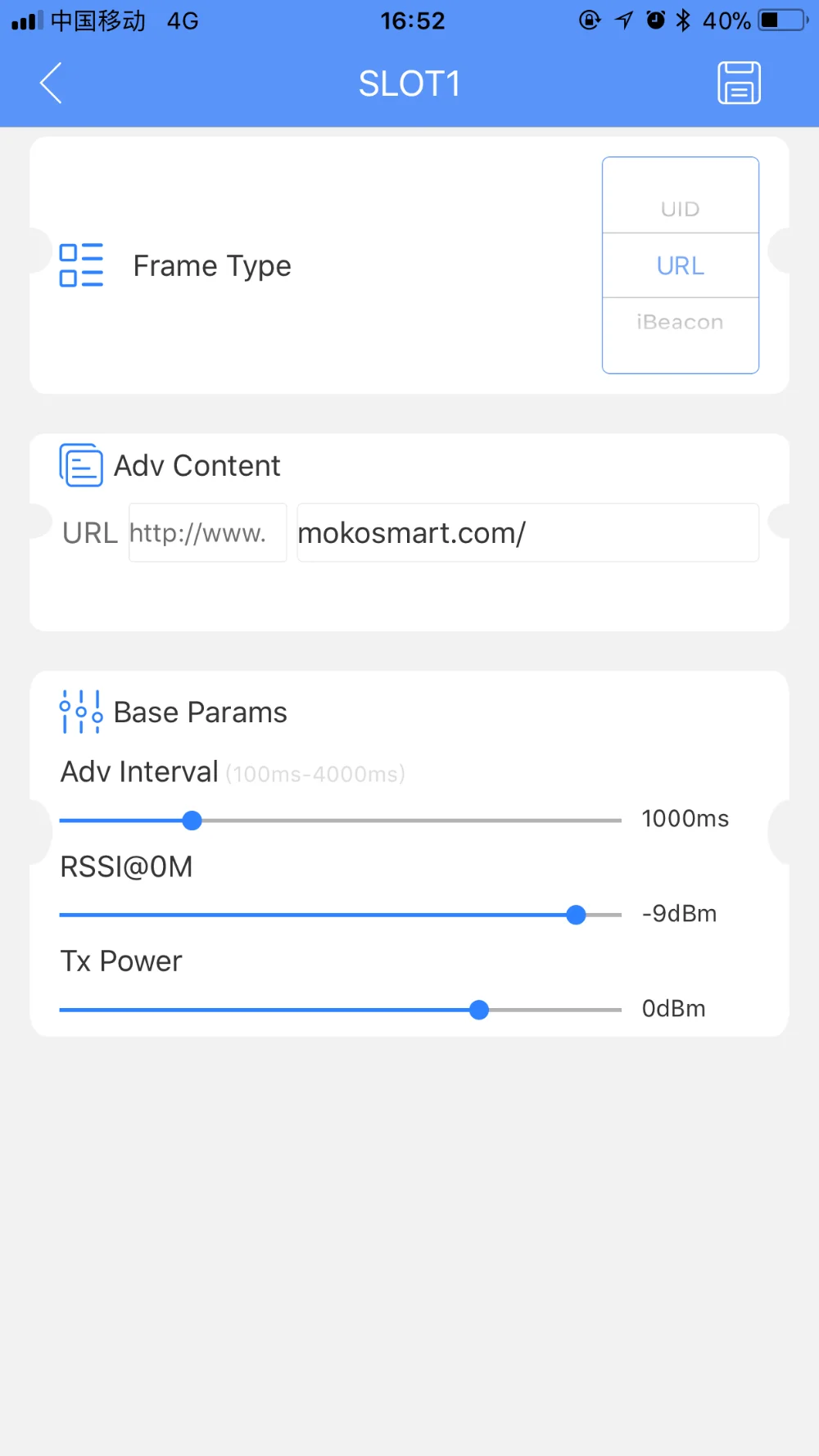
3. Click the device icon, select the SLOT 3 (URL), and enter the URL slot, then Click'Save' to save the changes as below image.
If you'd like to set up your own Physical Web beacon, you can follow these steps below
1. Download the beacon configuration app MokobeaconX from Google Play or Apple store;
2. Open MokobeaconX, and connect the beacon.
3. Click the device icon, select the SLOT 3 (URL), and enter the URL slot, then Click'Save' to save the changes as below image.
Turn on/off
Company Introduction


Packing&Shipping
Samples:
we would send samples via DHL Express within about 2 days after payment, then you would receive them in about 4 to 5 days.
we would send samples via DHL Express within about 2 days after payment, then you would receive them in about 4 to 5 days.
orders:
bulk orders usually take about 2 to 3 weeks after payment received
bulk orders usually take about 2 to 3 weeks after payment received

Related Products
FAQ
Q1: Do the Beacons work with IOS and Android phones?
A1: Yes, We will send the user manual to you to set up the beacon ,you can test the Beacon with IOS and Android phones.
Q2: Do you provide the technical support to the developers?
A2: SURE. The following technical data and documents will be provided.
1. SDK 2. API 3. Configuration APP 4. Instructions
Q3: Is the Beacons Certified ?
A3: Yes, all of our Beacons are with FCC/CE/RoHS Certificates, we can provide to customers anytime if needed.
Q4: If the beacon can be managed remotely ?
A4: Yes, you can use our app to connect the beacon within the beacon range area to change the paramters.
Q5: If there have monthly charge after we purchased the beacon from you ?
A5: NO, we won't have monthly charge for our clients.
Q6: Could brand the product with our company LOGO?
A6: Yes, pls send an AI file with your logo to us, then our engineer will access for you.
Q7: What's the warranty of the product?
Q7: we supply 1 year warranty from the shipping date, any damage caused during the production would be replace by a new one.
Q8: Could we have an customized beacon ?
A8: Yes, We offer the OEM/ODM service.
A1: Yes, We will send the user manual to you to set up the beacon ,you can test the Beacon with IOS and Android phones.
Q2: Do you provide the technical support to the developers?
A2: SURE. The following technical data and documents will be provided.
1. SDK 2. API 3. Configuration APP 4. Instructions
Q3: Is the Beacons Certified ?
A3: Yes, all of our Beacons are with FCC/CE/RoHS Certificates, we can provide to customers anytime if needed.
Q4: If the beacon can be managed remotely ?
A4: Yes, you can use our app to connect the beacon within the beacon range area to change the paramters.
Q5: If there have monthly charge after we purchased the beacon from you ?
A5: NO, we won't have monthly charge for our clients.
Q6: Could brand the product with our company LOGO?
A6: Yes, pls send an AI file with your logo to us, then our engineer will access for you.
Q7: What's the warranty of the product?
Q7: we supply 1 year warranty from the shipping date, any damage caused during the production would be replace by a new one.
Q8: Could we have an customized beacon ?
A8: Yes, We offer the OEM/ODM service.

For more questions, Welcome to contact us.
We Recommend

Wearable Bluetooth Beacon Buzzer with SOS Function
US $3.98-$8.00



5GHz MT7668 SDIO WiFi BT Module For Portable Mini Projector
US $6.80-$9.40
New Arrivals
New products from manufacturers at wholesale prices







