
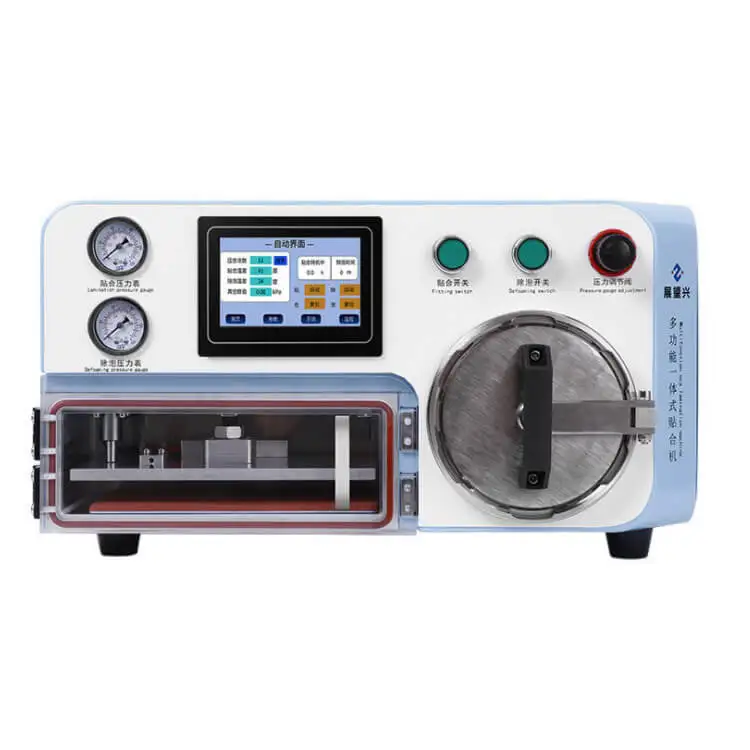
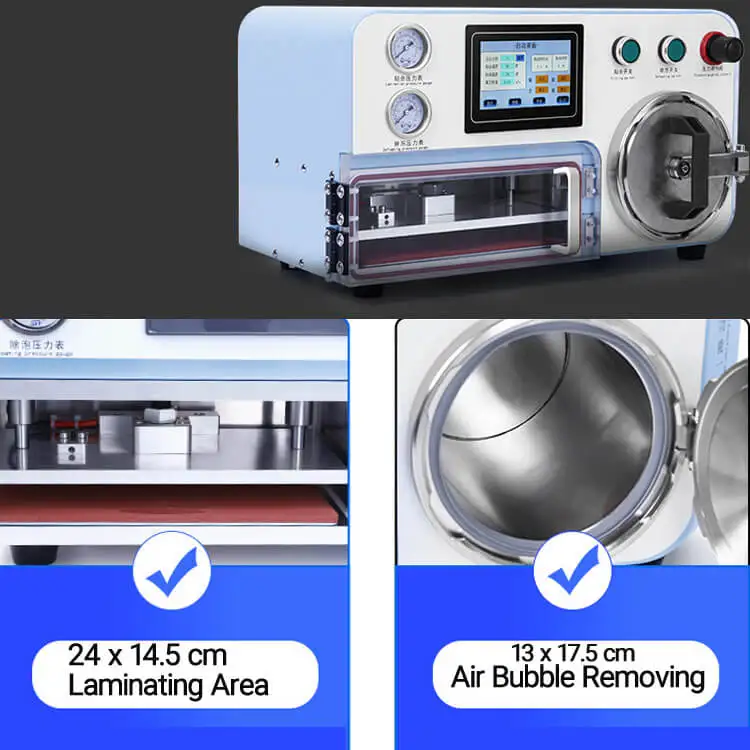
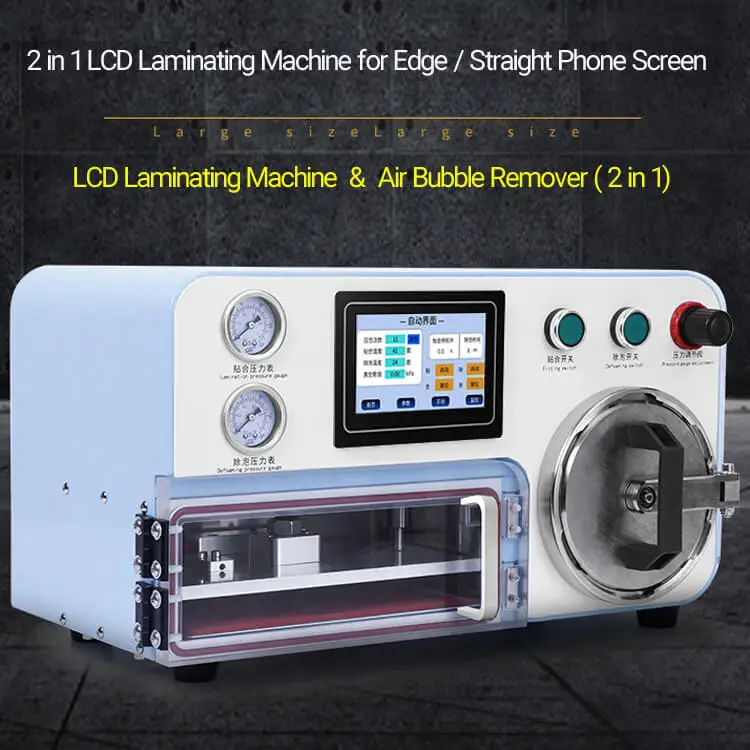
ZM 1 LCD Repair Machine Vacuum Lamination 2 in 1 Air Bubble Remover Vacuum Laminator LCD Laminating Machine
- Category: Other Machinery & Industry Equipment >>>
- Supplier: Shenzhen Zhanyi Trading Co. Ltd.
Share on (1600311930833):
Product Overview
Description
Product Description
item | value |
Place of Origin | China |
Guangdong | |
Condition | New |
Video outgoing-inspection | Provided |
Machinery Test Report | Provided |
Marketing Type | New Product 2020 |
Warranty of core components | 1 years |
Core Components | PLC, Engine |
Warranty | 1 years |
After Warranty Service | Video technical support, Online support, Spare parts |
Local Service Location | None |
Applicable Industries | Mobile Services Shop |
Showroom Location | None |
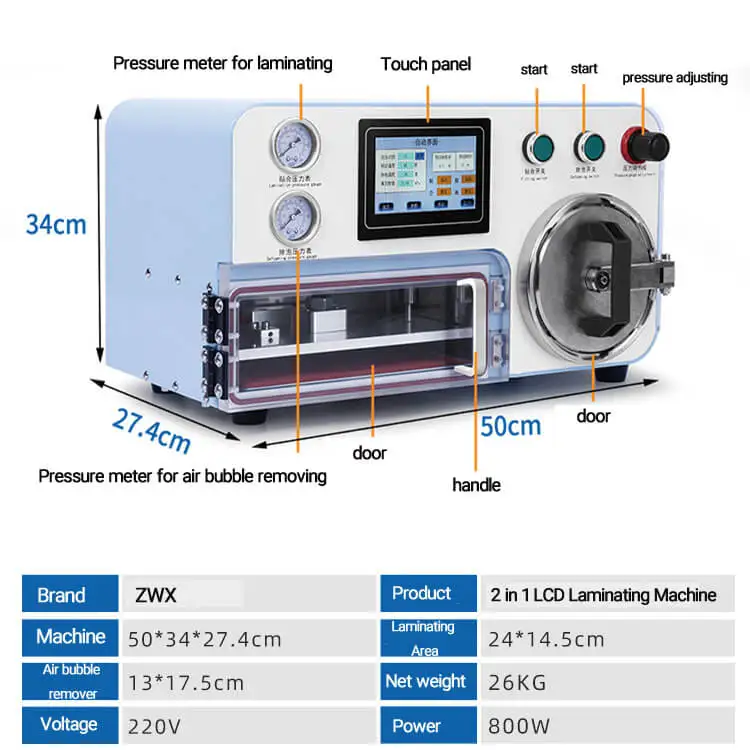
Product name | 2 in 1 LCD laminating machine with air bubble remover |
Voltage | 220V |
Power | 800W |
Size of machine | 50*34*28 CM |
Size of laminating area | 24*14.5 cm |
Size of air bubble removing area | 13*17.5 cm |
Net weight / Gross weight | 26 KG / 28 KG |
Others | Need external air compressor and vacuum pump |
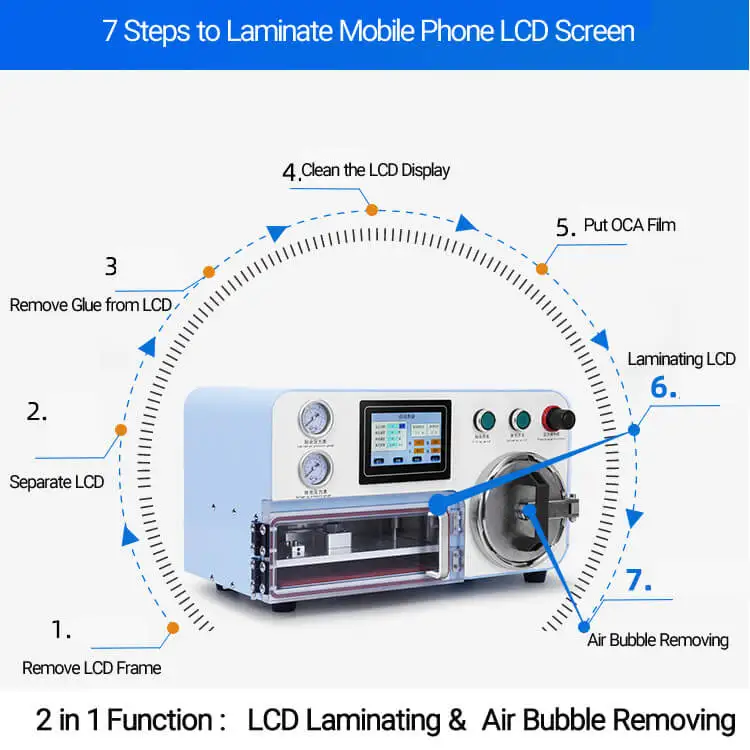
1) LCD Lamination machine for mobile phone screen ( it do not has lamination function on OCA, so the LCD glass you used should be comes with OCA together )
2) Need external Air Processor ( 8L capacity ) and external Vacuum pump ( 550W )
3) There are English Version Language in the system , supplier will set up the language to be English before ship goods.
4) All the parameter has be set by factory, so end-user just follow the user-manual to finish LCD lamination .
5) Easy to use as below step:
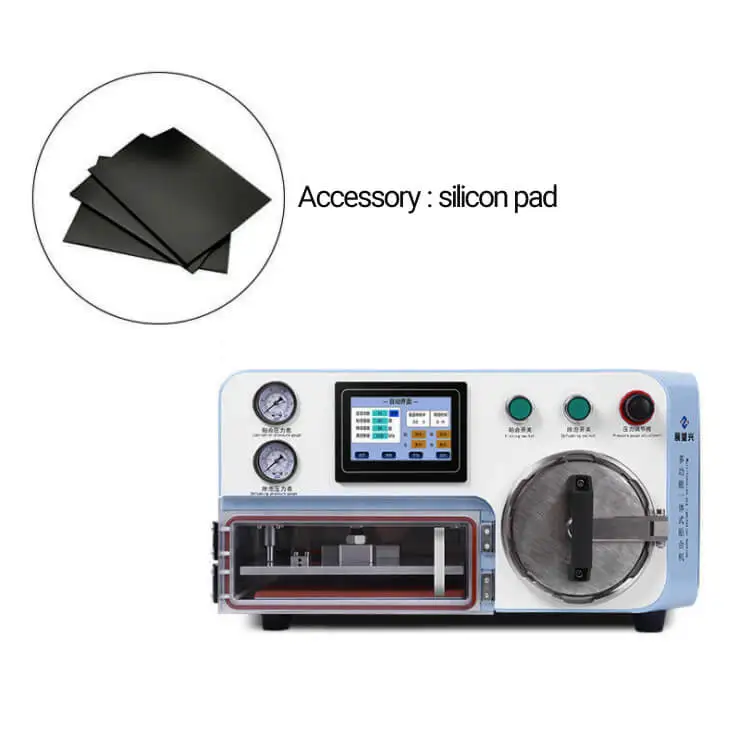
A: Put a silicon pad into the lamination area .
B :Connect a vacuum pump ( 550W recommended) with the lamination machine at back side.
C: Connect an air compressor ( 8L capacity recommended ) with the lamination machine at back side.
D: Power on air compressor , let compressed air into the lamination machine, power on vacuum pump .
E: Power the lamination machine, check everything is standby .
F: Put LCD glass ( with OCA) onto the phone display, match the position well by hand ( if you are new, please
use a silicon mould to match the position of lcd glass and lcd display.
G: Put the matched LCD glass +display into lamination area, on the silicon pad ( at beginning , you can use a damaged lcd display for testing )
H: Press the start button for lcd lamination , it laminates the lcd screen automatically. then take the phone lcd out.
I: Put the lcd into air bubble removal area , press the start button for air bubble removal automatically.
J: Finish the lcd lamination and air bubble removal work.
K: Need technology support , or have question, contact supplier whats app +86 158 1555 1262
Company Profile


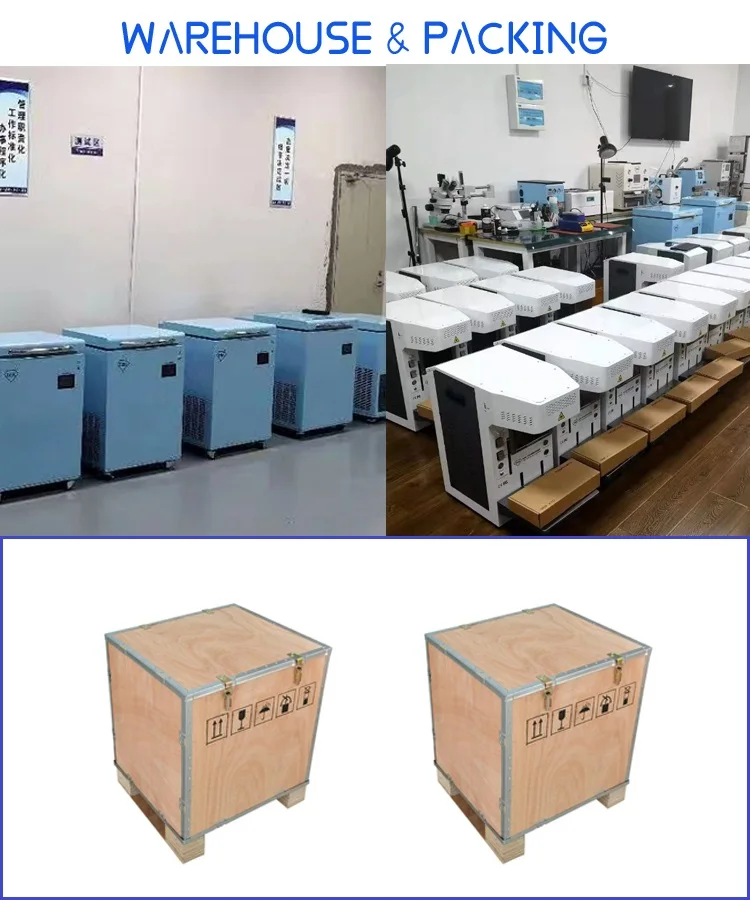
Zhanyi Company focus on manufacturing and exporting LCD screen laser separating machine, OCA/ LCD laminating machine, Air bubble clearance machine and related phone repair tools to North America, South America, Europe , Asia and Middle East Countries for more than 4 years.
Main of our customers are international business traders and phone repair shops and phone services centers .
We can provide newest machines / devices / tools for phone repair , Such as LCD Screen repair , Screen / OCA laminating , Flex FPC cable repair machines .
Except providing high quality machines and phone parts , we also provide good after-sales services, including teaching customers how to use our machines/ devices for repairing phone via video step by step .
In a word , what issues our customers meet, then we will help them to solve it, to let them to expand their business rapidly.
Main of our customers are international business traders and phone repair shops and phone services centers .
We can provide newest machines / devices / tools for phone repair , Such as LCD Screen repair , Screen / OCA laminating , Flex FPC cable repair machines .
Except providing high quality machines and phone parts , we also provide good after-sales services, including teaching customers how to use our machines/ devices for repairing phone via video step by step .
In a word , what issues our customers meet, then we will help them to solve it, to let them to expand their business rapidly.
FAQ
1. who are we?
We are based in Guangdong, China, start from 2016,sell to North America(40.00%),Northern Europe(25.00%),Mid East(10.00%),South America(10.00%),Central America(5.00%),Western Europe(5.00%),Eastern Europe(5.00%). There are total about 11-50 people in our office.
2. how can we guarantee quality?
Always a pre-production sample before mass production;
Always final Inspection before shipment;
3.what can you buy from us?
LCD laminating machine,LCD laser separating machine,Vacuum laminating machine,Frozen freezer,microsope machine
4. why should you buy from us not from other suppliers?
Found in 2016, located in Shenzhen city , China. Our company focus on manufacturing and exporting Lcd laser separator machines, LCD/ OCA laminating machines, phone repair tools, microscope machine, LCD frame separator freezer,
phone LCD screen, frames.ect
5. what services can we provide?
Accepted Delivery Terms: FOB,EXW,DDP,Express Delivery;
Accepted Payment Currency:USD,EUR,JPY,GBP;
Accepted Payment Type: T/T,MoneyGram,PayPal,Western Union,Escrow;
Language Spoken:English,Chinese
We are based in Guangdong, China, start from 2016,sell to North America(40.00%),Northern Europe(25.00%),Mid East(10.00%),South America(10.00%),Central America(5.00%),Western Europe(5.00%),Eastern Europe(5.00%). There are total about 11-50 people in our office.
2. how can we guarantee quality?
Always a pre-production sample before mass production;
Always final Inspection before shipment;
3.what can you buy from us?
LCD laminating machine,LCD laser separating machine,Vacuum laminating machine,Frozen freezer,microsope machine
4. why should you buy from us not from other suppliers?
Found in 2016, located in Shenzhen city , China. Our company focus on manufacturing and exporting Lcd laser separator machines, LCD/ OCA laminating machines, phone repair tools, microscope machine, LCD frame separator freezer,
phone LCD screen, frames.ect
5. what services can we provide?
Accepted Delivery Terms: FOB,EXW,DDP,Express Delivery;
Accepted Payment Currency:USD,EUR,JPY,GBP;
Accepted Payment Type: T/T,MoneyGram,PayPal,Western Union,Escrow;
Language Spoken:English,Chinese
Semi-Automatic PET Bottle Blowing Machine Bottle Making Machine Bottle Moulding Machine
PET Bottle Making Machine is suitable for producing PET plastic containers and bottles in all shapes.
PET Bottle Making Machine is suitable for producing PET plastic containers and bottles in all shapes.
We Recommend


New Arrivals
New products from manufacturers at wholesale prices







