

4MP IP Camera Outdoor WiFi Home Security Camera Wireless Surveillance WiFi Bullet Waterproof IP Video HD Camara
- Category: Surveillance Products >>>
- Supplier: Shenzhen Cote Cheng Electronic Co. Ltd
Share on (1600568646979):
Product Overview
Description
Product Description
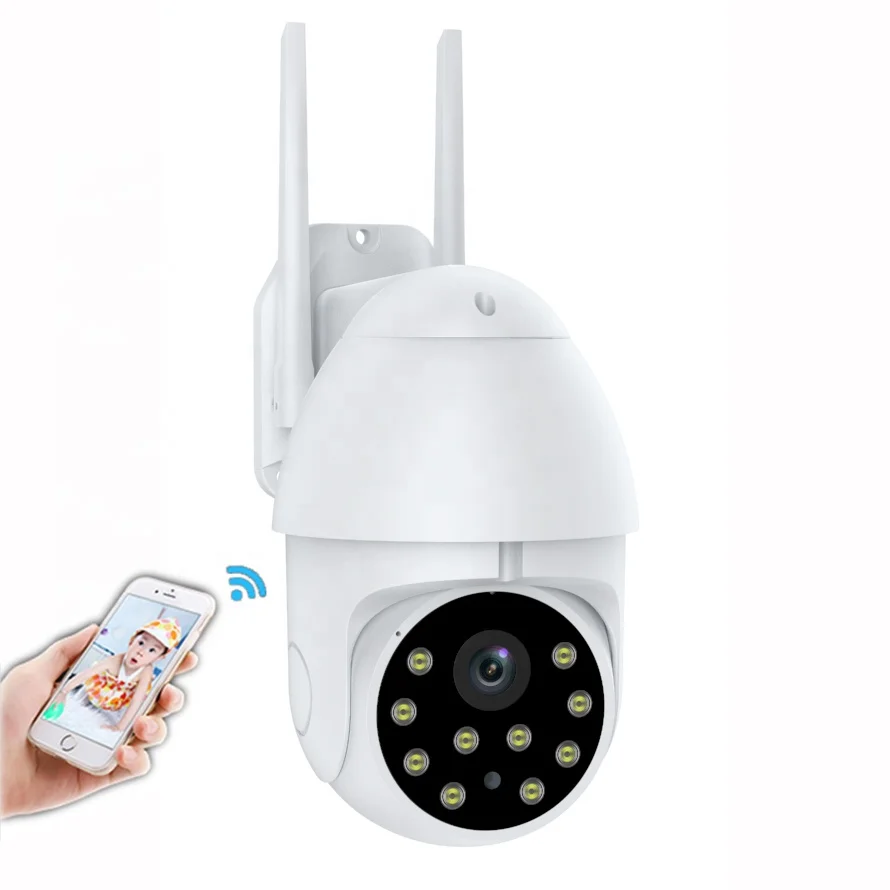
4MP IP Camera Outdoor WiFi Home Security Camera Wireless Surveillance WiFi Bullet Waterproof IP Video HD Camara

Product Name | Wifi Outdoor Camera |
Image Compression | H.265/ H.264 |
Display Resolution | 2304x1296px |
PTZ control | Horizontal angle 355°; Vertical angle 90° |
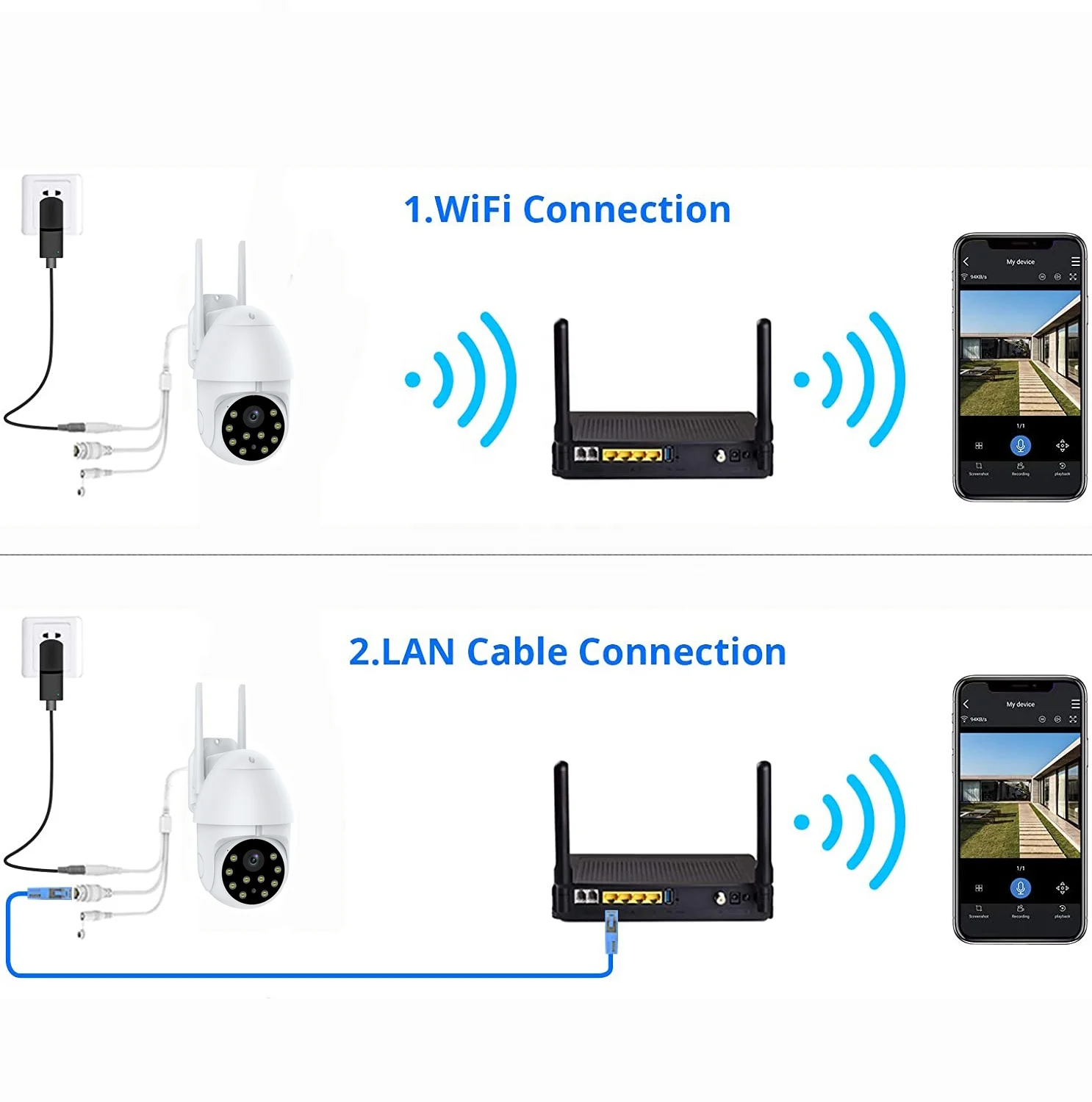
Antenna | Built-in Antenna 2.4Ghz |
Protocols | TCP/IP、UDP/IP、HTTP、SMTP、FTP、DHCP、DNS、UPNP、NTP ect |
Operating System | Linux, iOS, Android |
Details Images
Customer Photos


Company Introduction


Certifications


Packing&Shipping
Product Packing Size:20.5*20*10.5cm
Weight: 790 g/Set
Carton Size : 57*43*59cm, 19.3kg/CTN,
Carton Capacity : 24 Sets
Carton Capacity : 24 Sets


Related Products
FAQ
1.How to share devices ?
A:In the live video viewing interface,click the settings button in the upper right corner to enter the device settings interface,click on "Share Device",then click "Add share",enter the phone number or mailbox of the user you want to share,click "Finish",then share success.
2. How does the camera store video ?
A:At present,the camera supports EXFAT,FAT32 format Class6,Class10TF card ,and supports up to 128G. When the TF card is full,it automatically deletes the earlier video and recycles the video .
3.The camera is abnormally offline.How to check it ?
A:a.Check if the power and network are normal .
b.Reboot the device
c.Reconfigure the camera
d.Check if the home network broadband is normal
4.How to switch network environment ?
A:When using in a new network environment,use the ejector pin to press and hold the rear end rest hole (RESET hole) for about 2 seconds.When you hear the "Ding-dong" prompt and release it ,the reset is successful.Restart and then configure the network connection.

We Recommend


New Arrivals
New products from manufacturers at wholesale prices







