
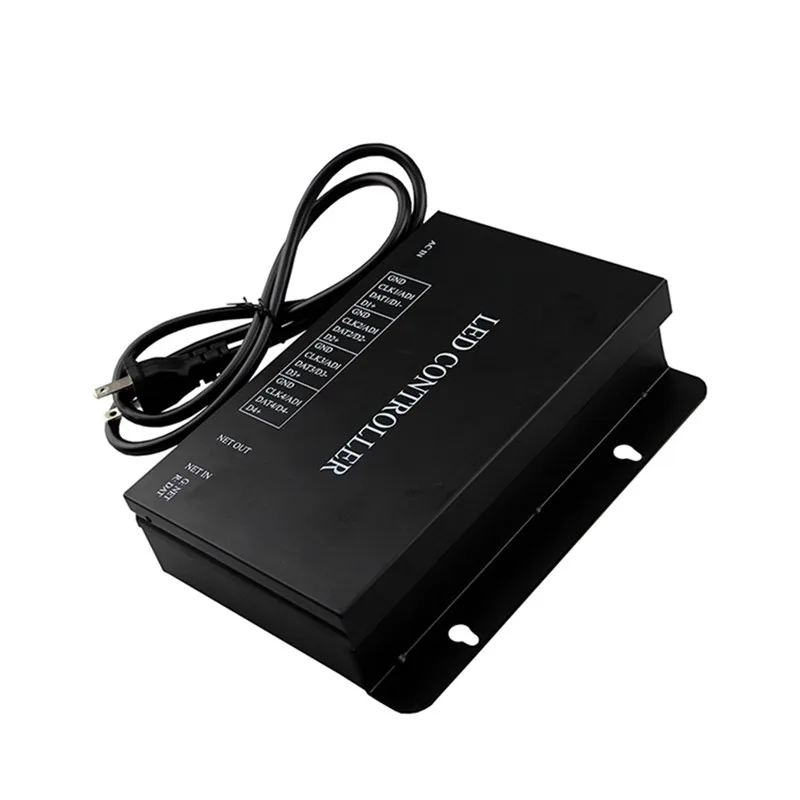
110V 220VAC H802RA 4 Ports 4096 Pixels Artnet Eternet to SPI Mad rix Pixel Controller Support Jinx For WS2811 WS2812 LED Light
- Category: >>>
- Supplier: Shenzhen Vonew Star Technology Co. Ltd.
Share on (1600947750034):
Product Overview
Description
110V-220VAC H802RA 4 Ports 4096 Pixels Artnet Eternet to SPI Mad rix Pixel Controller Support Jinx For WS2811 WS2812 LED Light
Product Description
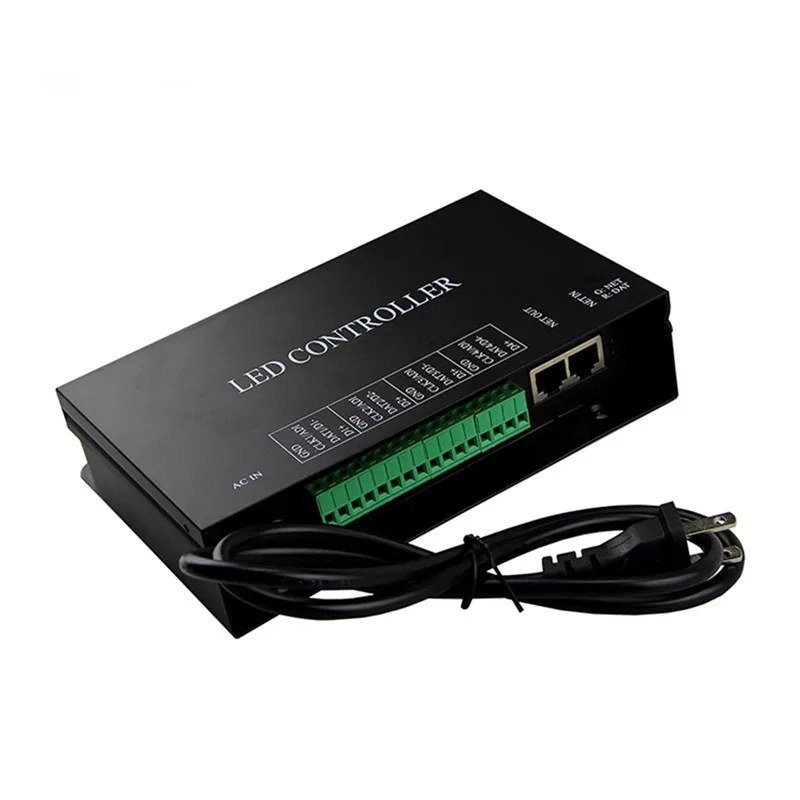
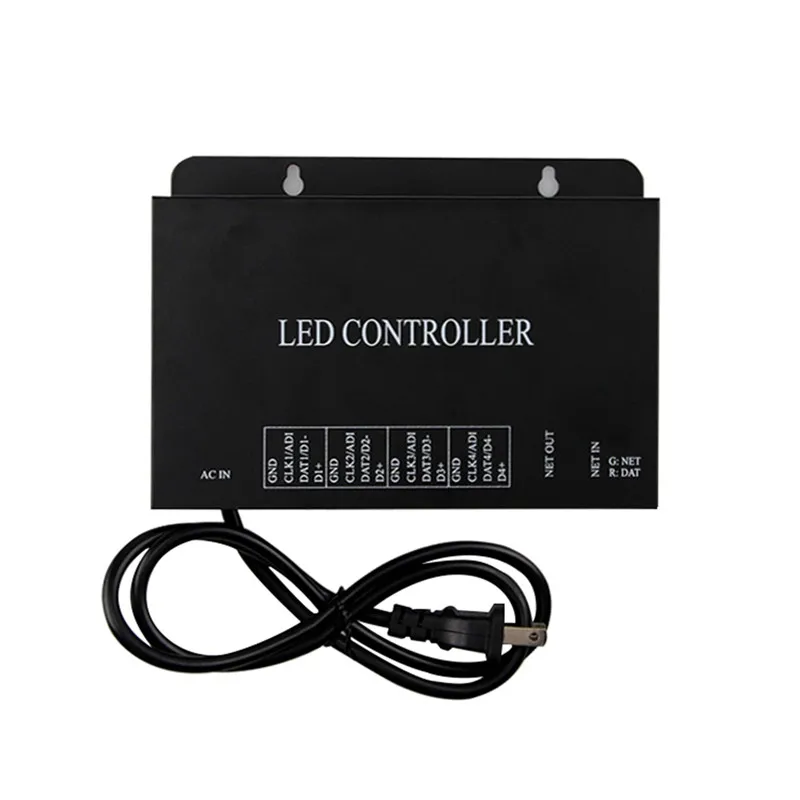
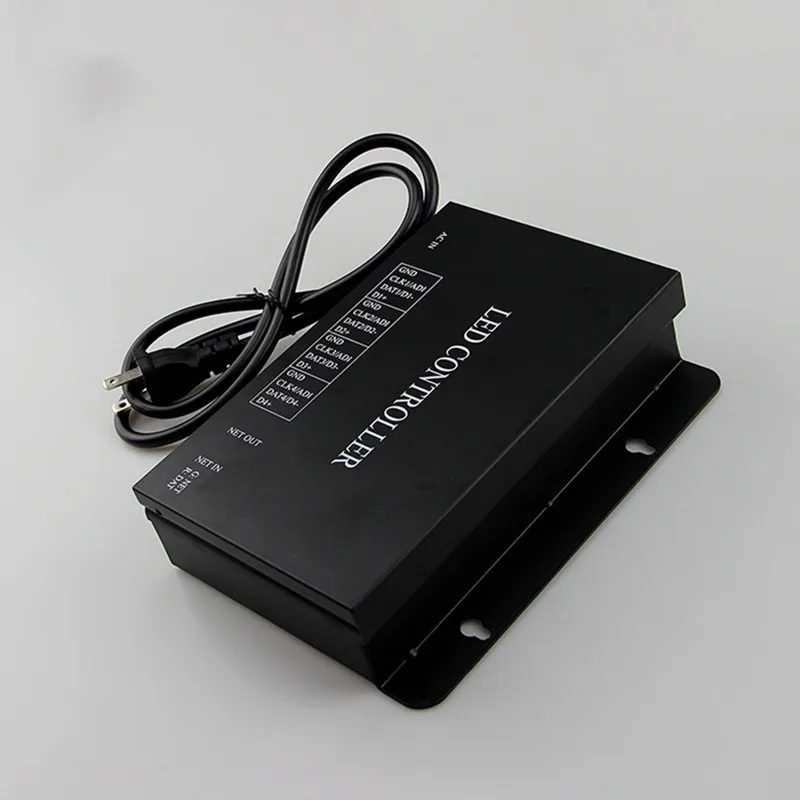
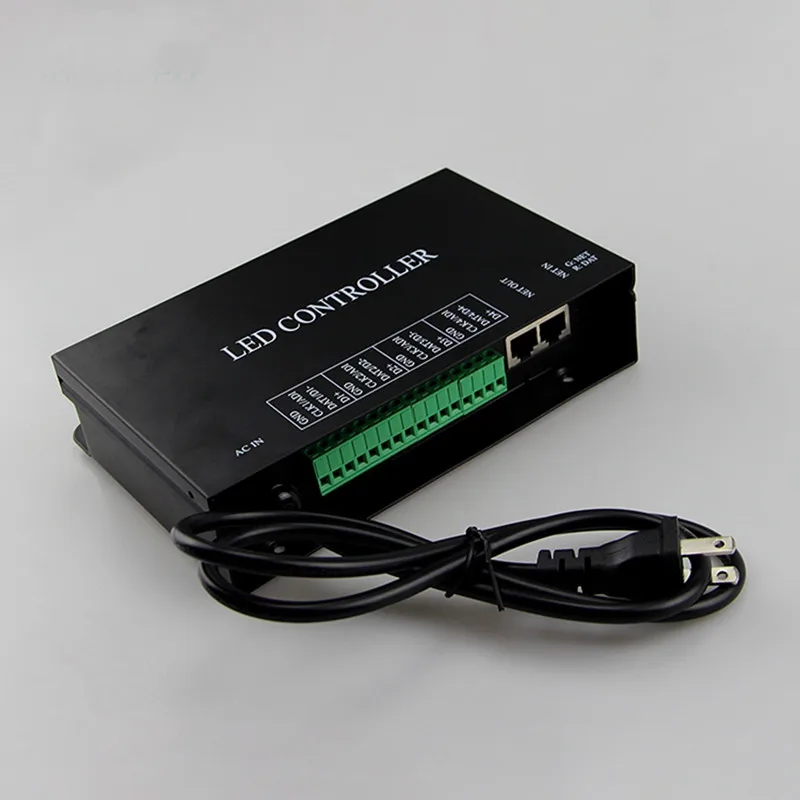
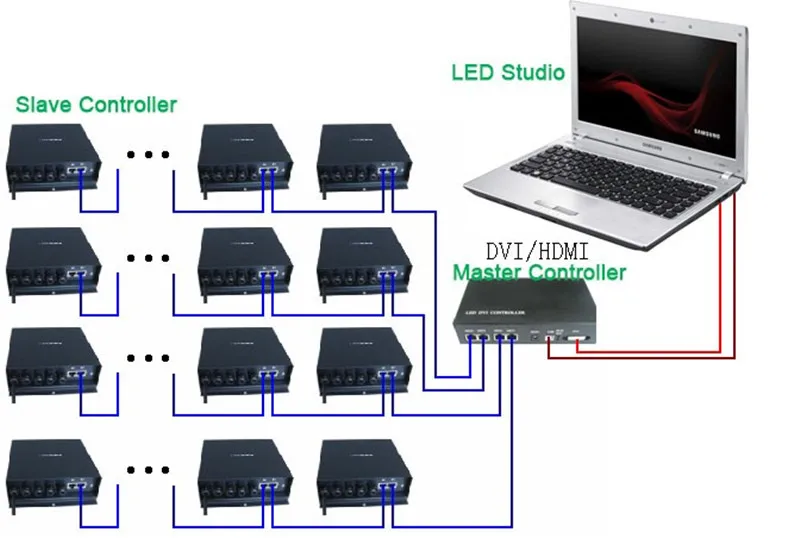
H802RA is a four ports output controller that employs Ethernet protocol and supports Art-Net protocol. It supports multiple kinds of LED driver chips and can address for DMX512 driver chips. The input network interface can be connected to master controller or computer.
Online software are "LED Studio" and "MADRIX".
Product parameter
PRODUCT NAME | LED Slave Controller-H802RA |
Input Voltage | AC220V or 110V |
Power Consumption | 1.3W |
Control pixels number | 4096 pixels |
Weight | 1Kg |
Working Temperature | -40C°--85C° |
Dimension | L163 x W155 x H54 mm |
Carton Dimension | L205 x W168 x H69 mm |
Product Details
1. Supported Driver Chips:
DMX512, HDMX, LPD6803, LPD8806, LPD1882, LPD1889, LPD1883, LPD1886, TM1812, TM1809, TM1804, TM1803, TM512, TM1926, TM1913, TM1914, TM1814, UCS6909, UCS6912, UCS1903, UCS1909, UCS1912, UCS512, UCS8904, APA102, APA104, P9813, WS2801, WS2803, WS2811, WS2812, WS2821, SM16716, SM16711, INK1003, LX1003, MY9221, MBI6021, MBI6024, LD1510, LD1512, LD1530, LD1532,etc.
2.Performance:
(1). Four ports, control maximum 4096 pixels.
(2). Support Art-Net protocol, so H802RA can work with MADRIX.
(3). Address for the TM and UCS DMX512 driver chips, such as TM512, UCS512.
(4). Configured as repeater or amplifier by LED Studio.
(5). Work with master controller or computer.
(6). Distance between two controllers is up to 100 meters.
3.Operation Instructions:
(1). After power-on, connect computer USB interface to H803TV USB port with USB cable, connect H803TV DVI port to computer DVI or HDMI interface with DVI cable, computer can detect the
device automatically. Neither 32-bit operating system nor 64-bit operating system need to install USB driver.
(2). Right-click desktop—“NVIDIA control panel”, click “set up multiple monitors”, choose “duplication mode”, then click “apply”, DVI indicator light will flash. Modify resolution, make it compatible with both H803TV and computer.
(3). In “LED Studio Software”, click menu “setting” - “system setting”—“Software Setting”—“Hardware interface”, choose “H803TV-DVI”, click “OK”, and then restart the software.
(4). Each H803TV drives maximum 400000 pixels with four network ports, each network port drives maximum 100000 pixels and connects maximum 255 slave controllers. The more pixels that each slave controller drives, the less slave controller that each network port of H803TV controls.
(5). H803TV can output to H803TC directly in order to realize the online or offline function.
(6). Red light: on: power is on, flash: DVI communication correctly.Green light: off: load sculpt failed, flash: controller working normally.
(7). Only when setting system or setting sculpt does computer send configuration data to H803TV through USB interface. So, after setting the parameters, USB cable can be unplugged. Do not move the playing window if no special needs, click menu “setting”—“play window setting”—“lock play window” in software.


We Recommend



New Arrivals
New products from manufacturers at wholesale prices







