
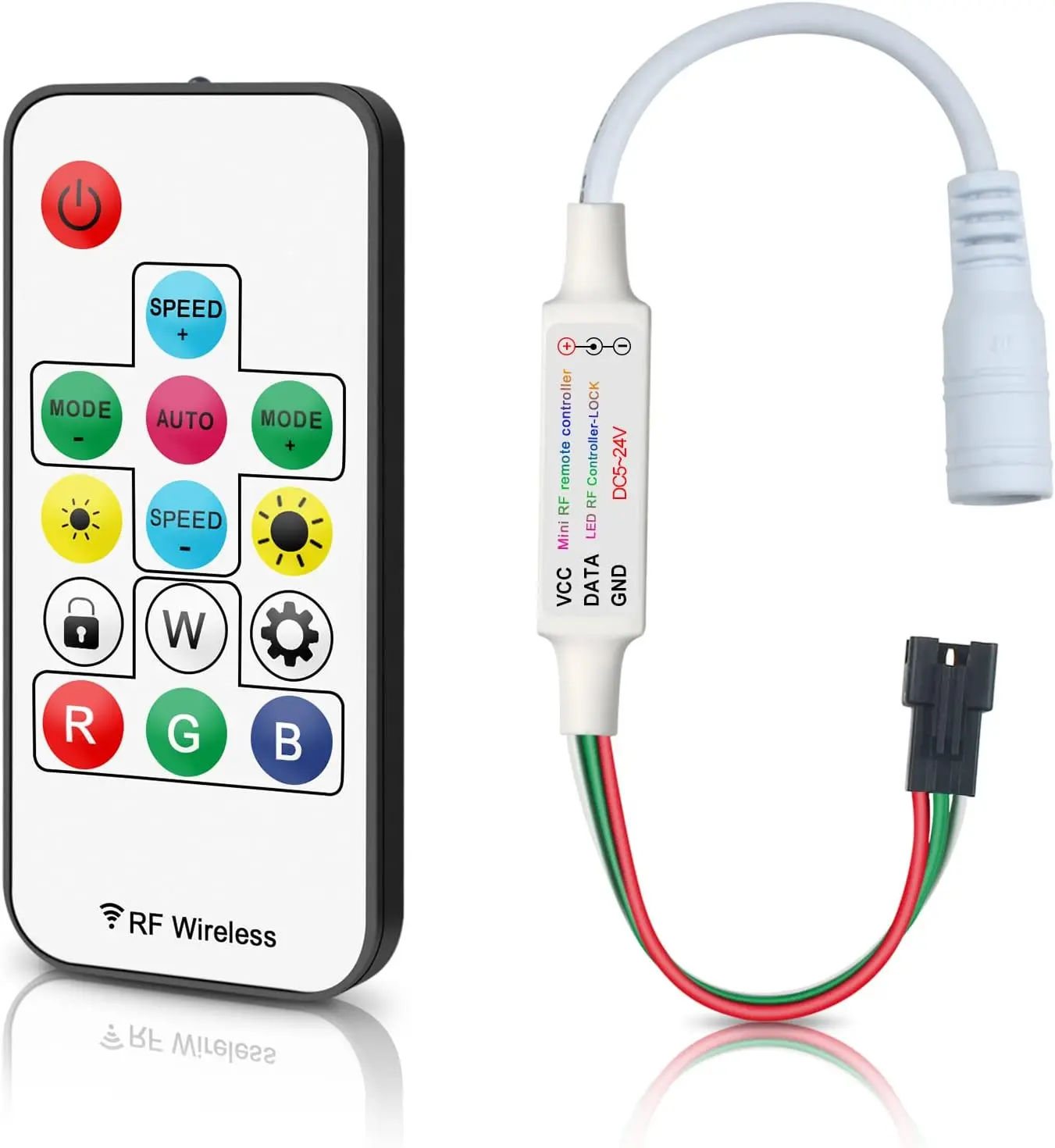
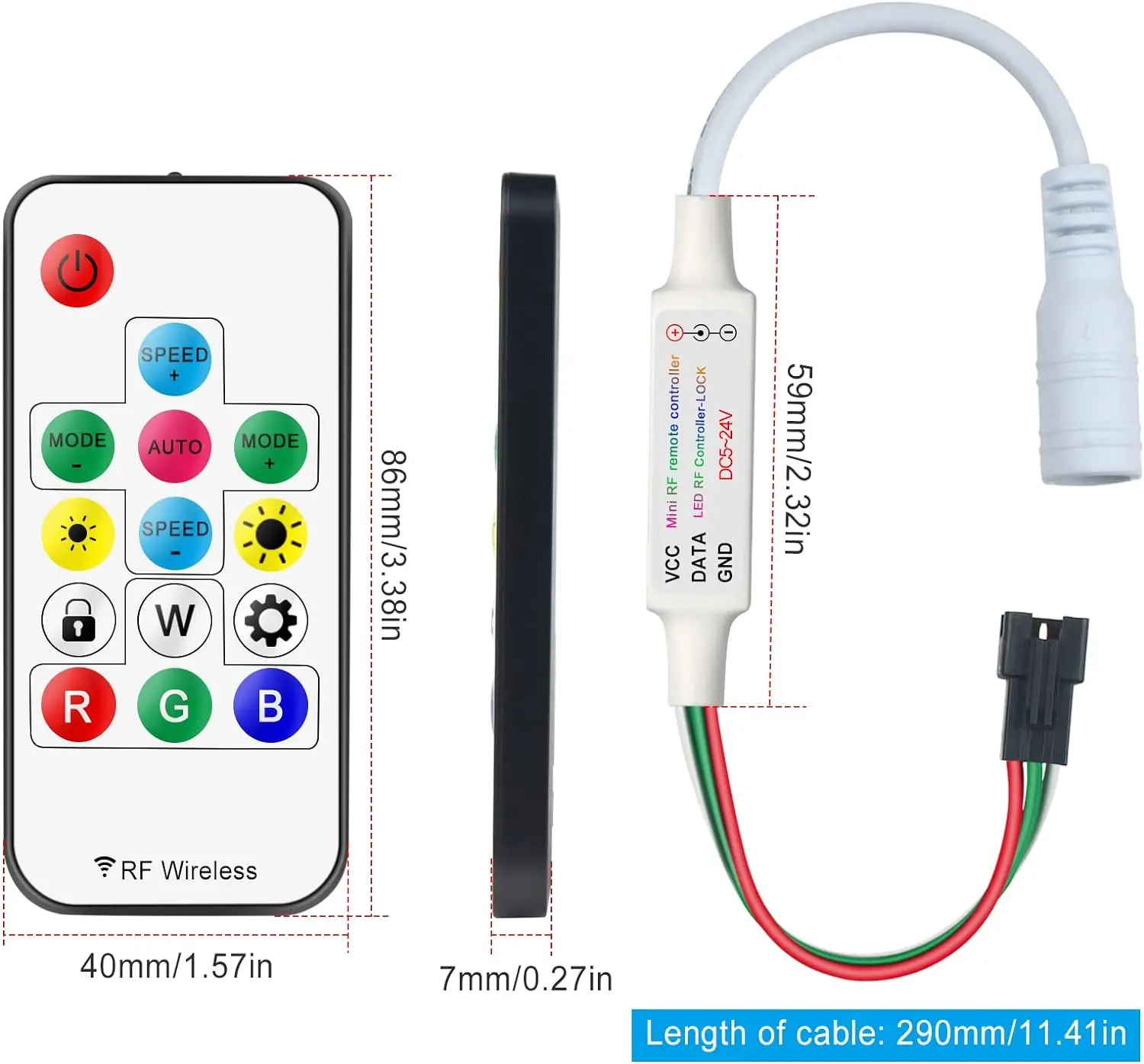
eSann LED Controller, RF Wireless Remote Mini LED Controller 5V/12V/24V DC for WS2812 WS2811 Dream Color RGB LED Strip Light
- Category: >>>
- Supplier: Shenzhen Esann Technology Co. Ltd
Share on (1601043856367):
Product Overview
Description
Product Description

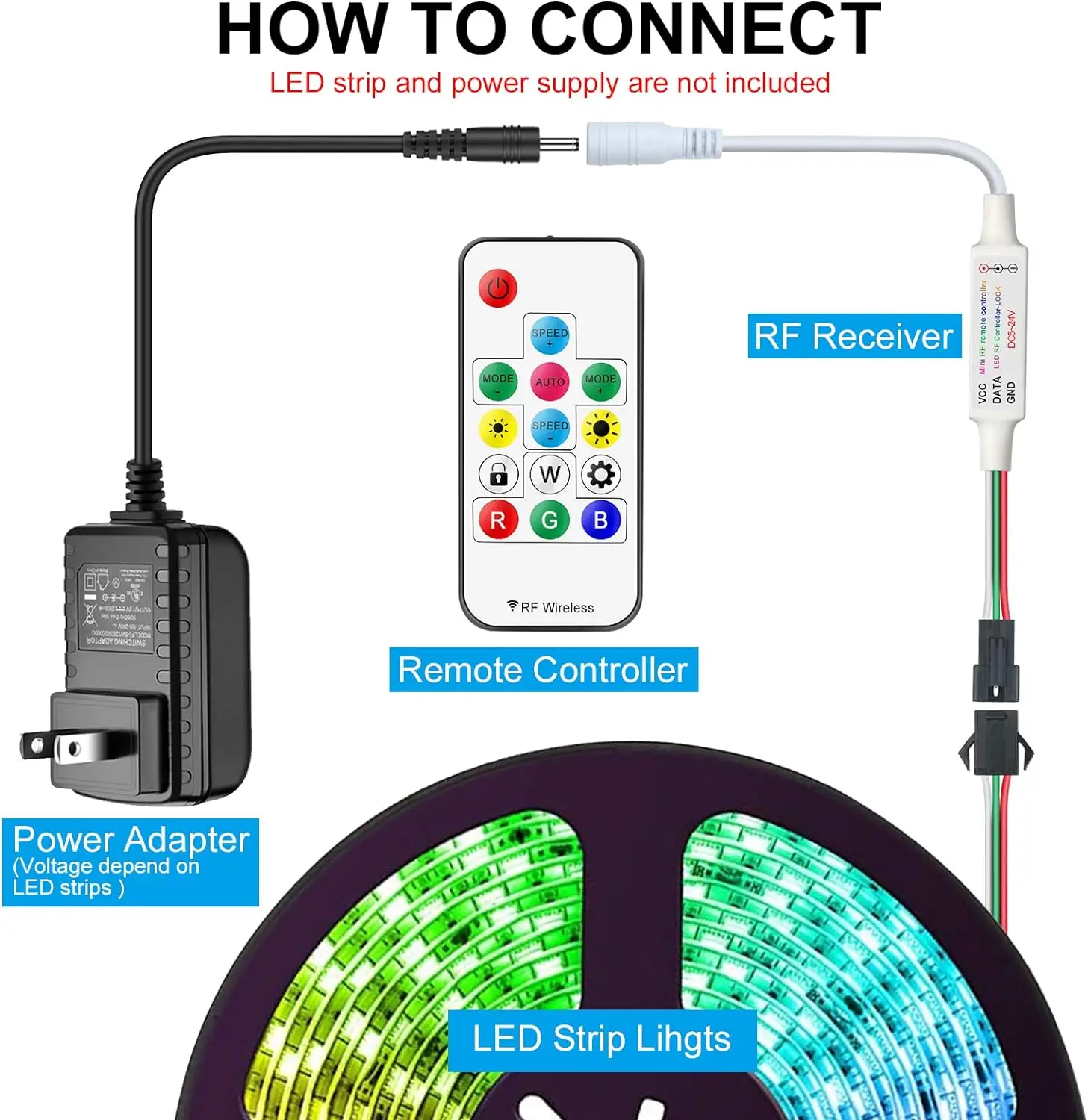
RGBZONE RF Wireless Remote LED Controller:
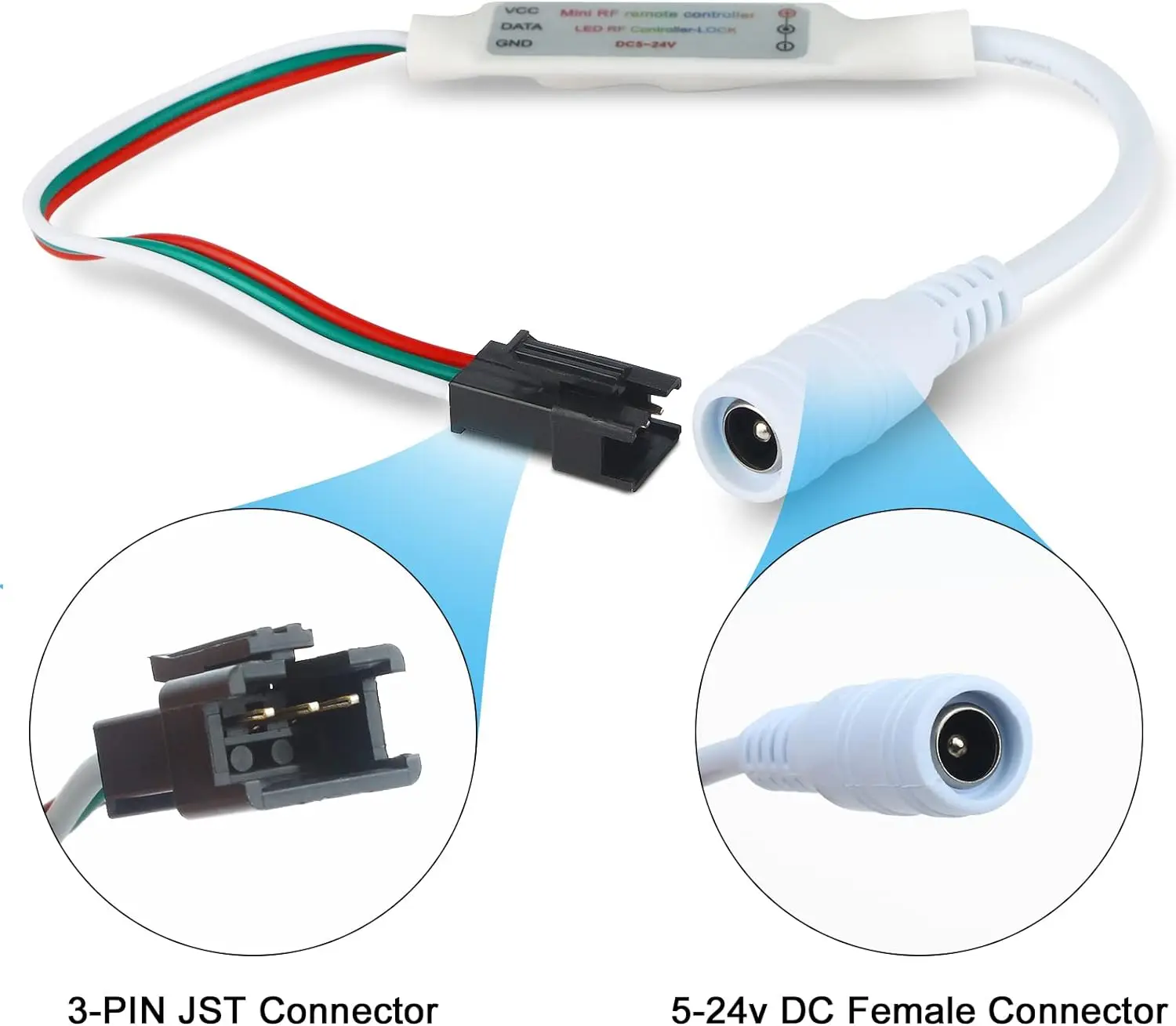
* Supply voltage: 5V-24V (wide voltage)
* Output power: 5V<30W, 12V<72W, 24V<144W
* Maximum load current < 6A
* Output : 3 way
* Static power consumption: <1W
* Maximum control points: 2048 points
* Controlled Method: RF remote control
* Remote control distance: 10-30M
* Operating temperature: -20-60℃
* Output power: 5V<30W, 12V<72W, 24V<144W
* Maximum load current < 6A
* Output : 3 way
* Static power consumption: <1W
* Maximum control points: 2048 points
* Controlled Method: RF remote control
* Remote control distance: 10-30M
* Operating temperature: -20-60℃
The controller has a power failure memory function, memory function records color or animation after turning the power off.

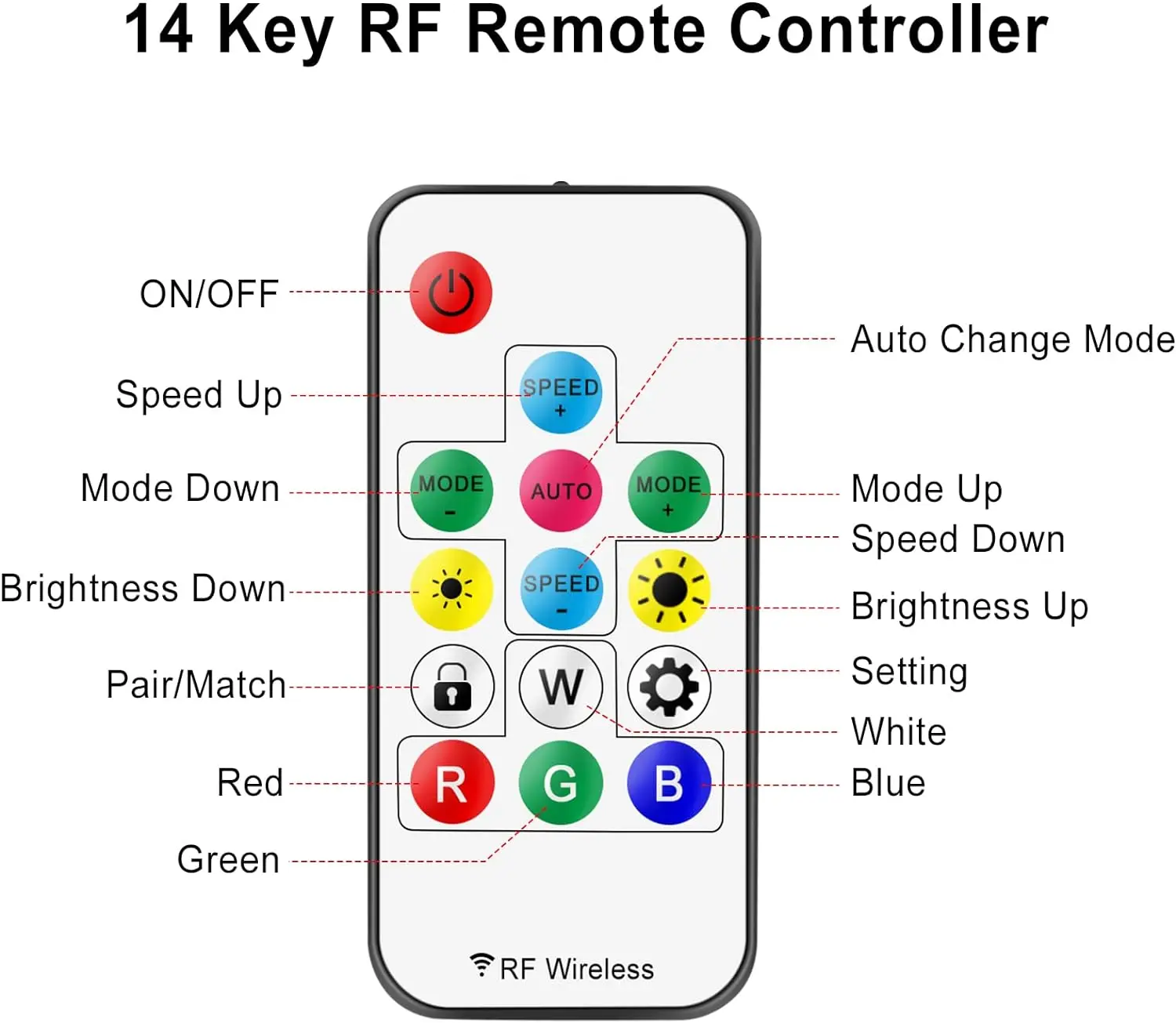
Instruction for using the 14 keys RF remote control:

* Use for WS2811/WS2812B LED strip lights.
* 300 kinds of variations, you can program any combination of 16 and automatically play.
* 16 colors light selection Brightness adjustable 4 light pattern: Flash / Strobe /Fade-change / RGB Smooth-change.
* 300 kinds of variations, you can program any combination of 16 and automatically play.
* 16 colors light selection Brightness adjustable 4 light pattern: Flash / Strobe /Fade-change / RGB Smooth-change.
If the controller displays the wrong colors, for example red button shows green, please don’t worry, it doesn't mean the
controller is defective. Resetting the R/G/B order again will resolve the issue.
Method of adjusting the order of R/G/B:
controller is defective. Resetting the R/G/B order again will resolve the issue.
Method of adjusting the order of R/G/B:
1. Press the SETTING button for 5 seconds.
2. Press the R button until LEDs turn red; press the G button until LEDs turn Green, press the B button until LEDs turn Blue.
2. Press the R button until LEDs turn red; press the G button until LEDs turn Green, press the B button until LEDs turn Blue.
How can I asjust it to control 2048 pixels?

***Maximum number of control pixels : Total 2048pixels. recommand use 300 pixel(Approx. 5 meters of light strip length.)
***The product itself can carry power 5V<30W, 12V<72W, 24V<144W, such as more than this power, please give the phantom light with
a separate power supply, or with the use of amplifiers, otherwise it will lead to controller overload damage.
a separate power supply, or with the use of amplifiers, otherwise it will lead to controller overload damage.
2048 pixel adjustment method:
1. press and hold for 5 seconds to enter the setup menu and press MODE + and MODE - to adjust the number of LED pixel points.
2. Only adjust 32 points each time.
3. Press the B button to adjust the RGB sequence until the color sequence of the first three lights is red, green and blue.
(Tips: If you want to adjust the pixel points from 300 to 2048, you need to press 'MODE+' key 54 times.)
2. Only adjust 32 points each time.
3. Press the B button to adjust the RGB sequence until the color sequence of the first three lights is red, green and blue.
(Tips: If you want to adjust the pixel points from 300 to 2048, you need to press 'MODE+' key 54 times.)


We Recommend



New Arrivals
New products from manufacturers at wholesale prices







