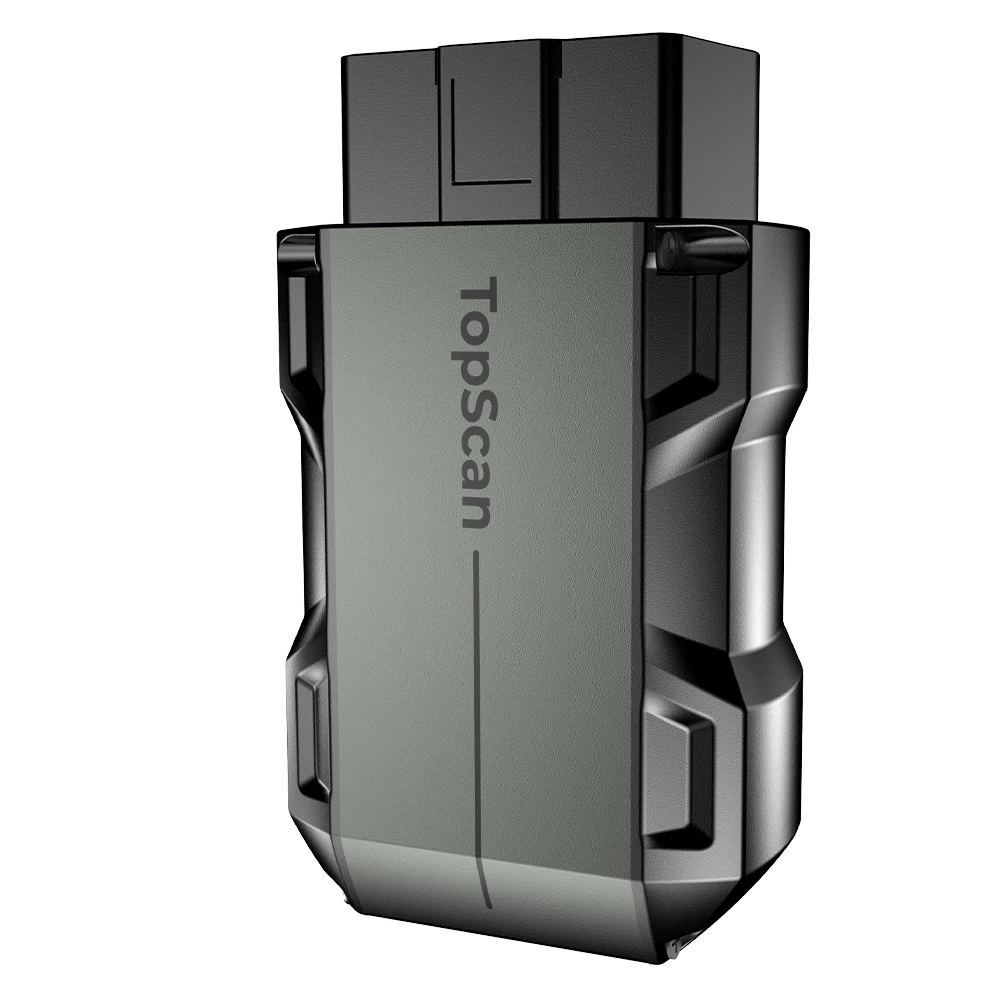
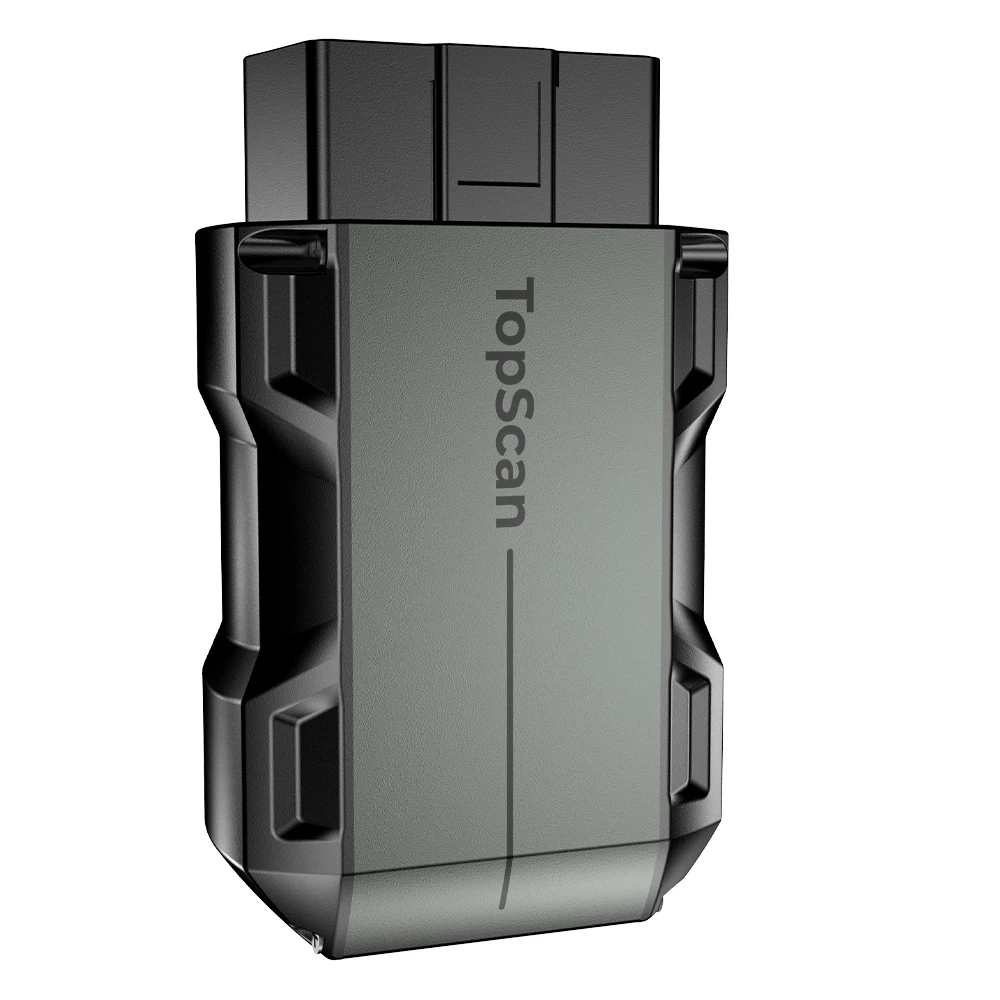
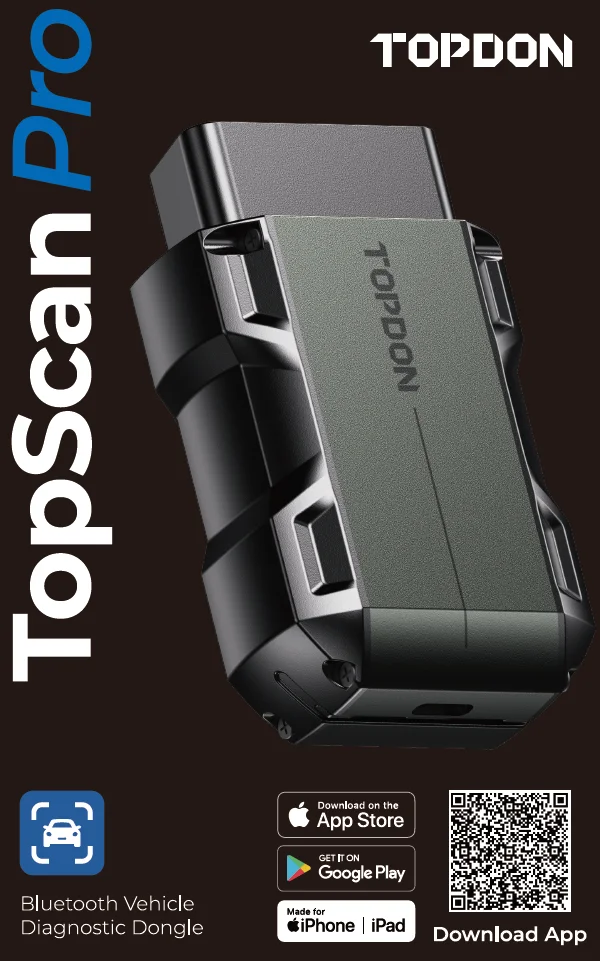
TOPDON Topscan Pro Resolve The Warning Lights Car Diagnosis Tool Offering 5 Advanced Functions Car Smart Diagnostic Scan Tool
- Category: >>>
- Supplier: Topdon Technology Co. Ltd.Topdon Ltd.
Share on (1601333061065):
Product Overview
Description
Product Description

TOPDON TOPSCAN Pro:
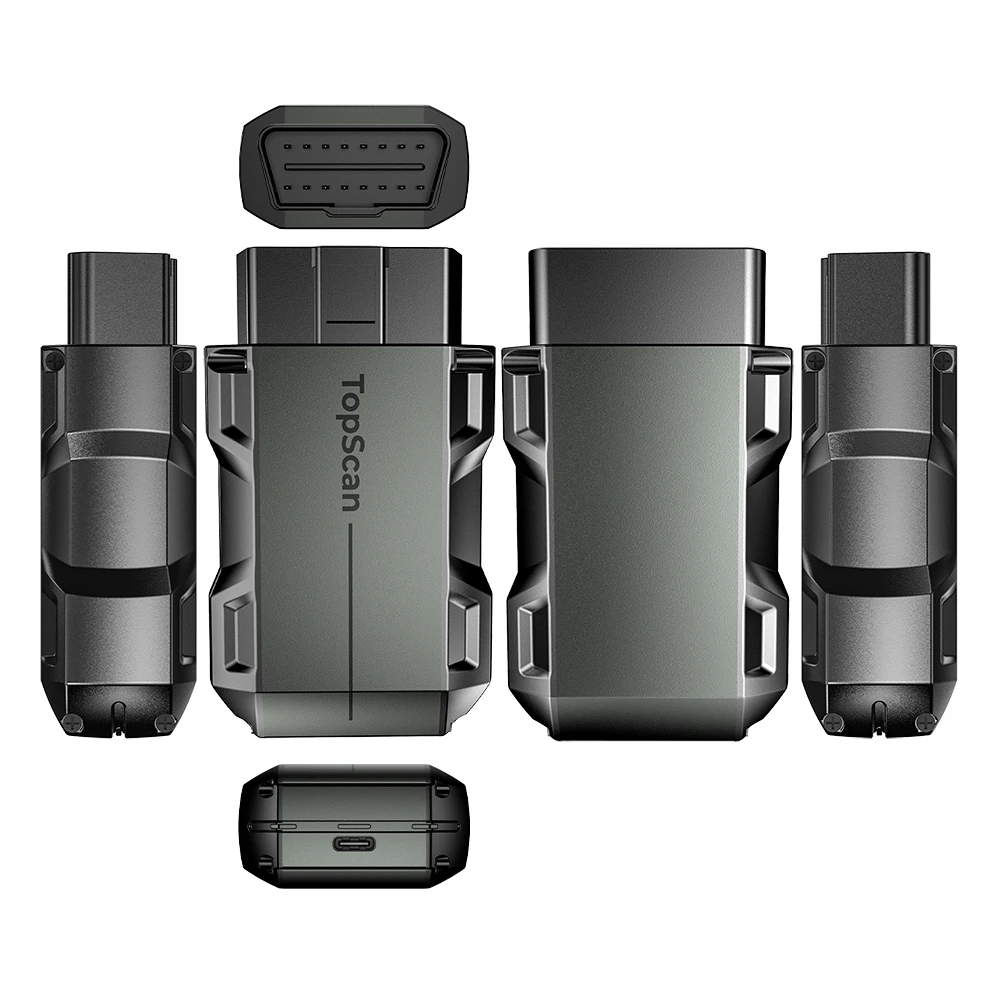
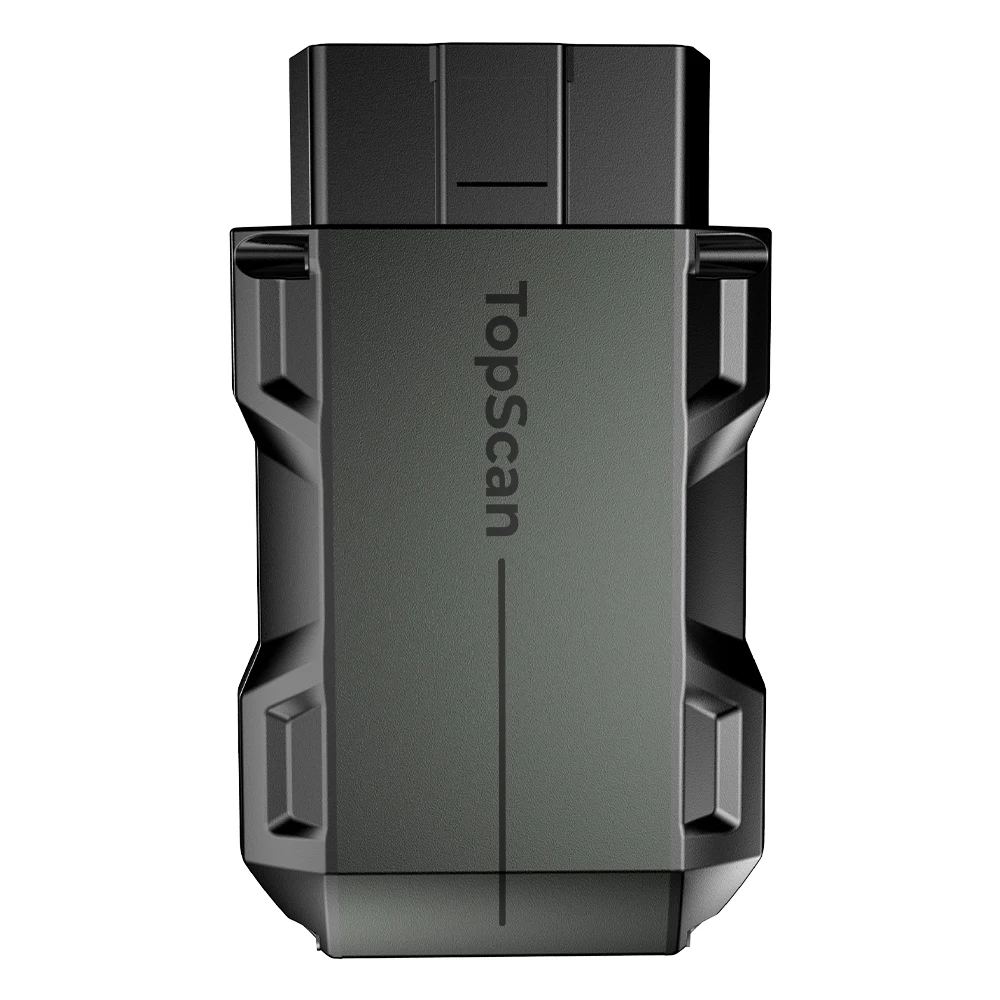
Introducing: The Ultimate Pocket-Sized Scanner, now with Added Key Programming abilities! Experience the next level of automotive diagnostics with our comprehensive tool that excels in full-system diagnostics for 70+ global car brands and offers 13 essential maintenance services. Delving into advanced features, our scanner boasts the Repair Data Library for fast fixes and pinpoint-accurate bidirectional controls to identify faulty components effortlessly. Moreover, leveraging Bluetooth connectivity, this compact powerhouse enhances the convenience of diagnostics. Unleash the potential of car key programming as it reads , facilitates key and remote control learning, and resolves complex "all keys lost" scenarios. These multifaceted key programming functions pave the way for profitable business opportunities. Elevate your car care approach with the TopScan Pro: where performance knows no bounds, size remains small, and possibilities are limitless.


Since there are various vehicle manufacturers, different diagnostic software is required for different brands.
Full System Diagnosis for 70+ Brands;
The Repair Data Library Makes DIY Repairs A Breeze;Travel Assured With Complete OBD2 Insights;
Seamlessly Get Your Car Rolling Again;
Bidirectional Control - Guesswork Be Gone;
Always Know The Vehicle’s Condition;
The Key To New Business Height;
Unleash Data Insights;
Time-Saving Duo;
Wireless. Need I Say More?

You May Also Like


FAQ
Q1: What should I do if a communication error occurs?
Follow the steps below to identify the problem:
1) Check if the ignition is ON.
2) Check if the TopScan Pro is securely plugged into the vehicle’s OBD-II port.
3) Turn the ignition off. Then, turn it on after 10 seconds and continue the operation.
4) Check if the vehicle’s control module is defective.
Q2:Why do I need to download the diagnostic software after installing the TopScan app?
A: Since there are various vehicle manufacturers, different diagnostic software is required for different brands.
Q3: What special functions does the TopScan Pro support?
A: The TopScan Pro supports 13 special functions, including Oil Reset, Throttle Adaptation, EPB Reset, ABS
Bleeding, Steering Angle Reset, DPF Regeneration, Airbag Reset, BMS Reset, Injector Coding, Tire Pressure
Reset, Sunroof Initialization, Seat Calibration, and Windows Calibration.
Q4: Do I need to update the firmware before using it for the first time?
A: Yes. Firmware will automatically update to the latest version once the TopScan Pro is connected with your phone
via Bluetooth. You can also tap Me > Firmware Update to update the firmware manually.
Q5: Can multiple devices be bound to one TopScan app account?
A: Yes.
Q6: How about aftersale support?
A: We provide lifetime Technical Support, our engineer is 24 hours online for technical support.
Follow the steps below to identify the problem:
1) Check if the ignition is ON.
2) Check if the TopScan Pro is securely plugged into the vehicle’s OBD-II port.
3) Turn the ignition off. Then, turn it on after 10 seconds and continue the operation.
4) Check if the vehicle’s control module is defective.
Q2:Why do I need to download the diagnostic software after installing the TopScan app?
A: Since there are various vehicle manufacturers, different diagnostic software is required for different brands.
Q3: What special functions does the TopScan Pro support?
A: The TopScan Pro supports 13 special functions, including Oil Reset, Throttle Adaptation, EPB Reset, ABS
Bleeding, Steering Angle Reset, DPF Regeneration, Airbag Reset, BMS Reset, Injector Coding, Tire Pressure
Reset, Sunroof Initialization, Seat Calibration, and Windows Calibration.
Q4: Do I need to update the firmware before using it for the first time?
A: Yes. Firmware will automatically update to the latest version once the TopScan Pro is connected with your phone
via Bluetooth. You can also tap Me > Firmware Update to update the firmware manually.
Q5: Can multiple devices be bound to one TopScan app account?
A: Yes.
Q6: How about aftersale support?
A: We provide lifetime Technical Support, our engineer is 24 hours online for technical support.

We Recommend


New Arrivals
New products from manufacturers at wholesale prices







