
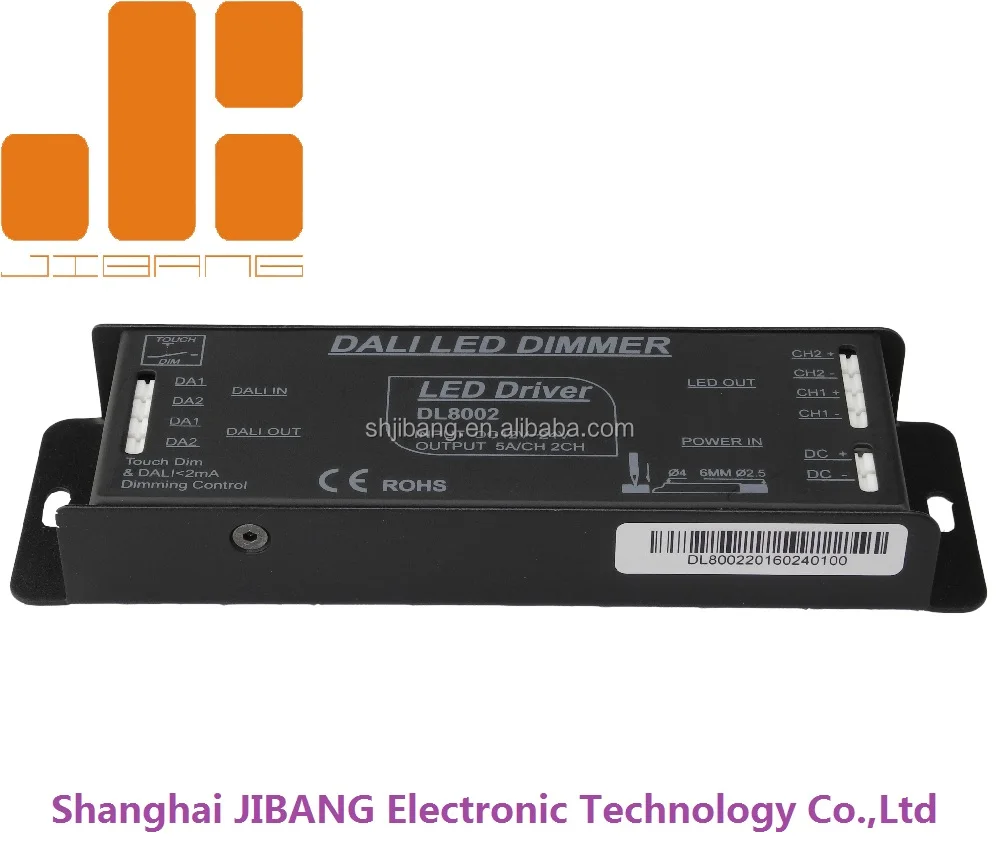
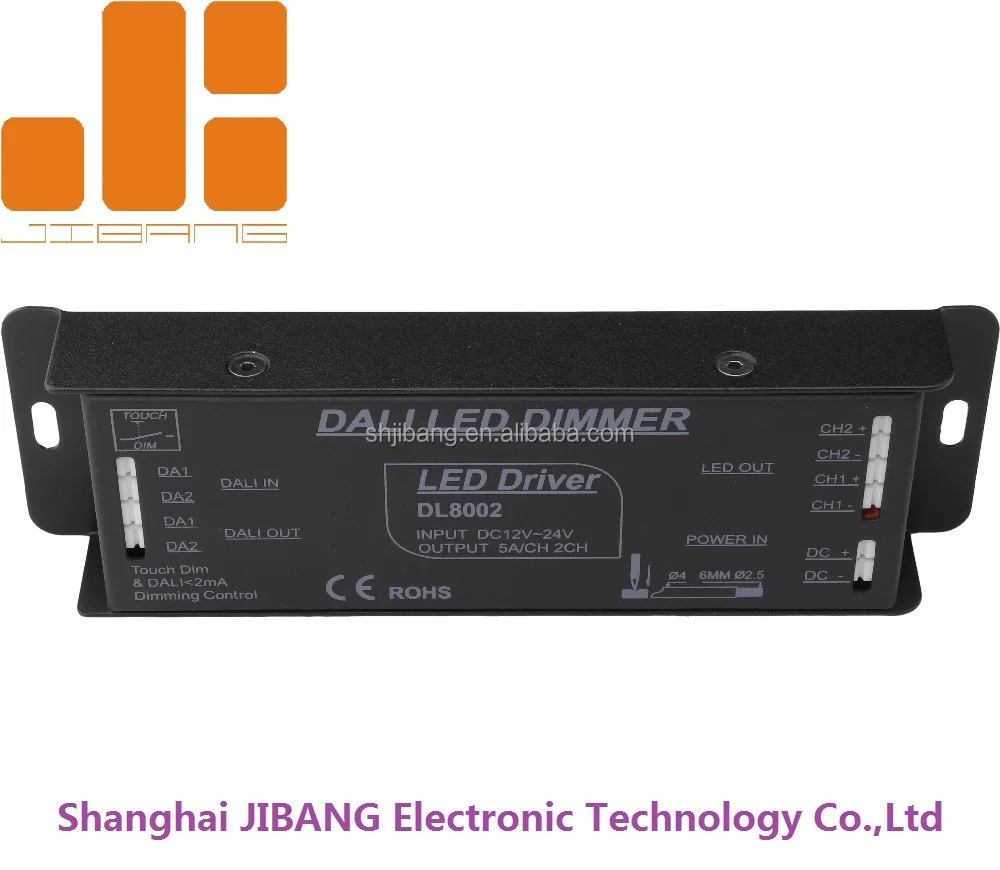
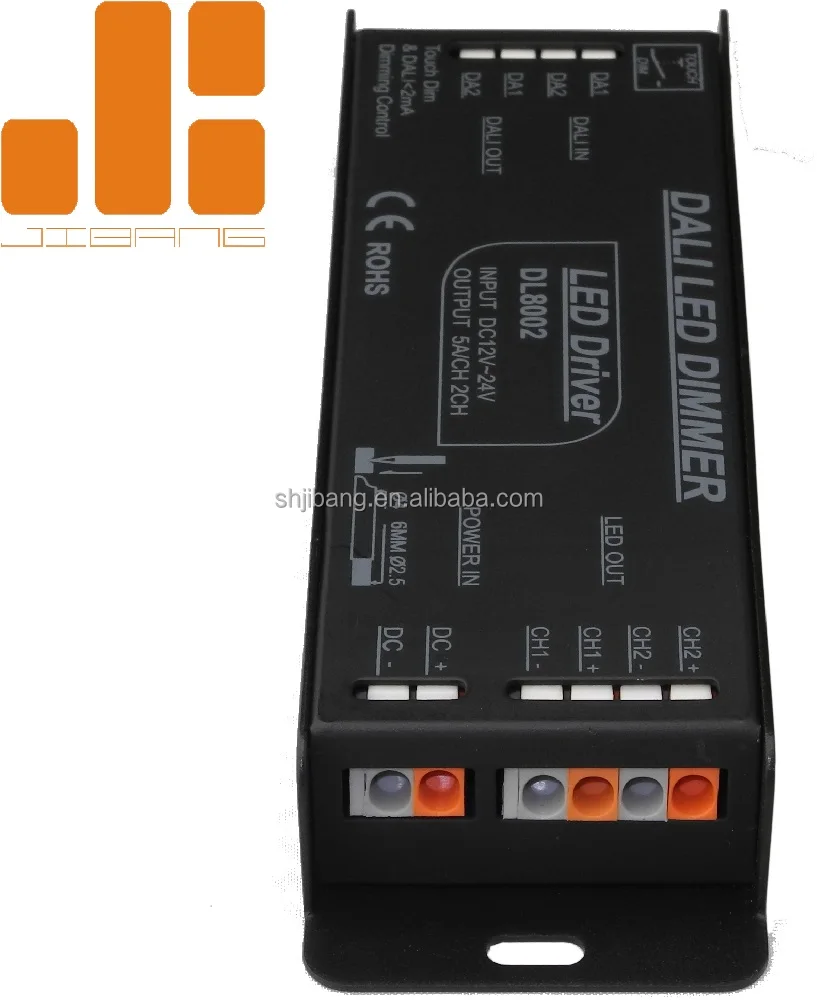
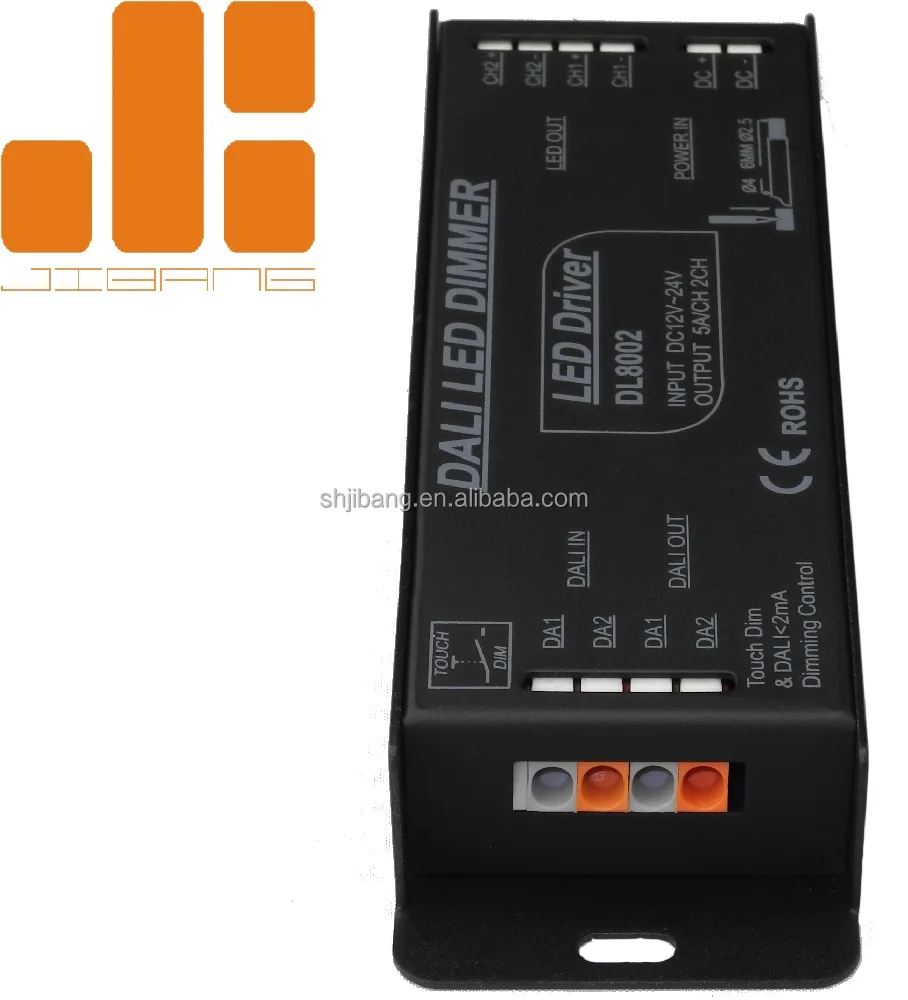
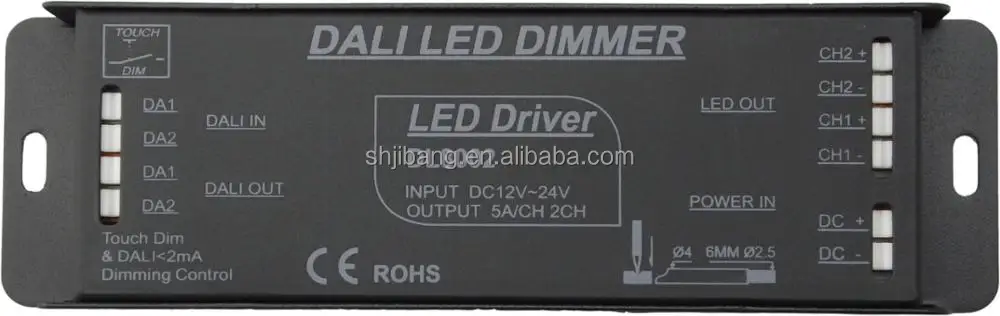
2 channel DALI driver for dimming WW CW led lighting push switch dim
- Category: >>>
- Supplier: Shanghai Jibang Electronic Technology Co. Ltd.
Share on (1831763917):
Product Overview
Description
2 channel DALI driver for dimming WW CW led lighting push switch dim

Product specification:
Model | DL8002 |
Input Voltage | DC12-24V |
Input Signal | DALI Signal & Switch |
Max Load Current | <12A |
Max output power | 144W-288W |
Dimming control DALI definition | IEC62386 IEC60929 |
Product Dimension | L160*W47*H22(mm)/Custom-made |
Package Size | L163*W50*H25(mm)/Custom-made |
Gross Weight | 220g |
NEW hot 2ch dali controller,dali pwm dimmer,dali signal dimmer
Product Features:
1.PWM output current:MAX 12A/CH.
2.DALI digital control input, dimming control LED module.
3.Addressing output channel.
4.Dimming range is from 0-100% range, (LED brightness start in 1%).
5.Used for DC power supply .over-temperature protection, security level is 2.
6.Support TOUCH DIM function and can be dimmed manually.(220VAC dimming way)
7.Single channel DC12-24V constant voltage output.
NEW hot 2ch dali controller,dali pwm dimmer,dali signal dimmer
Touch Dim functional description:
1).Short press the Touch DIM switch(<0.5s)to control the lamp on or off.
2).Long press the Touch DIM switch(>0.5s)to dim the brightness of light;The dimming direction will change every time after pressing switch.
3).When the light being turned off,long press the Touch DIM switch can turn on the light and adjust the brightness according to the dimming direction.
4).The brightness adjustment range is 1%-100%,and the light can be turned off through short pressing when do the adjustment with long pressing Touch DIM switch.
5).Power off memory function,the power-down state before will be maintained when power on again.
Product installation notes:
1).Remark:DALI and Touch DIM functions can’t be used simultaneously,which can be controlled respectively by using DALI controllers or equipments with Touch DIM function.
2).Please read the connecting instruction picture before installation.
3).Please use the complete set of product according to the provided specification.
4).Please firstly pressure the cap end down in wire connecting process,then insert the thread of wire,and lastly check the wire is or not insert firmly.
5).In order to avoid the damage of the equipment,please check the connecting method is correct or not before connecting the power.
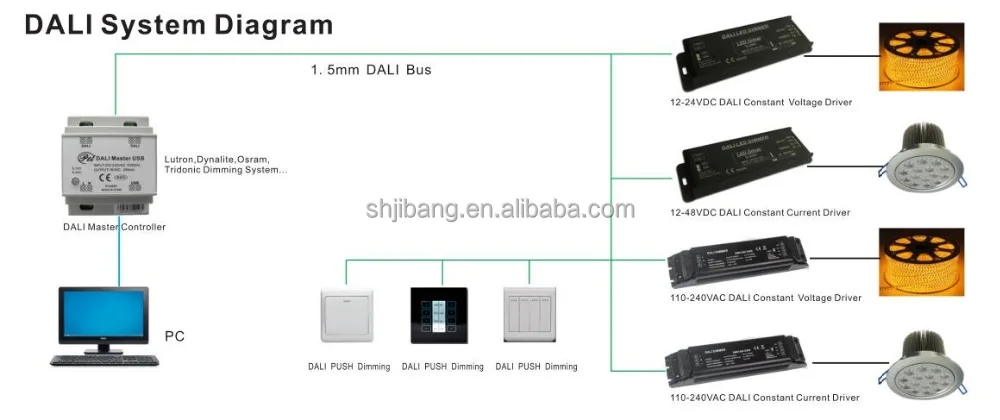
6).The DALI bus is using BV 2 x1. 5 mm wire, the longest distance is 300 meters.
Diagram


Exception Handles:
Malfunction | Causation | Solution |
No light | 1. No power from plug 2. At black mode 3. Overload Recovery 4. Incorrect connection | 1 Change the socket 2. Change the running mote 3 Lighten load, react 4 Check the connection |
Incorrect Color No Synchronous | 5. Wrong RGB connection 6 Wrong Sync Cable Connection | 5 Check RGB connection 6 Check Sync cable connection |
Our Service:
1. Professional buying advice according to your needs.
2. Instant response to your inquiries.
3. Short lead-time, quick delivery.
4. Three years warranty for all of our products.
5. Samples orders, OEM/ODM orders are also welcomed.
Thank you for visiting and reading. If you don't find the product or information you need on this page, please feel free to contact us. Our friendly staff will be happy to help.


We Recommend



New Arrivals
New products from manufacturers at wholesale prices







