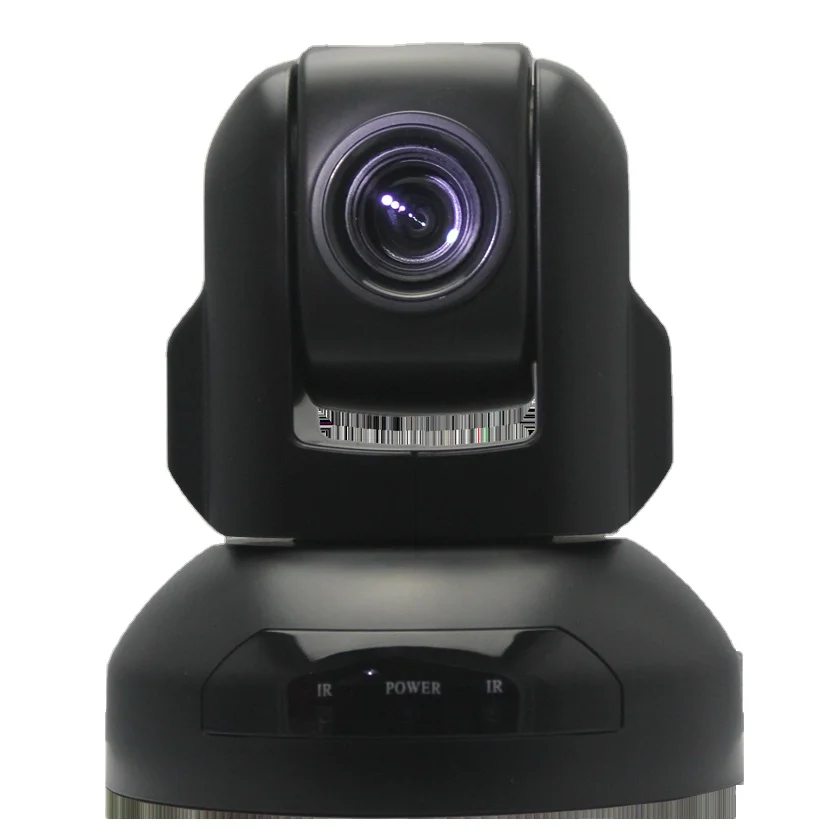
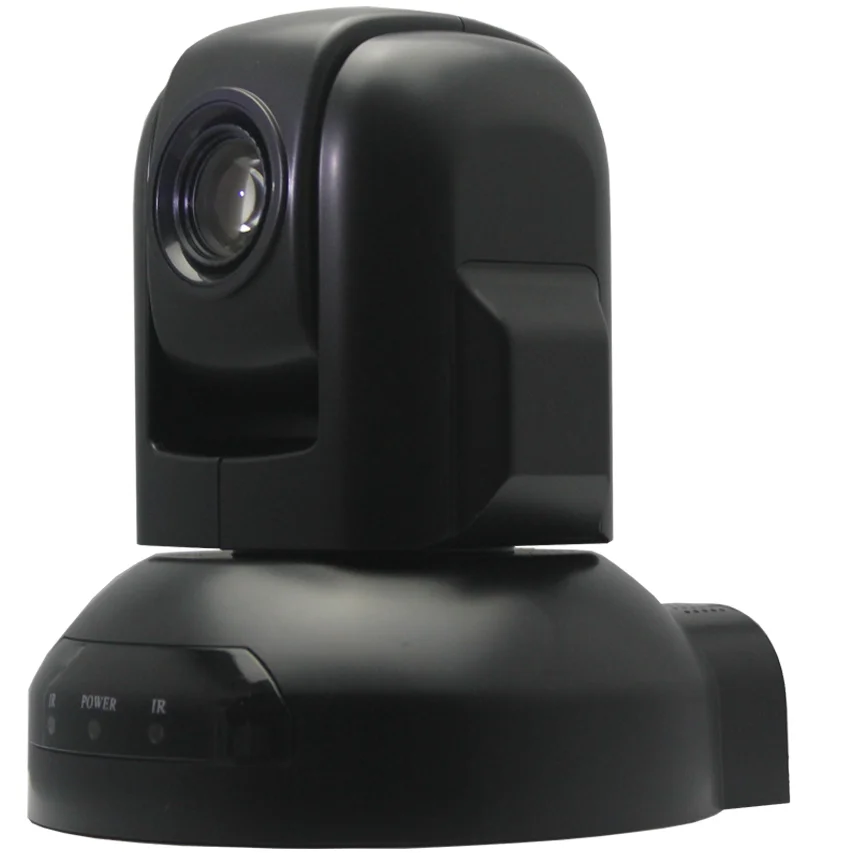
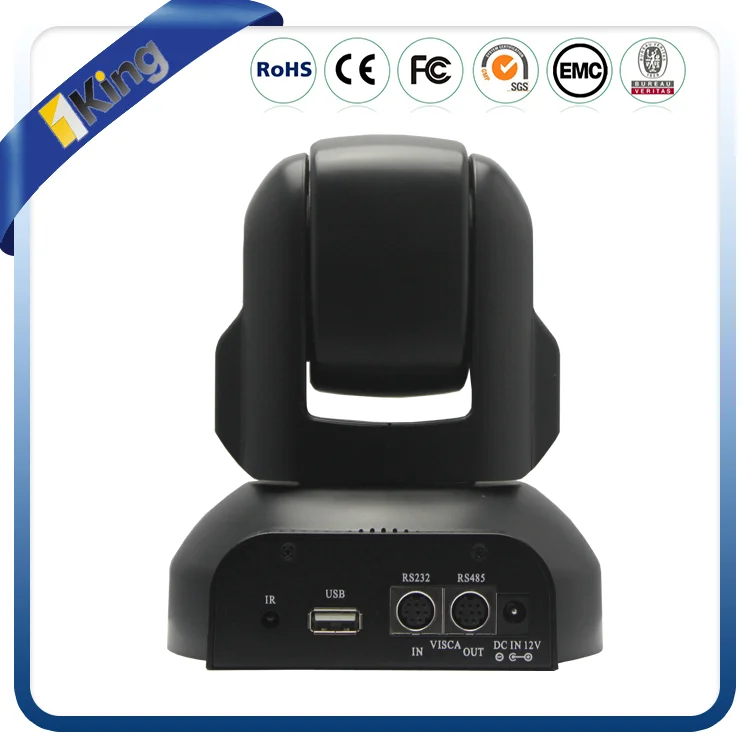
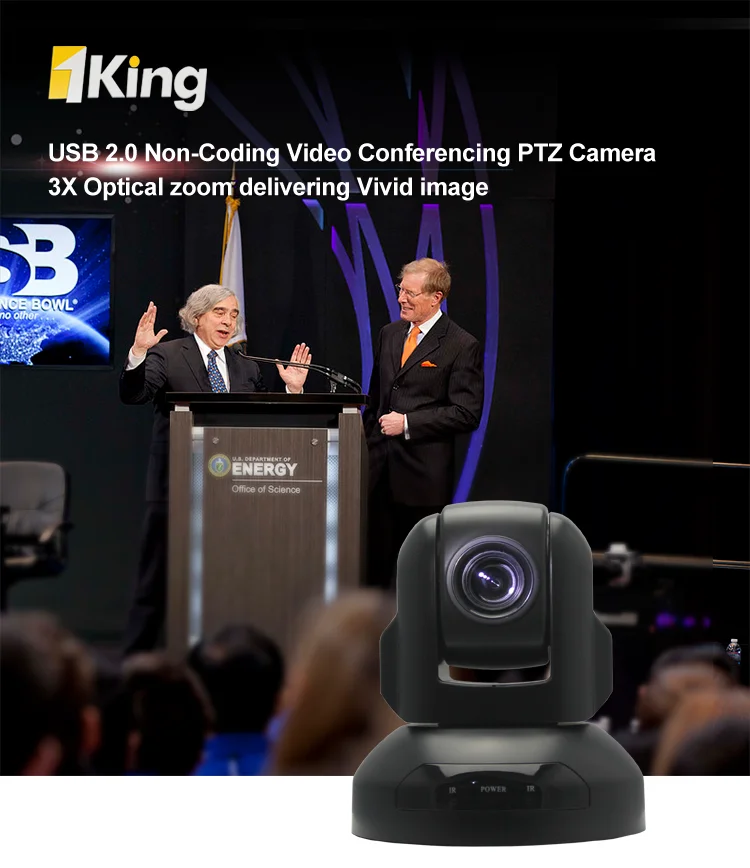
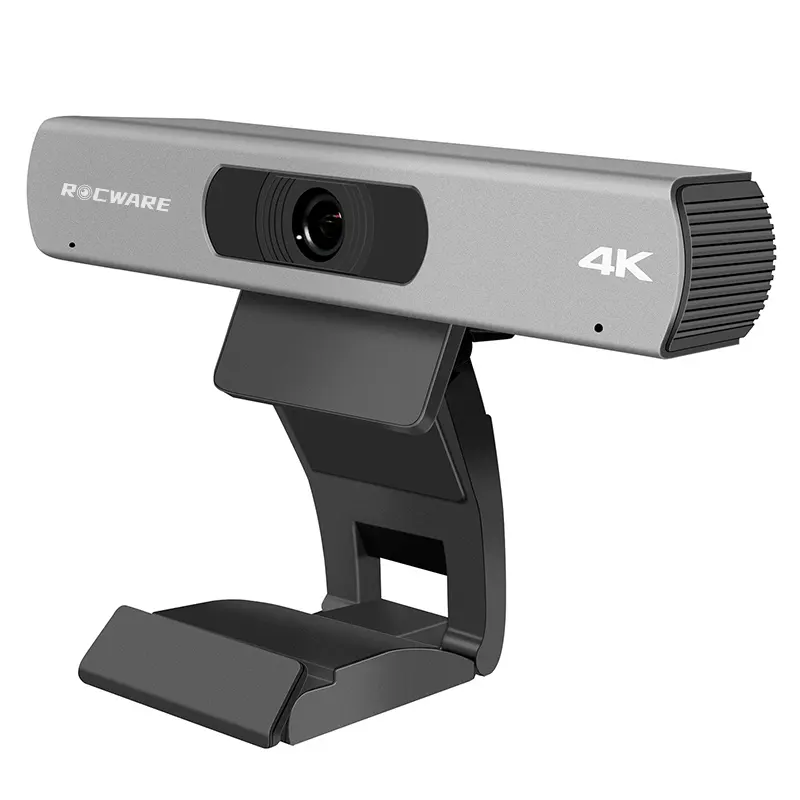
1080p@30fps | UVC/VISCA Control | 4mm Lens | HOV 72.5 | USB2.0MJPEG Android Micro Mini Usb Camera
- Category: >>>
- Supplier: Shenzhen Oneking Technologies Co. Ltd.Shenzhen Ltd.
Share on (60308665198):
Product Overview
Description
1080p@30fps |UVC/VISCA Control| 4mm Lens | HOV 72.5|USB 2.0 MJPEG Android micro mini usb camera
Product Description

Features:
- Smart design High Definition PTZ camera
- Fast and smooth video handling
- Low cost design for video conferencing
- Speed Match
- Auto/Manual IRIS/brightness/WB
- RS-232C/VISCA Protocol
- Boundary scanning
- Image auto-flip
- OSD Menu on screen
- USB 2.0 simple connection for PTZ Control & video display
Performance:
- 1920x1080pixels progressive @30fps
- 4mm fixed lens
- HOV 72.5 degree
- 1/2.7″ HD color CMOS
- Pan ±180degree continuously
- Tilt +90 degree, - 45 degree
- 64 preset positions
- 4 cruise lines
- DC 12V, 1.2A
Dimension:
- L 124mm x W 120mm x H145mm
- N. Weight: 1.3kgs
- G. Weight: 1.5kgs
Installation:
- Desktop
- Ceiling/wall mount
- Standard Tripod accessory

Our Services
video conference camera specifications:
Image Sensor | Sensor | 1/2.7″ HD color CMOS |
Signal System | PAL/NTSC | |
Minimum Scene illumination | 0.5Lux at F2.0 | |
White Balance | AUTO/Manual | |
Gain Control | AUTO | |
Back-light compensation | ON/OFF | |
S/N Ratio | >50db | |
Lens | Lens | f=5-15mm F=1.6 |
Iris | AUTO/Manual | |
Zoom | Fixed lens | |
Horizontal Angle of view | 72.5 | |
Video Output | USB Interface | |
Video format | MJPG/1080P29, 720P@30, YUY2/1080P@5,720P@9 | |
Control Decoder | EIA/RS-485, USB | |
Communication | EIA/RS-232(Bidirectional) | |
PTZ Control Protocol | VISCA,PELCO-D | |
Baud Rate | 9600/38400bps | |
Patrol tours | 4 | |
Preset | 64 | |
Save status after Power off | Support | |
Speed Matching Function | Support | |
Image Auto Flip | Support | |
Pan Speed | 0-280 degrees/s | |
Tilt Speed | 0-100 degrees/s | |
Pan Rotation Angle | 360 degrees | |
Tilt Rotation Angle | + 120 degrees, - 120 degree | |
Auto Pan Scan | Support | |
Boundary Scan | 0-359degree(Programmable) | |
Remoter Control | IR Wireless remote control P/T/Z | |
Power | DC12V ±10% 1.2A | |
Operation Temperature | 0°C~50°C | |
Environmental humidity | 0-95%RH(non-condensation) | |
Length X width X high | 124x120x145mm/220x175x220mm(NET/PACKAGE) | |
Weight | 640g/1100g(NET/PACKAGE) | |
Packaging & Shipping
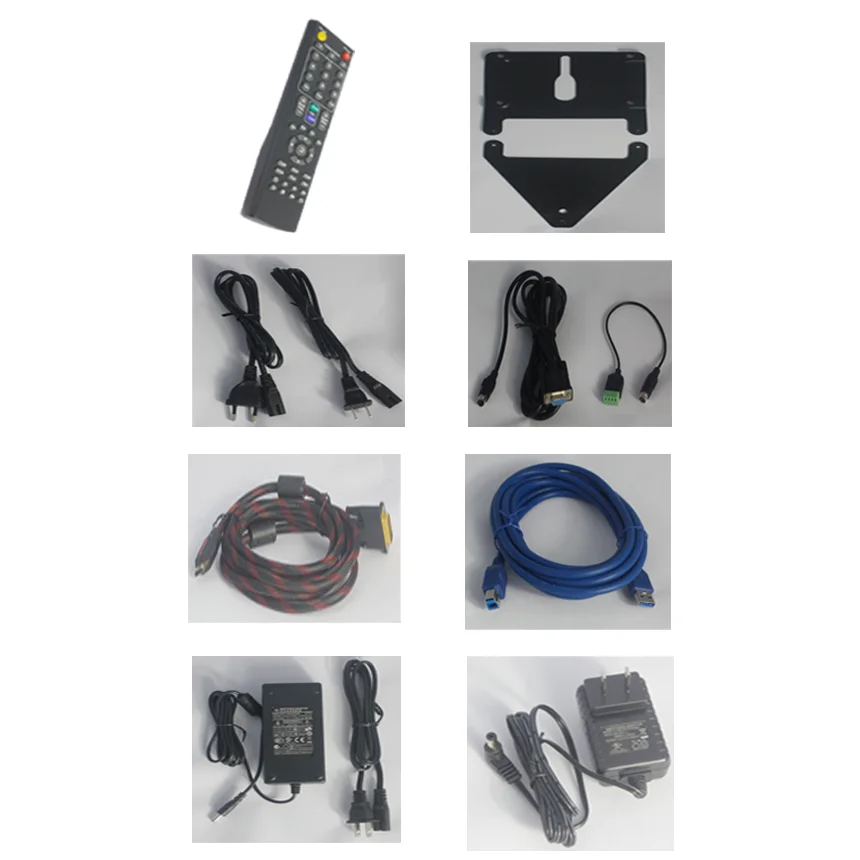
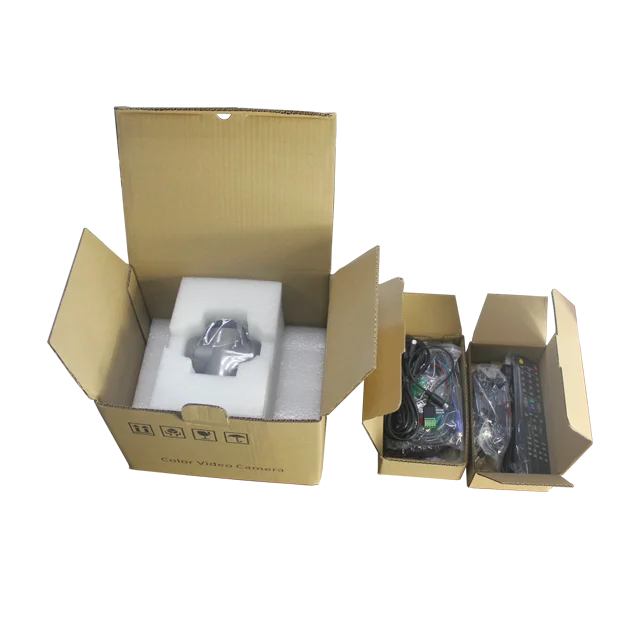
Accessories kits in package:
- 1x HD Color Video Camera
- 1x DC 12V/2A Power Adaptor
- 1x User’s manual
- 1x Installation brackets & screws
- 1x RS 232 Control Cable
- 1x5meters USB Cable


Company Information
We are the professional manufacturer of Color Video Full HD PTZ Camera----www.oneking.cn
- Business Type:Manufacturer, Trading Company
- Main Products: Network Camera, Mini PTZ Camera, Vandal Proof PTZ Camera, HD PTZ Speed Dome Camera, HD Video Conference Camera
- Location: Guangdong, China (Mainland)
- Year Established: 2005
- Year start exporting: 2005
- Number of Employees: 101 - 200 People
- Total Revenue: US$2.5 Million - US$5 Million
- Main Markets: Southeast Asia, Northern Europe, Western Europe, South Asia, Mid East
- Certifications: ISO9001
- Product Certifications: CE
- Average Lead Time: 4 Day(s)


Our Services
- All goods will be inspected and tersted before shipment.
- Traking No. will be sent to you after delivery and you will get every important shipping status by email.
- Customers' satisfactory is important to us.If any problem or questions regacding our transaction,
- pls contact us by Trademanager Email Skype Wechat Whatsapp. It will be responsed within 24 hours
FAQ
Symptom | Cause | Remedy |
The power of the camera is not turned on. | The supplied AC power adaptor is not connected to the DC IN 12V jack firmly, or the AC power cord is not inserted firmly into the AC power adaptor or the AC outlet. | Insert the power cord firmly as far as it will go. |
Not Turn On the Power switch as “ON”. | Turn On the Power switch as “ON”. | |
Insufficient frame rate detected | Cannot recognize USB 3.0 connection, but the USB 2.0 speed. | Make sure you connected USB 3.0 Cable, USB 3.0 connect, and firmly connect to USB 3.0 interface. |
Pan,tilt or zoom cannot be operated. | Any menu is displayed on the monitor screen. | Press the “Dome OSD” OR “Lens OSD” on the Camera remote control Unit to turn off the menu from the monitor screen. |
The panning or tilting range is limited | Pan/Tilt movement range is ± 45 degree. | |
The Remote Commander does not work. | The Camera Select button you pressed on the Remote Commander does not match the number set with the IR SELECT switch on the camera. | Press the Camera Select button corresponding to the IR SELECT SWITCH setting on the Camera. |
Used out of battery | Change new battery (AA x 2) | |
The VISCA control is not available with a computer connected to the camera. | The computer is not correctly connected to the camera. | Make sure the connection between the computer and camera is made correctly. Check that the VISCA control setting (RS-232C or RS-422) and the baud rate setting (9600 bps or 38,400 bps) are properly made with the BOTTOM switch on the bottom of camera and the COM Port which configured in your computer. |
The camera cannot be operated at all. |
| Pull out the plug of the power cord from the AC outlet, then reinsert it into the AC outlet after a while. |
Contact Ellen by:
www.oneking.cn
We Recommend


New Arrivals
New products from manufacturers at wholesale prices