
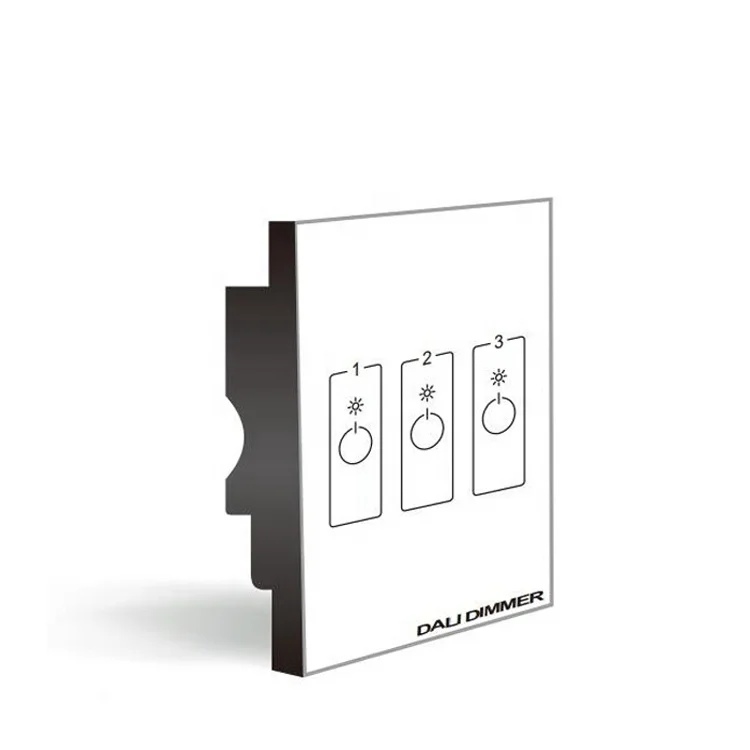
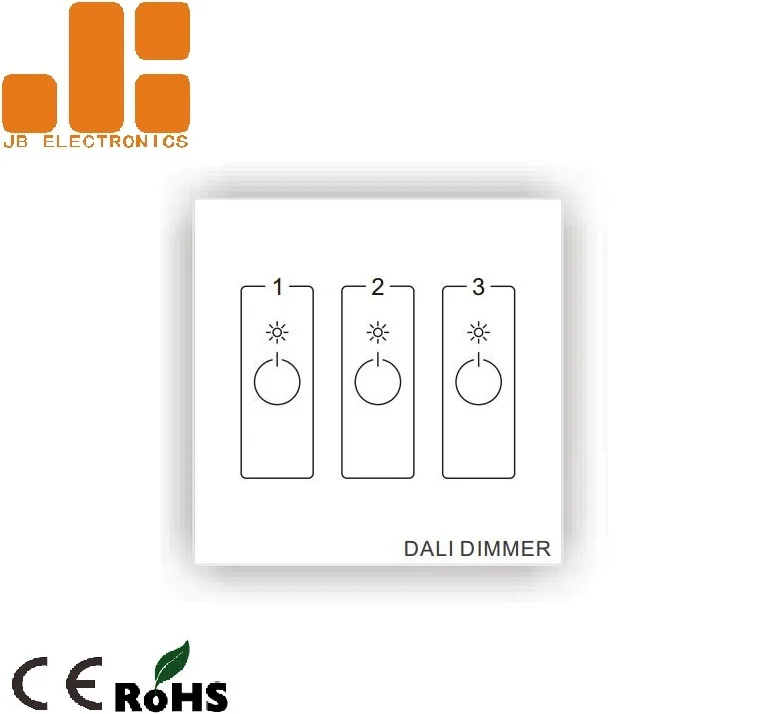
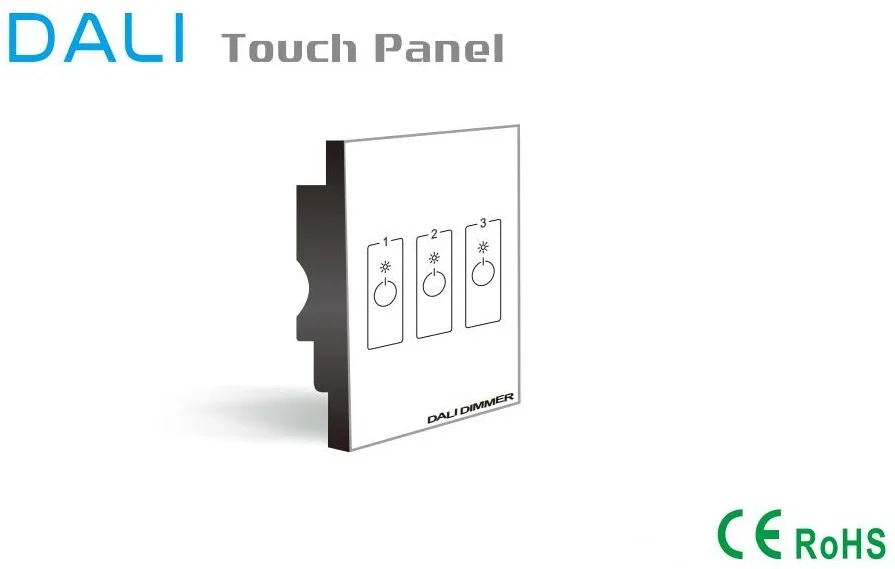
DL8603 Glass Panel 3CH LED Lighting DALI Touch Dimmer LED Dimmer Switch
- Category: >>>
- Supplier: Shanghai Jibang Electronic Technology Co. Ltd.
Share on (60819490327):
Product Overview
Description
DL8603 Glass Panel 3CH LED Lighting DALI Touch Dimmer LED Dimmer Switch
LED Dimmer Switch
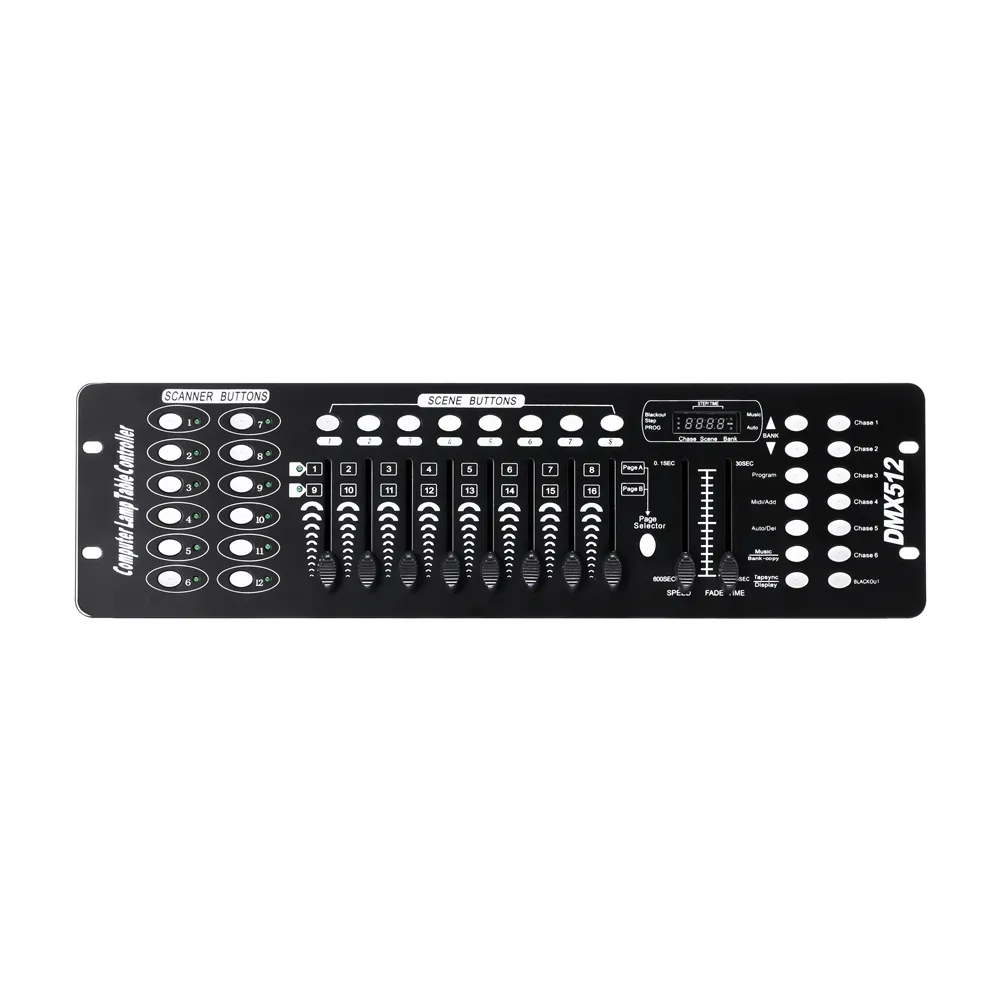
 dmx512 decoder led driver dmx512 decoder led driver
Sumerize:
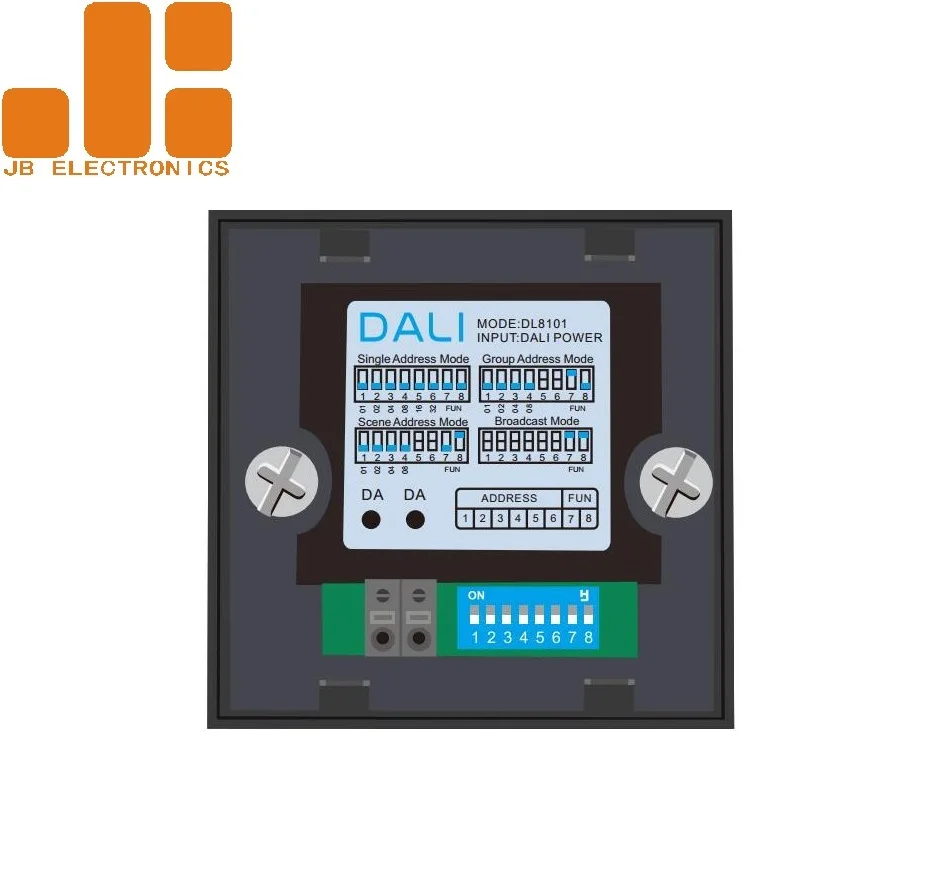
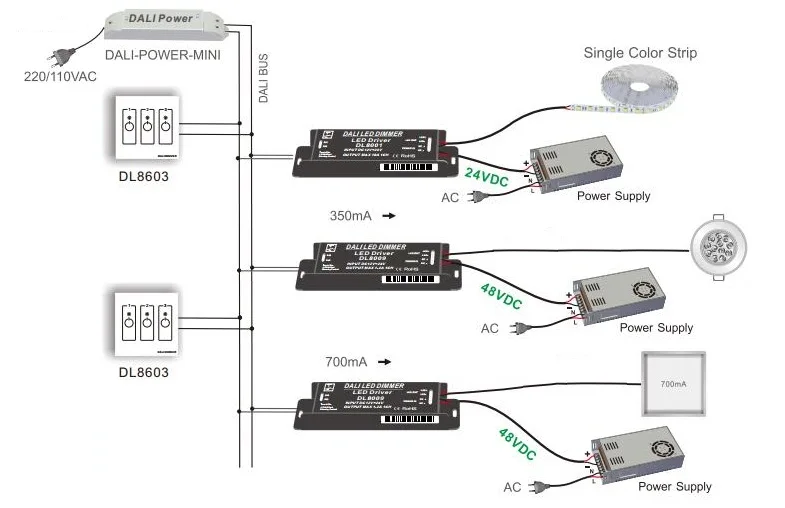
DL8603 is a LED dimmer switch that has two channels output and can be used for DALI dimming controlling. It is powered by the DALI power bus which output from the DALI power supply or DALI control system. It has dip switch which can control the DALI driver according address. You can set single address, group address, scene address or broadcast address as you like. Please read the manual carefully before using.
Technical Parameters:
Model No. | DL8603 |
Power Supply | DALI Power |
Output Signal | DALI |
Dimming Key | 3CH Control |
Working Temperature | -30~55℃ |
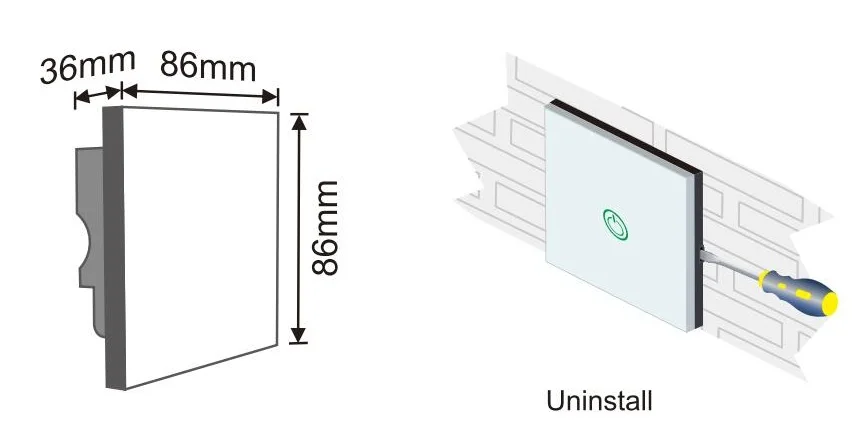
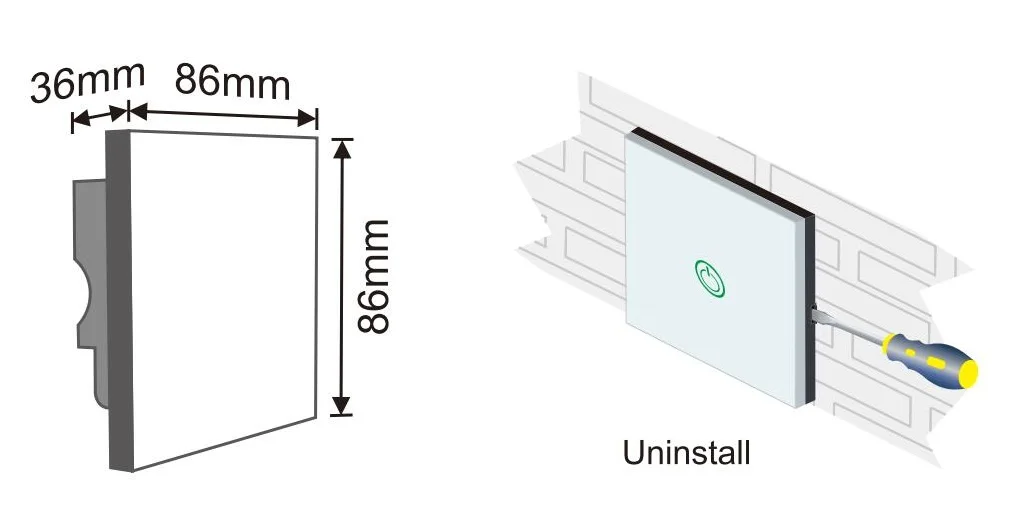
Dimensions | L86*W86*H36mm |
Package Size | L113*W112*H50mm |
Gross Weight | 200g |
Product Size and Installation:
Specifications of LED Dimmer Switch Series:
| Model No. | Input Voltage | Output Signal | Control Channels | Max Current Load | Max Output Power | Control Type |
| DM8088 | AC90-250V | TRIAC | N/A | 2.5A | 630W | Know Switch |
| DW8080 | Passive | 0/1-10V | N/A | N/A | N/A | Know Switch |
| DL8601 | DALI Power | DALI | 1CH | N/A | N/A | Touch Panel |
| DL8602 | DALI Power | DALI | 2CH | N/A | N/A | Touch Panel |
| DL8603 | DALI Power | DALI | 3CH | N/A | N/A | Touch Panel |
| DL8604 | DALI Power | DALI | 4CH | N/A | N/A | Touch Panel |
| DMX8601 | AC100-240V | DMX512 | 1CH | N/A | N/A | Touch Panel |
| DMX8602 | AC100-240V | DMX512 | 2CH | N/A | N/A | Touch Panel |
| DMX8603 | AC100-240V | DMX512 | 3CH | N/A | N/A | Touch Panel |
| DMX8604 | AC100-240V | DMX512 | 4CH | N/A | N/A | Touch Panel |
Operating Instructions: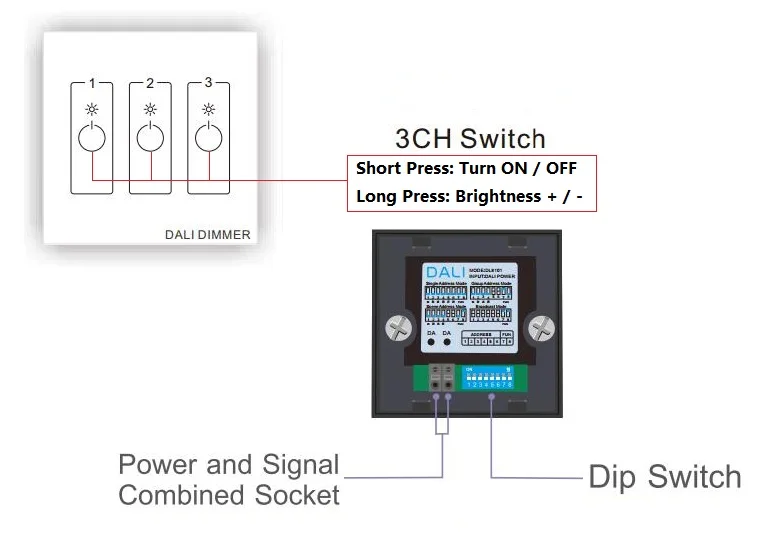
1, Short press the round point, the switch turn ON (OFF);
Short Press again to turn OFF (ON).
Short press function will auotomaticly change on the next time as a cycle.
2, Long press the round point, the brightness will increase (decrease),
Long Press again, the brightness will decrease (increase)
Long press function will auotomaticly change on the next time as a cycle.
Product On-line:
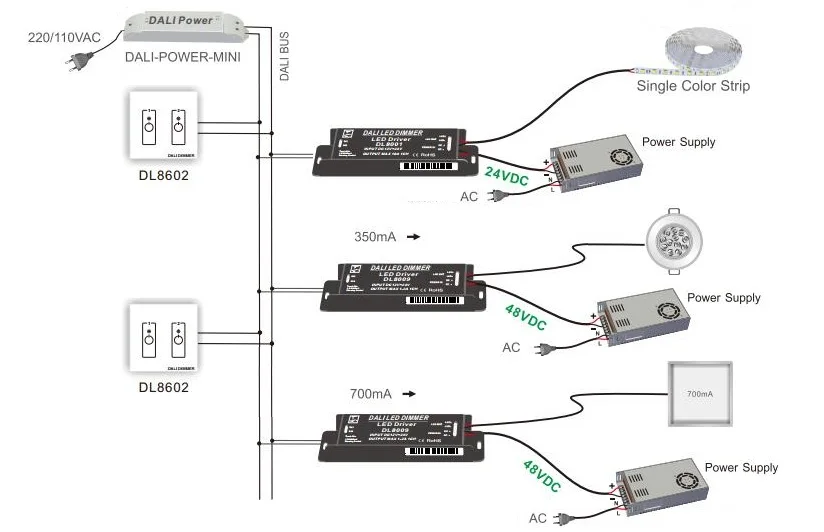
Notes about DALI System Connection:
1. Use of switching power supply power on before, please check whether the input and output lines connect to (alternating current (ac) line of fire, zero line, the grounding wire, dc voltage positive and negative), suggest using wire sectional area more than 0.75 mm copper wire; In order to ensure the safety of using and reduce interference, please ensure that grounding end is good reliable grounding.
2.When dimming, the output end has the LED light indicator.
3.Touch Dim and DALI BUS signal can’t input at the same time.
DALI System Diagram: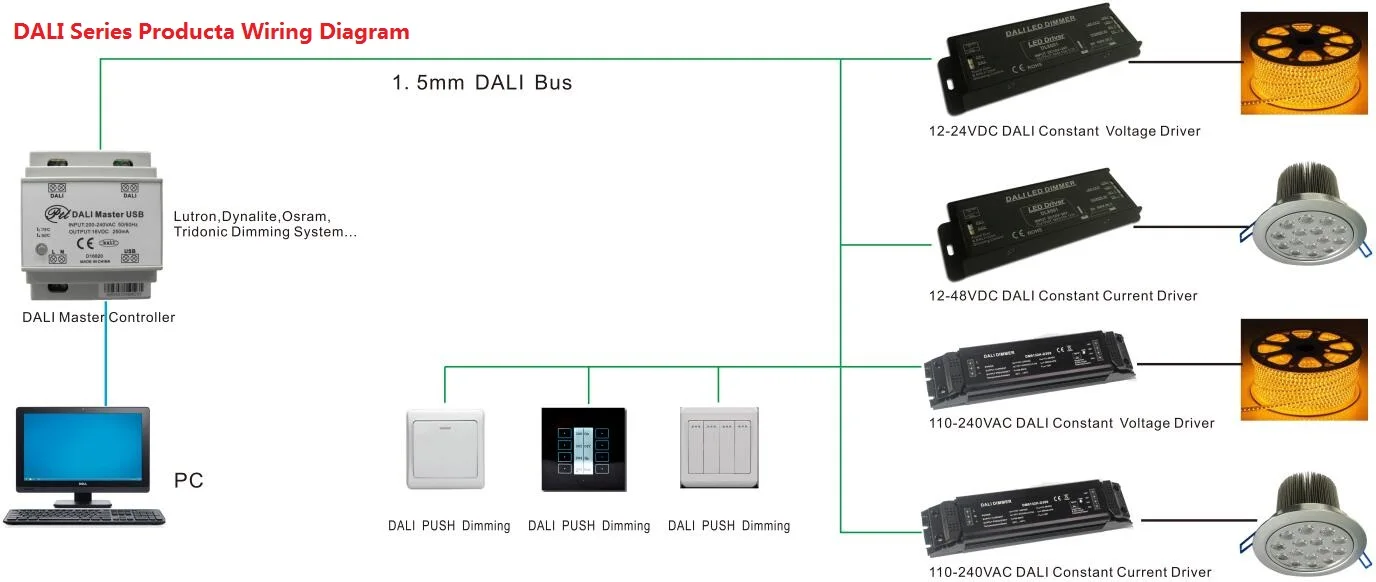



We Recommend



New Arrivals
New products from manufacturers at wholesale prices







