
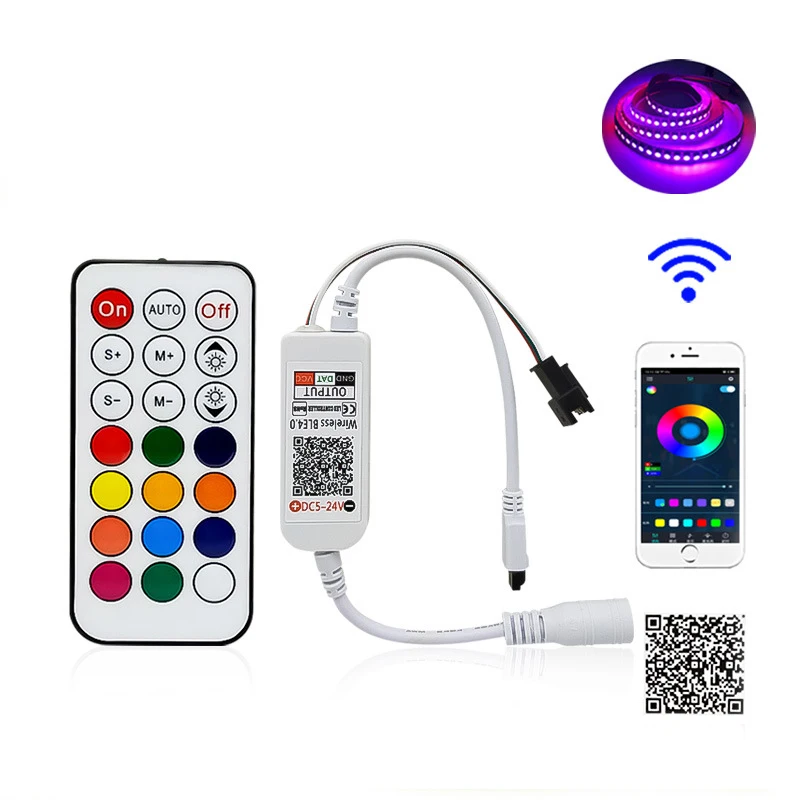
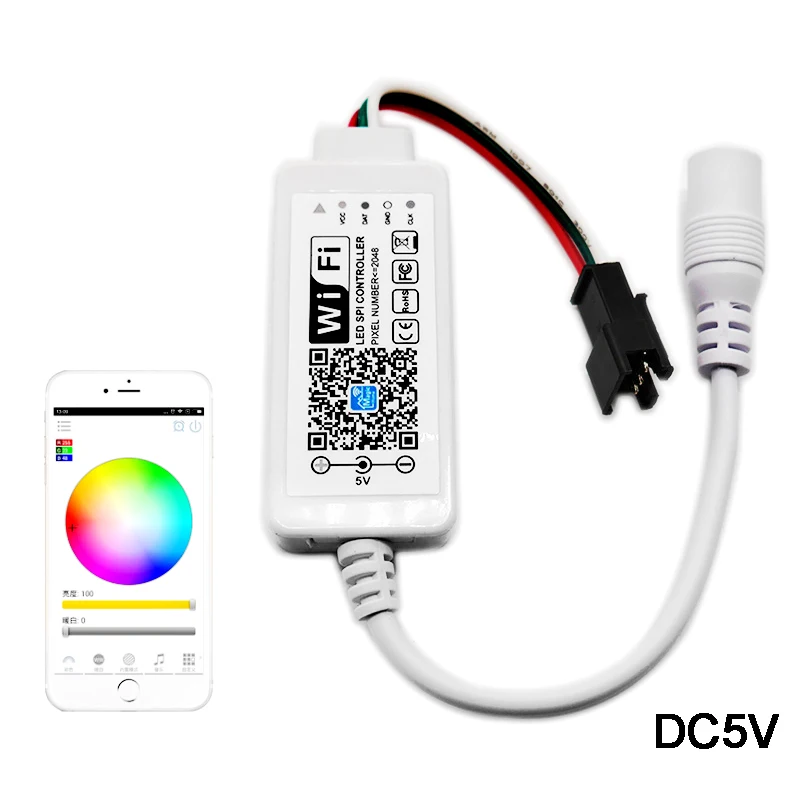
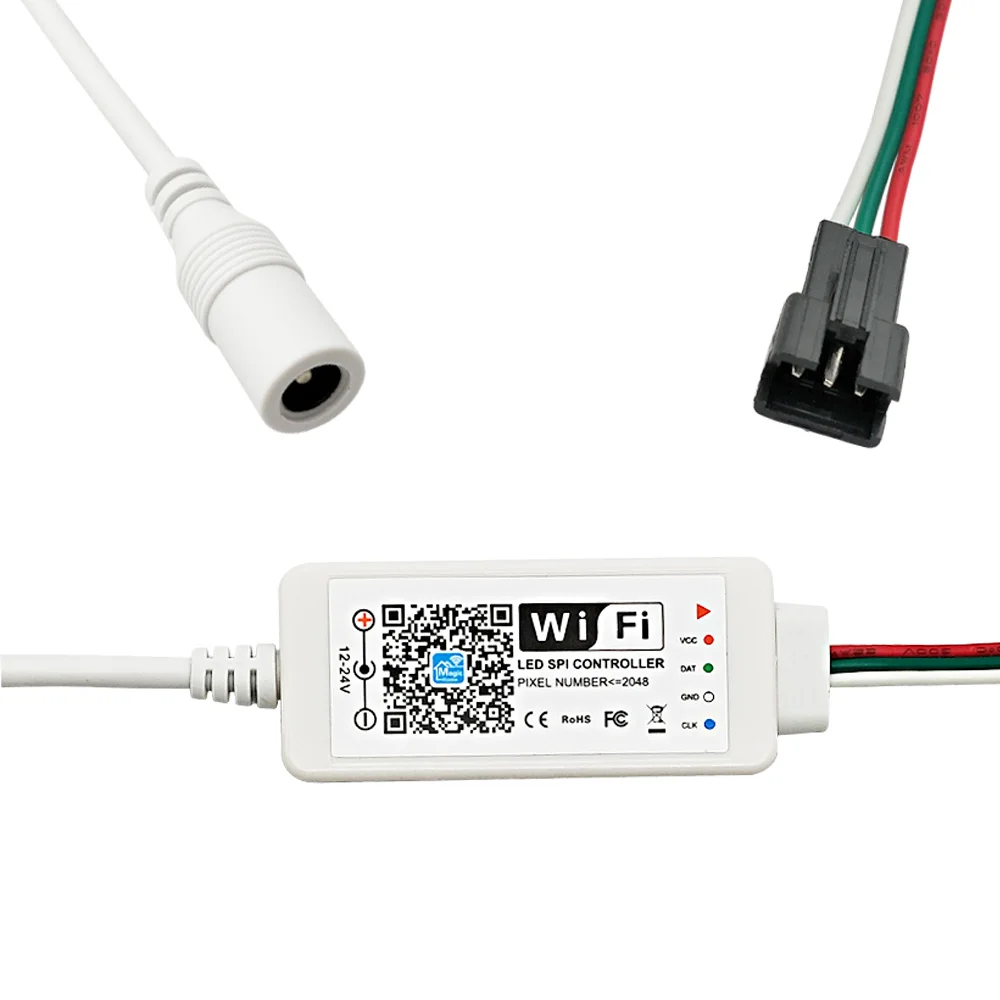
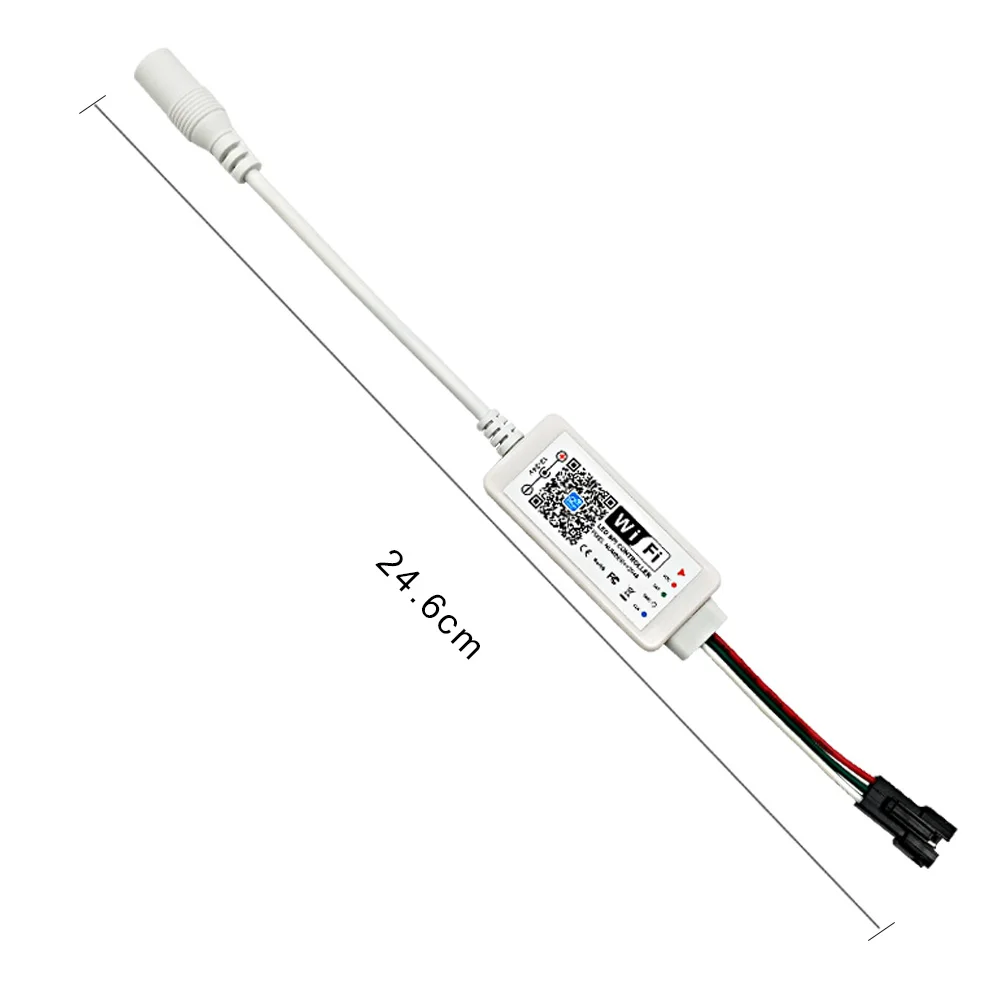
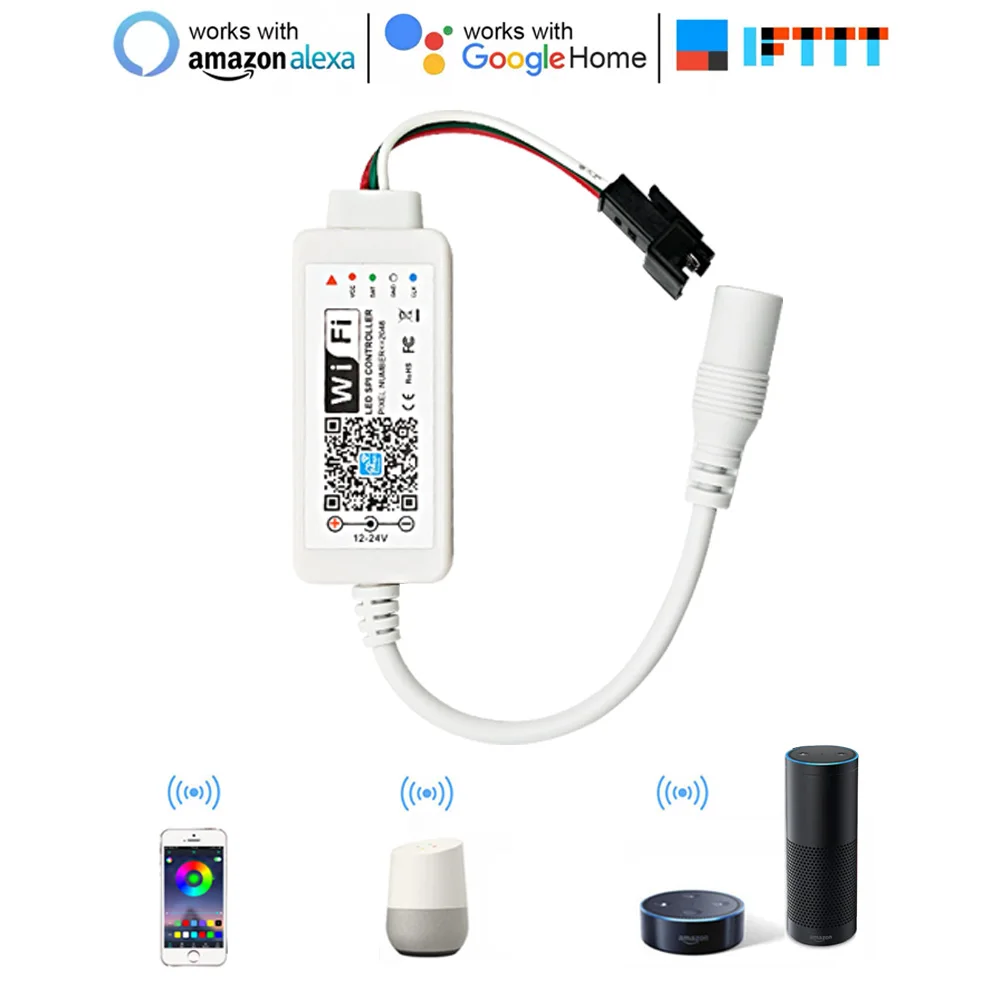
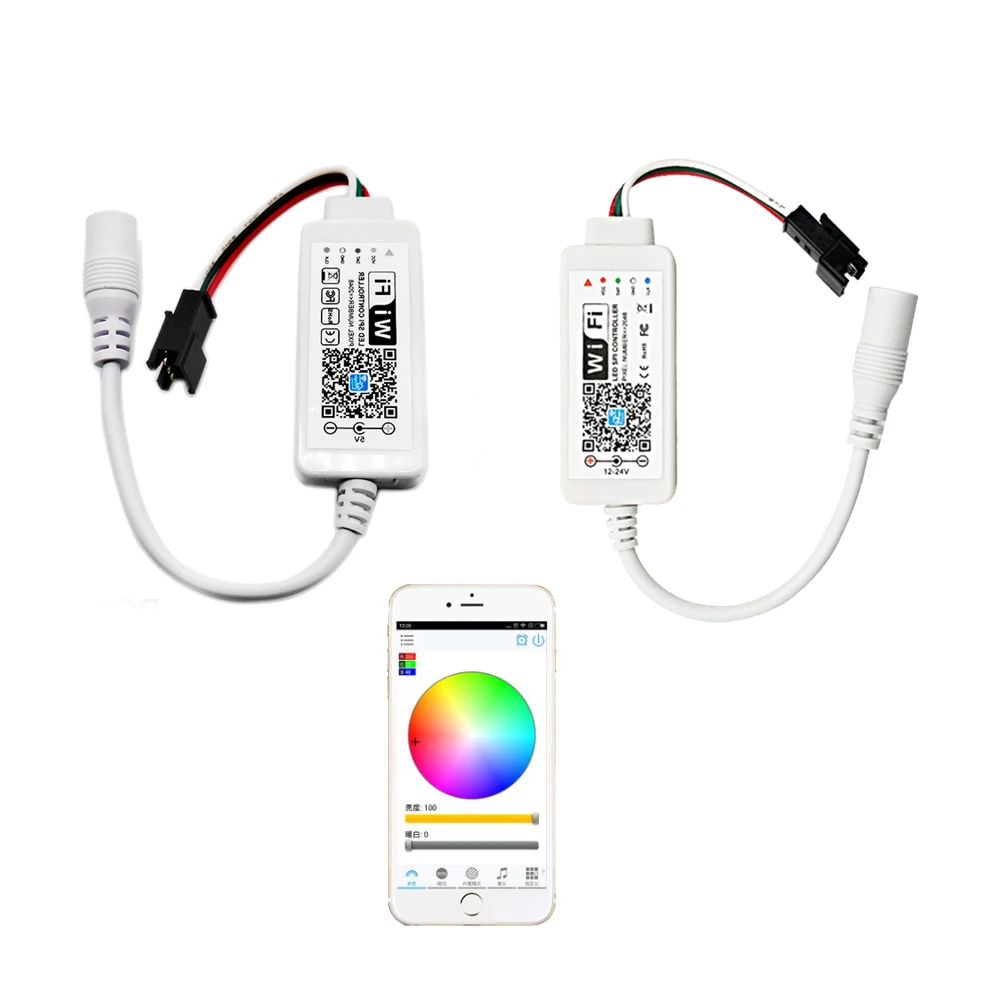
DC5V 24V Magic Home SPI LED Controller Addressable 1024 Pixel WiFi Controller For WS2811 SK6812 WS2812B LED Strip Light
- Category: >>>
- Supplier: New Dream LED Technology (Shenzhen) Co. Ltd.
Share on (62573266300):
Product Overview
Description
Product Description
DC5V-24V Magic Home SPI LED Controller Addressable 1024 Pixel WiFi Controller For WS2811 SK6812 WS2812B LED Strip Light
Specification:
- Working Voltage: DC12-24V DC5V
- Output signal: support one-wire driver IC, able to control up to 2048 pixel
- Support: Android 4.0 or IOS 9.0 or higher
- APP name: Magic Home Pro
- Working temperature: -20℃-55℃
- Waterproof: IP20
- Dimension: about L53*W24*H11mm
- Distance: 20m(visible)
- Applications: DC5V Can use for WS2812B , SK6812 LED strip DC12V Can use for WS2811 , UCS1903 , SM16703 LED strip
Product function:
- Work with Alexa, Google Assistant
- Support 16 million color control and brightness adjustment
- Support for customised colors and preservation
- Group feature
- Light timer
- Light and music rhythm synchronization function
- Instructions:Three ways to connect the controlle
a) WiFi mode:
- This mode needs register and login after complete 1 to 1 mode.(Please refer to connection mode c) Make sure the controller has been powered and never been set, please operate as below steps.
- 1, Click"+" in the upper right corner and click "add device".
- 2, Register and login account
- 3, Connect the device to the router
b) Remote control via Internet:
- Here you can locate the WiFi controller via the internet from anywhere in the world. In WiFi mode(connect mode(a)). Keep the WiFi router online, no matter where you are, you still can control your lights with APP as long as there's WiFi/3G/4G internet for your smartphone.
c) 1 to 1 mode:
- Open mobile WiFi network signal signal, find "LED net*****" signal and connect, then open Magic Home Pro APP.
Product Overviews


Company Information


We Recommend



New Arrivals
New products from manufacturers at wholesale prices







